

What is Deep Research?
Deep Research tackles complex research projects by intelligently planning multiple strategic web searches across different angles, then synthesizing findings into comprehensive reports with proper citations. It’s designed for when you need thorough investigation rather than quick answers.When to use Deep Research
Deep Research is particularly powerful for:- Background research - Comprehensive overviews of topics, companies, or industries
- Market analysis - Understanding market trends, sizing, and competitive landscapes
- Competitive analysis - In-depth competitor research and positioning
- Academic research - Literature reviews and multi-source academic investigations
- Strategic planning - Research to inform business decisions and strategy
- Industry trends - Understanding emerging trends and their implications
How Deep Research works
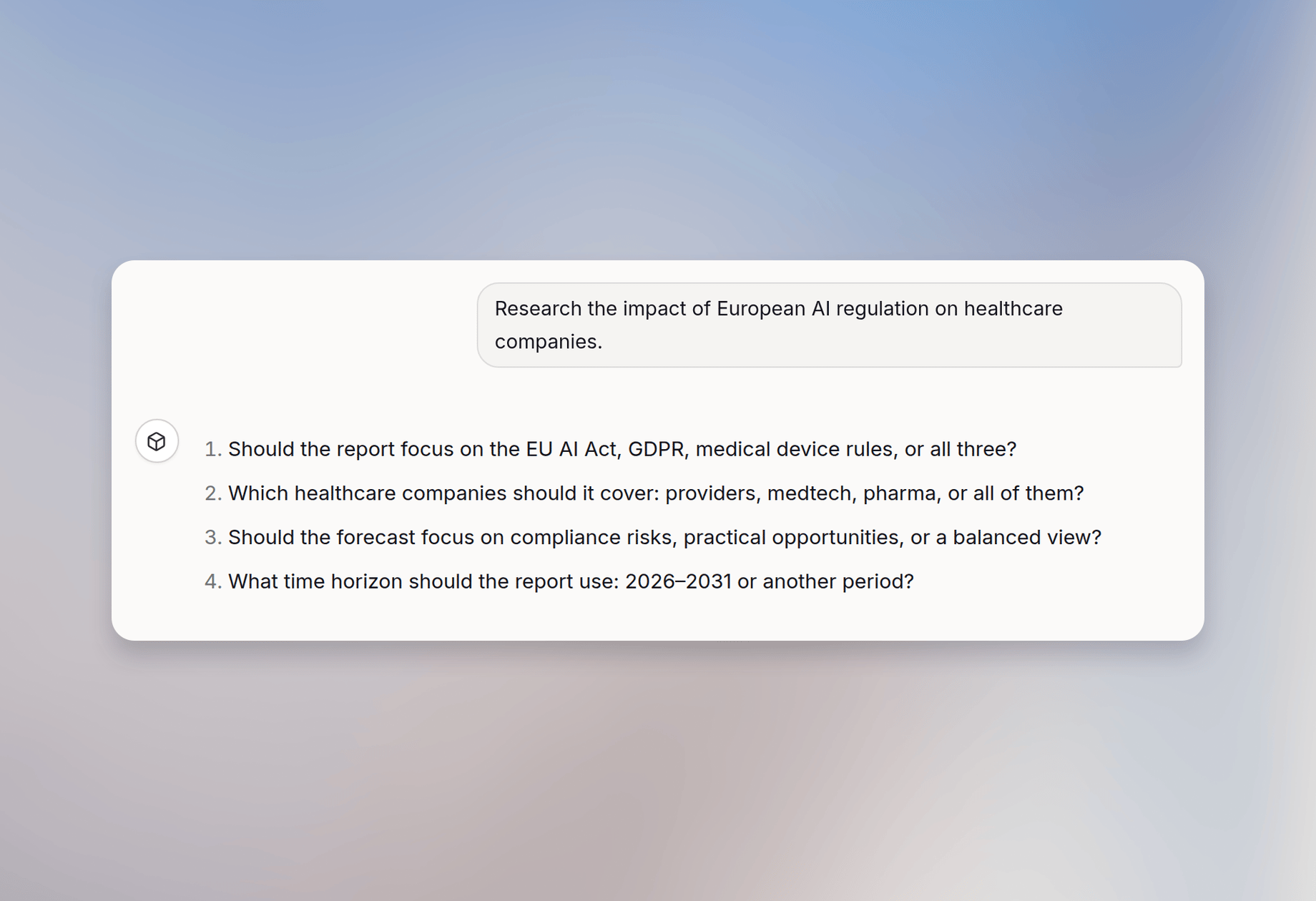
- Clarification: Deep Research asks follow-up questions to define the scope
- Intelligent planning: It analyzes your answers and creates a strategic research plan
- Multi-source searching: It conducts multiple web searches from different angles to gather comprehensive information
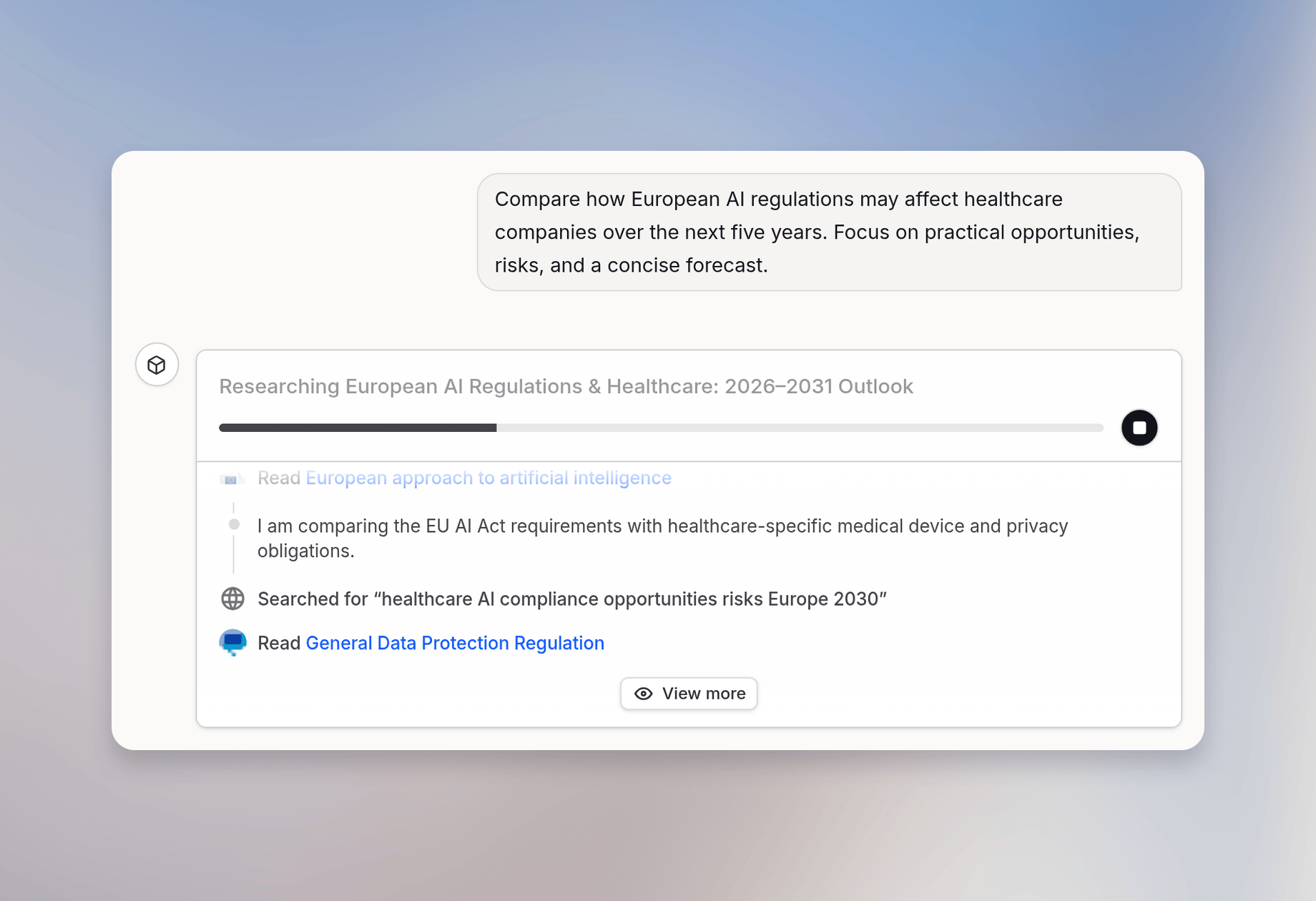
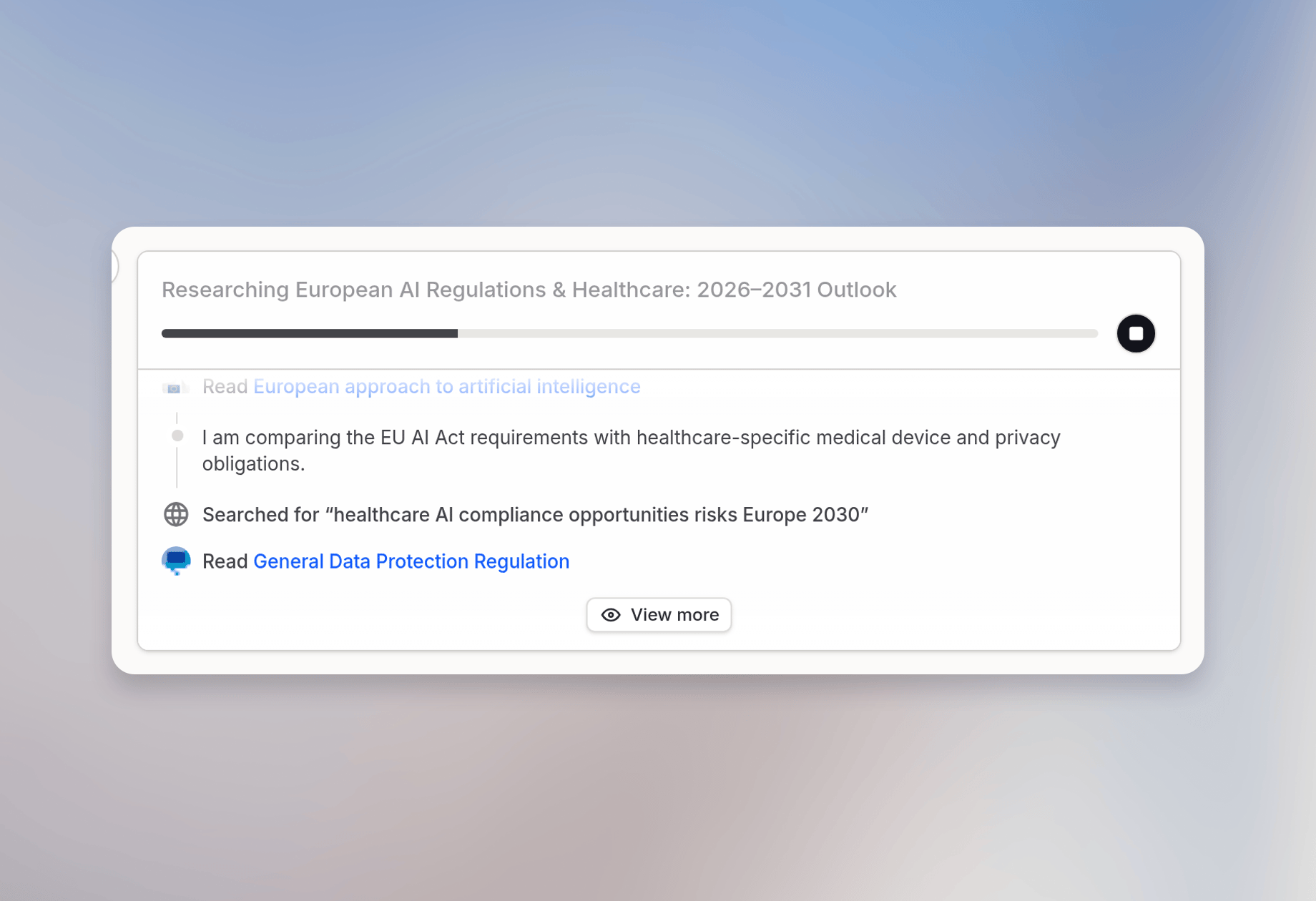
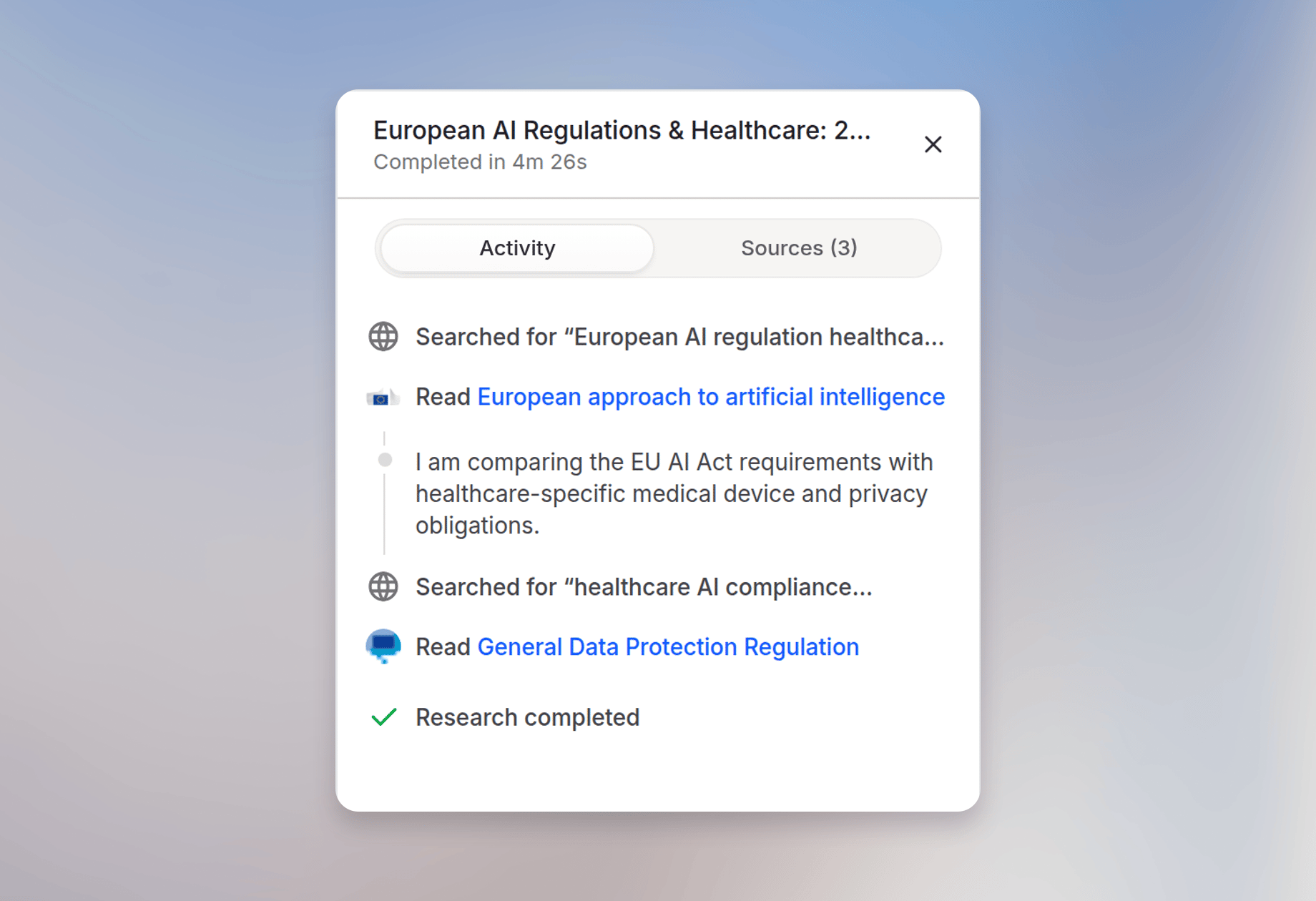
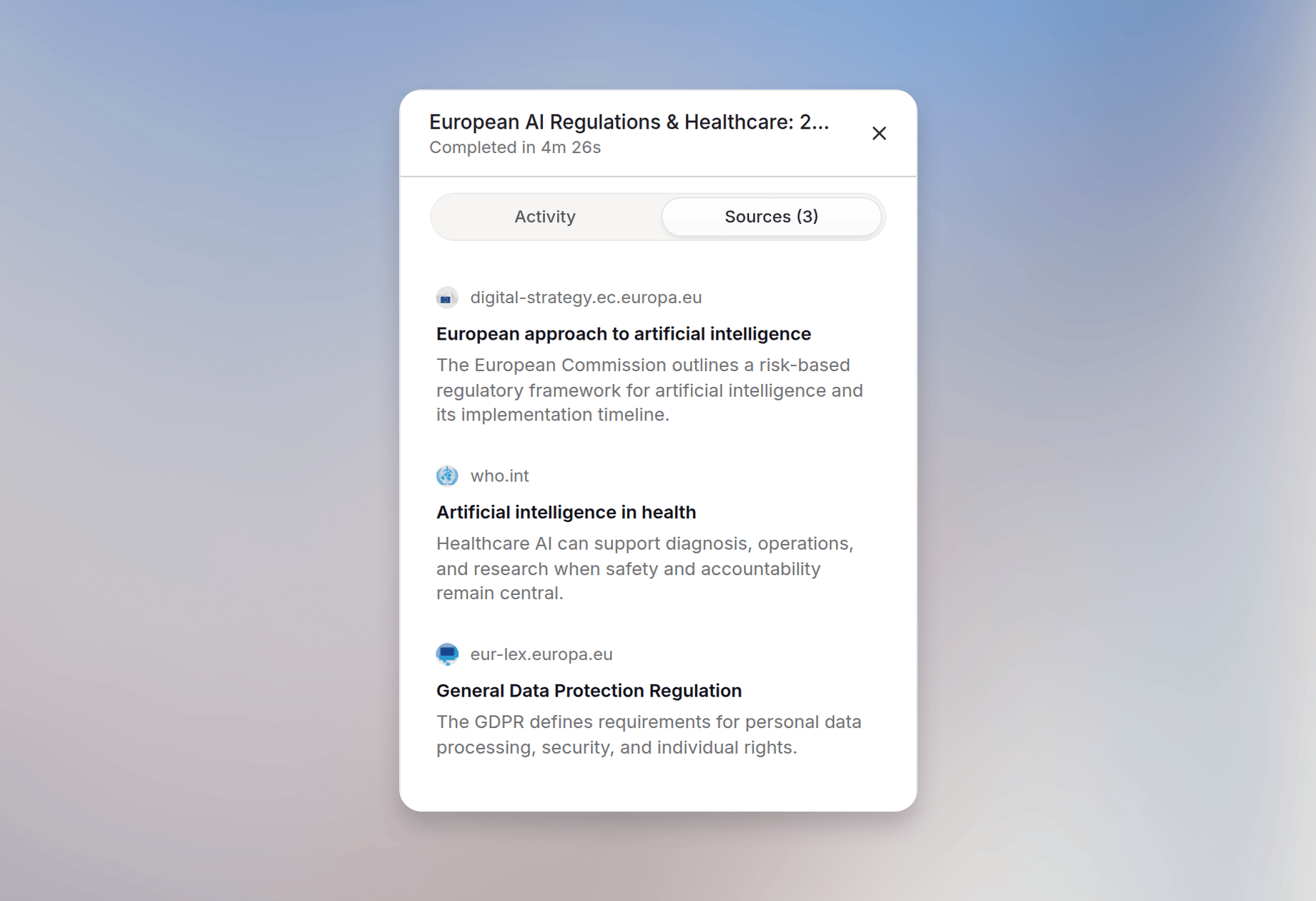
- Real-time visibility: You can watch the search activity in real-time and see sources as they are added
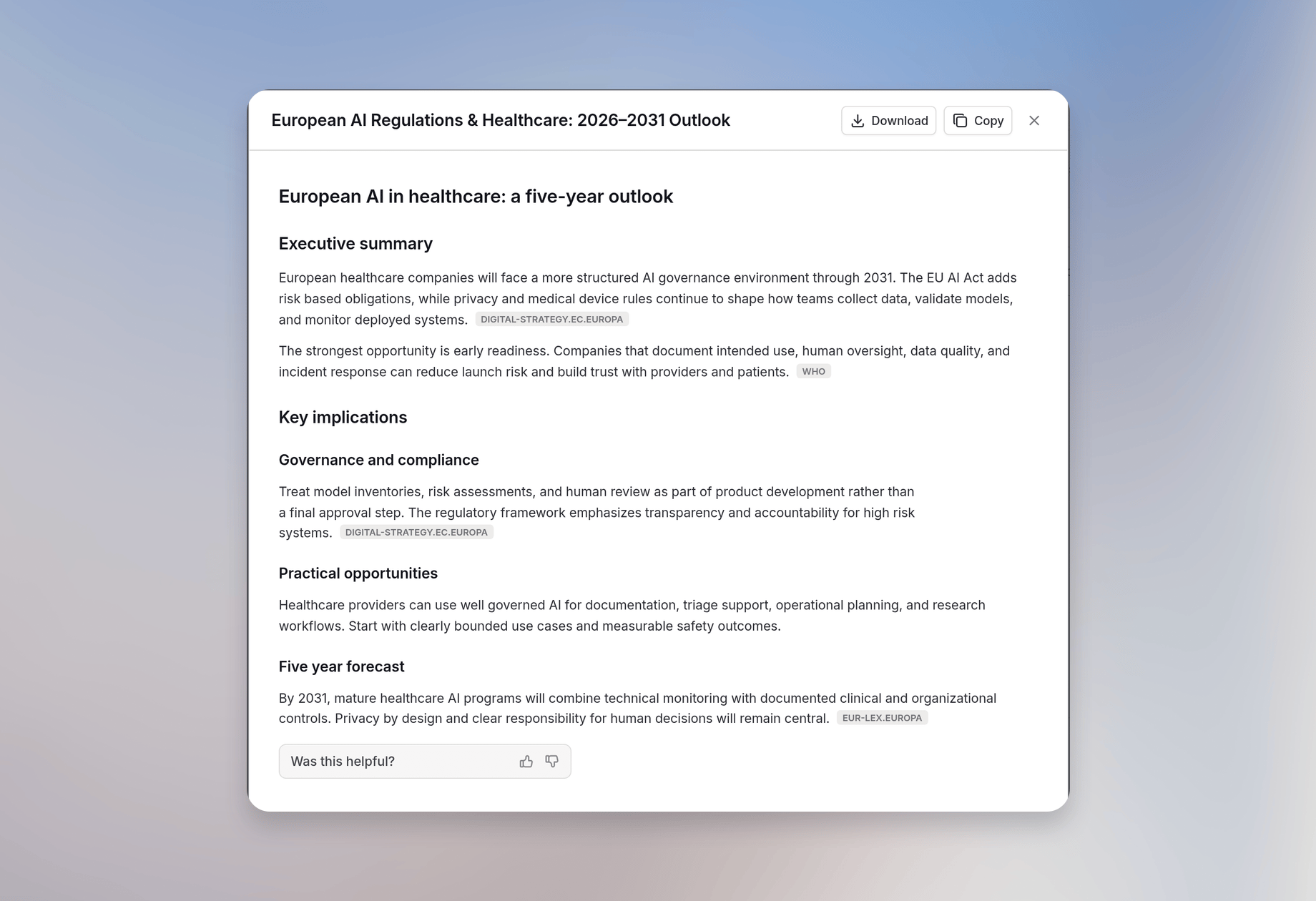
- Synthesis and analysis: All findings are analyzed and synthesized into a structured report
- Citation and documentation: Every claim is properly cited with source links for verification
Models used
Deep Research uses a combination of three specialized models working together:Deep Research uses the workspace’s pre-configured research models after it starts. Deep Research only starts if the selected chat model supports tools. That chat model handles only the initial conversation before research begins.
Bring Your Own Key (BYOK) workspaces
Cloud BYOK workspaces need a Reasoning model and a Fast reasoning model for Deep Research. If no Deep Research Backbone model is set, the workspace Backbone model is used automatically. Configure these models in your workspace settings. Deep Research appears in Tools after the required models are configured. Dedicated deployments can also use models configured for the deployment. Standard workspaces (without BYOK) automatically use Langdock’s optimized model configuration.Usage limits
For standard workspaces using Langdock keys, Deep Research has a fixed limit of 15 researches per user in a rolling 30-day window. BYOK workspaces can configure their own usage limits or remove limits entirely. Deep Research also counts toward your general session and weekly usage limits. See Usage Limits for details.Getting started
Deep Research is enabled by default. If you do not see it in Tools, your workspace admin may have restricted access. To use it:1. Select Deep research from Tools in the chat
2. Enter your research query
Be specific about what you need (e.g., “Compare pricing models for SaaS platforms” vs. “Tell me about SaaS”)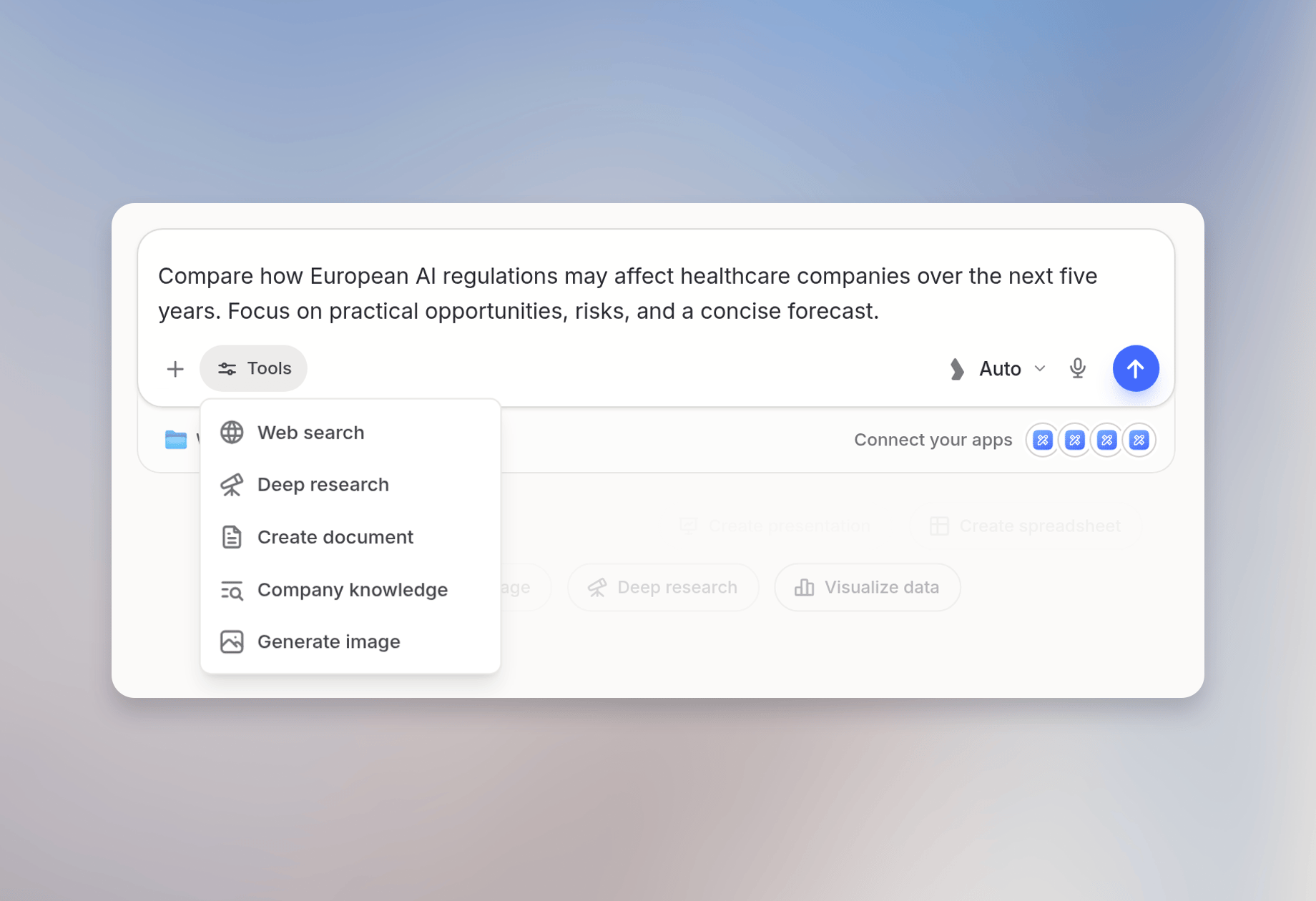
3. Answer the follow-up questions
4. Watch as Deep Research conducts its investigation in real-time
5. Review the comprehensive report with citations

6. Download as PDF if needed for sharing or offline reference
Deep Research vs. Regular Chat
Deep Research transforms how you approach complex research tasks, providing the depth and rigor of manual research with the efficiency of AI automation.
FAQ
When should I use Deep Research instead of Web Search?
When should I use Deep Research instead of Web Search?
Use Web Search for quick, focused questions where a small number of current sources is enough. Use Deep Research when you need a more comprehensive answer that compares sources, builds a report, or synthesizes findings across several searches.
How should I scope a Deep Research request?
How should I scope a Deep Research request?
State the goal, audience, required sources or exclusions, timeframe, geography, and desired output format. A focused research question usually produces a better report than a broad request such as “research this topic.”