

The Library is your central hub for working with files in Langdock. It replaces scattered file access across individual chats and gives you one place to create, find, and organize everything. Whether you’re starting a new document from scratch, reusing a team template, browsing files from past conversations, working in Folders, or managing Knowledge bases, it all lives here.
What you find in the Library
Create New File
Start a new document, spreadsheet, or presentation directly from the Library. Click Blank file, then choose New document, New spreadsheet, or New presentation. A new chat opens with the corresponding mode pre-selected.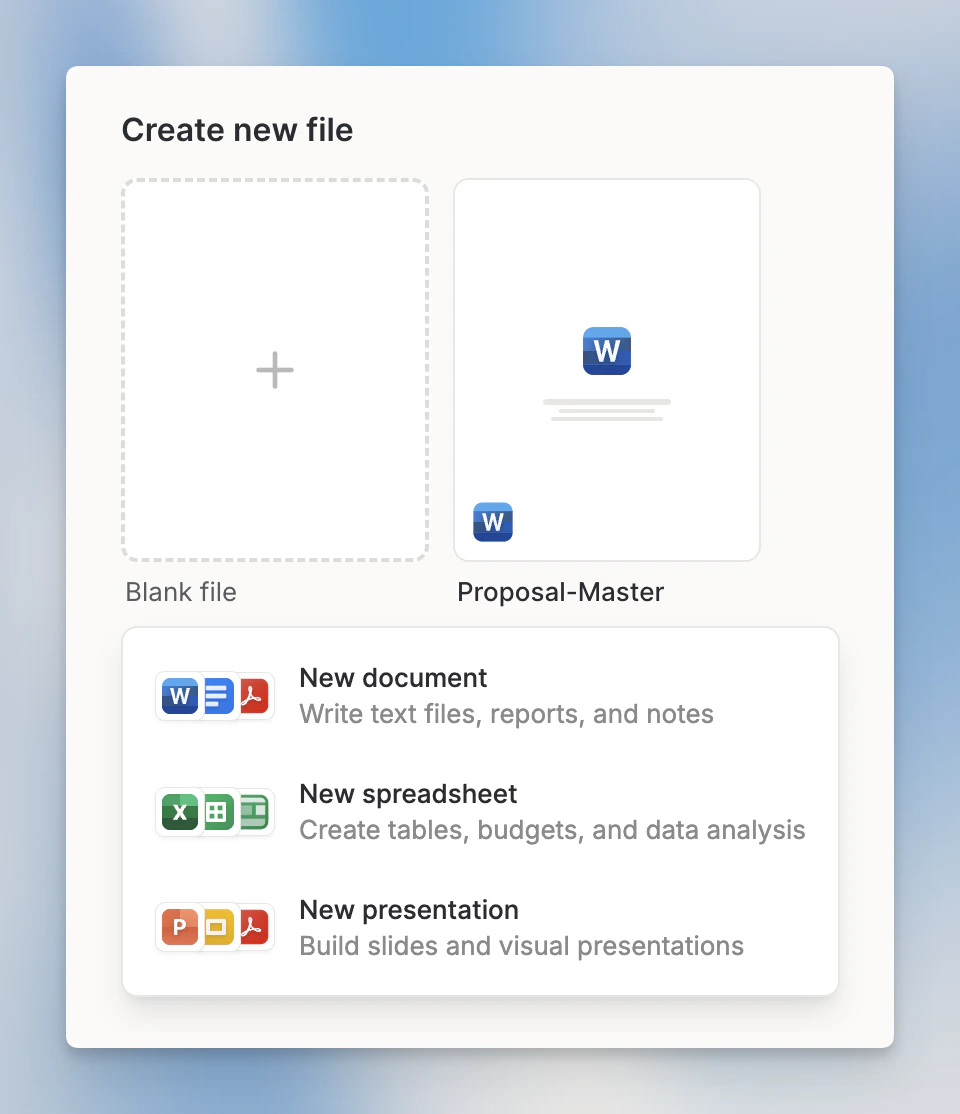
The Create new file section is only available when Skills and file templates are enabled in your workspace. See File Templates for details.
Folders
Folders are for active file work with AI in chat. Create a folder, add files, share access, then select it from chat with Work in a folder. The AI can use the folder files as context and save generated files back to the folder when you have edit access. Use the search field in the Folders section to filter folders and Knowledge bases by name as you type.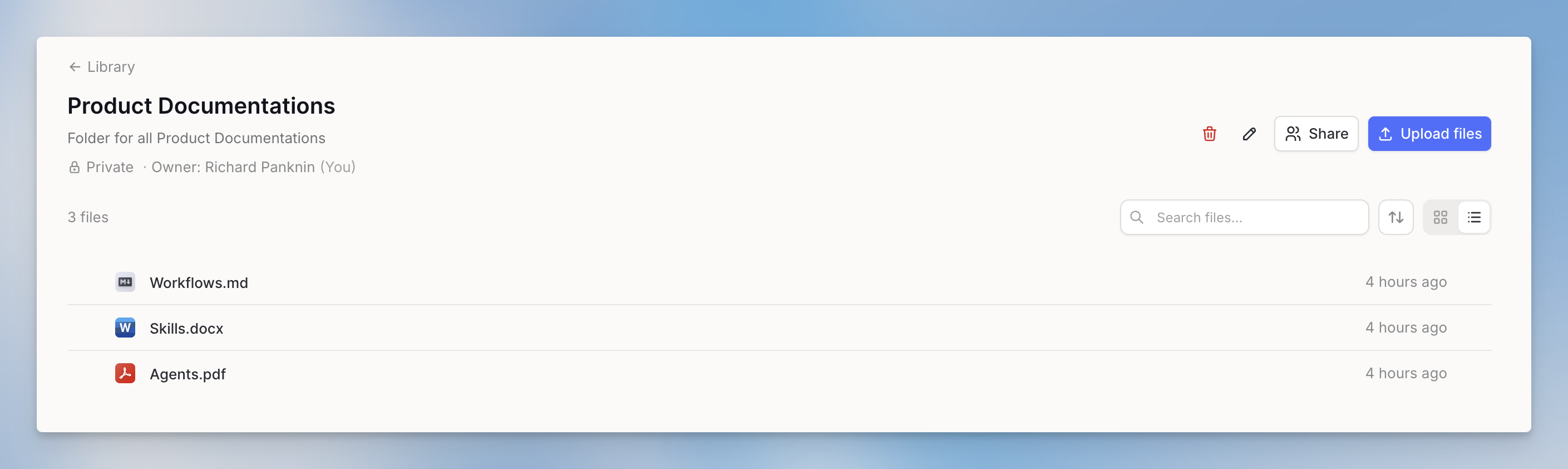
Knowledge bases
Knowledge bases are searchable document collections for chat, Agents, Workflows, and the Knowledge Folder API. They appear in the Folders section alongside your regular folders. Use them for larger reference sets where the AI should find relevant sections through semantic search.
Recent Files
Recent Files is your personal list of generated and imported files. Files stored in Folders, Knowledge bases, Projects, Agents, or synced integration folders do not appear here.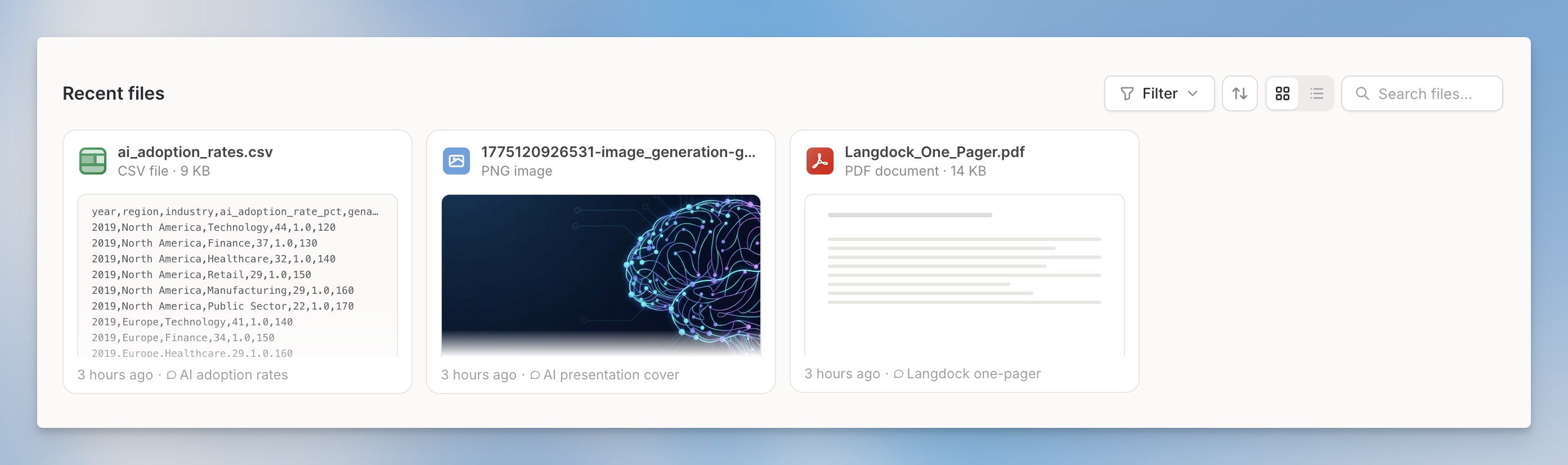
Recent Files follows your workspace’s chat data retention settings. When a chat is deleted, only files associated with that chat are removed from Recent Files.
Getting to the Library
Click Library in the left sidebar to open it.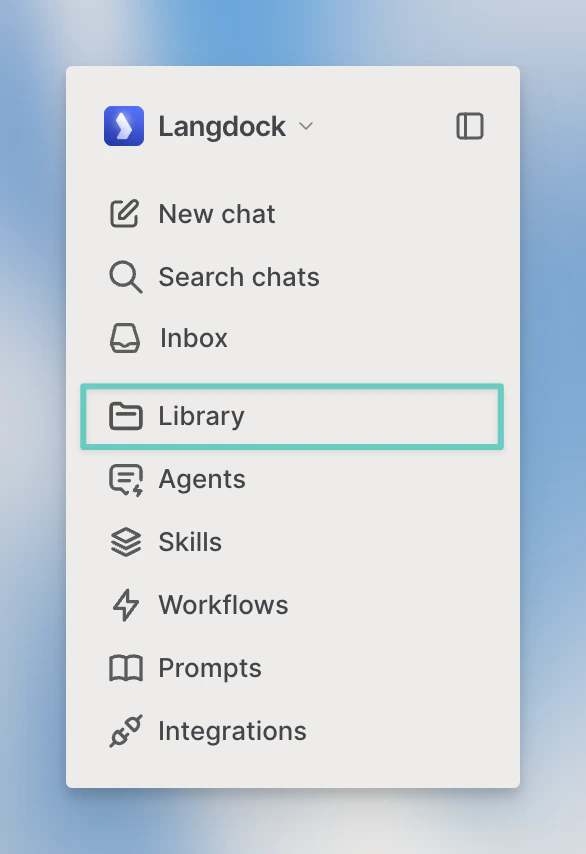
FAQ
When should I use the Library?
When should I use the Library?
Use the Library to find and manage files, folders, templates, and Knowledge bases in Langdock. It is the place to organize reusable file-related assets instead of searching through individual chats.
How is the Library different from a chat attachment?
How is the Library different from a chat attachment?
A chat attachment is tied to the current conversation. Library items are easier to find, reuse, organize, and share depending on permissions and file type.