

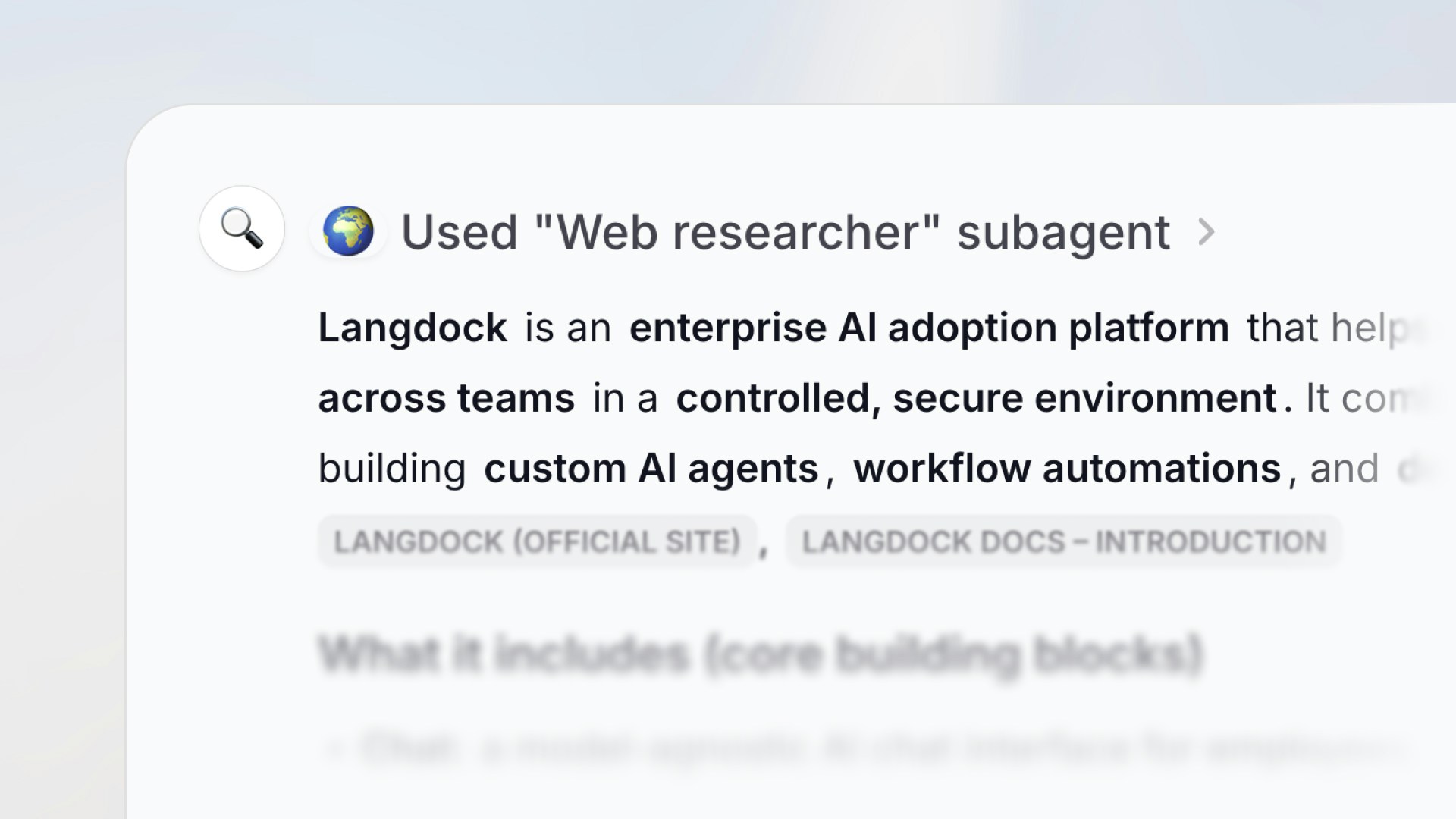
What are subagents?
Subagents let you attach one agent to another. The parent agent can then delegate tasks to its subagents during a conversation, and each subagent handles the request independently using its own instructions, knowledge, actions, and model. This is useful when a single agent would need overly complex instructions to cover multiple responsibilities. Instead, you can split those responsibilities across focused subagents.How subagents work
When a parent agent decides a subagent is the right tool for the job, it sends a prompt to that subagent. The subagent then:- Receives the prompt from the parent agent (either as free text or structured input, depending on the subagent’s input type)
- Runs independently using its own configuration: instructions, attached knowledge, actions, attached Skills, and model
- Returns a result back to the parent agent, which continues the conversation with the user
Subagents run in their own separate context. They don’t see the parent agent’s
full conversation history — they only receive the prompt the parent sends
them.
Adding subagents to an agent
On the Setup tab, attach agents from the Sub-agents row. If none are attached yet, expand More to see the row, then click Add sub-agent and search for the agent. Mentioning an Agent in the instruction editor also attaches it. You can also ask the Agent Builder chat to attach subagents for you.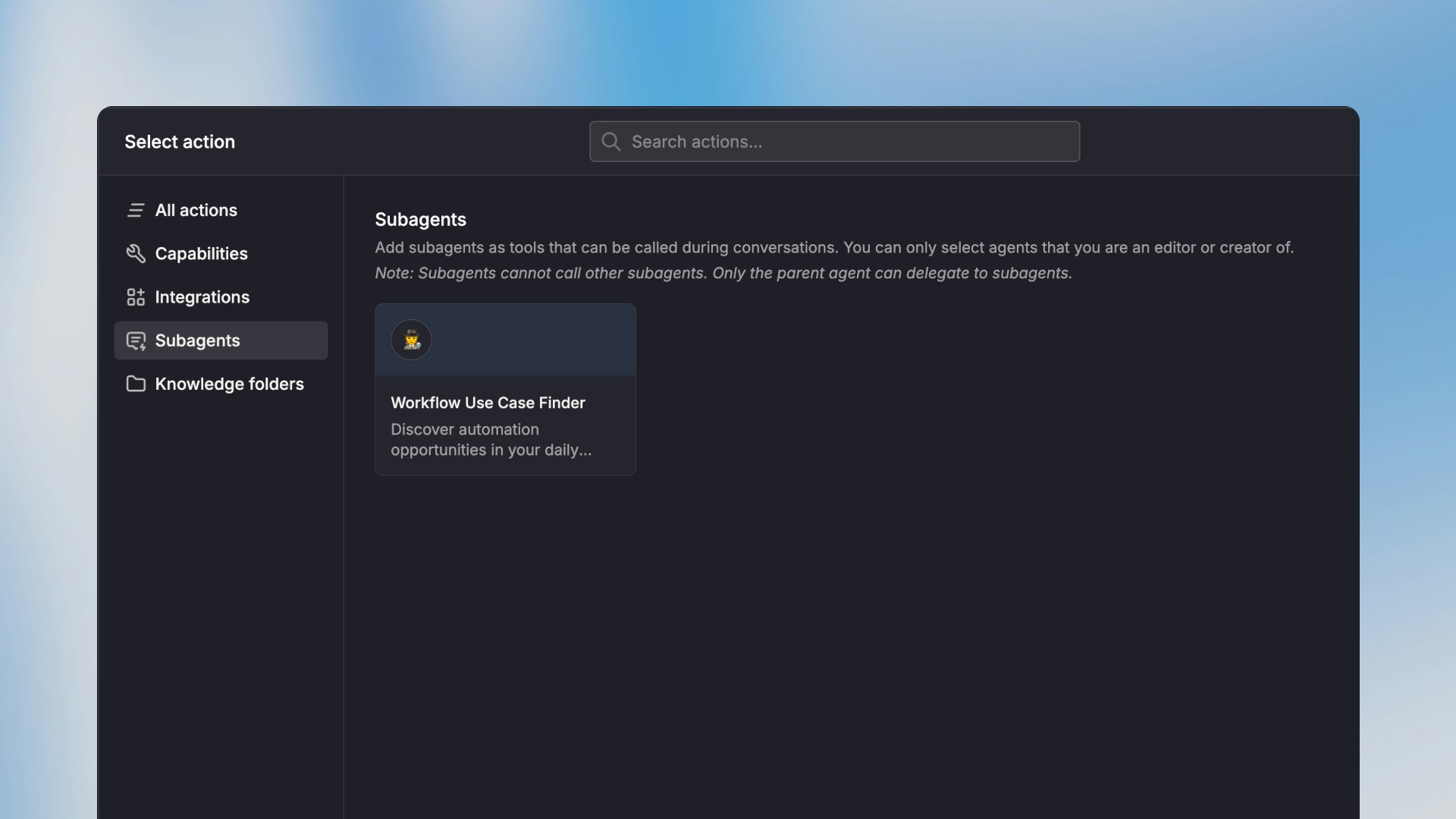
Actions and connections
When a subagent uses an action that needs an integration connection, it can use an automatic default or a shared connection. It can also use a preconfigured connection assigned to the subagent, or ask the user to pick their own.Permissions and access
- Parent access is not enough. Anyone who chats with the parent also needs access to each attached subagent. Otherwise the parent cannot invoke that subagent for them.
- If a user doesn’t have access to a subagent, the subagent call shows an access denied message. The user can then request access directly from the conversation.
- When you share the parent agent with selected users, groups, or API keys, Langdock checks subagent access before the share completes and lists people who still need access.
- When you attach a subagent, the editor can show a warning if the current audience is missing access. Click Review to grant access. Attachment does not open the sharing dialog on its own.
When to use subagents
Subagents are a good fit when:- Your agent instructions are getting too long. Split different responsibilities into dedicated subagents with focused instructions.
- You want to reuse an existing agent. If you already have a well-configured agent, you can attach it as a subagent to any other agent without duplicating the setup.
- Different tasks need different models or knowledge. Each subagent can use its own model, knowledge base, and actions — independent of the parent.
Limitations
- No nesting. A subagent cannot call other subagents. Only the top-level parent agent can invoke subagents.
- Separate context. Subagents don’t have access to the parent agent’s conversation history. They only receive the prompt passed to them.
- Action approvals. If a subagent triggers an action that requires confirmation, the user will be prompted to approve it before the subagent can continue.
- No user questions. A subagent cannot ask the user clarification questions with selectable answers. Only the parent agent can ask the user directly.
- No workflows. A subagent cannot trigger workflows.
FAQ
When should I use subagents?
When should I use subagents?
Use subagents when a parent agent has several distinct responsibilities that are easier to split into focused specialists. This can make instructions clearer and reduce the amount of context each agent needs to handle.
What should I check if a subagent is not used?
What should I check if a subagent is not used?
Check whether the parent agent instructions clearly describe when to delegate, whether the subagent is attached and available, and whether the user’s request matches the subagent’s role.