

What is Memory?
Memory stores selected facts and preferences in the model’s context, so later chats can use them without you repeating them. You can also carry that context from one conversation to the next.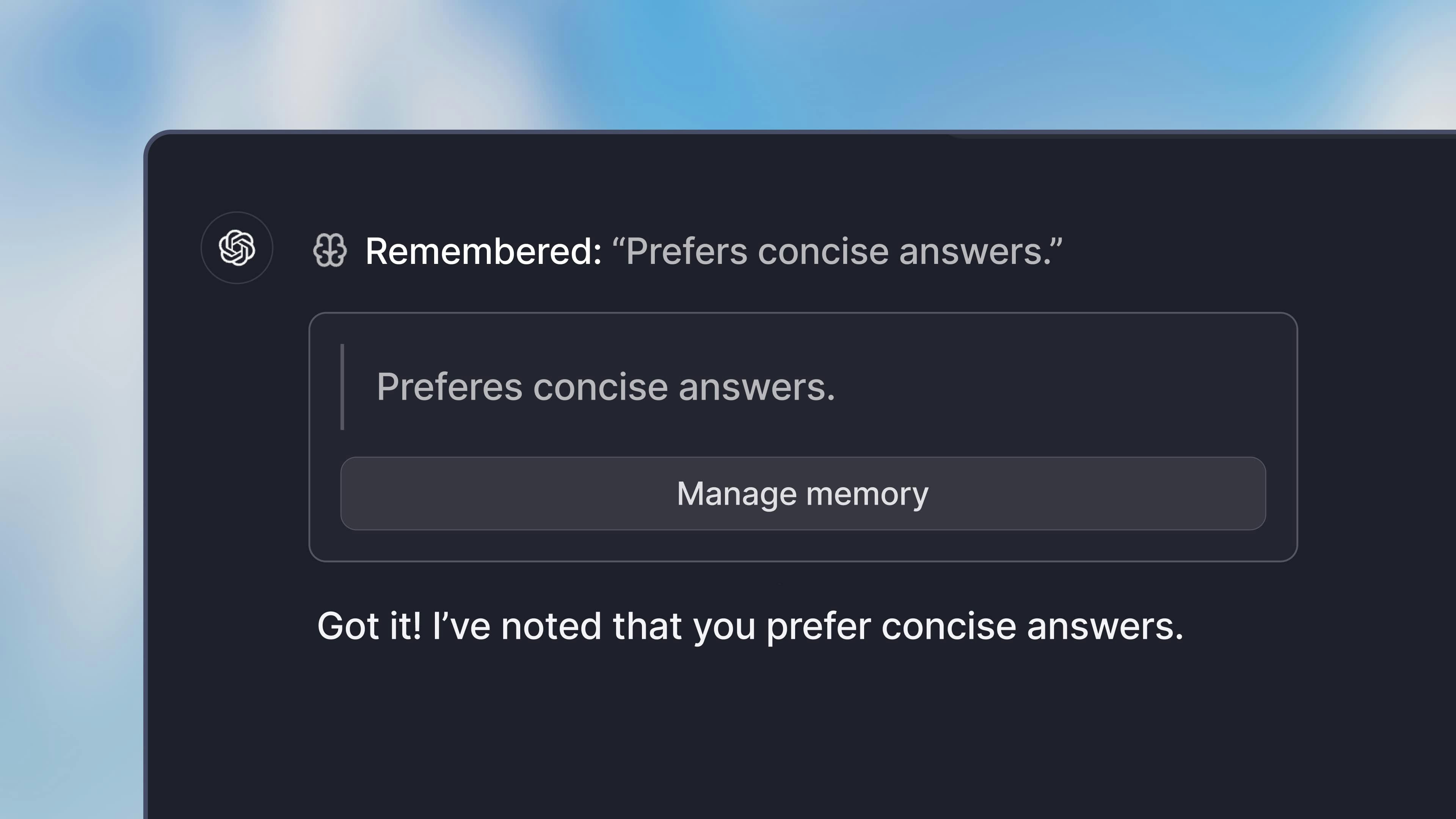
- Remember certain details about your job
- Share a preference for a specific style of writing
- Remember your name and other personal details
Usage
To use Memory, go to your account settings and open the Preferences tab. Enable Chat memory in the Chat capabilities section.Memory Operations
Langdock supports three memory operations that allow you to manage your stored memories directly through conversation.Saving Memories
To save a new memory, tell the model what you’d like it to remember. You can use natural language like:- “Remember that my name is Alex”
- “Note that I prefer concise responses”
- “Store this: I work in the marketing department”
- “From now on, keep in mind that I like bullet points in summaries”
- Explicit requests to remember something
- Information that will be useful in future conversations
- Details that will help personalize responses going forward
- “Prefers concise, no-nonsense confirmations”
- “Works in sales at a B2B SaaS company”
- “Favorite programming language is Python”
- “Boss is named Sarah Chen”
Updating Memories
To update an existing memory, provide the model with new information about something it already knows. You can say things like:- “Update my job title - I’m now a Senior Manager”
- “Actually, my favorite color is green, not blue”
- “Change my preference: I now want detailed explanations instead of brief ones”
Deleting Memories
To delete a memory, ask the model to forget specific information:- “Forget my old job title”
- “Delete the memory about my project deadline”
- “Remove the note about my preferred meeting times”
Inspect and edit memories
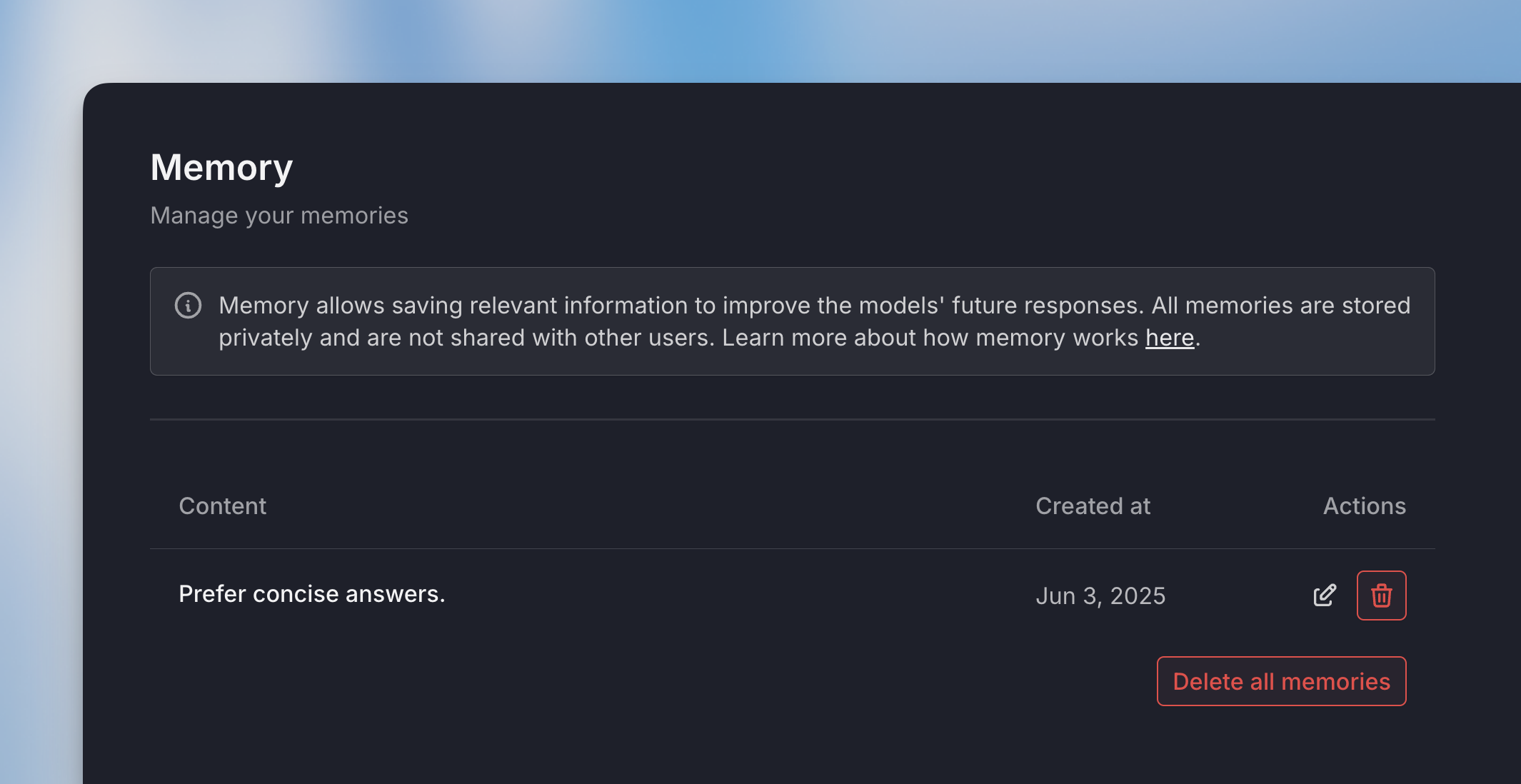
You can view and manage all your memories by going to the “Memory” tab in your account settings. There you can:- View all stored memories
- Edit existing memories to adjust wording
- Delete memories you no longer need
Limitations
Memory limit: You can store a maximum of 50 memories at a time. If you reach this limit, you’ll need to delete some older or less relevant memories before saving new ones.
What NOT to store in memory
The model is designed to avoid storing certain types of information unless you explicitly request it:- Overly personal details that could feel intrusive
- Short-lived facts that won’t matter soon (like “I have a meeting tomorrow”)
- Random details without clear future relevance
- Redundant information that’s already stored
- Sensitive personal data such as:
- Health or medical information
- Precise location data (street addresses)
- Political affiliations or religious beliefs
- Criminal record details
FAQ
When should I use Memory?
When should I use Memory?
Use Memory when Langdock should remember stable personal preferences or recurring context across conversations. Do not rely on memory for exact documents, records, or information that must be quoted precisely.
How is Memory different from chat history or Knowledge bases?
How is Memory different from chat history or Knowledge bases?
Memory stores selected reusable preferences or facts. Chat history is conversation context and may be summarized over time. Knowledge bases are document collections intended for retrieval and exact source-based work.