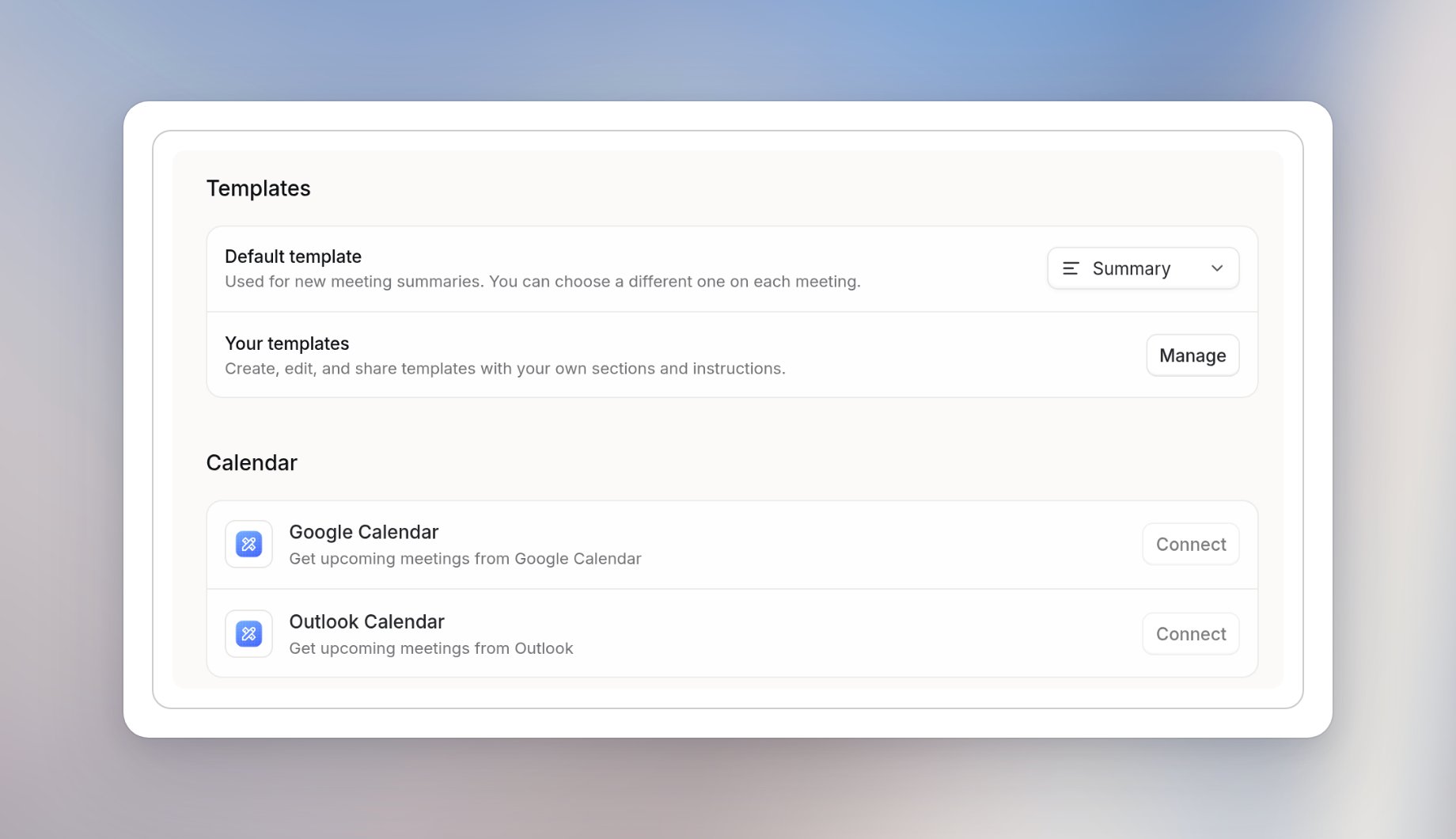
Open your Meetings settings
Go to Settings > Account > Meetings to change your own Meetings settings. They apply only to you. Some settings appear only in the desktop app. Others appear in the browser too, but only take effect in the desktop app.General
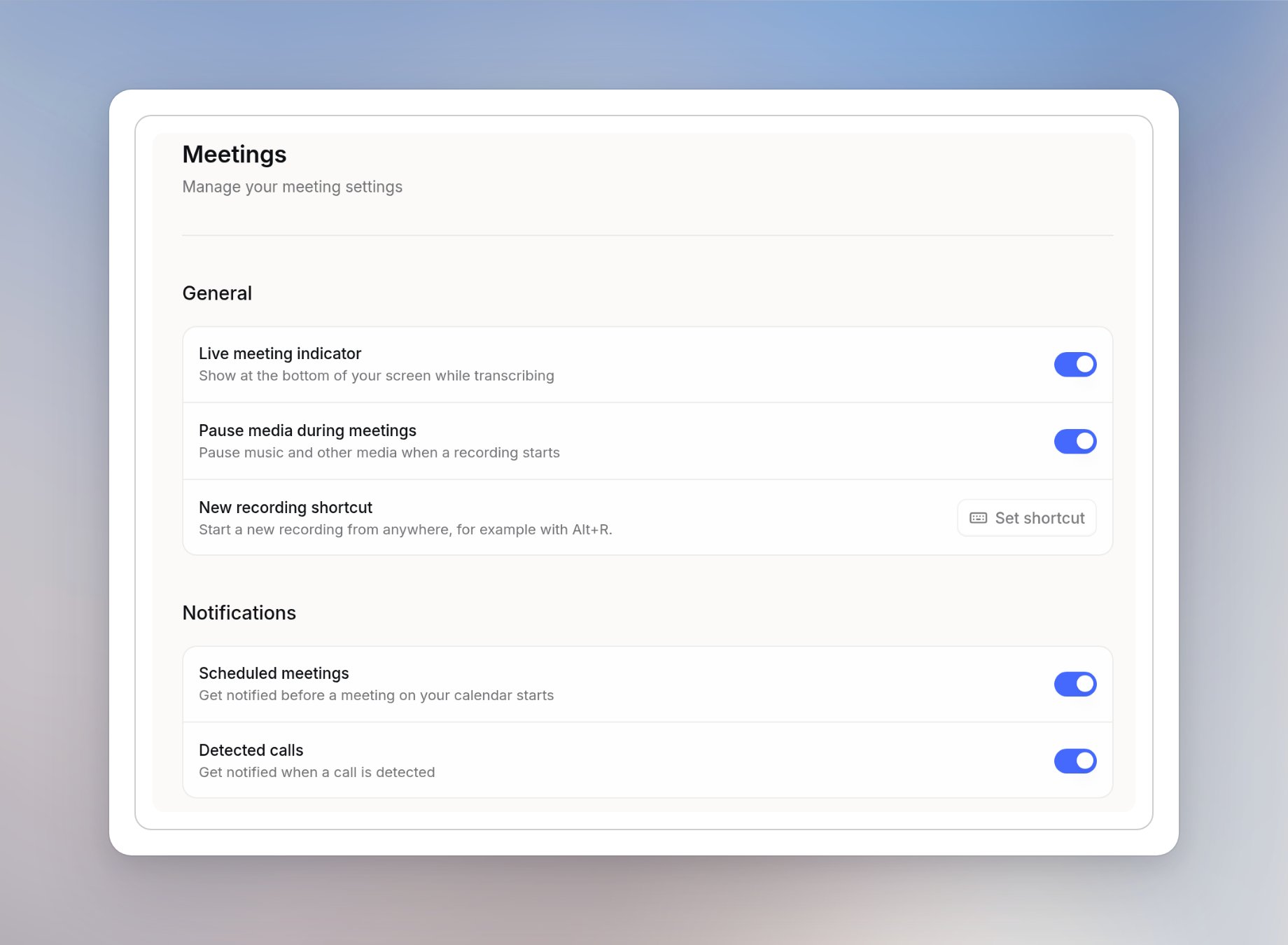
Notifications
These notifications come from the desktop app. You can change them in the browser too, and the desktop app picks up the change.Language
Personal dictionary
Add product names, people’s names and jargon under Personal dictionary so they’re spelled correctly in transcripts and summaries. Select Add term to add one.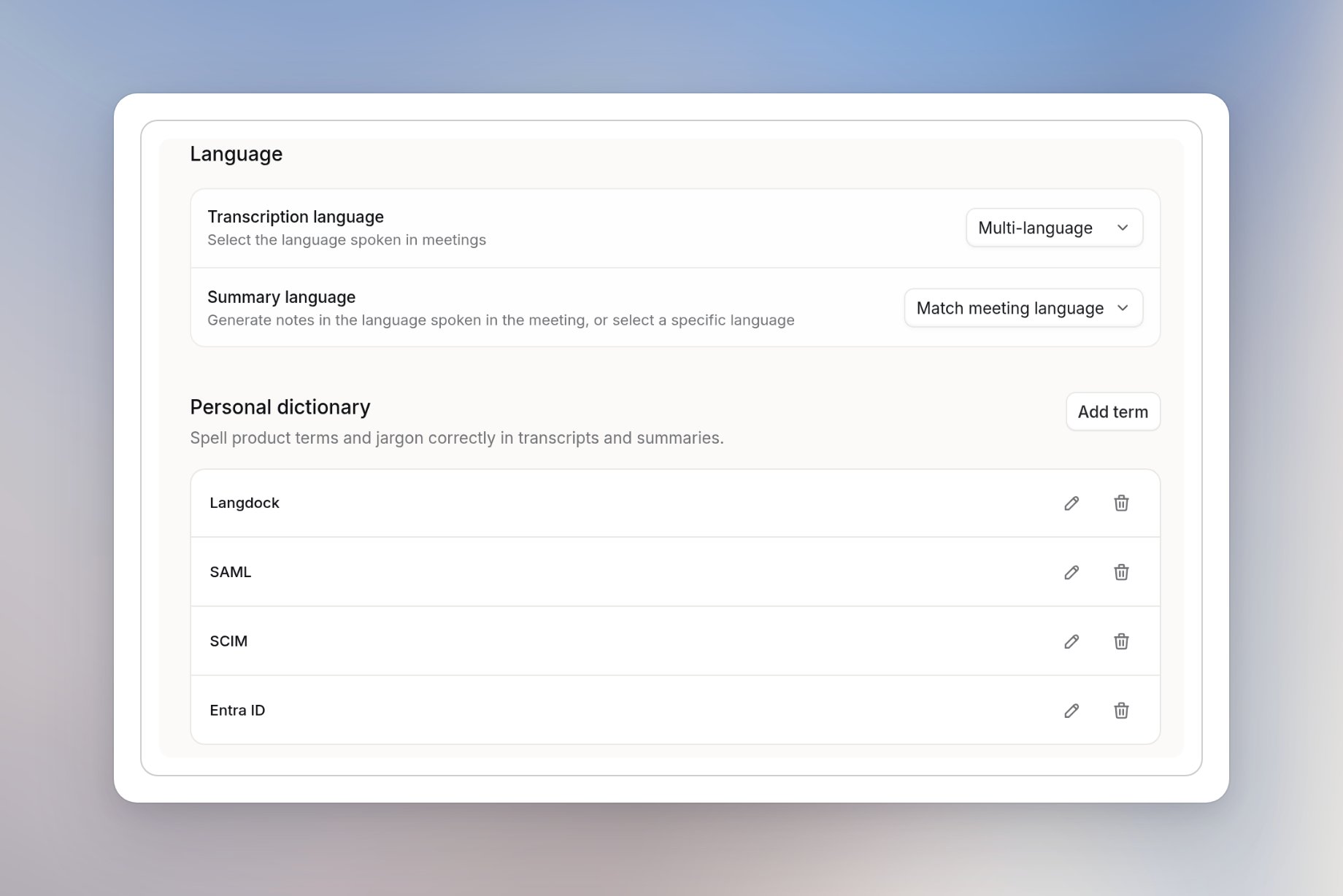
Templates
Under Templates, choose a Default template for new meeting summaries. You can still choose a different template for each meeting. Select Manage next to Your templates to create, edit and share templates with your own sections and instructions.Calendar
Under Calendar, connect Google Calendar or Outlook Calendar, or use the switch next to a connected calendar to show or hide its events in Meetings. See Connect your calendar.