Archive takes an agent out of the active list without deleting it. Existing conversations stay readable. Restore puts the agent back.

Archive an agent

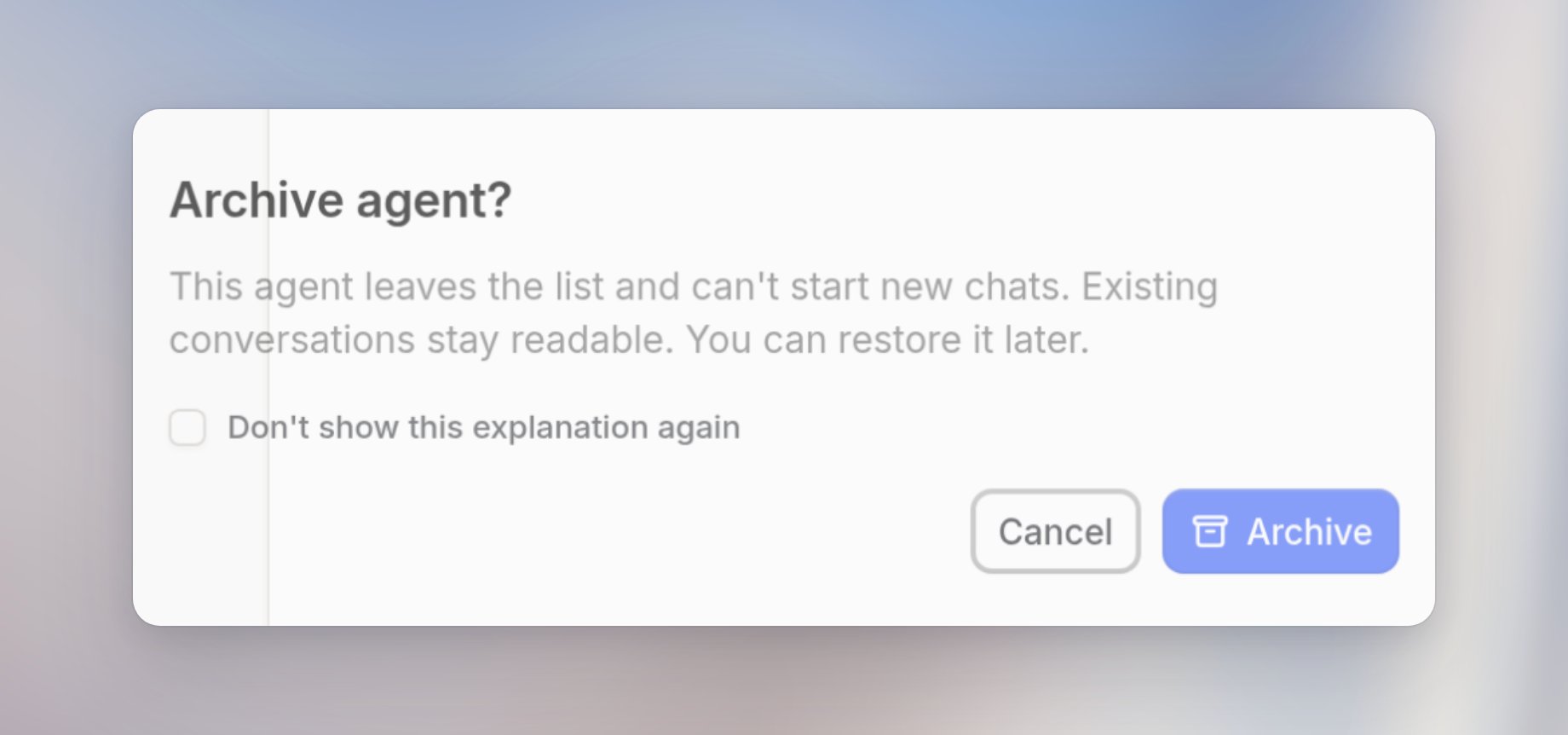
You can archive an agent you own from Agents. Open the agent, click Archive agent, then confirm with Archive. The confirmation says the agent leaves the list and can’t start new chats. Existing conversations stay readable. You can restore it later. Select Don’t show this explanation again if you want later archives to skip the dialog.
Find and restore archived agents

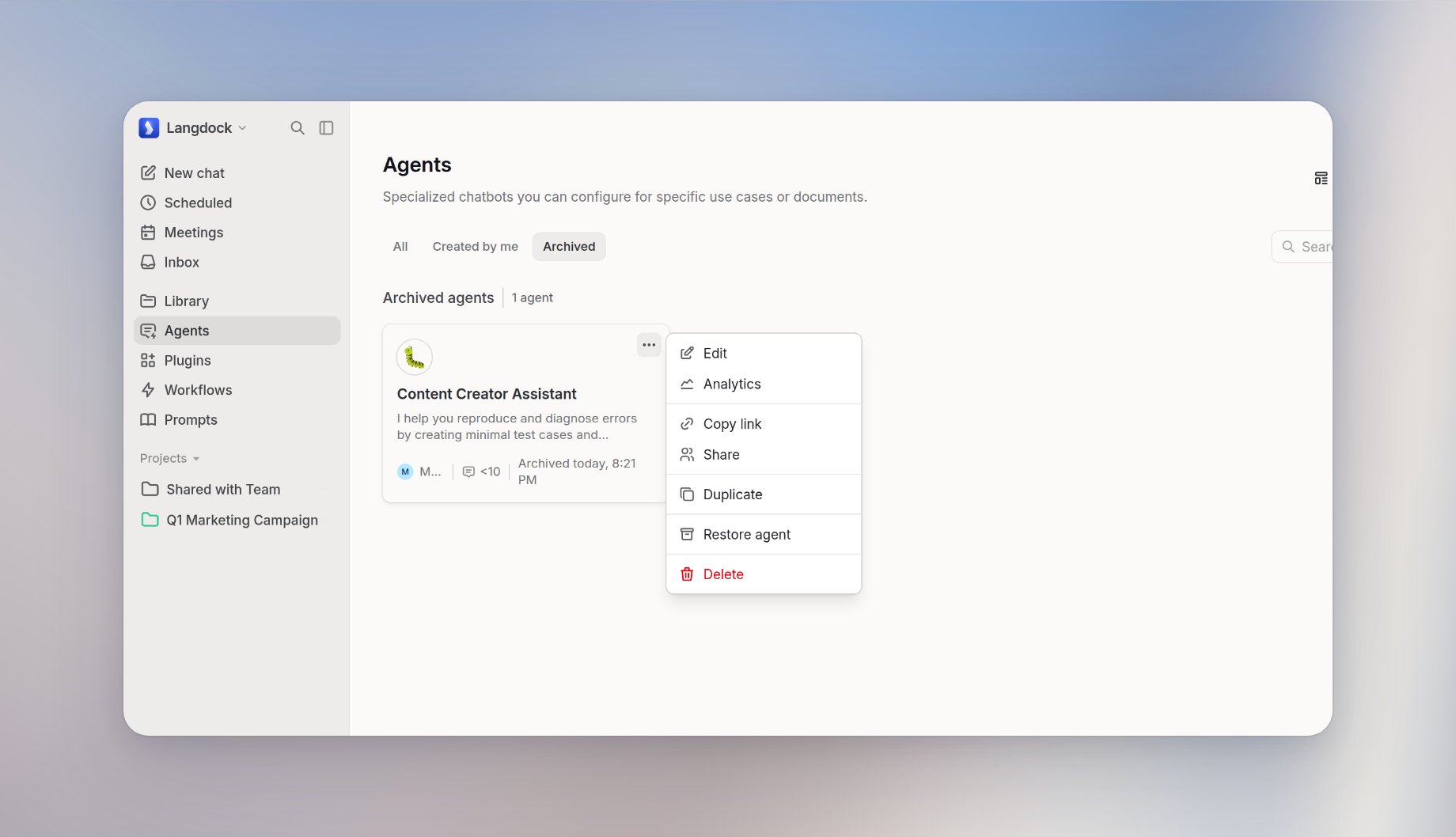
Open Agents and select Archived. Restore from the menu with Restore agent, or click Restore on the banner when you open the agent. Archived appears once you have archived agents you own or edit. If there are none, the list shows No archived agents.
What archived agents can and cannot do

Archived agents cannot start new chats. Slack, Teams, API, workflow, automation, and subagent runs are blocked. Sharing, instructions, tools, knowledge, Verified, and Disabled stay as they were. Projects and templates cannot be archived.

Who can archive

Owners archive agents they own. Workspace admins archive any agent from Governance. Editors cannot archive or restore. If you open an archived agent you don’t own, you see that it is archived, when, and who owns it. You cannot restore it.