Find a past meeting
Select Meetings in the sidebar. Your completed meetings are listed under Meeting notes, below Coming up, grouped by date.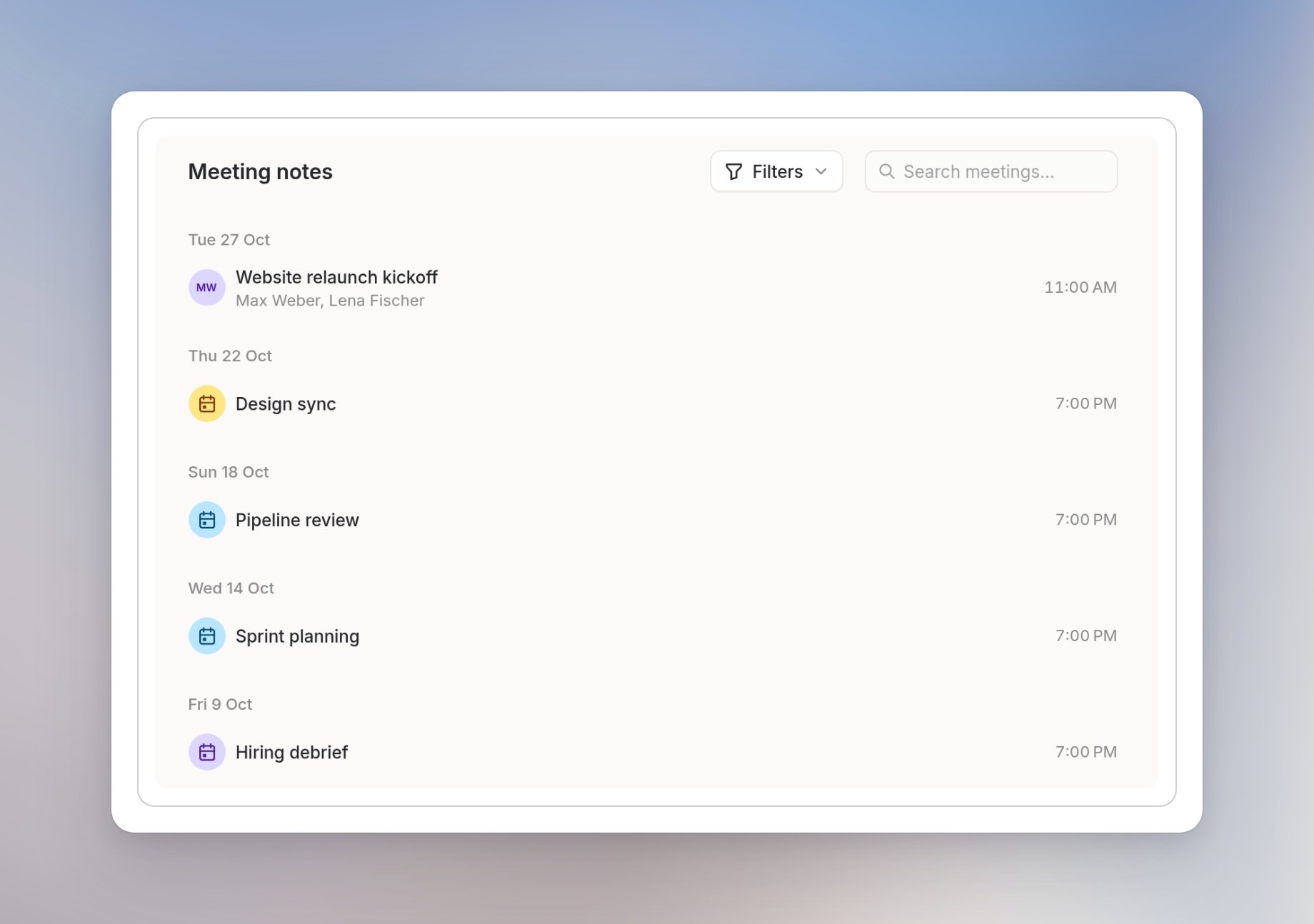
- All combines your meetings and meetings shared with you.
- My meetings shows meetings you transcribed.
- Shared with me shows meetings others shared with you.
Search and filter the list
Use Search meetings… above the list to find a meeting. Next to it, open Filters to narrow the list by People or Companies.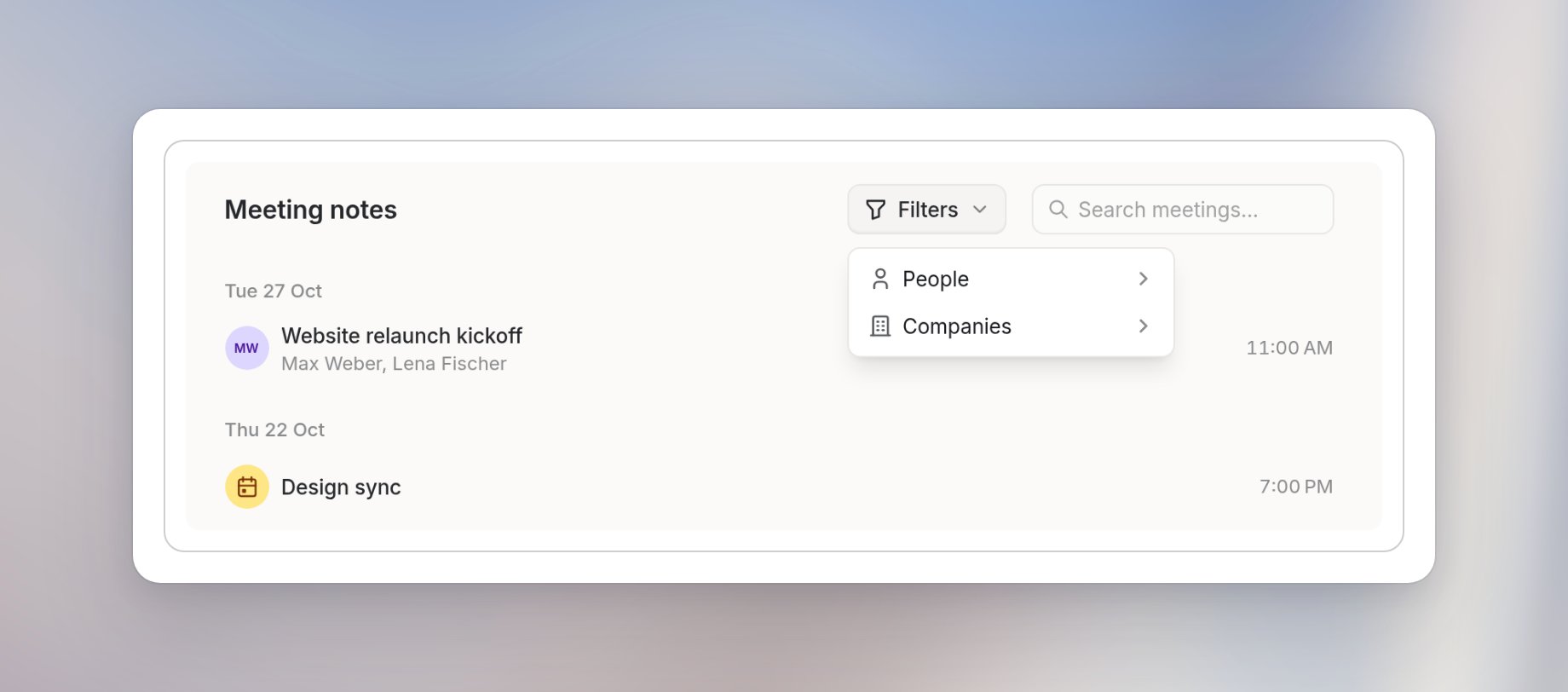
Find information across meetings
If you remember the topic but not the meeting, select Ask anything at the bottom of the Meetings page. The chat panel opens as All meetings, so you can ask which decisions are still open from a particular week or list action items across meetings. Include dates or a topic to make your question specific. See Ask questions about meetings.Add a meeting to a folder
Use folders to keep related meetings together.1
Open the meeting
Open the meeting you want to organize.
2
Choose a folder
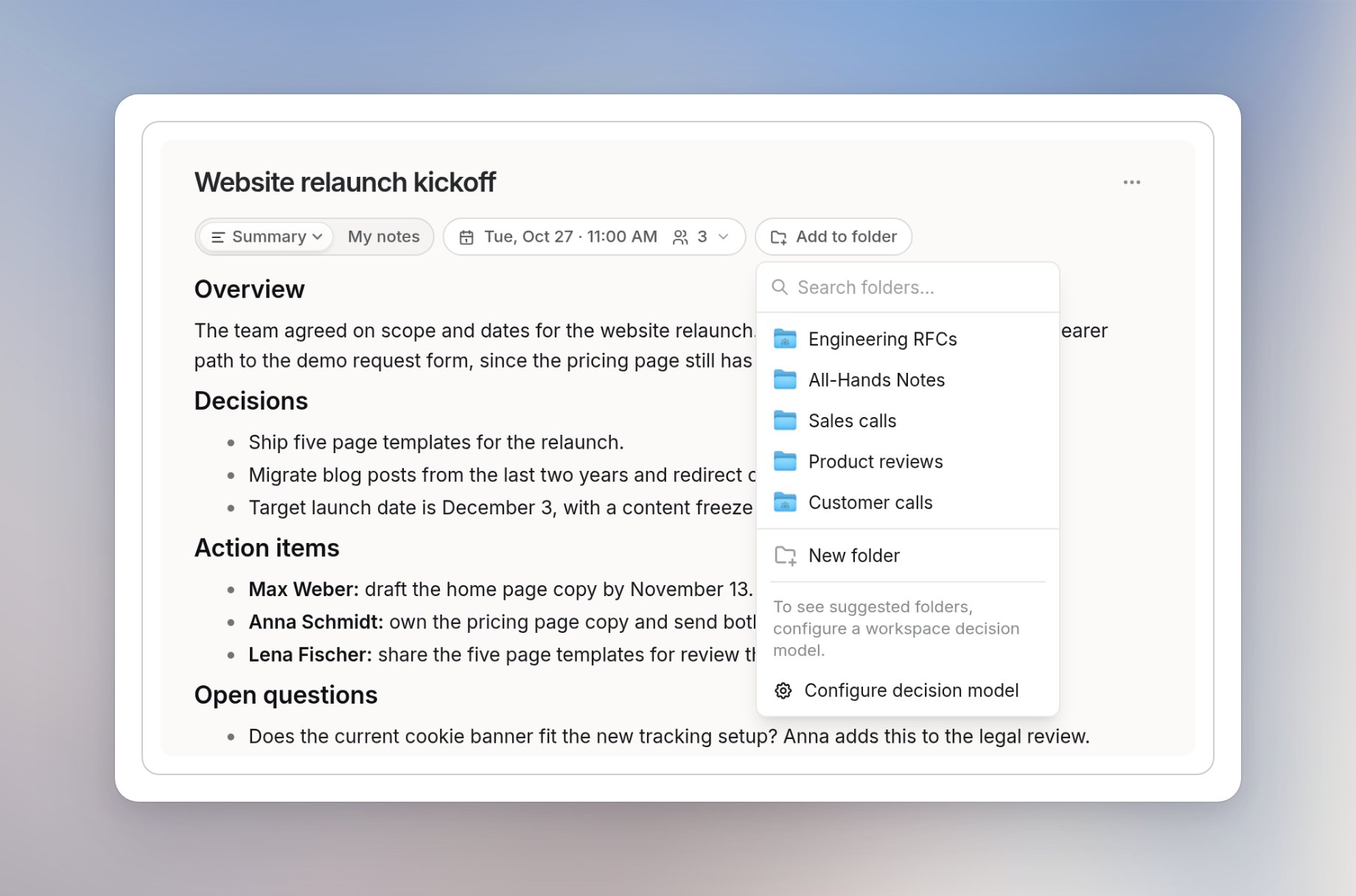
Select Add to folder, then search for a folder or pick one from the list.