

FAQ
Can I share a chat with Langdock Support?
Learn when you can share a conversation with Langdock Support, what Support can access, and how long access lasts.
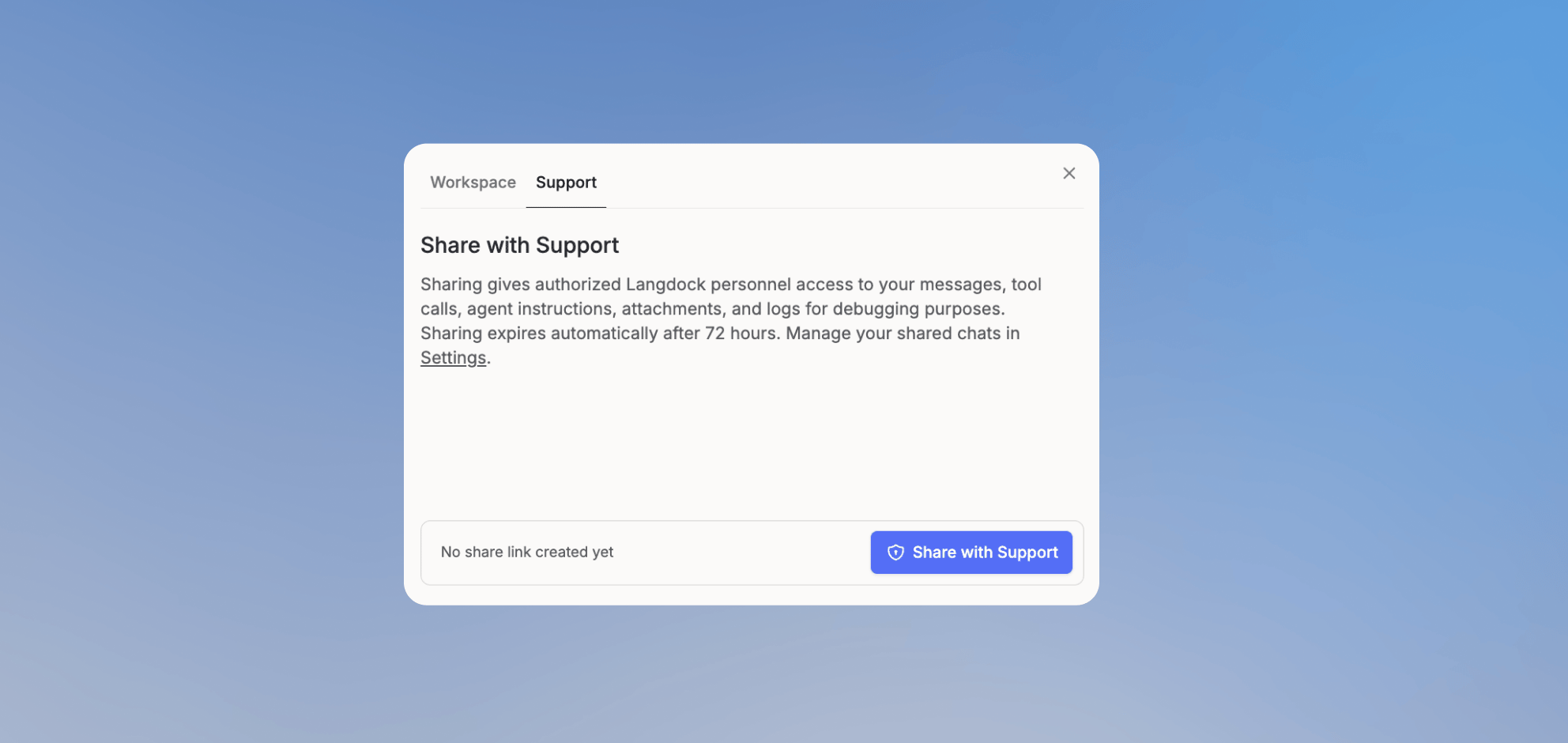
Yes, if your workspace is not on a dedicated deployment. Open the chat, click Share, select Support, and click Share with Support.