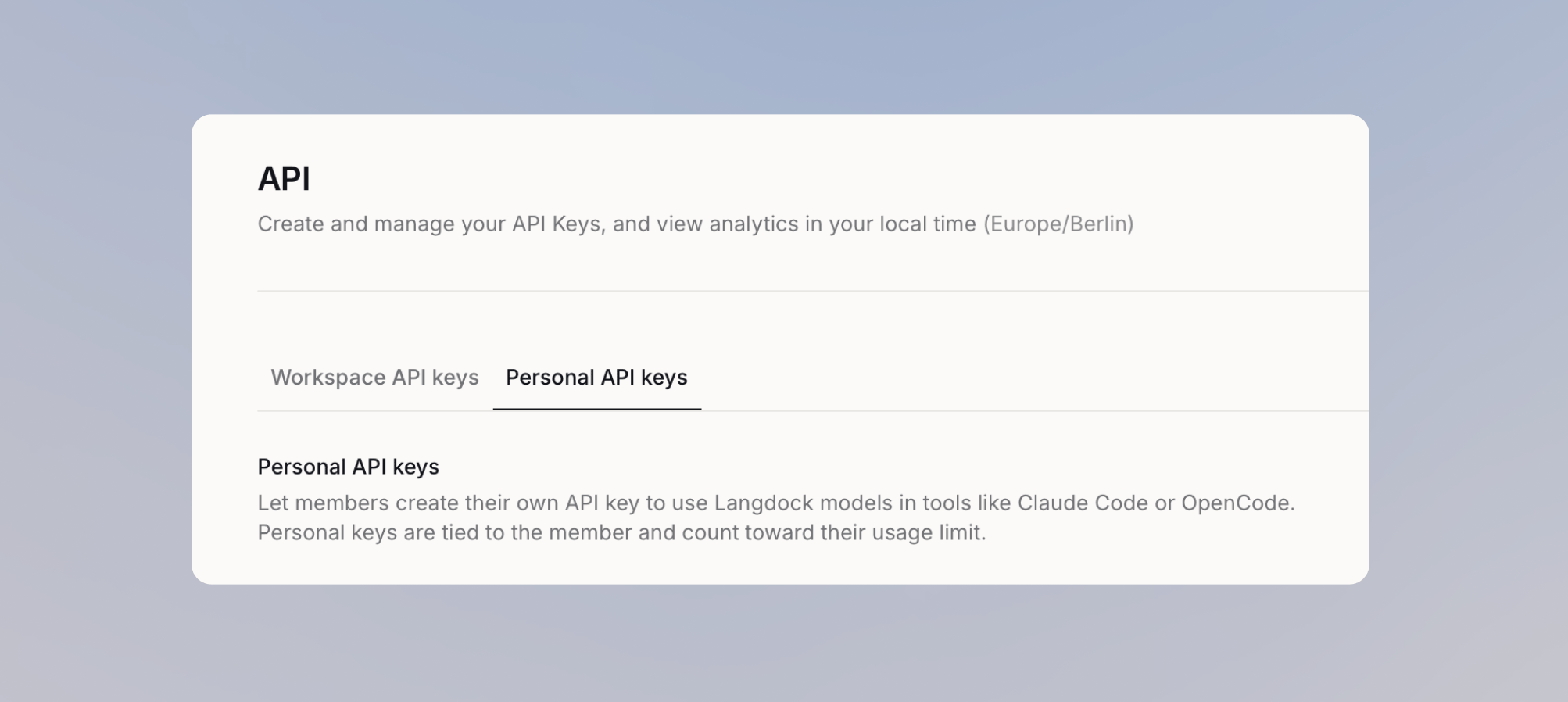
The Personal API keys tab only appears once the feature is enabled for your workspace. Members only see API keys in their account settings after you give them access.
Give members access
1
Open the personal API key settings
Go to Settings > Workspace > Products > API, then open Personal API keys.
2
Choose who gets access
Open access to the whole workspace, or keep it to the people who need it:
- Everyone
- Specific members and groups
Turn on General access so everyone in the workspace can create a personal API key.

3
Give them budget to spend
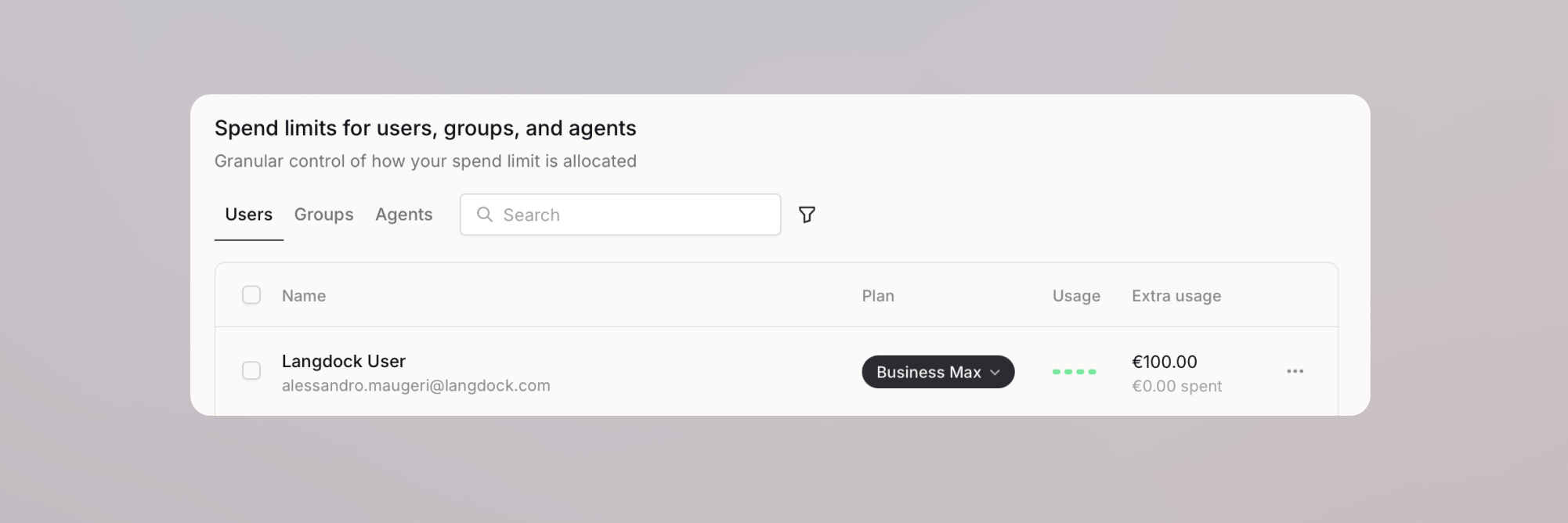
On BYOK and dedicated deployments, set an individual extra usage limit above zero for each member instead. Plan and group limits do not apply to personal keys there, and extra usage does not have to be enabled. See BYOK usage limits for how the limits fit together.
Monitor usage and revoke keys
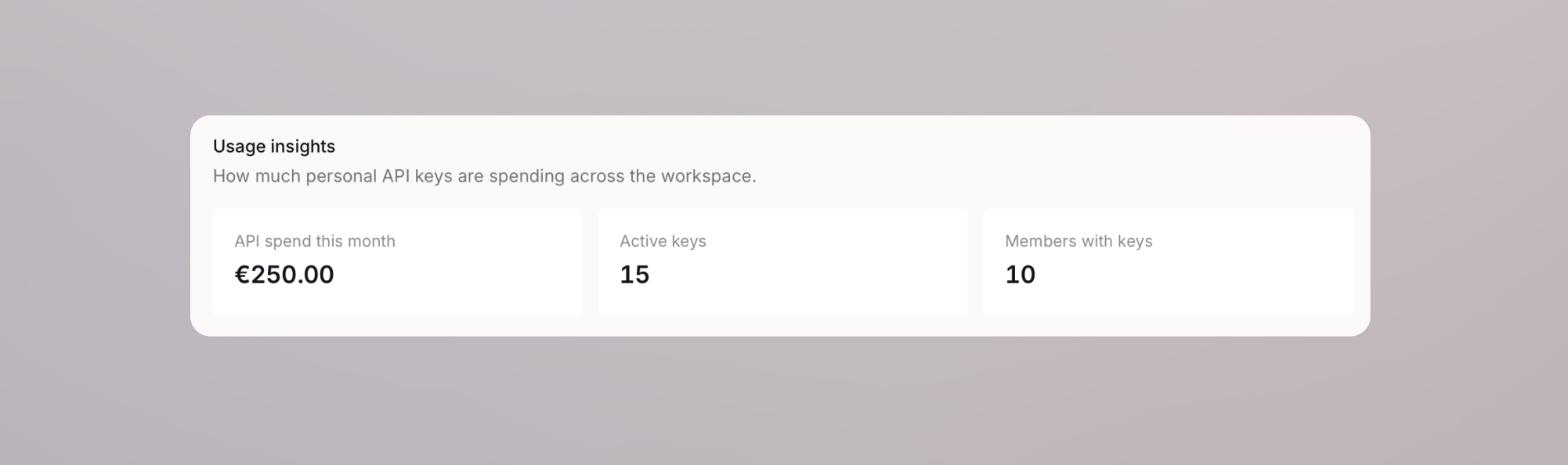
Usage insights shows API spend for the current month, how many keys are active, how many members hold one, and daily spend per member over the last 14 days.