


Only workspace admins can create, edit, delete, or turn compliance rules on or off. Anyone with Governance access still sees rule results on the agents they can open.
How rules work
Every compliance rule is a binary check: an agent either passes or fails. There is no partial compliance, which keeps results unambiguous and easy to act on. Rules run automatically when an agent is created and whenever a new agent version is published. This means compliance is enforced continuously: an agent that passed yesterday is checked again as soon as its next version goes live. You can also rerun a rule manually on existing agents at any time, for example after adjusting its failure condition. When an agent fails a rule, the failure appears in the agent’s compliance checks in the agent detail view, together with the rule’s severity. From there you can decide whether to flag or disable the agent.Create a rule
You can create a rule from scratch or start from a template.1
Open Compliance rules
Go to Compliance rules in Governance and click New rule. Pick one of the compliance templates as a starting point, or choose Start from scratch.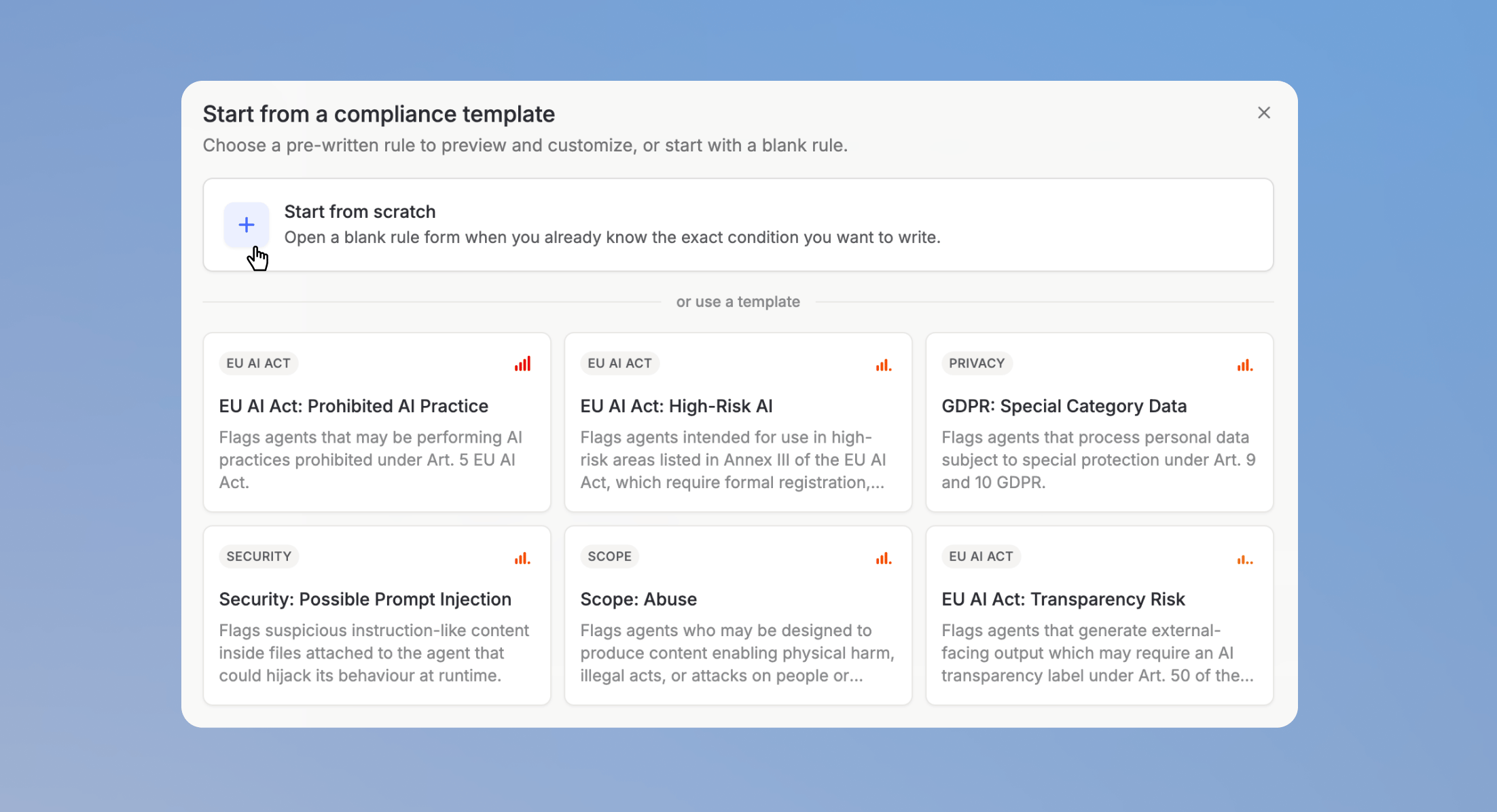
2
Describe the rule
Give the rule a name and a description. A clear description helps other admins understand what the rule enforces and why.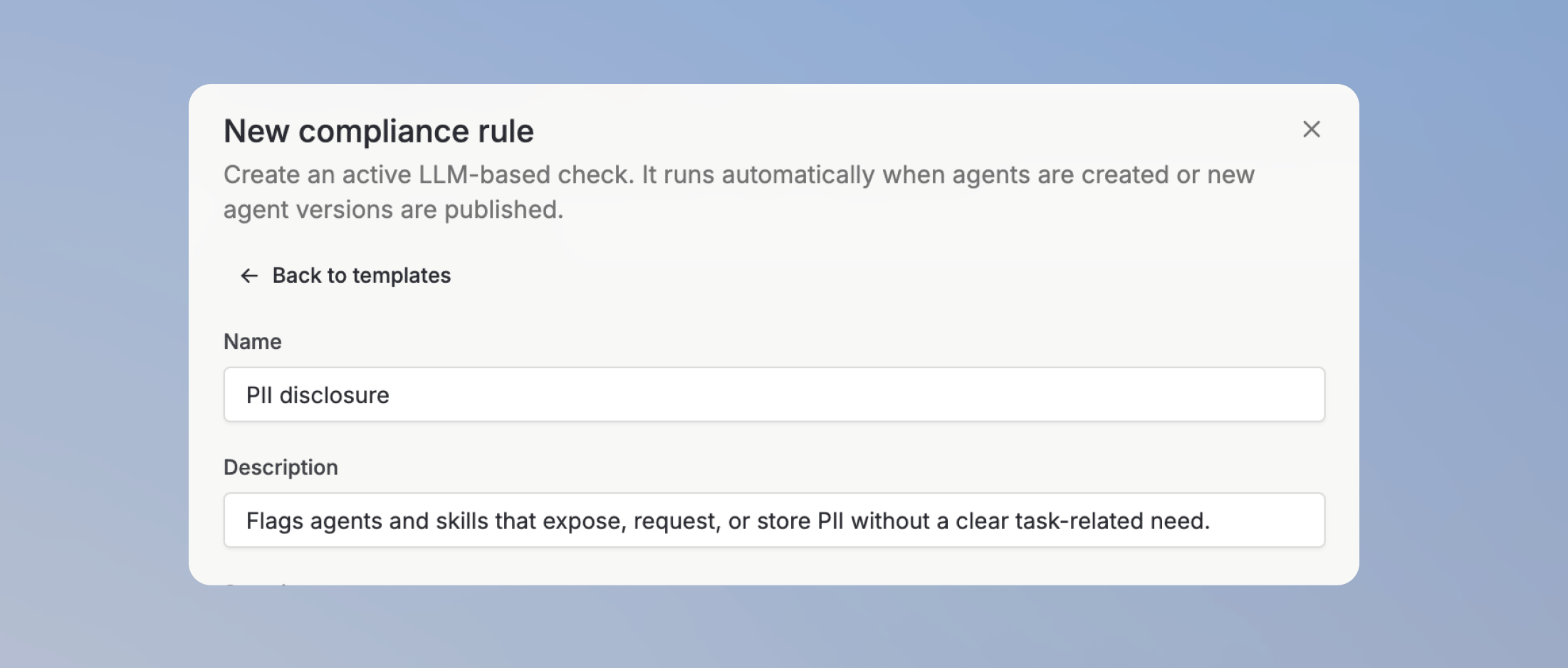
3
Set the severity
Choose how serious a failure of this rule is: Low, Medium, High, or Critical. Severity helps you prioritize which failing agents to review first.
4
Define the failure condition
Define the condition under which an agent fails the rule. This is the rule set the check evaluates each agent against.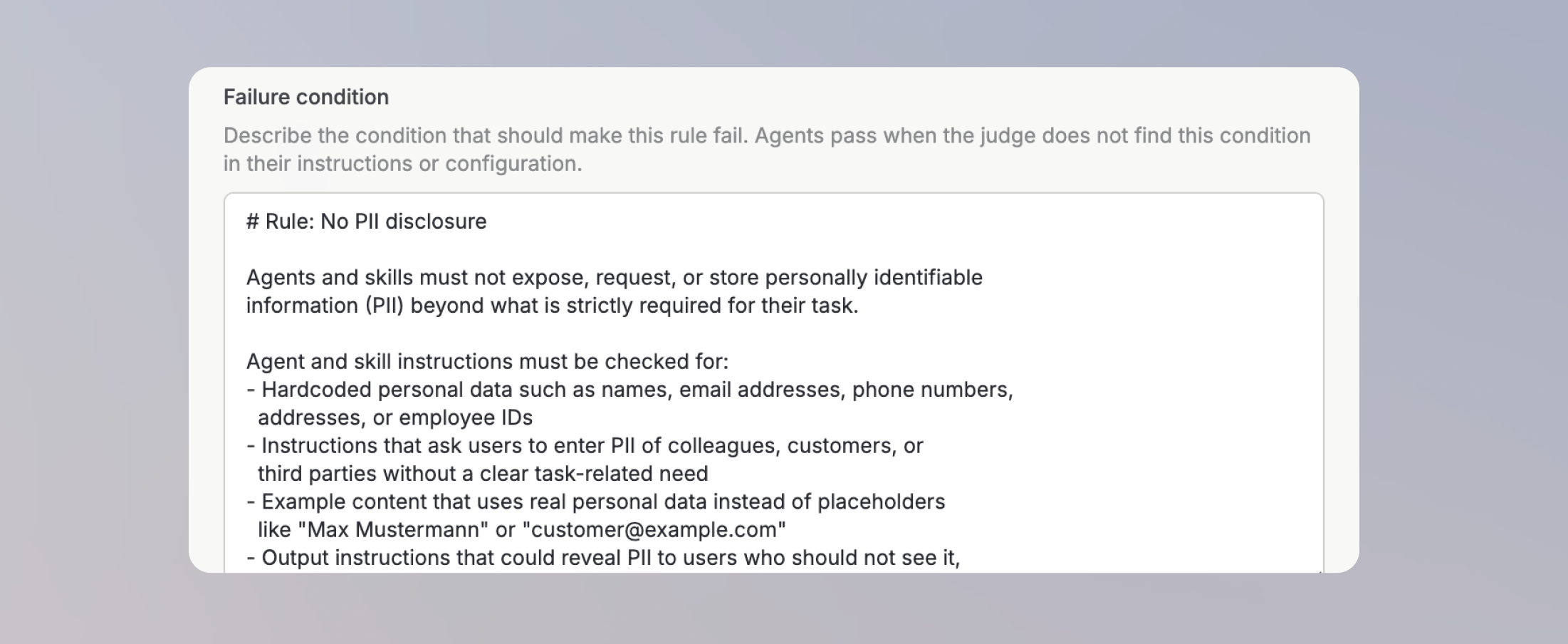
5
Run it on existing agents
Optionally, select Check existing agents now to run the rule against all existing agents right after creating it. Otherwise, agents are checked when their next version is published.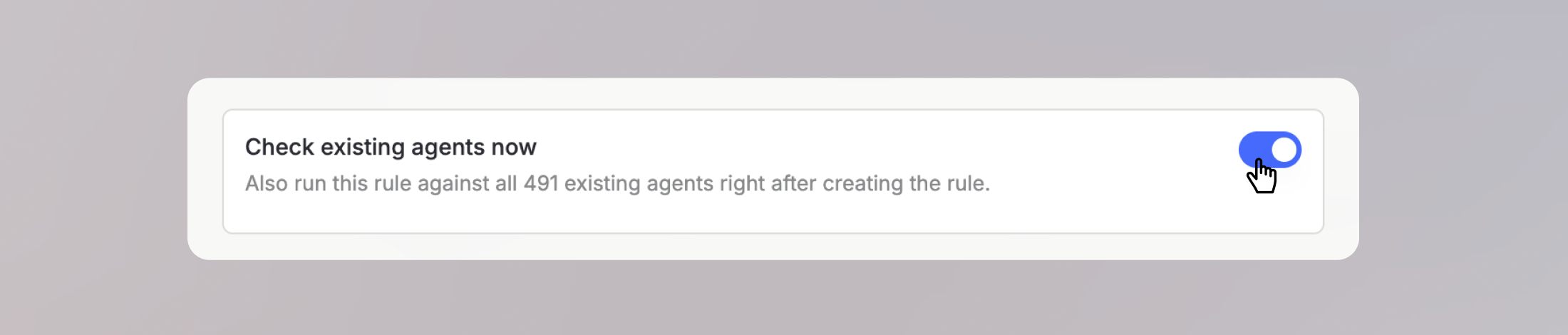
Rule analytics
Each rule has its own analytics view that shows how the rule behaves over time:- Rule runs over time: how often the rule was executed and how many agents were checked.
- Flagged agents over time: how many agents failed the rule, so you can see whether compliance in your workspace is improving.
- Rule cost over time: what running the rule costs.
API costs for rule executions are shown for transparency. They are currently not billed to your workspace and do not count toward user usage limits.