

User identifier appears on completion models only, in the catalog and in manual setup. Image and embedding wizards do not include it.
Prerequisites
- Admin access to your Langdock workspace
- A LiteLLM proxy reachable over HTTPS
- The model alias from your LiteLLM config
- An API key if your proxy requires authentication
Connect LiteLLM
1. Open the model wizard
Go to Workspace Settings -> Models and click Add custom model.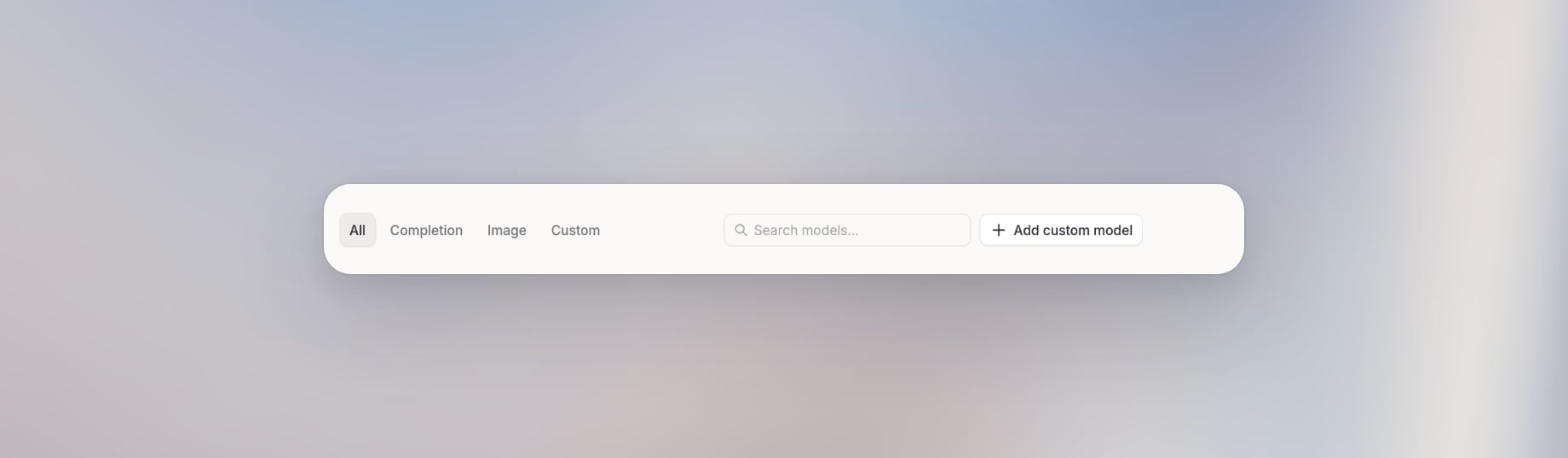
2. Start from the catalog or set up manually
Pick a completion model from the catalog if LiteLLM serves a model Langdock already ships. Otherwise click set up manually.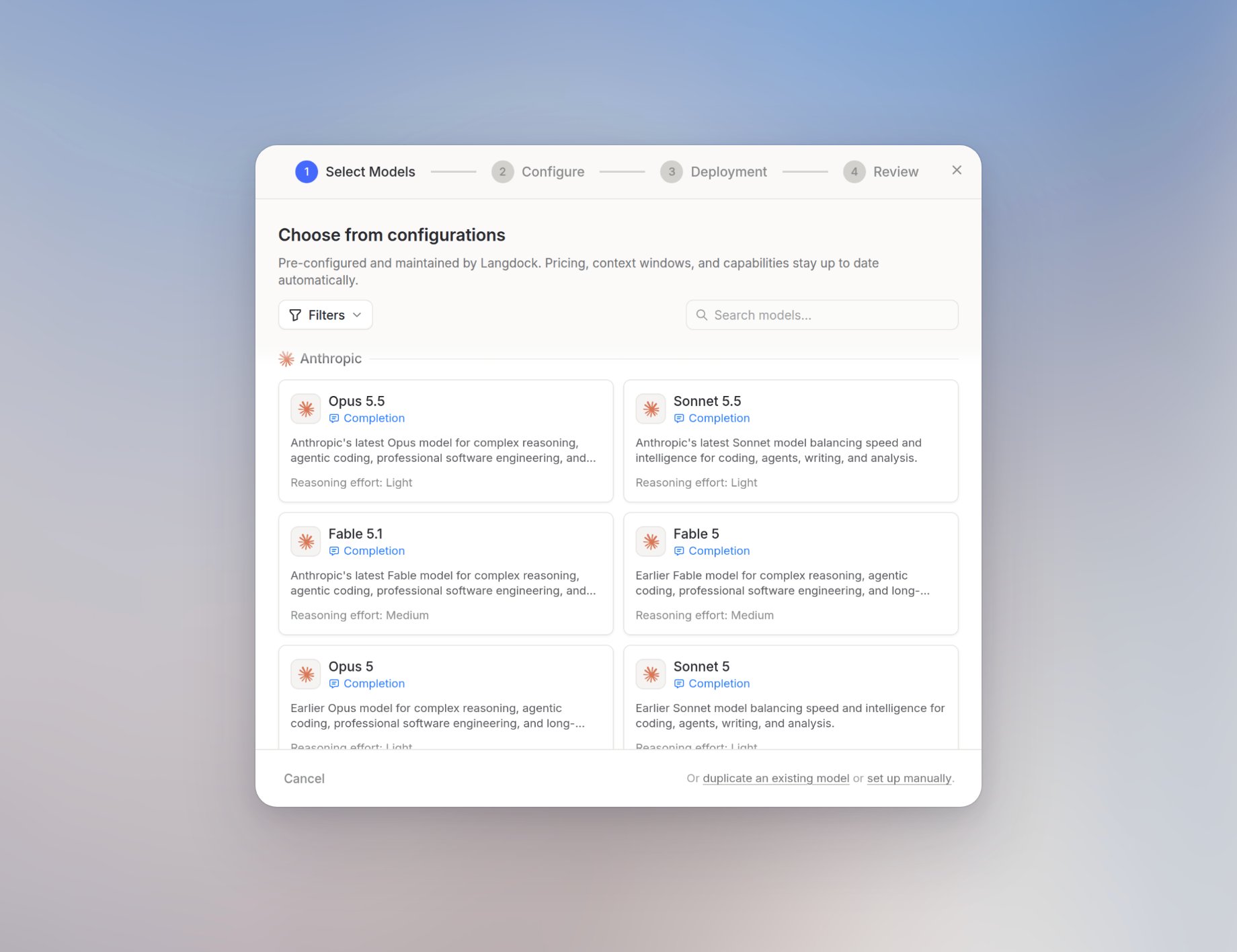
3. Set User identifier
On Configure, open Advanced and set User identifier. Choose Microsoft UPN when LiteLLM customers are keyed by Microsoft login.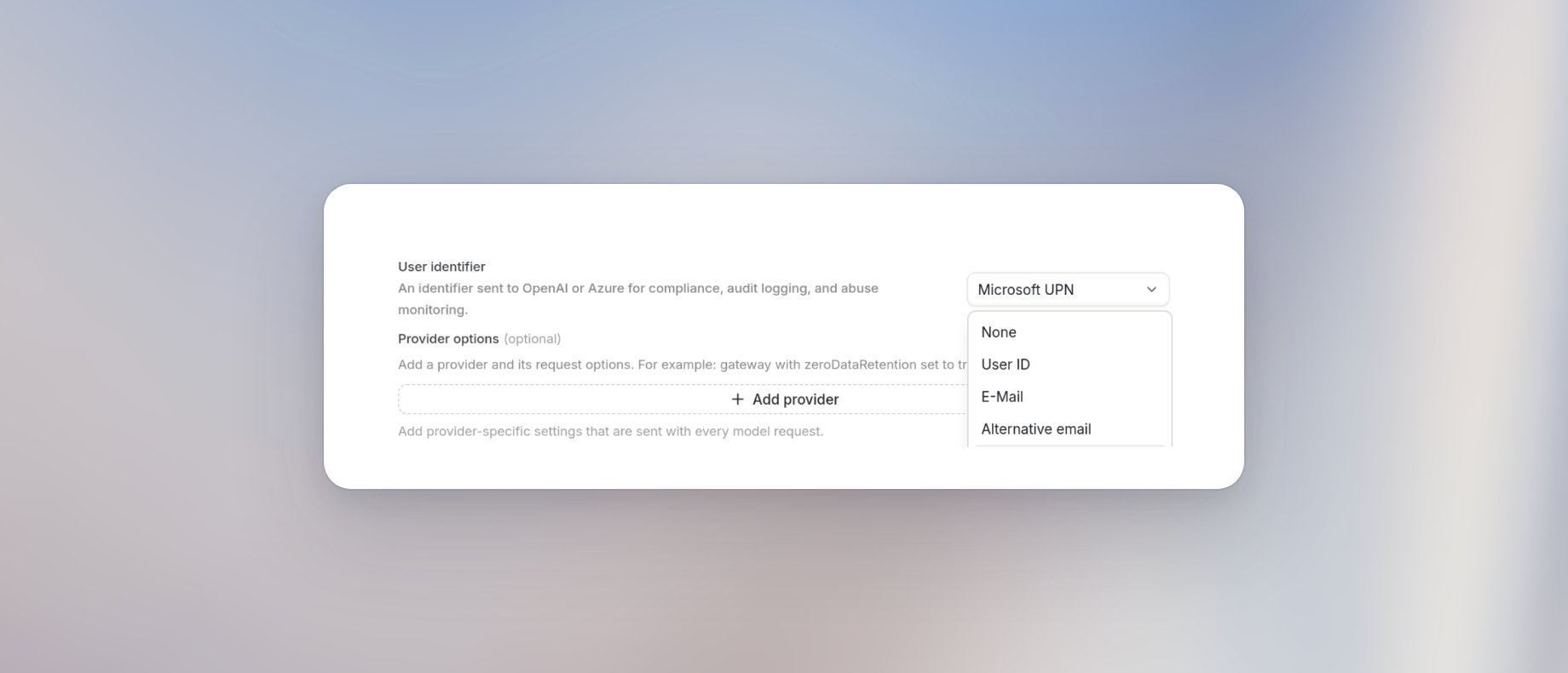
4. Add the LiteLLM key
On Deployment, click New Key. Set Provider SDK to OpenAI Compatible, Base URL to your proxy (for examplehttps://litellm.example.com/v1), API Key to the proxy key, and Hosting Provider to a name your team will recognize.
- Cloud
- Dedicated
Cloud keys do not show Authentication method. The proxy key is enough.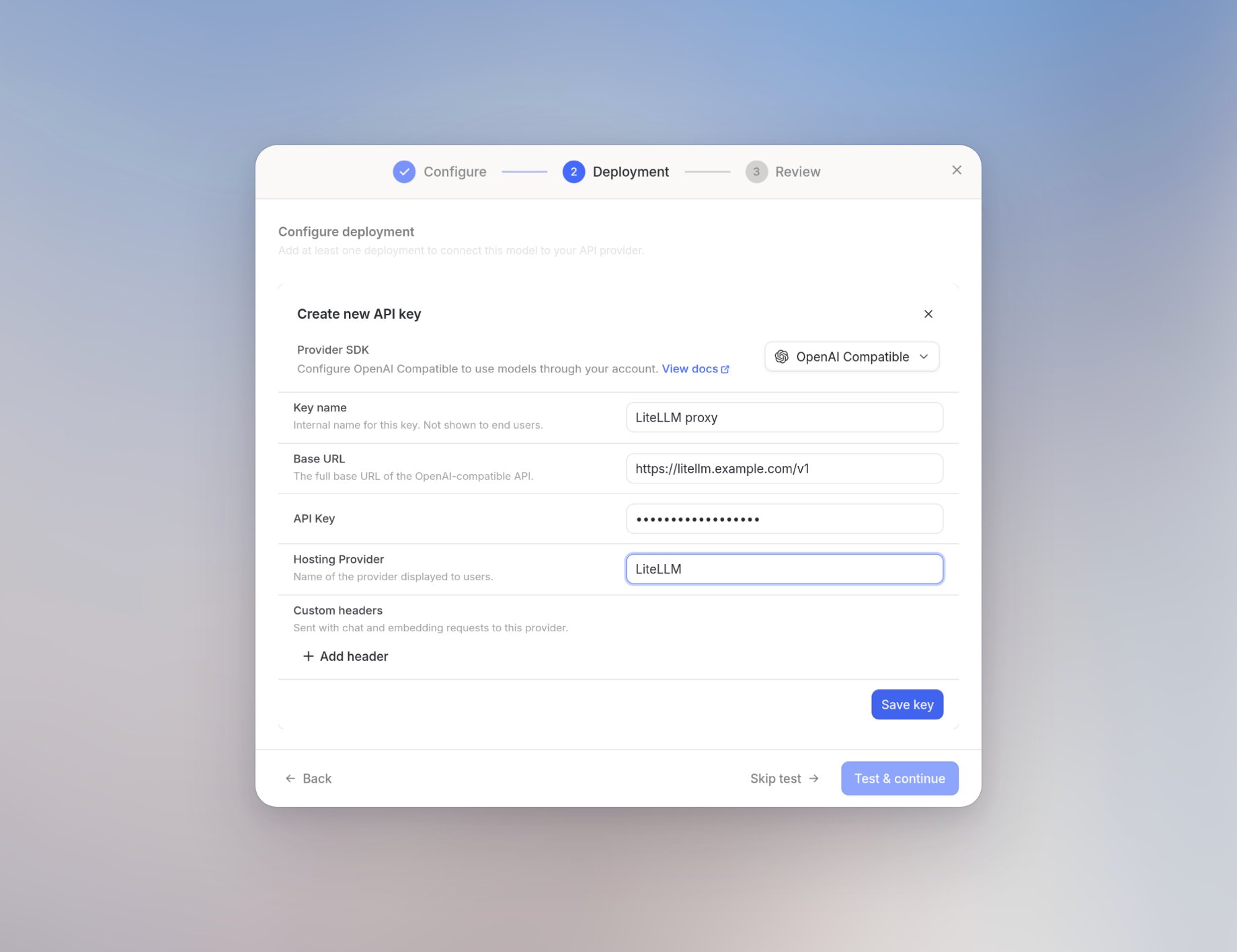
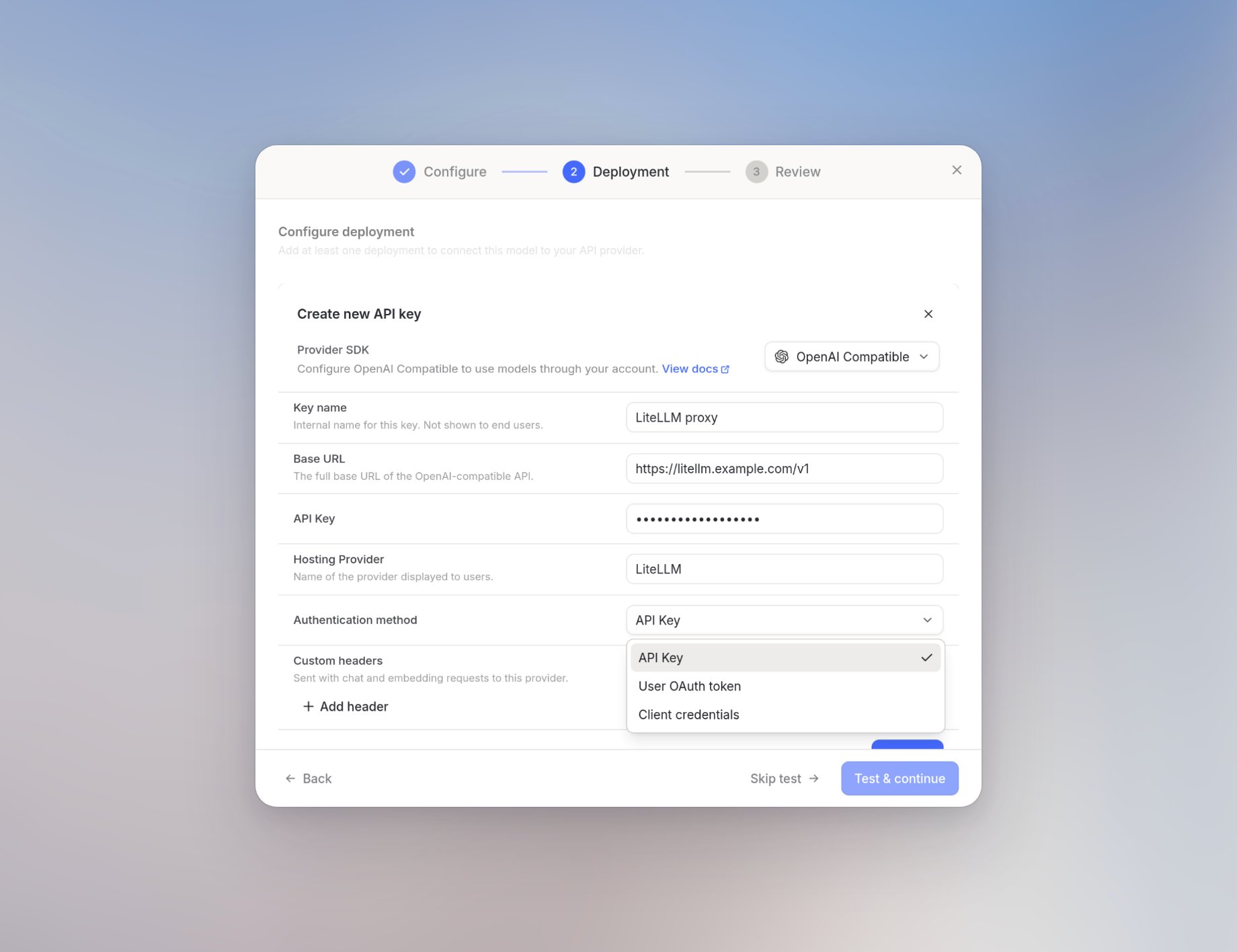
model_name).
Custom headers on the model key are fixed text. They cannot include a per-user placeholder. Do not try to send
x-litellm-end-user-id that way.5. Save the model
On Review, confirm the deployment and that User identifier is set. Click Save model.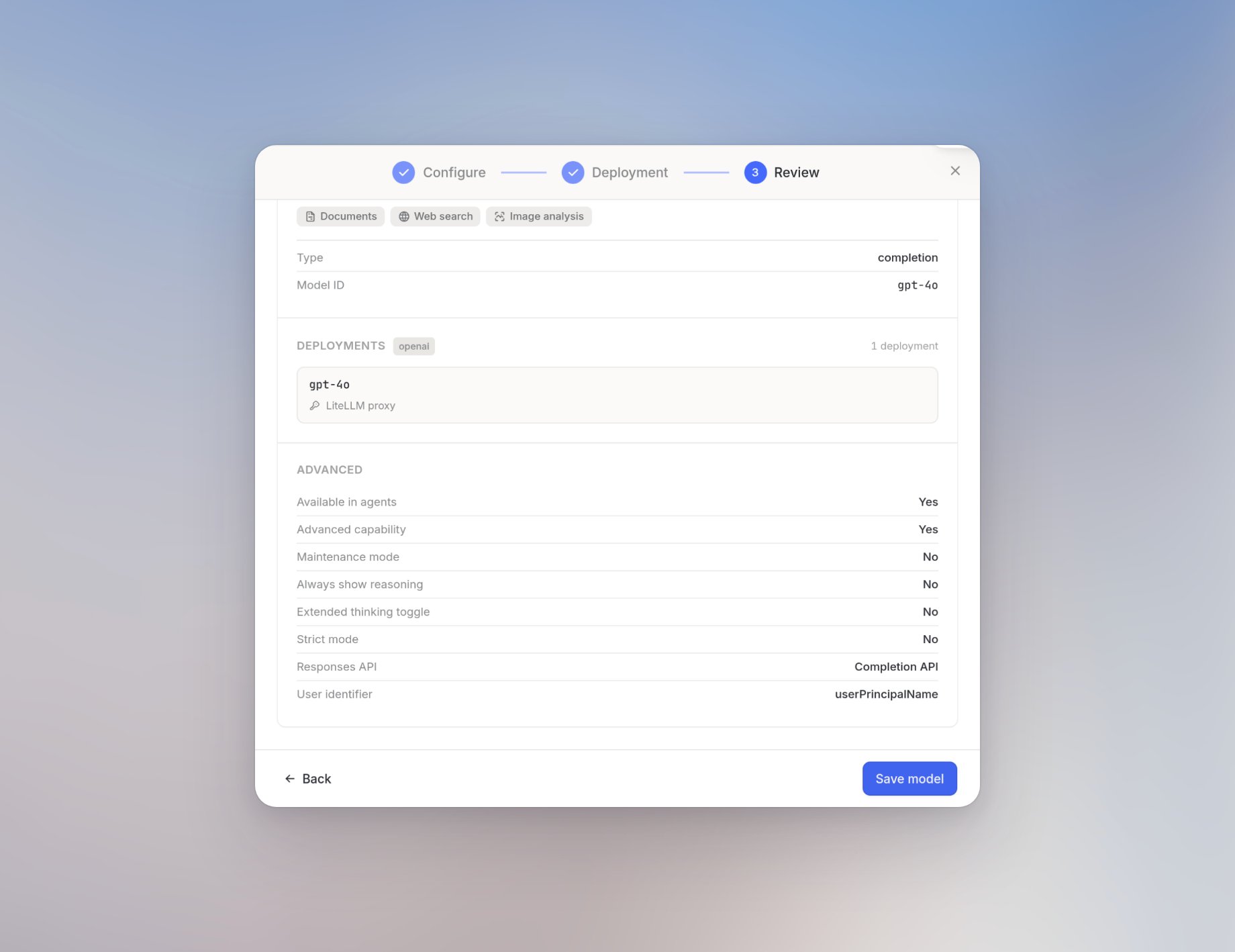
Choose a User identifier
Microsoft UPN is the right choice when LiteLLM customers are keyed by Microsoft login. Langdock stores that value from Microsoft sign-in. Other login methods may leave UPN empty.
Map the identifier in LiteLLM
The header name is alwaysx-user-id. You cannot change it.
If the model uses the OpenAI or Azure SDK, Langdock also sends a request-body user field when the identifier is non-empty. LiteLLM treats that body field as the customer ID with no extra config.
LiteLLM through OpenAI Compatible sends the header only. Map it in the LiteLLM config.yaml:
validate_end_user_id_in_db is on, the identifier is accepted only when it already matches a LiteLLM customer or an internal user’s ID or email. Create those customer records in LiteLLM before you rely on that setting.
Limits
- Each completion model sends one identifier. You cannot send two fields at once.
- Empty
x-user-idvalues (missing UPN or alternative email) still include the header. How LiteLLM treats an empty customer ID is up to your proxy. - This does not replace per-user gateway tokens. Attribution and token-based auth are separate.