Skills let your team package instructions and files into reusable capabilities that anyone can add to their chats and agents. That reusability is exactly why they deserve oversight: a skill shared with the workspace shapes how many people work. The Skills view in Governance shows you the skills you can access with their owner and visibility, so you can review what each one does before your team builds on it.
If your workspace uses Hide private agents and skills from compliance view, only skills shared with others appear here.If you have View governance from a group, you only see skills owned by people in that group. Workspace admins and people with workspace-wide View governance see all skills.
Review a skill
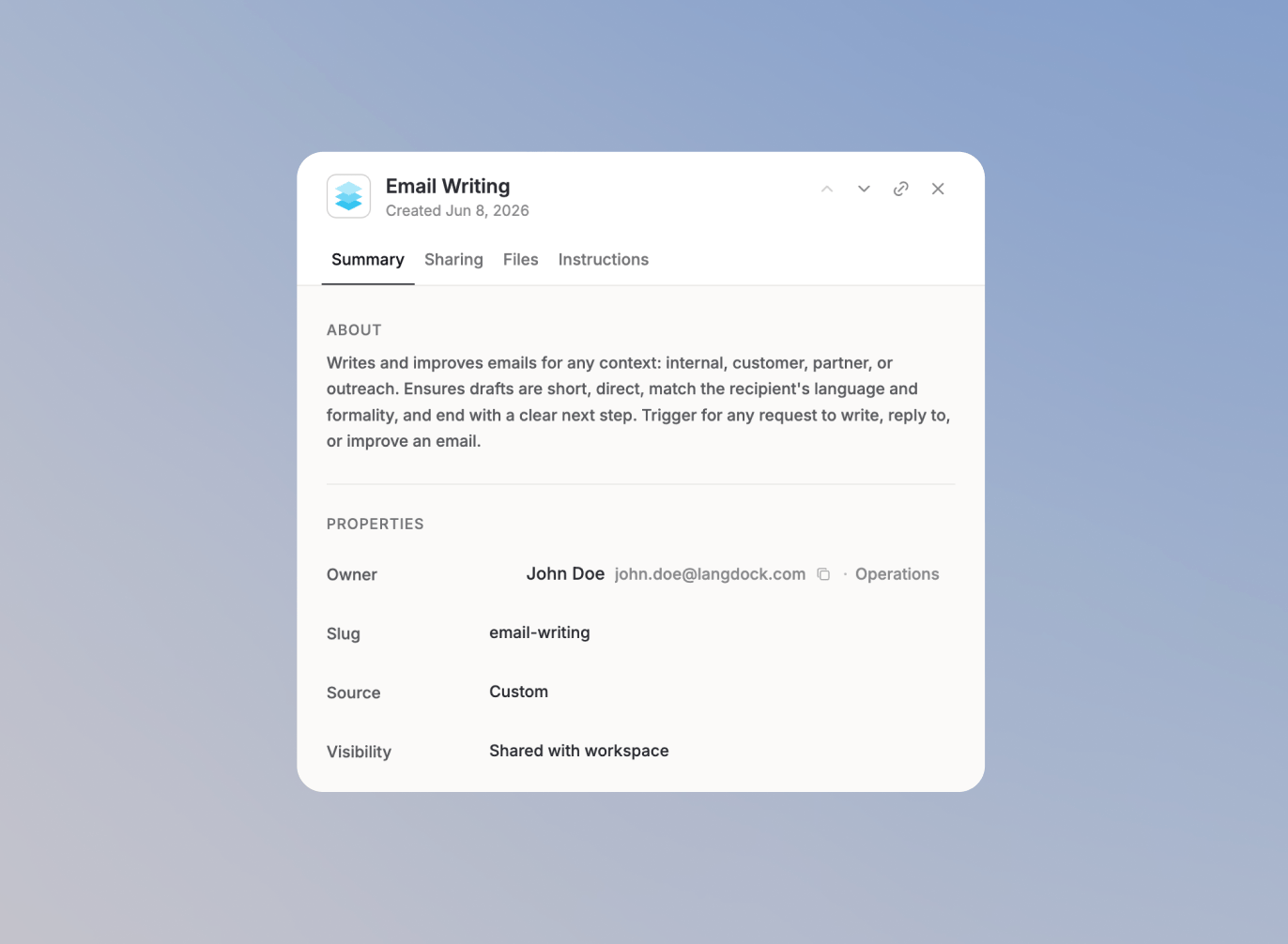
The Skills view lists the skills you can access with their owner, visibility, files, active users, and the agents that use them. Open any skill to see everything that defines its behavior, organized into tabs:
- Summary: the skill’s owner and description, so you know what it claims to do.
- Sharing: who the skill is shared with in your workspace.
- Files: the files bundled with the skill that provide its knowledge or templates.
- Instructions: the exact instructions the skill gives the model when it runs.
Because a skill’s instructions and files fully determine what it does, reviewing these two tabs tells you whether the skill matches its description and follows your internal guidelines.
If a skill does not meet your standards, reach out to its owner, shown in the skill’s summary. To learn more about how skills are created and shared, see Workspace skills.
Approve, flag, and disable actions are not yet available for skills. They are planned for a future release, bringing skill oversight in line with agent oversight.