

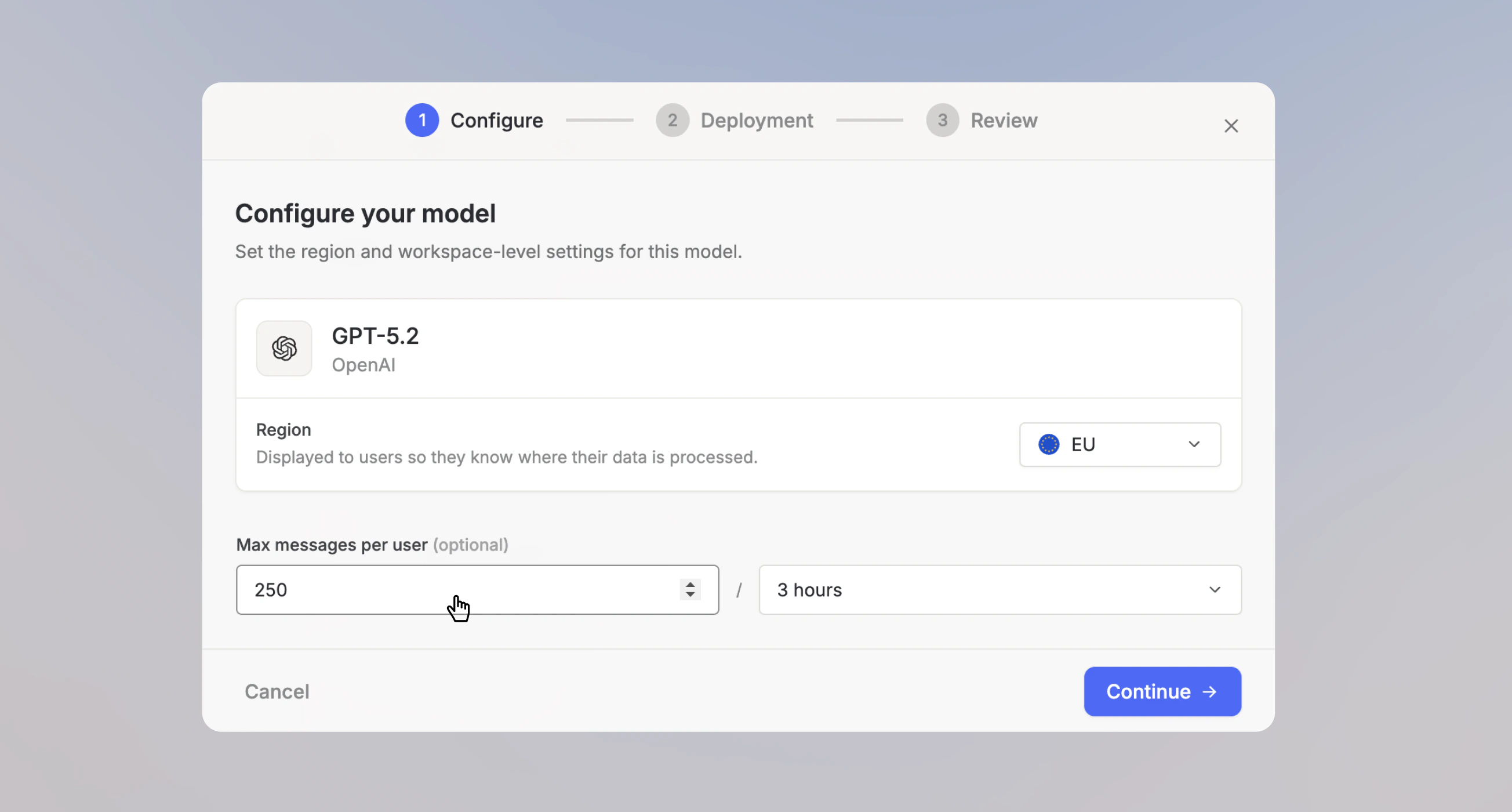
- Before: you capped usage with per-model message limits (Max messages per user, per time window) on each model.
- After: you cap usage by monthly spend across all models, with per-plan, group, and individual limits, plus a fallback model after available Extra Usage is exhausted.
Set up cost-based limits
1. Open usage settings Navigate to Usage and spend limits in your Workspace Settings.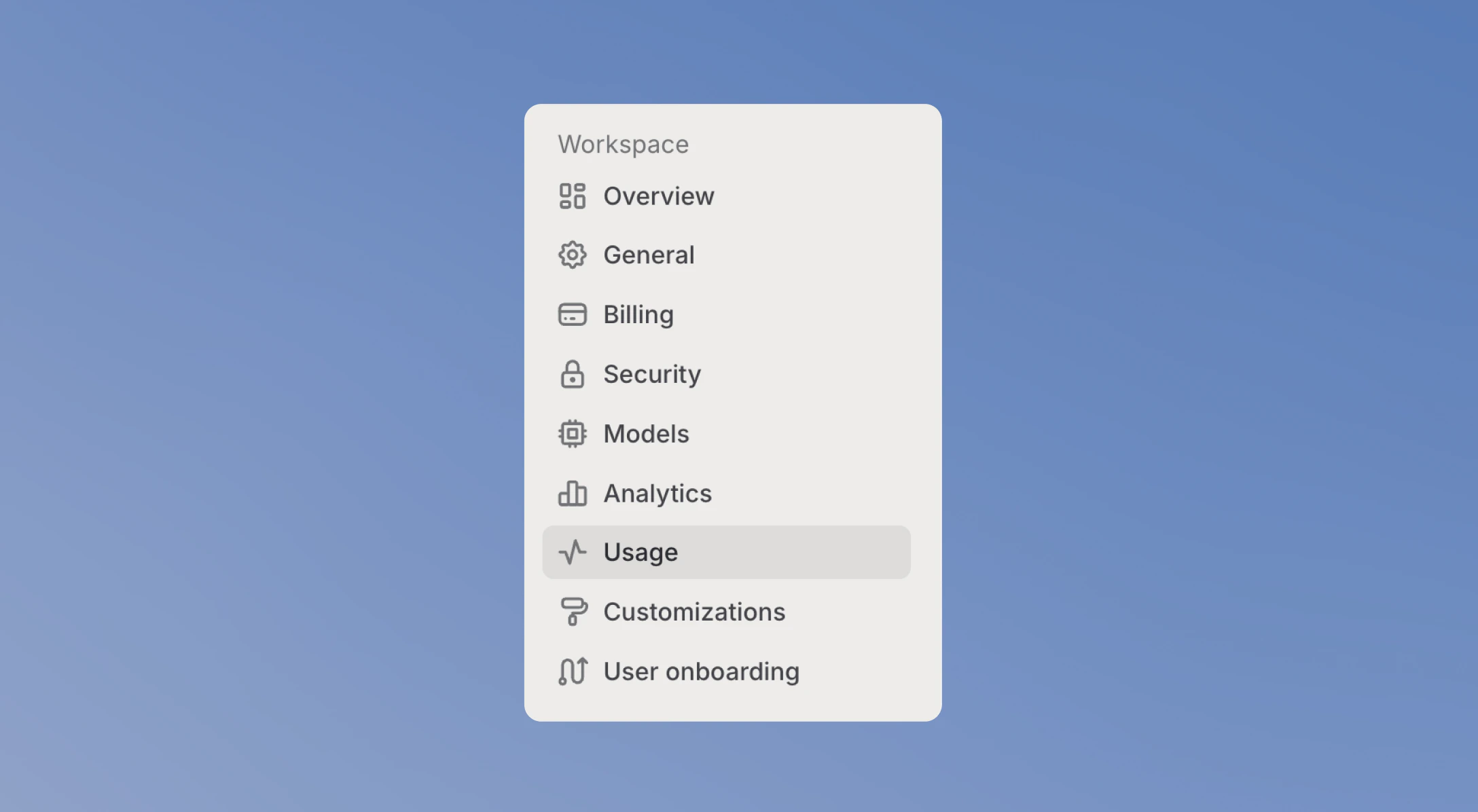
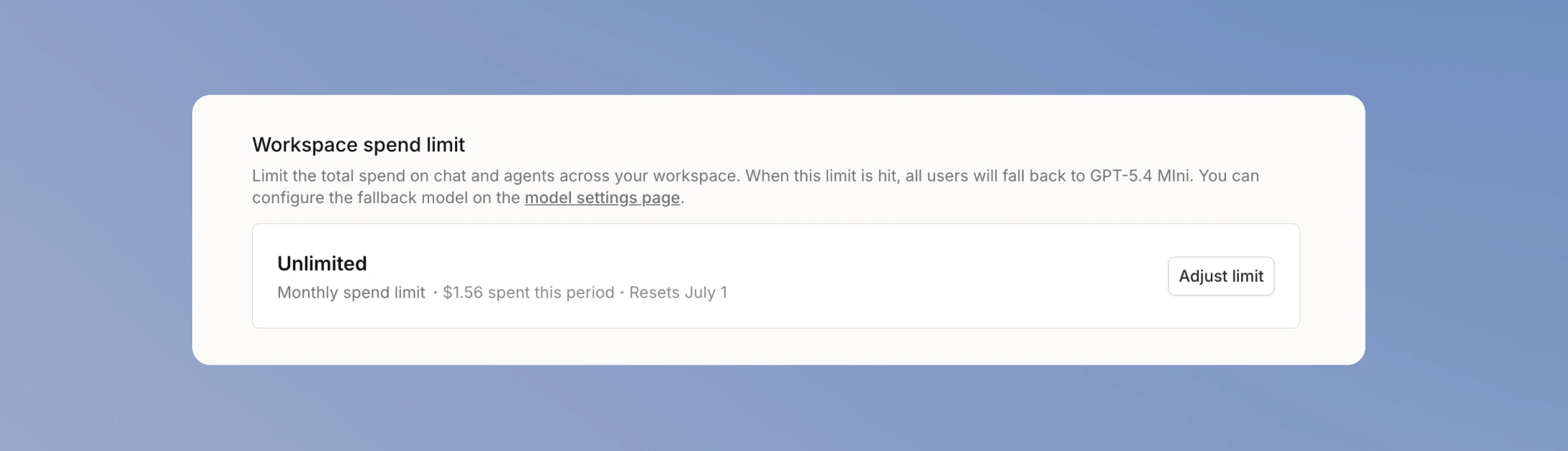
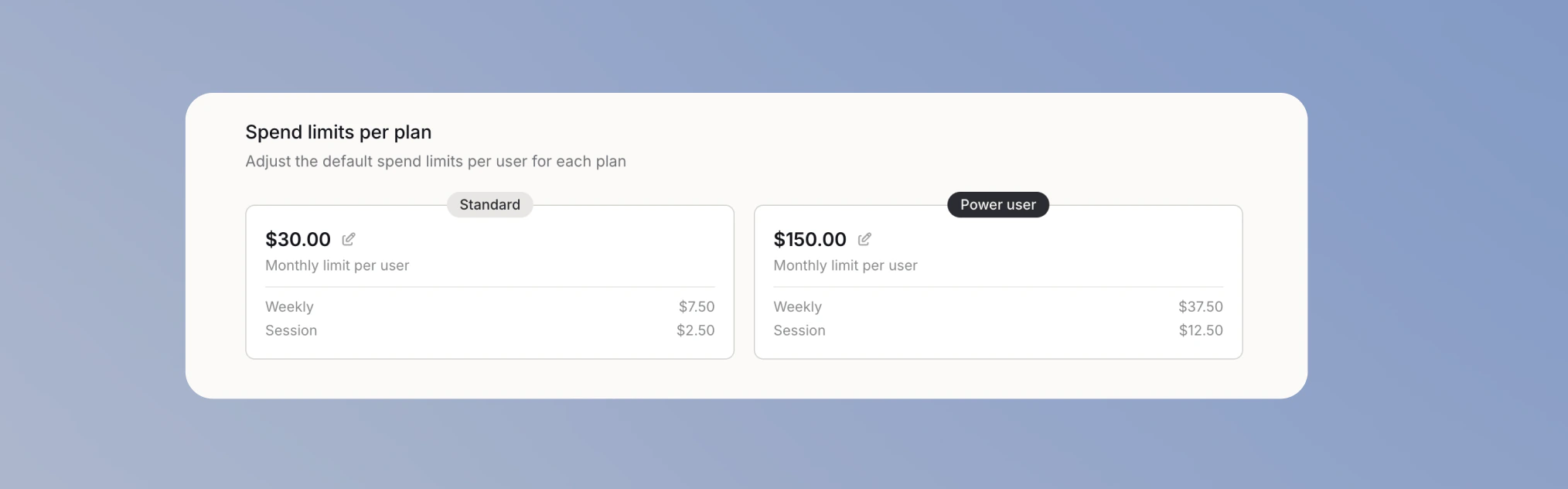
Keep a per-model message limit
Message limits you previously configured per model still apply. You can leave them unchanged, but if you want to rely primarily on cost-based limits, raise them so users don’t hit a message limit before reaching their cost limit. As a baseline for spam protection, we recommend 250 messages per 3 hours per model. 1. Open model settings Navigate to Models in your Workspace Settings.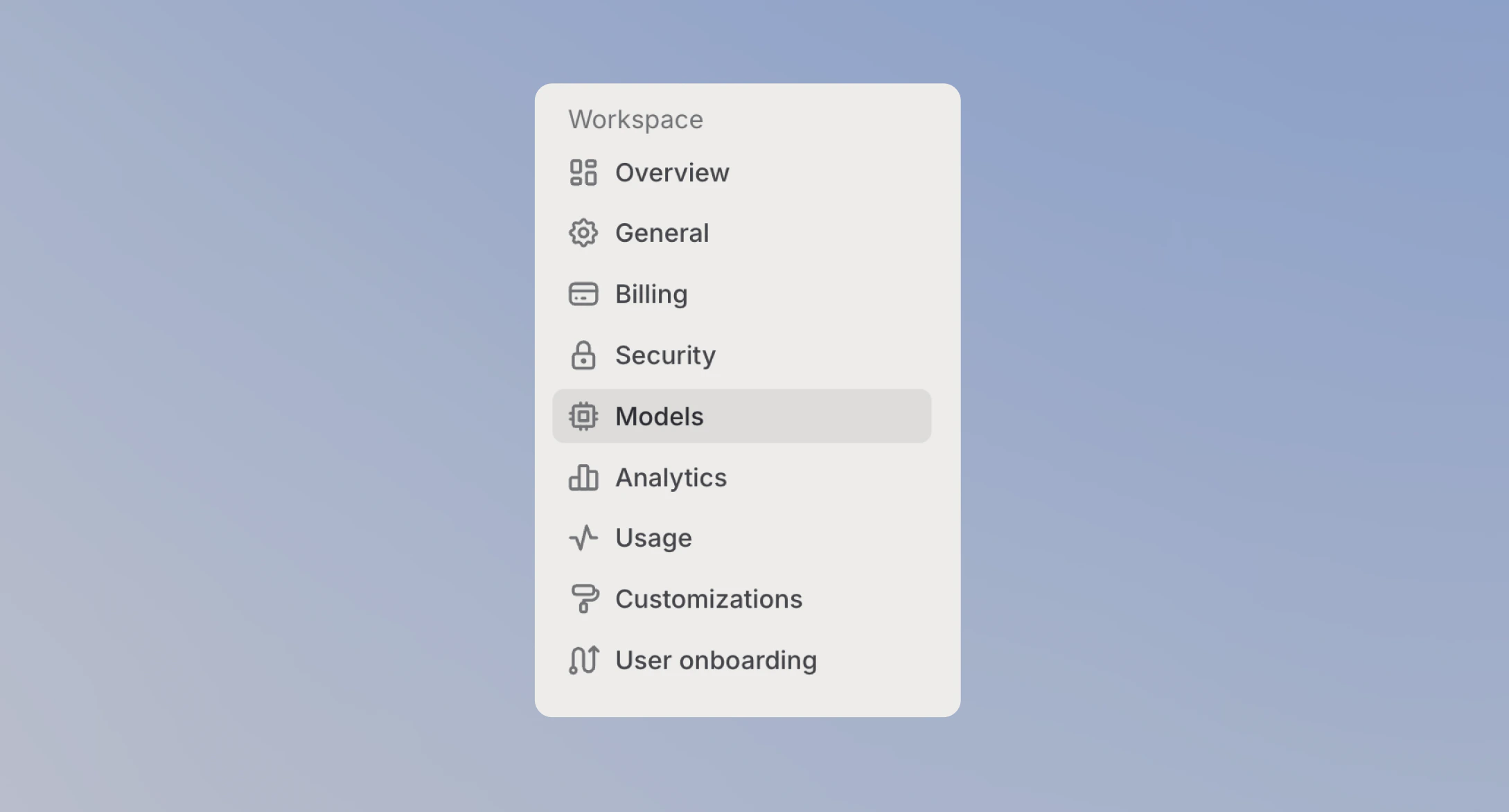
Last updated: June 2026