

Enable a plugin
1
Open integration settings
Navigate to your workspace integration settings in Langdock.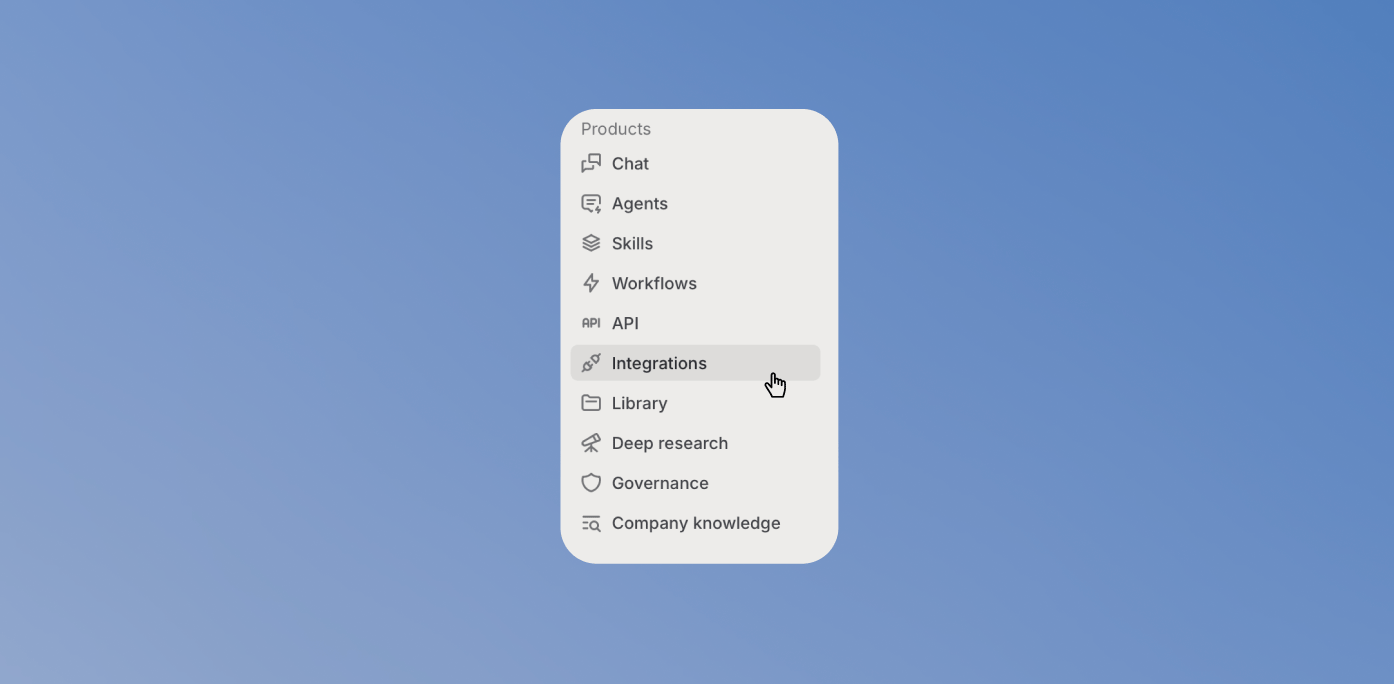
2
Enable the plugin
Find the plugin you want to enable and toggle it on.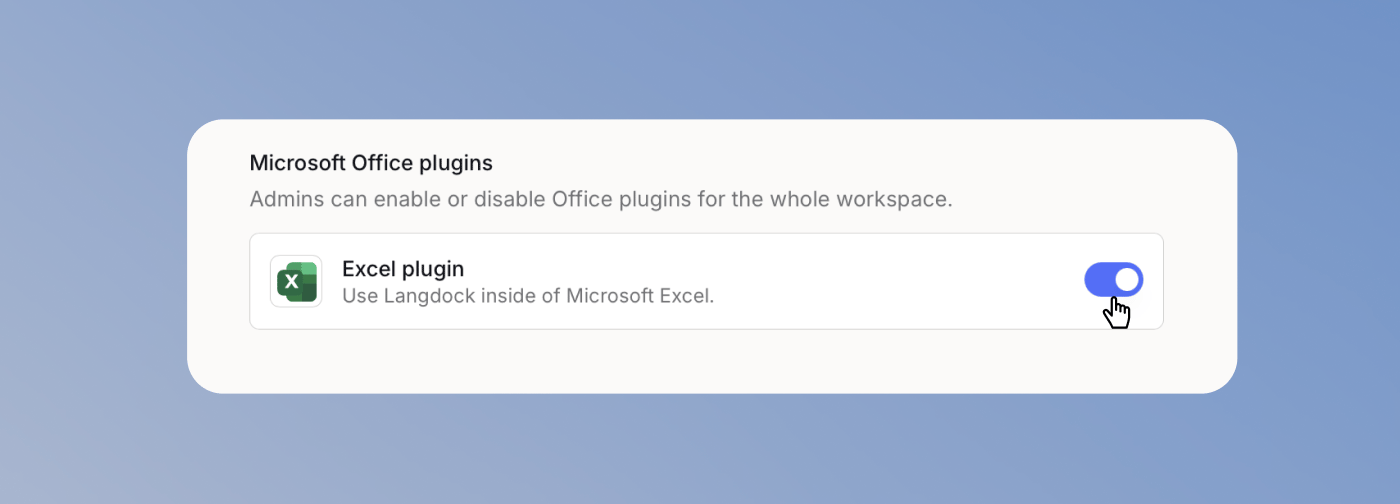
Enable Langdock plugins for your workspace so users can access Langdock directly inside Microsoft applications.
Open integration settings
Enable the plugin