

Documentation Index
Fetch the complete documentation index at: https://docs.langdock.com/llms.txt
Use this file to discover all available pages before exploring further.
Overview
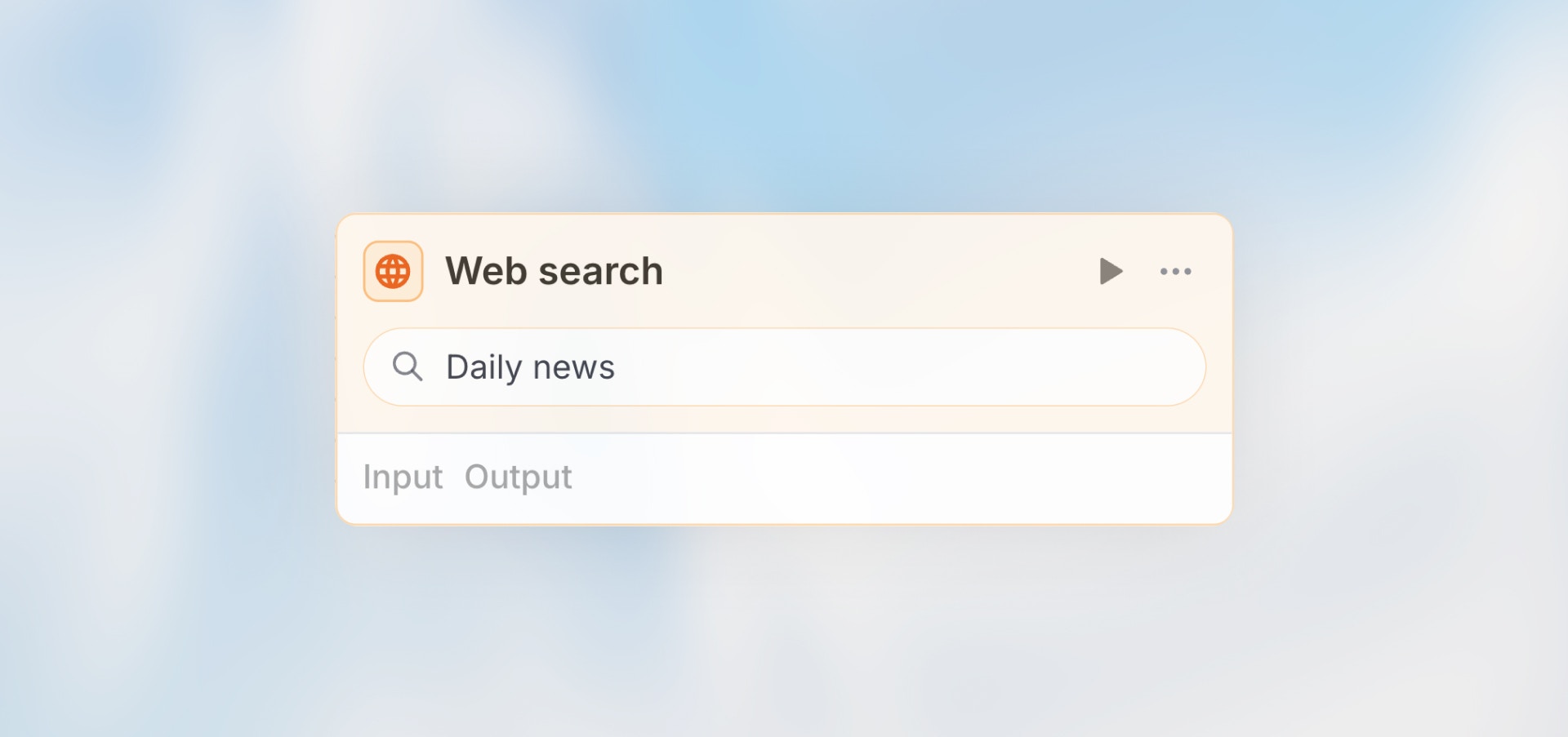
The Web Search node searches the internet and returns relevant results. Perfect for fact-checking, gathering current information, market research, or finding specific data that changes frequently.Best for: Fact-checking, current events, market research, finding specific
information, and gathering context.
Configuration
Query: Define the search query (can include variables) Mode:- Automatic: AI generates optimal search query
- Manual: You specify exact search terms
- Prompt: Write instructions for AI to generate query
Example Queries
Manual QueryOutput Structure
The Web Search node returns an array of search results. Each result contains:| Field | Type | Description |
|---|---|---|
title | string | The title of the search result |
url | string | The URL of the webpage |
text | string | A text snippet/preview of the page content |
type | string | Always "website-preview" |
input: The search query that was executederror: Error message if the search failed (only present on failure)
Accessing Results
Access individual result fields:Example Use Cases
Fact CheckingNext Steps
Agent
Analyze search results with AI
HTTP Request
Fetch specific URLs