Documentation Index
Fetch the complete documentation index at: https://docs.langdock.com/llms.txt
Use this file to discover all available pages before exploring further.
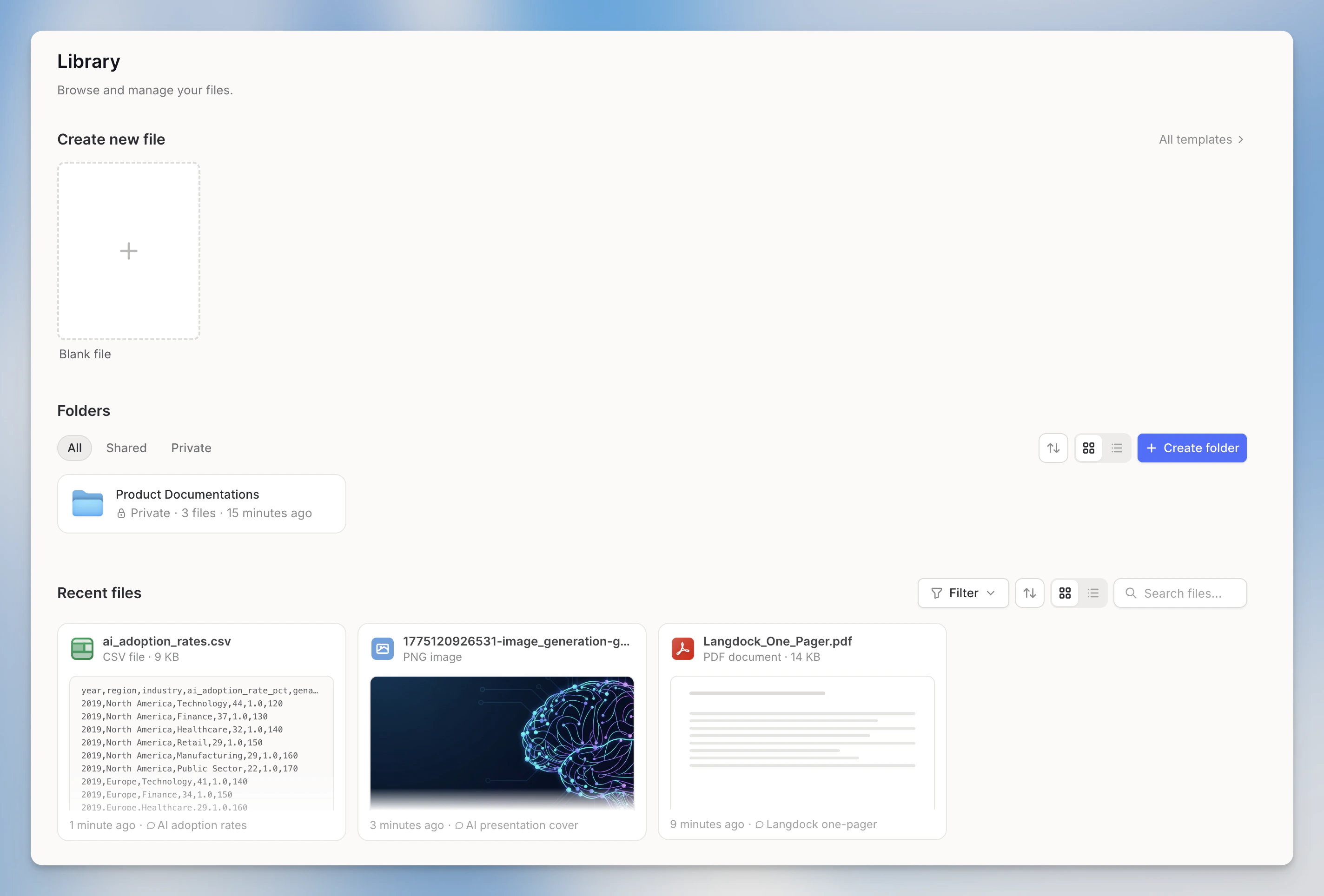
The three sections
Create New File
Start a new document, spreadsheet, or presentation directly from the Library. Clicking Document, Spreadsheet, or Presentation opens a new chat with the corresponding mode pre-selected.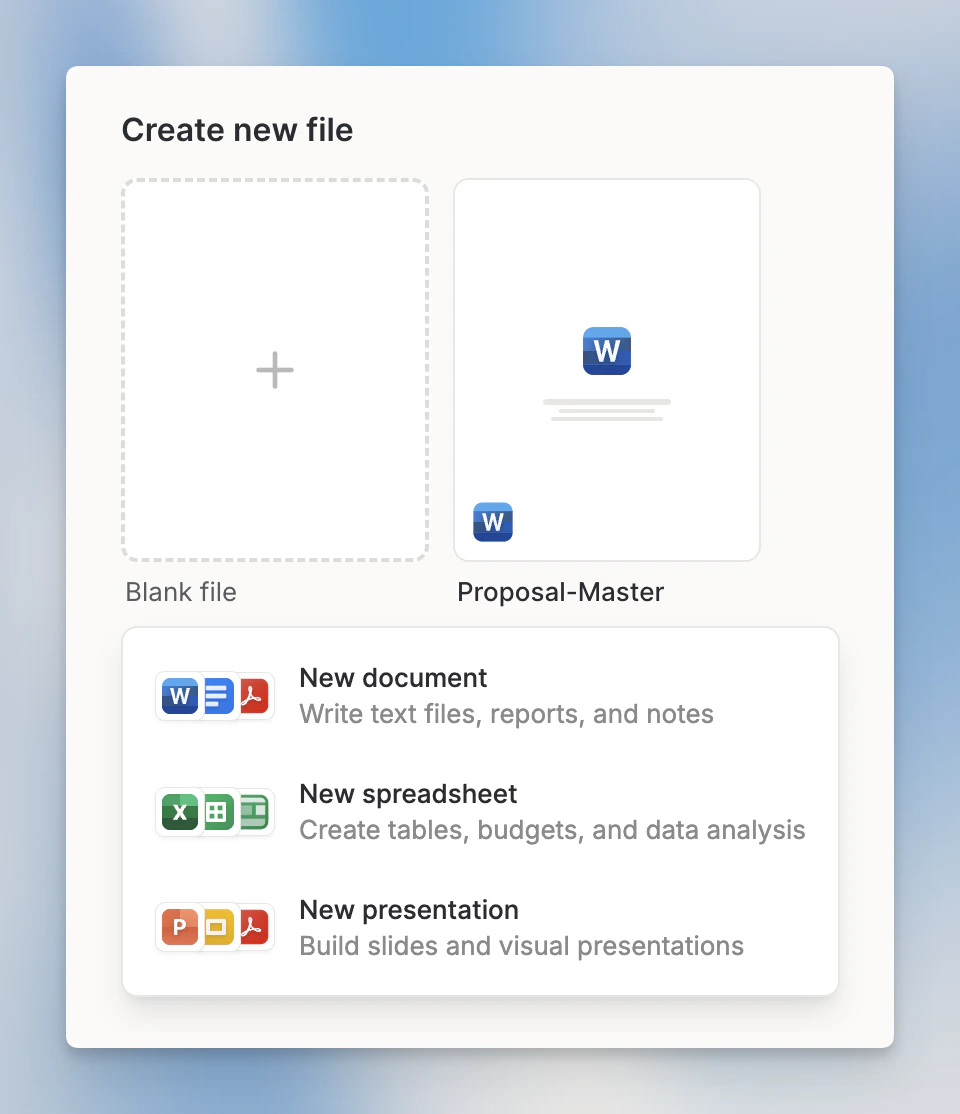
Templates are only available when Skills are enabled in your workspace. See File Templates for details.
Folders
Folders are now part of the Library. You can create new folders, upload files, and control who has access, all from one place. Folders can be shared with individuals, groups, or your entire workspace, and referenced directly in chat via @mention.Folders were previously called “Knowledge Folders”. The functionality is the same. The name has changed as part of moving this feature into the Library.

Recent Files
Every file you’ve created or uploaded in any Langdock conversation appears here: AI-generated documents and slides, files you’ve uploaded to chats, and files imported from integrations.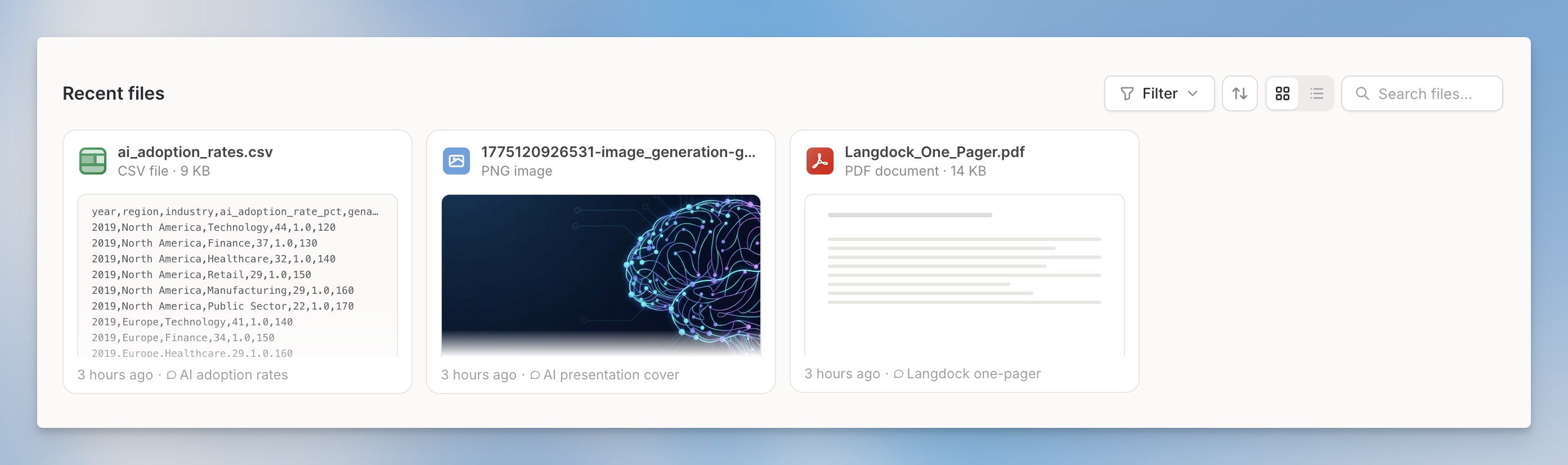
Recent Files follows your workspace’s chat data retention settings. When a chat is deleted, the files associated with it are removed from Recent Files as well.
Getting to the Library
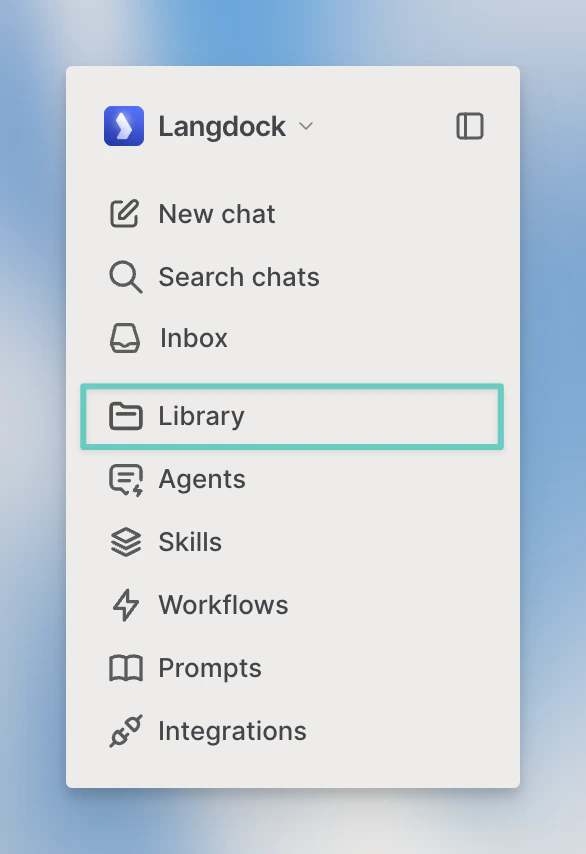
Click Library in the left sidebar to open it.