

Selecting a Model
- Whenever you start a new chat, you can select which model to use from the model selector in the chat input bar
- You can switch models mid-conversation. For example, start with a fast model for brainstorming, then switch to a more powerful one for the final output
- Set your personal default model in account settings
Auto mode
Auto is Langdock’s intelligent model routing option. Instead of choosing a model for every conversation, Auto analyzes your first message to understand the request and estimate its complexity, and then selects a suitable model for that conversation.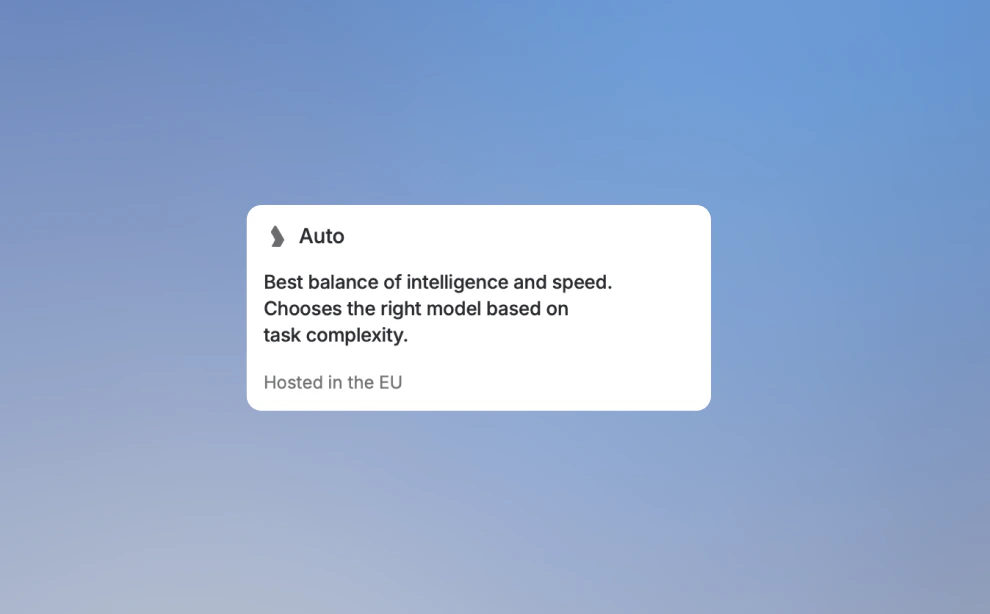
Understanding Model Naming Conventions
AI providers follow consistent naming patterns that help you quickly identify a model’s capabilities. Understanding these patterns lets you choose the right model without memorizing specific versions.Version Numbers = Capability Level
Higher version numbers generally indicate newer, more capable models. When a provider releases a new generation, they increment the major version number.Size Indicators = Speed vs Intelligence Trade-off
Providers offer multiple sizes within each model family. Models without size indicators are the most intelligent but may be slower. Models with size indicators trade some capability for speed and cost efficiency.Pro tip: Start with a faster model for drafts and exploration, then switch to the full model for your final output. This saves time while still getting high-quality results when it matters.
Thinking
Reasoning or Thinking capabilities are available through a toggle directly in the model selector. When enabled, the model reasons through problems step-by-step before responding, producing more accurate results on complex tasks, at the cost of a longer response time.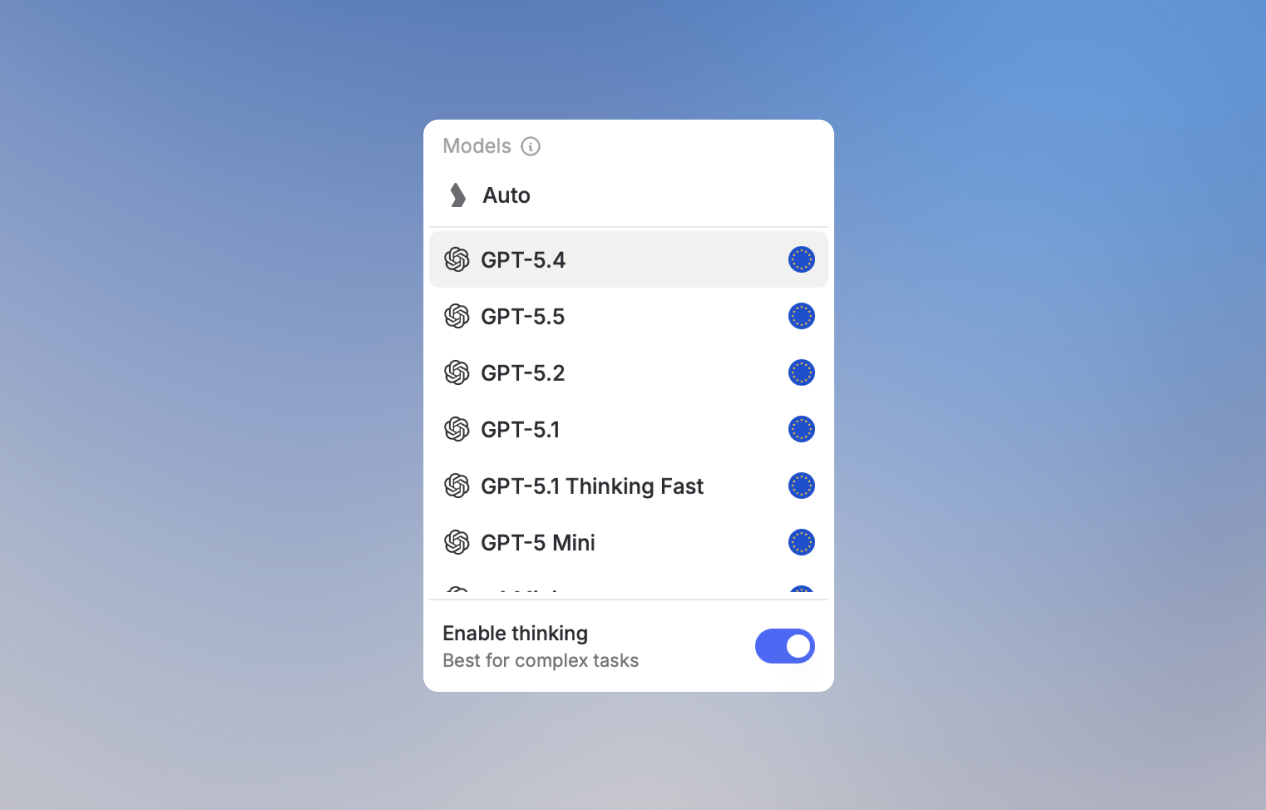
- Complex multi-step problems
- Mathematical and scientific analysis
- Logical deduction and planning
- Code architecture decisions
Some models are by default thinking models (like GPT-5.1 Thinking Fast or OpenAI’s o-series). Thinking is always active on them, with no separate toggle.
Provider Tiers
Each provider organizes their models into tiers:- OpenAI
- Anthropic
- Google
- Others
Choosing the Right Model
By Task Type
Quick Decision Guide
Our Recommendations
Choose Auto mode
Not sure which model to pick? Select Auto from the model selector. Langdock analyzes your message and routes it to the right model. Fast and efficient for everyday tasks, and more capable when the request demands it.For Everyday Tasks
Use the current flagship model from OpenAI or Anthropic. These provide the best balance of capability and speed for general use. Look for models without size indicators (no “mini”, “fast”, etc.).For Coding and Writing
Anthropic’s Sonnet models are consistently praised for natural-sounding text and strong coding capabilities. They have an authentic tone that works well for professional communication.For Complex Reasoning
Enable Thinking on a flagship model when you need maximum accuracy on analytical tasks. This takes longer but significantly reduces errors on complex problems.For Speed-Sensitive Tasks
Flash, mini, or nano variants deliver good results much faster. Perfect for real-time applications, iterating on ideas, or processing high volumes.Your model choice also affects how quickly you use your included usage limits. More powerful models consume more per interaction. See Fair Usage Policy for details.
Image Generation Models
Image models also follow naming patterns:Staying Current
AI models evolve rapidly. To stay current:- Check the model selector - Langdock always shows the latest available models
- Look for version numbers - Higher numbers = newer capabilities
- Try new models - When a new version appears, test it on your typical tasks
- Read release notes - Providers announce major improvements with new releases
Langdock continuously adds new models as they become available. The model selector in your chat always reflects the current options.
FAQ
Which model should I use for long or complex tasks?
Which model should I use for long or complex tasks?
Use stronger models for complex reasoning, long context, coding, analysis, or tasks where quality matters more than speed or cost. Use smaller or faster models for routine writing, summarization, and simpler tasks.
Why do model capabilities and limits differ?
Why do model capabilities and limits differ?
Models come from different providers and deployments. They can differ in context size, output length, supported modalities, speed, availability, cost, and regional deployment. These differences can affect the same prompt’s result.
When are newly released models available in Langdock?
When are newly released models available in Langdock?
Langdock aims to offer new models as soon as they are released by the provider. However, new models may require regional deployment, safety review, pricing setup, and product integration before they appear. Availability can therefore differ from a provider’s public launch date.