

Documentation Index
Fetch the complete documentation index at: https://docs.langdock.com/llms.txt
Use this file to discover all available pages before exploring further.
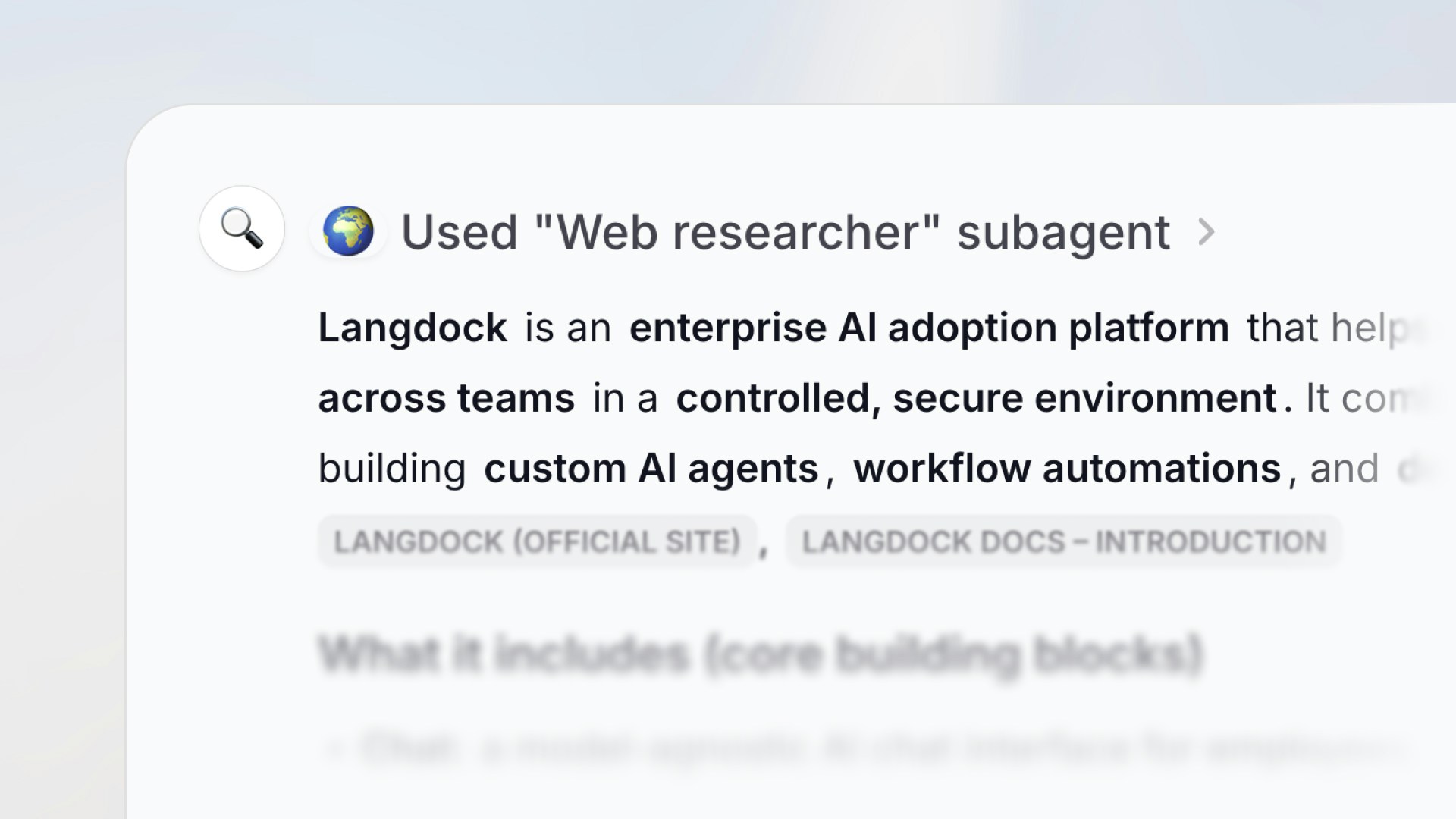
What are subagents?
Subagents let you attach one agent to another. The parent agent can then delegate tasks to its subagents during a conversation, and each subagent handles the request independently using its own instructions, knowledge, actions, and model. This is useful when a single agent would need overly complex instructions to cover multiple responsibilities. Instead, you can split those responsibilities across focused subagents.How subagents work
When a parent agent decides a subagent is the right tool for the job, it sends a prompt to that subagent. The subagent then:- Receives the prompt from the parent agent (either as free text or structured input, depending on the subagent’s input type)
- Runs independently using its own configuration — its own instructions, attached knowledge, actions, and model
- Returns a result back to the parent agent, which continues the conversation with the user
Subagents run in their own separate context. They don’t see the parent agent’s
full conversation history — they only receive the prompt the parent sends
them.
Adding subagents to an agent
Open the Actions tab in the agent configuration, then select Subagents in the sidebar to choose which agents to attach.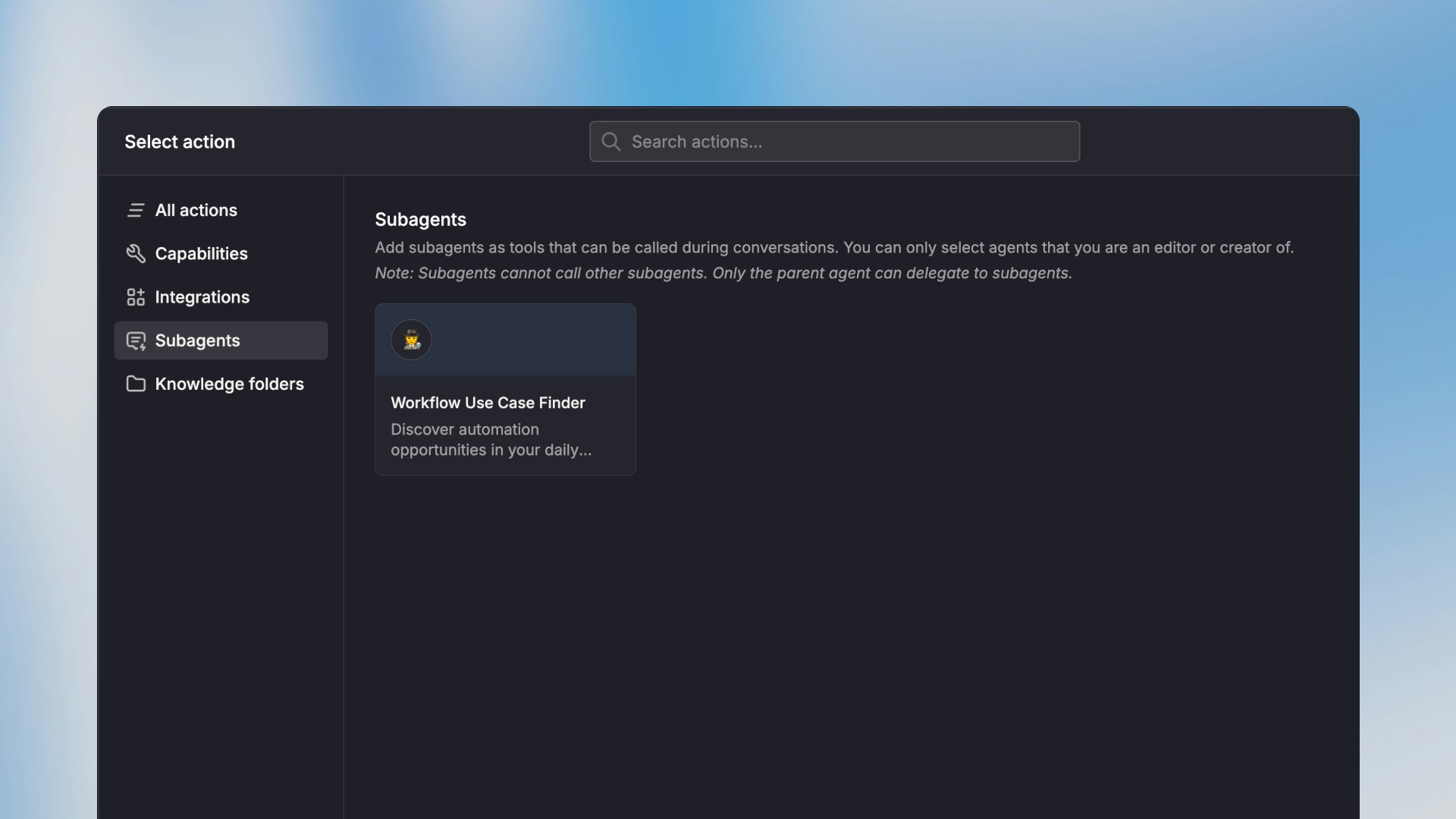
Actions and connections
When a subagent uses actions that require an integration connection (e.g. Slack, Jira), it will either use the preconfigured connections assigned to it or ask the user to select and use their own connection.Permissions and access
- Everyone with access to the parent agent can use its subagents. When a user chats with the parent agent, the parent can invoke any of its attached subagents on the user’s behalf.
- If a user doesn’t have access to a subagent, the subagent call will show an access denied message. The user can then request access directly from the conversation.
When to use subagents
Subagents are a good fit when:- Your agent instructions are getting too long. Split different responsibilities into dedicated subagents with focused instructions.
- You want to reuse an existing agent. If you already have a well-configured agent, you can attach it as a subagent to any other agent without duplicating the setup.
- Different tasks need different models or knowledge. Each subagent can use its own model, knowledge base, and actions — independent of the parent.
Limitations
- No nesting. A subagent cannot call other subagents. Only the top-level parent agent can invoke subagents.
- Separate context. Subagents don’t have access to the parent agent’s conversation history. They only receive the prompt passed to them.
- Action approvals. If a subagent triggers an action that requires confirmation, the user will be prompted to approve it before the subagent can continue.