

Usage windows
Your usage is tracked across two time windows:
Both windows have their own limit. If Extra Usage is enabled and available, you can continue using your selected model after reaching an included limit. Without available Extra Usage, your messages use a fallback model until that window resets. In Langdock Cloud workspaces without BYOK, the fallback is GPT-6 Luna. In BYOK and Dedicated Deployments, the fallback is the model configured for your workspace. A workspace spend limit can trigger this fallback before included usage is exhausted.
These limits also apply to tools such as Document Editor, Company Knowledge, and Deep Research, as well as to messages in builder chats such as the Workflow Builder.
Checking your usage
You can check your usage directly from chat to see how much of your current session and weekly limits you have used. This helps you manage your usage and decide when to switch models, continue later, or adjust your plan.1. Open the indicator
Find the circular indicator next to the model selector in the chat input. Click it to open the context window panel.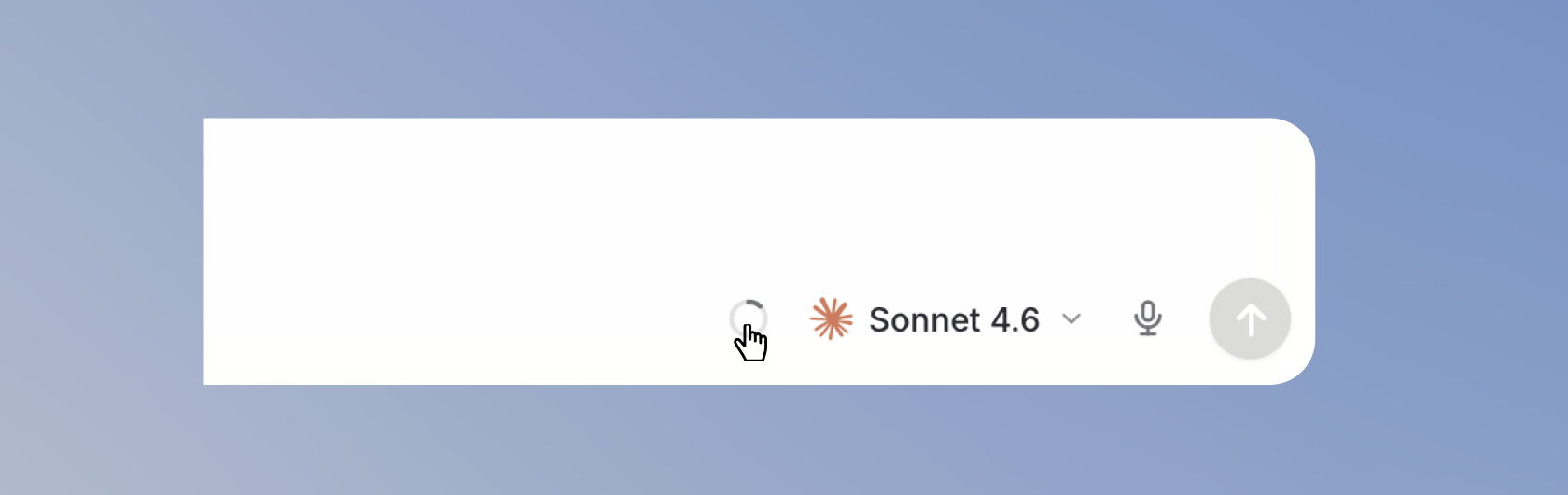
Opening the context window indicator from the chat input.
2. Check your usage limits
TheUsage section shows your current usage limits:
Session limitshows your usage in the current 5-hour window and when it resets.Weekly usageshows your usage in the current weekly window and when it resets.Extra usageappears when extra usage applies to your Workspace.
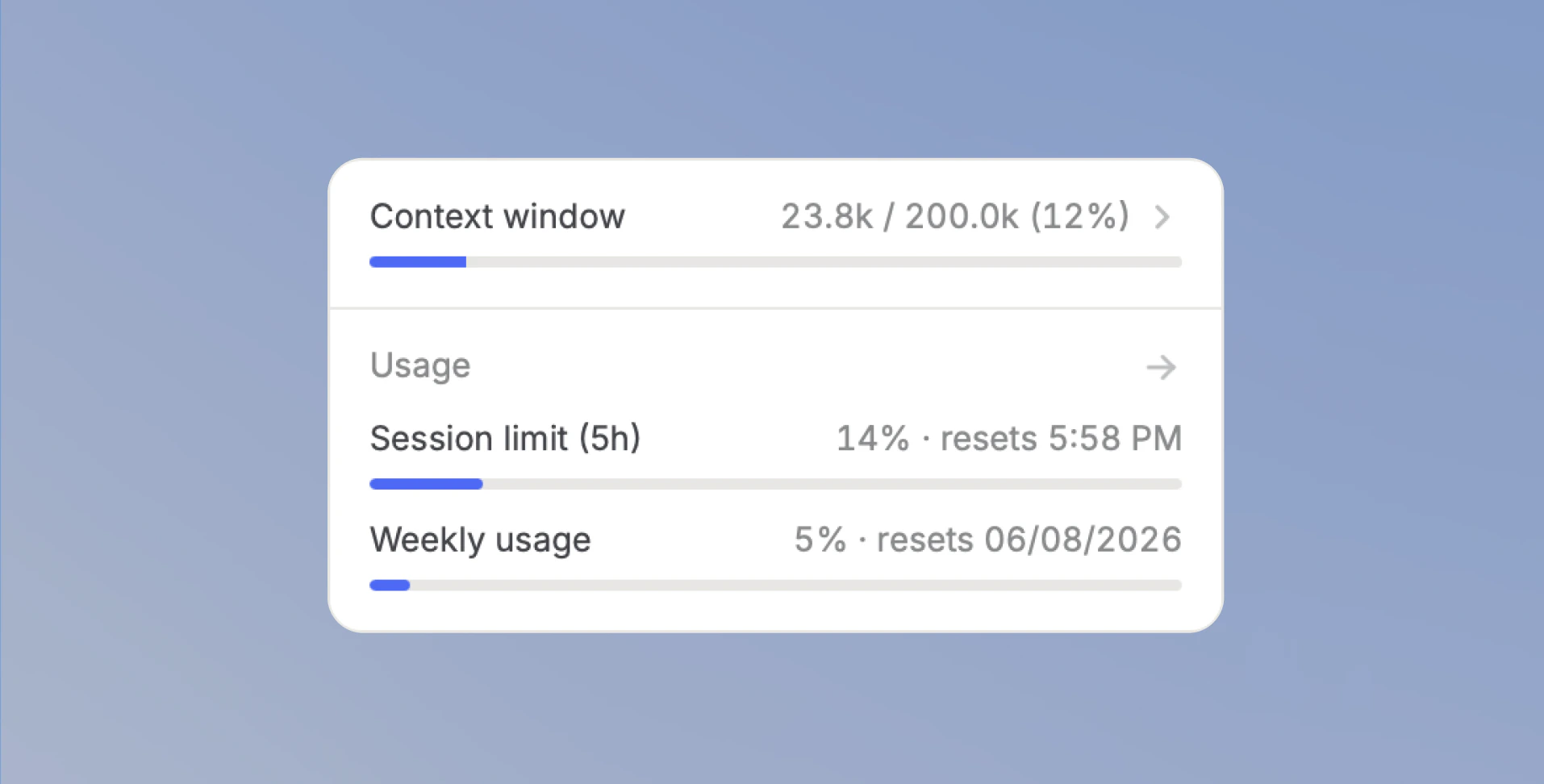
Context window indicator showing session and weekly usage.
Check usage in account settings
You can also see your current usage in Settings > Account > Usage. On Langdock Cloud, the page is available to all members. In BYOK and Dedicated Deployments, it is available when your account has a finite included usage limit. The page shows progress bars for both your session and weekly usage, along with the time until each window resets.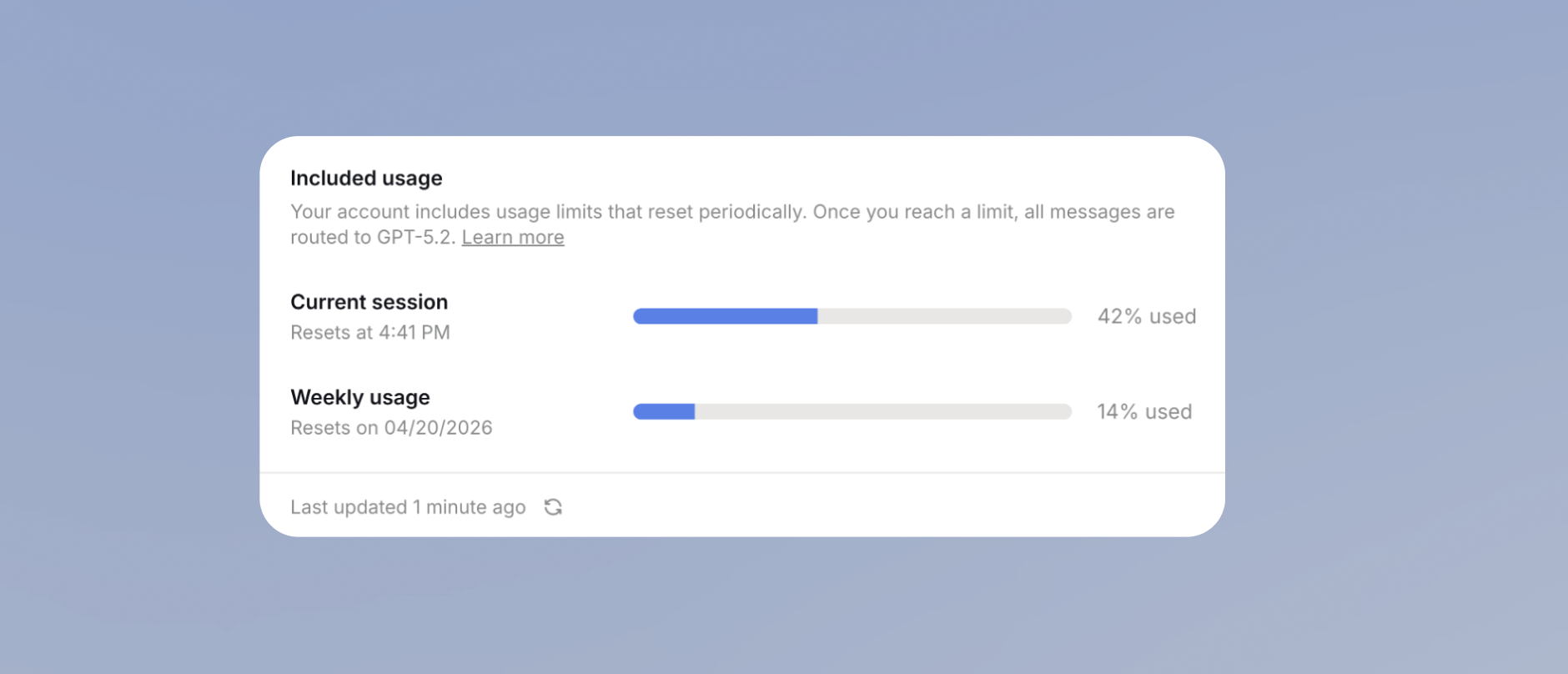
Account usage settings with current session and weekly usage.
Tips to get the most out of your usage
We’ve put together a Usage Tips guide to help you and your team get the most out of Langdock, with practical tips on model selection, prompting, and how to work efficiently within your limits.What happens when you reach a limit
When you hit your session or weekly limit, available Extra Usage lets you continue using your selected model. Without available Extra Usage, your messages use a fallback model until that window resets. In Langdock Cloud workspaces without BYOK, the fallback is GPT-6 Luna. In BYOK and Dedicated Deployments, the fallback is the model configured for your workspace. A workspace spend limit can trigger this fallback before included usage is exhausted. If your admin has enabled usage requests, you will see a Request higher limits button in the chat. Your admin will be notified and can increase your limits or upgrade your plan.If you reach a limit while the model is working, it is allowed to finish its response before switching. You won’t see a reply cut off halfway. Your next message uses your available Extra Usage or the configured fallback behavior.
Increasing your limits
Your usage limits depend on the plan you are on. If you regularly hit your limits, your admin can:- Upgrade you to a higher plan with more usage.
- Enable pay-as-you-go billing so you can keep using premium models after reaching your limit.
There is also a spam protection limit of 250 messages per 3 hours, regardless of model cost. This limit exists to prevent automated abuse and does not affect normal usage. Last updated: April 2026
FAQ
How is usage measured?
How is usage measured?
Usage is based on the resources consumed by model requests, not just the number of messages. Long chats, large files, stronger models, tool use, and generated output can all increase usage because the model processes more input, produces more output, or uses more expensive capabilities.
What happens when I reach my usage limit?
What happens when I reach my usage limit?
When a usage limit is reached, available Extra Usage lets you continue using your selected model. Without available Extra Usage, your messages use a fallback model until the usage window resets. In Langdock Cloud workspaces without BYOK, the fallback is GPT-6 Luna. In BYOK and Dedicated Deployments, the fallback is the model configured for your workspace. A workspace spend limit can trigger this fallback before included usage is exhausted.
Can usage limits change which model is used?
Can usage limits change which model is used?
Yes. If a preferred model is no longer available because of usage limits or workspace policy, users may need to choose another available model. If the replacement model has different capabilities, context size, or output behavior, the same task may behave differently.
How are usage limits different from context-window limits?
How are usage limits different from context-window limits?
Usage limits control how much model capacity a user or workspace can consume. The context window controls how much information the model can consider in a single request. A chat can hit context limits even if usage remains available, and usage can be exhausted even if an individual prompt fits in context.