> ## Documentation Index
> Fetch the complete documentation index at: https://docs.langdock.com/llms.txt
> Use this file to discover all available pages before exploring further.
# Web Search
> Search the internet and retrieve relevant information for fact-checking and research.
 ## Overview
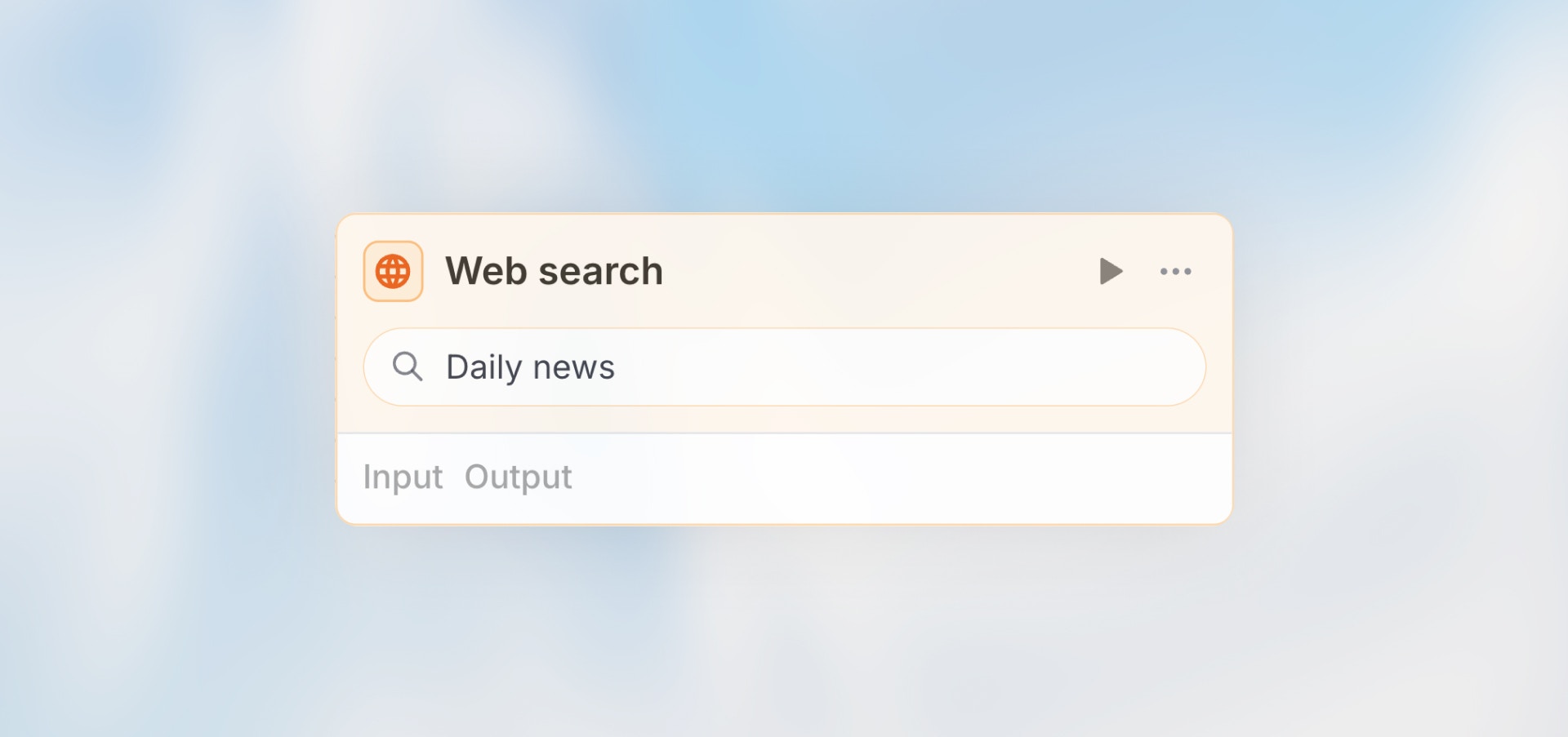
The Web Search node searches the internet and returns relevant results. Perfect for fact-checking, gathering current information, market research, or finding specific data that changes frequently.
**Best for**: Fact-checking, current events, market research, finding specific
information, and gathering context.
## Configuration
**Query**: Define the search query (can include variables)
**Mode**:
* **Automatic**: AI generates optimal search query
* **Manual**: You specify exact search terms
* **Prompt**: Write instructions for AI to generate query
**Number of Results**: How many results to return (default: 5)
## Example Queries
**Manual Query**
```handlebars theme={null}
{{trigger.output.company_name}} recent news 2024
```
**Automatic Mode**
```text theme={null}
Context: {{trigger.output.customer_message}}
Find: Recent information about the product mentioned
```
**Prompt Mode**
```text theme={null}
Generate a search query to find the latest pricing information for {{trigger.output.product_name}} from competitor websites.
```
## Output Structure
The Web Search node returns an array of search results. Each result contains:
| Field | Type | Description |
| ------- | ------ | ------------------------------------------ |
| `title` | string | The title of the search result |
| `url` | string | The URL of the webpage |
| `text` | string | A text snippet/preview of the page content |
| `type` | string | Always `"website-preview"` |
The full response also includes:
* `input`: The search query that was executed
* `error`: Error message if the search failed (only present on failure)
## Accessing Results
Access individual result fields:
```handlebars theme={null}
{{web_search.output[0].title}}
{{web_search.output[0].url}}
{{web_search.output[0].text}}
```
Loop through all results in an Agent node prompt:
```handlebars theme={null}
Here are the search results:
{{#each web_search.output}}
- **{{this.title}}**: {{this.text}}
URL: {{this.url}}
{{/each}}
```
## Example Use Cases
**Fact Checking**
```text theme={null}
Web Search: {{agent.output.structured.claim}}
→ Agent: Verify claim against search results
→ Condition: Is claim accurate?
```
**Company Research**
```text theme={null}
Web Search: "{{trigger.output.company_name}}" latest news
→ Agent: Summarize key findings
→ Action: Update CRM with insights
```
**Competitive Analysis**
```text theme={null}
Web Search: {{trigger.output.product}} alternatives pricing
→ Agent: Extract pricing information
→ Code: Compare against our pricing
```
## Next Steps
Analyze search results with AI
Fetch specific URLs
## Overview
The Web Search node searches the internet and returns relevant results. Perfect for fact-checking, gathering current information, market research, or finding specific data that changes frequently.
**Best for**: Fact-checking, current events, market research, finding specific
information, and gathering context.
## Configuration
**Query**: Define the search query (can include variables)
**Mode**:
* **Automatic**: AI generates optimal search query
* **Manual**: You specify exact search terms
* **Prompt**: Write instructions for AI to generate query
**Number of Results**: How many results to return (default: 5)
## Example Queries
**Manual Query**
```handlebars theme={null}
{{trigger.output.company_name}} recent news 2024
```
**Automatic Mode**
```text theme={null}
Context: {{trigger.output.customer_message}}
Find: Recent information about the product mentioned
```
**Prompt Mode**
```text theme={null}
Generate a search query to find the latest pricing information for {{trigger.output.product_name}} from competitor websites.
```
## Output Structure
The Web Search node returns an array of search results. Each result contains:
| Field | Type | Description |
| ------- | ------ | ------------------------------------------ |
| `title` | string | The title of the search result |
| `url` | string | The URL of the webpage |
| `text` | string | A text snippet/preview of the page content |
| `type` | string | Always `"website-preview"` |
The full response also includes:
* `input`: The search query that was executed
* `error`: Error message if the search failed (only present on failure)
## Accessing Results
Access individual result fields:
```handlebars theme={null}
{{web_search.output[0].title}}
{{web_search.output[0].url}}
{{web_search.output[0].text}}
```
Loop through all results in an Agent node prompt:
```handlebars theme={null}
Here are the search results:
{{#each web_search.output}}
- **{{this.title}}**: {{this.text}}
URL: {{this.url}}
{{/each}}
```
## Example Use Cases
**Fact Checking**
```text theme={null}
Web Search: {{agent.output.structured.claim}}
→ Agent: Verify claim against search results
→ Condition: Is claim accurate?
```
**Company Research**
```text theme={null}
Web Search: "{{trigger.output.company_name}}" latest news
→ Agent: Summarize key findings
→ Action: Update CRM with insights
```
**Competitive Analysis**
```text theme={null}
Web Search: {{trigger.output.product}} alternatives pricing
→ Agent: Extract pricing information
→ Code: Compare against our pricing
```
## Next Steps
Analyze search results with AI
Fetch specific URLs