> ## Documentation Index
> Fetch the complete documentation index at: https://docs.langdock.com/llms.txt
> Use this file to discover all available pages before exploring further.
# Manual Trigger
> Run workflows on-demand with a button click for testing and ad-hoc processing.
 ## Overview
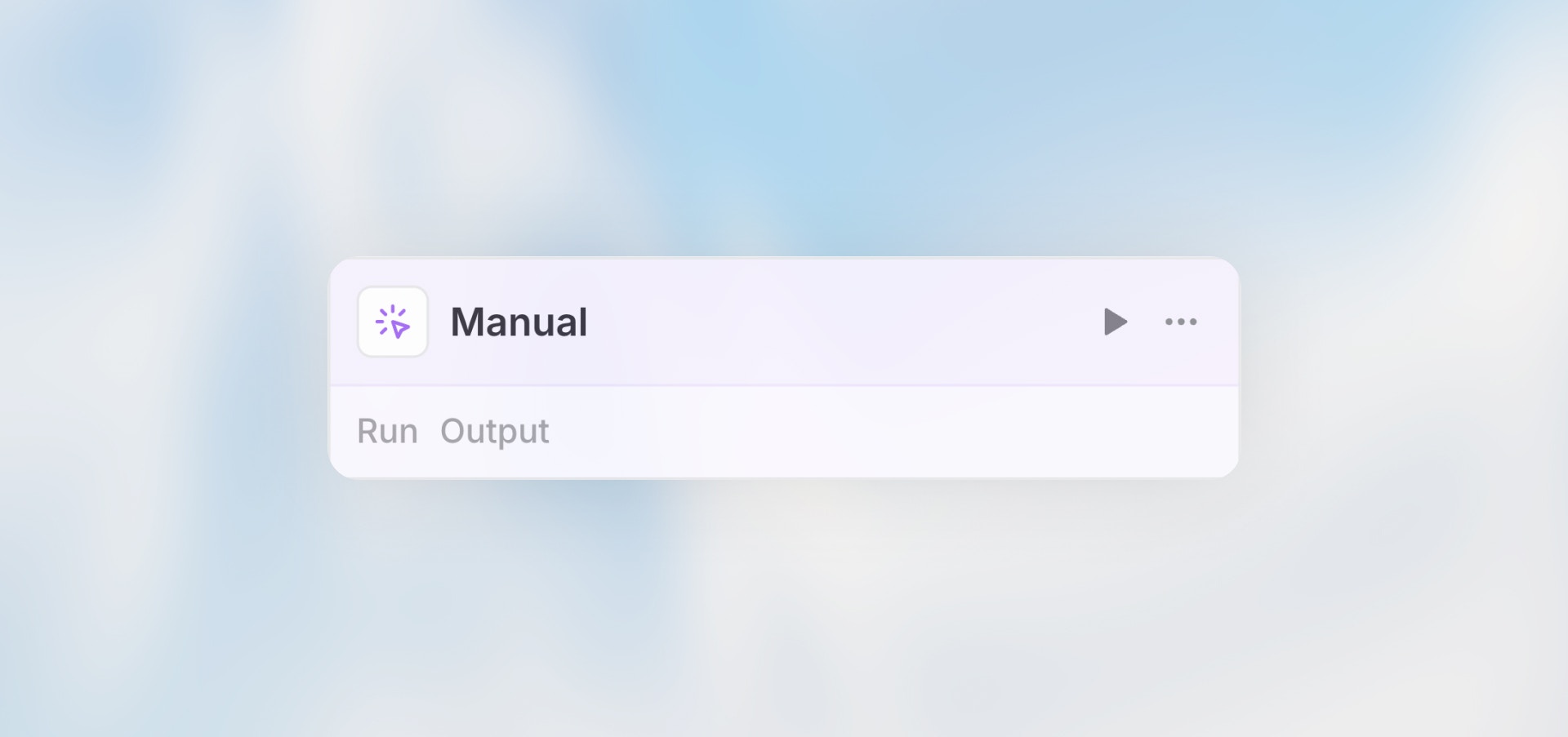
The Manual Trigger allows you to start workflows on-demand with a button click. It's the simplest trigger type - perfect for testing workflows during development or for workflows that should only run when explicitly invoked.
**Best for**: Testing workflows, ad-hoc data processing, and workflows that
require human initiation.
## When to Use Manual Trigger
**Perfect for:**
* Testing and debugging workflows during development
* On-demand data processing that requires human judgment
* Workflows triggered by users through your application
* Administrative tasks that should be manually initiated
**Not ideal for:**
* Automated, recurring processes (use Scheduled Trigger)
* Responding to external events (use Webhook or Integration Trigger)
* Collecting data from users (use Form Trigger)
## Configuration
The Manual Trigger requires no configuration - it's ready to use immediately.
## Example Use Cases
### Ad-Hoc Data Analysis
```text theme={null}
Manual Trigger (with date range input)
→ HTTP Request: Fetch data for date range
→ Agent: Analyze data and generate insights
→ Notification: Send report to requester
```
**Why Manual?** The analysis is needed sporadically and requires human judgment on which date range to analyze.
### Administrative Tasks
```text theme={null}
Manual Trigger
→ Code: Generate system report
→ Action: Archive old records
→ Notification: Confirm completion
```
**Why Manual?** These are maintenance tasks that should only run when an admin explicitly initiates them.
### Testing Integrations
```text theme={null}
Manual Trigger
→ HTTP Request: Test API endpoint
→ Agent: Validate response
→ Notification: Send test results
```
**Why Manual?** Used during development to test API integrations before setting up automated triggers.
Use the Manual Trigger for initial development and testing of all workflows,
even if you plan to switch to a different trigger type later.
## Limitations
* **No Automation**: Requires human action to initiate
* **No Scheduling**: Cannot run on a regular schedule
* **No Event Response**: Cannot react to external events or integrations
## Best Practices
Start every workflow with a Manual Trigger during development. Once tested and working, switch to the appropriate automated trigger type.
If your workflow needs input data, use clear field labels and descriptions so users know exactly what to provide.
Add a workflow description explaining when and why someone should manually trigger it.
Manual triggers can be run by anyone with access to the workflow. Use sharing settings to control who can execute them.
## Next Steps
Collect data from users with custom forms
Run workflows automatically on a schedule
Start workflows from external systems
Build your first workflow
## Overview
The Manual Trigger allows you to start workflows on-demand with a button click. It's the simplest trigger type - perfect for testing workflows during development or for workflows that should only run when explicitly invoked.
**Best for**: Testing workflows, ad-hoc data processing, and workflows that
require human initiation.
## When to Use Manual Trigger
**Perfect for:**
* Testing and debugging workflows during development
* On-demand data processing that requires human judgment
* Workflows triggered by users through your application
* Administrative tasks that should be manually initiated
**Not ideal for:**
* Automated, recurring processes (use Scheduled Trigger)
* Responding to external events (use Webhook or Integration Trigger)
* Collecting data from users (use Form Trigger)
## Configuration
The Manual Trigger requires no configuration - it's ready to use immediately.
## Example Use Cases
### Ad-Hoc Data Analysis
```text theme={null}
Manual Trigger (with date range input)
→ HTTP Request: Fetch data for date range
→ Agent: Analyze data and generate insights
→ Notification: Send report to requester
```
**Why Manual?** The analysis is needed sporadically and requires human judgment on which date range to analyze.
### Administrative Tasks
```text theme={null}
Manual Trigger
→ Code: Generate system report
→ Action: Archive old records
→ Notification: Confirm completion
```
**Why Manual?** These are maintenance tasks that should only run when an admin explicitly initiates them.
### Testing Integrations
```text theme={null}
Manual Trigger
→ HTTP Request: Test API endpoint
→ Agent: Validate response
→ Notification: Send test results
```
**Why Manual?** Used during development to test API integrations before setting up automated triggers.
Use the Manual Trigger for initial development and testing of all workflows,
even if you plan to switch to a different trigger type later.
## Limitations
* **No Automation**: Requires human action to initiate
* **No Scheduling**: Cannot run on a regular schedule
* **No Event Response**: Cannot react to external events or integrations
## Best Practices
Start every workflow with a Manual Trigger during development. Once tested and working, switch to the appropriate automated trigger type.
If your workflow needs input data, use clear field labels and descriptions so users know exactly what to provide.
Add a workflow description explaining when and why someone should manually trigger it.
Manual triggers can be run by anyone with access to the workflow. Use sharing settings to control who can execute them.
## Next Steps
Collect data from users with custom forms
Run workflows automatically on a schedule
Start workflows from external systems
Build your first workflow