> ## Documentation Index
> Fetch the complete documentation index at: https://docs.langdock.com/llms.txt
> Use this file to discover all available pages before exploring further.
# Loop
> Iterate over arrays and process multiple items with the same logic.
 ## Overview
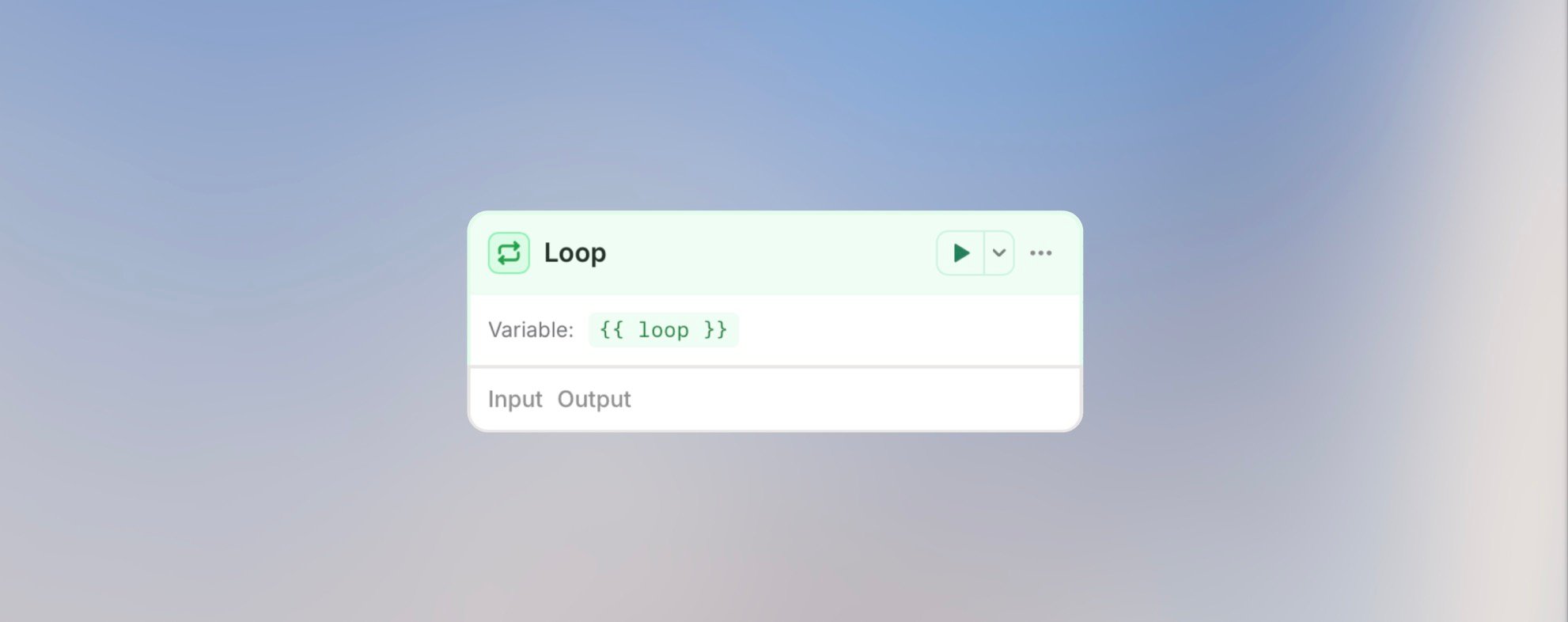
The Loop node processes arrays of data - iterate through lists of customers, orders, files, or any collection, applying the same logic to each item.
**Best for**: Batch processing, processing multiple records, generating
individual reports, and iterating over lists.
## Configuration
**Input Array**: Select the array to loop over
```handlebars theme={null}
{{ trigger.output.customers }}
{{ api_response.output.items }}
{{ google_sheets.output.rows }}
```
**Max Iterations**: Safety limit (default: 200, max: 2000)
### Advanced Options
**Concurrency**: Enable parallel processing of loop iterations
When enabled, all iterations run simultaneously instead of one after another. This significantly speeds up loops but requires that iterations don't depend on each other.
| Concurrency | Behavior | Best For |
| ----------------- | ------------------------------------------------------------------ | ----------------------------------------- |
| **Off** (default) | Sequential - each iteration waits for the previous one to complete | Dependent operations, rate-limited APIs |
| **On** | Parallel - all iterations run at the same time | Independent operations, faster processing |
With concurrency enabled, iterations may complete in any order. Don't use concurrency if later iterations depend on results from earlier ones.
**Collect Outputs**: Gather all iteration results into a single array
When enabled, the loop end node outputs an array containing results from every iteration. This is useful for aggregating data processed in the loop.
The collected output is also available to nodes that run later in the same workflow run, including nodes inside an enclosing outer loop.
```handlebars theme={null}
{{ loop_end.output.iterations }} → Array of all iteration data
{{ loop_end.output.iterations[0].item }} → First iteration's input item
{{ loop_end.output.iterations[0].executions }} → Nodes executed in first iteration
{{ loop_end.output.total }} → Total number of iterations
```
**Collected Output Structure:**
```json theme={null}
{
"iterations": [
{
"index": 0,
"item": { "original": "data" },
"executions": [
{
"nodeId": "abc123",
"nodeSlug": "agent",
"nodeType": "agent",
"input": { ... },
"output": { "result": "processed" }
}
]
}
],
"total": 10
}
```
Use **Collect Outputs** when you need to aggregate results, create reports from all iterations, or pass loop results to a downstream node for final processing.
## Inside the Loop
The loop node's slug becomes your variable name. Access the current item and iteration info:
```handlebars theme={null}
{{ customer.output.currentItem }} // The full current item
{{ customer.output.currentItem.name }} // Access item properties
{{ customer.output.currentItem.email }}
{{ customer.output.currentIndex }} // Current iteration (0-based)
{{ customer.output.total }} // Total items in array
```
## Example Use Cases
### Process Customer List
```text theme={null}
Loop over {{ trigger.output.customers }}
Loop node slug: customer
→ Agent: Analyze {{ customer.output.currentItem.feedback }}
→ Condition: Check {{ customer.output.currentItem.score }}
→ High: Send thank you email
→ Low: Create follow-up task
```
### Batch Update Records
```text theme={null}
Loop over {{ api_response.output.records }}
Loop node slug: record
→ Code: Transform {{ record.output.currentItem.data }}
→ HTTP Request: Update record {{ record.output.currentItem.id }}
```
### Generate Individual Reports
```text theme={null}
Loop over {{ trigger.output.team_members }}
Loop node slug: member
→ HTTP Request: Fetch {{ member.output.currentItem.id }} data
→ Agent: Generate report for {{ member.output.currentItem.name }}
→ Action: Email report to {{ member.output.currentItem.email }}
```
### Parallel Image Processing (Concurrency)
```text theme={null}
Loop over {{ trigger.output.images }}
Loop node slug: image
Parallel Execution: On
→ Agent: Analyze {{ image.output.currentItem.url }}
→ Code: Extract metadata
```
All images are analyzed simultaneously, completing much faster than sequential processing.
### Aggregate Results (Collect Outputs)
```text theme={null}
Loop over {{ trigger.output.documents }}
Loop node slug: doc
Collect Outputs: On
→ Agent: Summarize {{ doc.output.currentItem.content }}
→ Code: Extract key points
→ Agent: Create master summary from {{ loop_end.output.iterations }}
→ Action: Send combined report
```
The final Agent receives all summaries at once to create a comprehensive report.
## Best Practices
Prevent infinite loops and runaway costs. Set a reasonable maximum.
Instead of 100 individual agent calls, batch items into groups of 10.
Add a condition before the loop to check if array has items.
Loops with AI agents can be expensive. Calculate: cost per item × number of
items.
## Cost Warning
Loops can consume significant credits when processing many items with AI
agents. A loop with 100 items and an agent call at $0.10 each = $10 per run.
## Next Steps
Process items with AI
Optimize loop costs
## Overview
The Loop node processes arrays of data - iterate through lists of customers, orders, files, or any collection, applying the same logic to each item.
**Best for**: Batch processing, processing multiple records, generating
individual reports, and iterating over lists.
## Configuration
**Input Array**: Select the array to loop over
```handlebars theme={null}
{{ trigger.output.customers }}
{{ api_response.output.items }}
{{ google_sheets.output.rows }}
```
**Max Iterations**: Safety limit (default: 200, max: 2000)
### Advanced Options
**Concurrency**: Enable parallel processing of loop iterations
When enabled, all iterations run simultaneously instead of one after another. This significantly speeds up loops but requires that iterations don't depend on each other.
| Concurrency | Behavior | Best For |
| ----------------- | ------------------------------------------------------------------ | ----------------------------------------- |
| **Off** (default) | Sequential - each iteration waits for the previous one to complete | Dependent operations, rate-limited APIs |
| **On** | Parallel - all iterations run at the same time | Independent operations, faster processing |
With concurrency enabled, iterations may complete in any order. Don't use concurrency if later iterations depend on results from earlier ones.
**Collect Outputs**: Gather all iteration results into a single array
When enabled, the loop end node outputs an array containing results from every iteration. This is useful for aggregating data processed in the loop.
The collected output is also available to nodes that run later in the same workflow run, including nodes inside an enclosing outer loop.
```handlebars theme={null}
{{ loop_end.output.iterations }} → Array of all iteration data
{{ loop_end.output.iterations[0].item }} → First iteration's input item
{{ loop_end.output.iterations[0].executions }} → Nodes executed in first iteration
{{ loop_end.output.total }} → Total number of iterations
```
**Collected Output Structure:**
```json theme={null}
{
"iterations": [
{
"index": 0,
"item": { "original": "data" },
"executions": [
{
"nodeId": "abc123",
"nodeSlug": "agent",
"nodeType": "agent",
"input": { ... },
"output": { "result": "processed" }
}
]
}
],
"total": 10
}
```
Use **Collect Outputs** when you need to aggregate results, create reports from all iterations, or pass loop results to a downstream node for final processing.
## Inside the Loop
The loop node's slug becomes your variable name. Access the current item and iteration info:
```handlebars theme={null}
{{ customer.output.currentItem }} // The full current item
{{ customer.output.currentItem.name }} // Access item properties
{{ customer.output.currentItem.email }}
{{ customer.output.currentIndex }} // Current iteration (0-based)
{{ customer.output.total }} // Total items in array
```
## Example Use Cases
### Process Customer List
```text theme={null}
Loop over {{ trigger.output.customers }}
Loop node slug: customer
→ Agent: Analyze {{ customer.output.currentItem.feedback }}
→ Condition: Check {{ customer.output.currentItem.score }}
→ High: Send thank you email
→ Low: Create follow-up task
```
### Batch Update Records
```text theme={null}
Loop over {{ api_response.output.records }}
Loop node slug: record
→ Code: Transform {{ record.output.currentItem.data }}
→ HTTP Request: Update record {{ record.output.currentItem.id }}
```
### Generate Individual Reports
```text theme={null}
Loop over {{ trigger.output.team_members }}
Loop node slug: member
→ HTTP Request: Fetch {{ member.output.currentItem.id }} data
→ Agent: Generate report for {{ member.output.currentItem.name }}
→ Action: Email report to {{ member.output.currentItem.email }}
```
### Parallel Image Processing (Concurrency)
```text theme={null}
Loop over {{ trigger.output.images }}
Loop node slug: image
Parallel Execution: On
→ Agent: Analyze {{ image.output.currentItem.url }}
→ Code: Extract metadata
```
All images are analyzed simultaneously, completing much faster than sequential processing.
### Aggregate Results (Collect Outputs)
```text theme={null}
Loop over {{ trigger.output.documents }}
Loop node slug: doc
Collect Outputs: On
→ Agent: Summarize {{ doc.output.currentItem.content }}
→ Code: Extract key points
→ Agent: Create master summary from {{ loop_end.output.iterations }}
→ Action: Send combined report
```
The final Agent receives all summaries at once to create a comprehensive report.
## Best Practices
Prevent infinite loops and runaway costs. Set a reasonable maximum.
Instead of 100 individual agent calls, batch items into groups of 10.
Add a condition before the loop to check if array has items.
Loops with AI agents can be expensive. Calculate: cost per item × number of
items.
## Cost Warning
Loops can consume significant credits when processing many items with AI
agents. A loop with 100 items and an agent call at $0.10 each = $10 per run.
## Next Steps
Process items with AI
Optimize loop costs