> ## Documentation Index
> Fetch the complete documentation index at: https://docs.langdock.com/llms.txt
> Use this file to discover all available pages before exploring further.
# Can I share a chat with Langdock Support?
> Learn when you can share a conversation with Langdock Support, what Support can access, and how long access lasts.
Yes, if your workspace is not on a dedicated deployment. Open the chat, click **Share**, select **Support**, and click **Share with Support**.
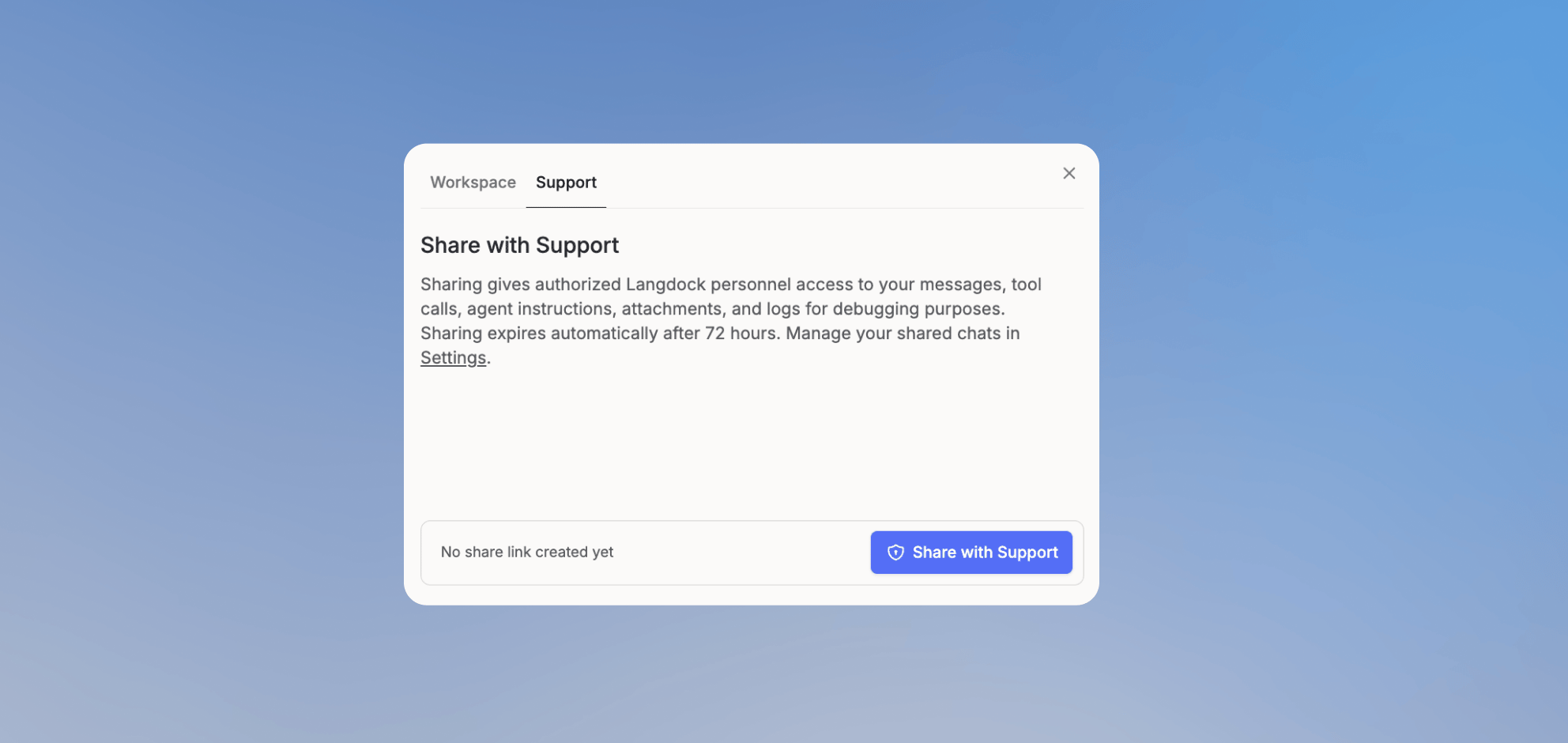 This gives authorized Langdock personnel access to your messages, tool calls, agent instructions, attachments, and logs for debugging. Support shares expire automatically after 72 hours. You can revoke active support shares in [Account Settings](/en/using-langdock/account/account#shared-chats).
You can share a workflow with Support the same way. Open the workflow, click **Share**, select the **Support** tab, and click **Create temporary support access**. This gives Support temporary access to the workflow definition and recent run debug data. Connection credentials, secrets, and obvious personal data are redacted where possible. If you triggered a run but don't own the workflow, share it from the workflow **History** instead, which also copies a workflow link and run ID to send Support the exact context for a ticket.
On dedicated deployments, the Support option is not available. You can only share conversations and workflows inside your workspace.
This gives authorized Langdock personnel access to your messages, tool calls, agent instructions, attachments, and logs for debugging. Support shares expire automatically after 72 hours. You can revoke active support shares in [Account Settings](/en/using-langdock/account/account#shared-chats).
You can share a workflow with Support the same way. Open the workflow, click **Share**, select the **Support** tab, and click **Create temporary support access**. This gives Support temporary access to the workflow definition and recent run debug data. Connection credentials, secrets, and obvious personal data are redacted where possible. If you triggered a run but don't own the workflow, share it from the workflow **History** instead, which also copies a workflow link and run ID to send Support the exact context for a ticket.
On dedicated deployments, the Support option is not available. You can only share conversations and workflows inside your workspace.