> ## Documentation Index
> Fetch the complete documentation index at: https://docs.langdock.com/llms.txt
> Use this file to discover all available pages before exploring further.
# Release Notes
## Customizable Catalog Models
Admins can now customize a catalog model's pricing, reasoning settings, context window, and capabilities, either when adding the model or at any time afterwards. This lets you match the model configuration to your negotiated pricing and provider behavior. In addition, the model cards in the catalog wizard now display each model's default thinking level, so you can see its reasoning effort at a glance.
Saving a customization creates an independent configuration for your workspace, while the shared catalog default stays unchanged. Please note that customized models no longer receive automatic catalog updates.
## Redesigned Workflows Overview
We redesigned the Workflows overview to make it much easier to find and manage your workflows. You can switch between clear scopes (All, Mine, Shared with me), use filters and name sorting, and see full workflow names. New columns show each workflow's 30-day run trend and this month's budget usage at a glance.
## Synced Folders With Up to 5,000 Files
Synced Folders in the Library can now include up to 5,000 files, five times the previous limit of 1,000. This makes it possible to connect much larger SharePoint, OneDrive, or Confluence folders and keep them in sync, so agents can work with far more of your company's documents. The folder attachment dialog shows the new limit when you connect a folder.
## Microsoft Fabric Data Engineering and Git
The Microsoft Fabric integration now goes far beyond GraphQL and supports data engineering and Git workflows. Agents and workflows can discover items and lakehouse tables, run and monitor notebook, Spark, and pipeline jobs, create and edit notebooks and pipelines, manage schedules, and check status, commit, and pull changes in Git-connected workspaces.
* **Discovery:** "List items", "Get item", "Get item definition", "List lakehouse tables", "Search catalog", "List capacities", and "Get environment"
* **Jobs:** "Run item job", "Get item job", "Wait for item job", "List item jobs", "Cancel item job", "Get job logs", "Query pipeline activity runs", and "Run table maintenance"
* **Schedules and authoring:** "List item schedules", "Save item schedule", "Delete item schedule", "Create notebook", "Update notebook", "Create Spark job definition", "Update Spark job definition", "Create pipeline", "Update pipeline activity", "Update item", and "Delete item"
* **Git:** "Get Git connection", "Get Git status", "Commit to Git", and "Update from Git"
To use the new actions, your Microsoft admin needs to grant the `Workspace.Read.All`, `Item.Read.All`, `Item.ReadWrite.All`, `Item.Execute.All`, `Capacity.Read.All`, `Lakehouse.Read.All`, `Catalog.Read.All`, `Workspace.GitCommit.All`, and `Workspace.GitUpdate.All` scopes in the OAuth client and activate the new actions in Langdock afterwards.
## Deep Research Model Deprecation and Updated Recommendation
OpenAI is retiring the o3 and o4-mini models, which we previously recommended for Deep Research. If either model is currently configured for Deep Research in your workspace, please replace it by **October 22**. After that date, requests using these models will stop working.
We recommend GPT-6 Luna with high reasoning effort as a replacement for both Deep Research model slots: Reasoning model and Fast reasoning model. We've optimized Deep Research for GPT-6 Luna and, compared with o3 and o4-mini, it delivers higher quality at a lower cost.
### Setting up GPT-6 Luna for Deep Research
If GPT-6 Luna isn't set up in your workspace yet, you can use our pre-configuration: go to Workspace settings → Models → Add custom model, then select GPT-6 Luna. High reasoning effort is enabled by default, so no further changes are needed.
***
## Chat
* Claude Sonnet 5.5 and GPT-6.1 Sol are now available as new model options to chat with.
* You can now copy any image from the chat or full-screen viewer straight to your clipboard with one click (or Cmd/Ctrl+C).
* Screen reader users can now jump directly to the latest AI response using landmark navigation.
## Agents
* Agent builders now see a clear notice when an action's restrictions mean a preselected connection does not grant access.
* File attachments that cannot be refreshed now show a clear error with a retry option.
* Feedback dialogs now remind users before sharing a chat or their name and email, helping them avoid exposing personal data.
## Skills
* You can now edit Skills and custom integrations directly from their card in the plugins catalog.
* You can now remove a personally added Skill directly from the Plugins page menu, without opening its details first.
## Workflows
* Form triggers now support up to 20 input fields, doubling the previous limit of 10.
## Settings
* Admins can now filter the integrations list by a new "Shared with users or groups" status to quickly find integrations restricted to specific people or groups.
## API
* You can now generate images directly through the new OpenAI-compatible [image generation endpoint](/en/developer/completion-api/openai-images) of the API.
## Integrations
**General**
* Workspace admins can now make any connected custom API integration searchable through Company Knowledge by selecting its read-only actions, while members only see sources and connections they already have access to.
**Power BI**
* You can now search for reports, semantic models, paginated reports, and dashboards across all workspaces you have access to in a single search. To do so, your Microsoft admin needs to grant the `Catalog.Read.All` scope in the OAuth client and activate the new "Search reports and semantic models across workspaces" action in Langdock afterwards.
**Microsoft Teams**
* Microsoft Teams transcript retrieval now keeps all successfully loaded transcripts, shows clearer guidance when access is blocked, and reliably detects every new meeting transcript.
**Microsoft Entra**
* Two new actions, "Add group member" and "Remove group member", let agents and workflows add a user or security group to an Entra group and remove it again, for example in onboarding or access-request flows. To do so, your Microsoft admin needs to grant the `GroupMember.ReadWrite.All` scope in the OAuth client and activate the new actions in Langdock afterwards.
**Jira**
* New Jira Service Management actions let agents work a request end to end: "List service desks", "List request types", "Get request type fields", "Create request", "Get request" (including SLAs), "Link issues", and "Get issue link types", plus a new "New comment" trigger for customer replies.
* "Add comment" and "Move issue by transition id" now offer an optional comment visibility, so agents can leave internal notes instead of public replies, and transitions can set a resolution. Without a visibility setting, comments stay public replies as before.
* To use "Create request", your Atlassian admin needs to grant the `write:servicedesk-request` scope in the OAuth client and activate the new action in Langdock afterwards.
**BigQuery**
* The latest versions of nine BigQuery actions now clearly report failures such as missing tables or duplicate datasets as errors.
**Salesforce**
* Salesforce record lookup actions now return clearer results, and the advanced search action returns a count alongside the results.
**DocuSign**
* Three new actions make bulk-send lists easier to manage: "Get bulk send list members", "Add bulk send list members", and "Remove bulk send list members", which add or remove recipients by email.
* The "Update bulk send list" action has been renamed to "Replace bulk send list" to make clear that it replaces the entire list in one step.
**Asana**
* The latest versions of 16 Asana list and search actions now return results alongside a total count, with more complete results in edge cases.
**Personio**
* Personio actions now report errors clearly, and 20 actions on the latest version use camelCase input field names (for example "personId"), while prior versions remain unchanged for existing workflows.
## Custom Roles and Flexible Permissions
Admins can now create custom roles, grant individual permissions, and delegate product access within groups. This lets you tailor access to each team member's responsibilities without giving them broader workspace permissions. You can configure the new permission system in workspace settings under Members, Groups, and Roles.
As part of the new permission system, we have updated access to the Governance product. If Governance is enabled in your workspace, all workspace admins now have access to it. It appears by default in the dropdown after you click your workspace name in the top-left corner.
### Custom roles
Member, Editor, and Admin remain the default workspace roles. Langdock provides these roles, and they cannot be deleted. You can now create up to 5 custom roles by starting from an existing role and adjusting its permissions. For example, start with the Editor role to create a new Governor role, which keeps Editor-level product access and adds permission to view the Governance product, without granting full admin access. You will be warned before saving a role whose permission set already exists on another role.
Create custom roles on the Roles page. To assign a custom role, open the Members page and select a team member's role. Every member keeps one default workspace role, and you can add custom roles alongside it.
### Individual permissions
You can give a member additional permissions alongside their existing workspace role. Individual permissions apply only to that member and remain separate from their roles, so if you later update a role, permissions granted directly to the member do not change. This is useful when one person needs an additional capability, such as sharing templates with the workspace, without extending that capability to everyone with the same role.
To grant extra permissions, open the Members page, select a member's role, and click "Extra permissions" at the bottom right.
### Group-level permissions
Group roles are separate from workspace roles. They determine who can manage a group and share resources within it. Workspace admins can allow a group admin to grant product permissions to members of their group, so regional or departmental leads can manage access for their teams without access to workspace settings or permission management for the rest of the workspace.
Permissions granted by a group admin apply across the workspace. Group membership determines which members a group admin can manage, not where the granted product permissions apply. Group admins cannot assign workspace roles, custom roles, or the group-admin permission.
Group-level permissions are available from the Groups page after you select a member's group role. For a full overview, use the "Open docs" shortcut on the Roles page, the member access drawer, or the group permissions drawer to go straight to the roles and permissions documentation.
See the [roles and permissions](/en/admin/workspace/roles#creating-custom-roles) guide and watch the feature walkthrough below.
## Unified Plugins Catalog
Plugins bring Langdock's growing collection of integrations, Skills, and tools together in one place, making it easier to discover and use the right capabilities in every conversation.
Add a plugin directly from the chat input to give a conversation access to its context and actions. The tools you already know from the chat, such as web search, are now part of the same Plugins dropdown, so everything a conversation can use is available from one place. This lets you use integrations, Skills, and tools as you work, without leaving the chat to configure them elsewhere.
Open Plugins from the sidebar to browse the integrations connected to your workspace and discover available Skills. Installed integrations appear first, while categories and workspace popularity make it easier to find what you need. Each integration also includes prompt starters, so you can quickly understand what it can do and put it to work.
### A simpler home for Skills
Plugins also give Skills a simpler home. Browse Skills alongside integrations, then enable the ones relevant to your work. To make that experience more straightforward, Skills now have one clear state: enabled or disabled. When a Skill is enabled, it is ready to use, with no separate install step before activating it. This makes it easier to try Skills as they become available and keep only the ones your team needs enabled.
Read more in our [changelog](https://www.langdock.com/changelog#plugins).
## Microsoft Purview and Sensitivity Labels
Langdock now respects the Microsoft Purview sensitivity labels in your Microsoft tenant. Admins can connect the new Microsoft Purview integration, which loads your tenant's full label catalog including sublabels, and then choose which labels to block for the workspace. Only labels you explicitly block are denied, while all other labels, unlabeled files, and file types that Microsoft cannot label remain available.
### Where the policy applies
* **SharePoint:** File reads, downloads, copy sources, search, folder listings, and folder sync.
* **OneDrive:** File reads, downloads, search, folder listings, and folder sync.
* **Outlook Email:** Reading emails in personal and shared mailboxes. Linked cloud files are checked on their own, while downloaded files that are attached to an email remain accessible if the email is allowed as per policies. Drafting, replying, forwarding, and sending emails are not affected.
* **Microsoft Teams:** Files attached to chat and channel messages are checked before they are downloaded. A blocked attachment is left out, while the message and its other attachments are still returned.
* **Microsoft Excel:** The workbook's label is checked before any sheet, range, table, or summary is read or changed.
### Files already in Langdock
The policy also covers OneDrive and SharePoint files that were attached earlier, including files whose label changed after they were attached. Restricted files are clearly flagged and blocked across chat, workflows, the Library, and Folders. In synced folders, files that become blocked are removed on the next sync, and files whose label cannot be verified are kept and checked again on the next sync.
### What your users see
Blocked content never reaches the chat, agent, or workflow where your integrations are used. When items are withheld, agents and chats receive a notice that some results were withheld, without naming them, so the LLMs can tell users that results were held back rather than reporting that they do not exist. Workbooks and files blocked by the policy return a clear message explaining that access is restricted by the workspace sensitivity policy.
## Workflows and Scheduled Tasks API
You can now manage workflows through the new public Workflows API, including listing, creating, updating, publishing, and deleting workflows, retrieving run history, and setting execution limits such as maximum runs per hour and cost caps. With the new public Scheduled Tasks API, you can also create, update, pause, resume, run, and delete scheduled tasks using your API key. This makes it easy to automate the setup and operation of your workflows and scheduled tasks from your own systems. See the [Workflows API](/en/developer/workflow-api/workflows-overview) and [Scheduled Tasks API](/en/developer/scheduled-tasks-api/scheduled-tasks-overview) documentation.
## Model Updates
We added a wide range of new models to the catalog. GPT-6 Sol, GPT-6 Luna, and Claude Opus 5.5 are now available. You can also add DeepSeek v3.2, v4 Flash, and v4 Pro (the retired DeepSeek R1 and v3.1 are hidden from the add-model wizard) and generate images with GPT Image 2.5 Flare and GPT Image 2.5 Sunburst.
### Updated recommendations for Auto, cost fallback, and backbone
Our latest recommendation for simpler Auto mode requests is now GPT-6 Luna, replacing GPT-5.6 Luna. For cost fallback in Langdock Cloud workspaces without BYOK, GPT-6 Luna is also the recommended model. We also now recommend GPT-6 Luna as the backbone model. You can update these settings in workspace settings > models.
***
## Chat
* You can now attach ZIP files up to 50 MB in chat when the bash tool is enabled, with the contents securely validated and unpacked in a sandbox.
* You can now upload YAML (`.yaml`, `.yml`), Keynote (`.key`), and UiPath Automation Hub (`.aha`, `.ahw`) files in chat.
* Your chosen reasoning effort now stays consistent when you reopen a conversation or run it through workflows and the API.
* vLLM-hosted models now stream their reasoning directly in chat, giving you real-time visibility into the model's thinking process.
* Deep Research now asks for clarification once and then starts researching right away.
* Generated files are now delivered as final downloads and remain available after you reload the conversation.
* You can now save chat attachments to a folder with one click, or choose a folder if one is not already set.
* Tool activity and reasoning steps now appear as a compact, collapsible row alongside the reply, and a new animated indicator shows when the AI is thinking.
* Chat now shows a clear "running" or "done" status for compaction instead of a progress percentage.
* Questions and answer options asked by the AI now reliably stay in your language, even after it reads a document or Skill in another language.
* Clicking internal search now activates it right away in your current conversation, without starting a new chat.
* New chats now appear instantly in your sidebar and history, without refreshing the page.
* Chat links with a pre-filled prompt now send that prompt automatically on first load, and chat templates always open the selected template.
* You can now type "1." followed by a space to start an automatically numbered list in the chat input.
* When a model is removed or replaced, you can now select premium and Pro models as the replacement for affected agents, automations, workflows, and conversations.
* We improved the reliability of chat streaming, including interruptions, attachments, mid-conversation prompt changes, and Claude model requests during busy periods.
## Agents
* Agent editors and owners can now track the agent's budget, spend, and remaining balance in Analytics under Cost.
* Agents and chats now automatically switch to the configured fallback model when a provider is unavailable or a cost limit is reached.
* Image generation is now always available to agents whenever it is enabled for your workspace, replacing the per-agent toggle.
* Agents now retry tool calls more reliably by receiving clear feedback on invalid inputs.
* Archived agents now stay on their own Archived tab, keeping your main agent overview focused on active agents.
* Agents can now recognize and reference their attached Folders by name when asked what knowledge they have access to.
* Profile placeholders in agent instructions and formatting changes in the Raw view are now reliably preserved when switching between the Raw and Markdown editors.
* The agent editor now shows an update / publish prompt whenever you add, remove, or re-add a sub-agent.
* Action cards on the plugin page and in the agent editor now show a single-line preview when collapsed and the full description when expanded.
## Skills
* Users with Skill creation permissions can now use the Skill Creator to create Skills and add files to them directly from a conversation.
* Admins can now manage access to official Skills by category instead of by pack.
* Skills now use a single, simplified enabled state, making it clearer which Skills are active.
* Agent templates from the catalog now automatically bring along the Skills they need.
* Official IT and knowledge-management Skills are now organized under Operations, and search, digest, and knowledge-synthesis Skills under Productivity.
* Skill-linked integration tools now activate reliably and stay connected throughout your conversation, including when switching between branches.
* The Skill editor now asks for confirmation before deleting files or folders and flags empty folders as unsaved until they contain a file.
* Viewers now see a clear explanation when they do not have permission to add or upload context in Skills.
* The Skills workspace settings page now uses chevron-style pagination with a clear page count.
* Adding a Skill to an agent now automatically completes that step in your Get Started checklist.
## Workflows
* Workflows can now pause and wait for a person before continuing. With the new User Input node, a run stops to collect answers or an approve / reject decision, and then continues down the matching branch. This makes it easy to build approval flows and human-in-the-loop automations directly in the workflow builder.
* You can now store encrypted environment variables (such as API keys) at the workflow level, so they are securely shared across runs without being exposed in node configuration.
* You can now trigger workflows automatically whenever a file is added to a folder, and pull in its content with the "Read folder file" action.
* You can now add a Transcribe Audio node to convert audio outputs into text transcripts with duration details, available when voice transcription and Azure Speech are enabled.
* Workflow agents now work with complete API and MCP results, with larger results of up to 25 MB stored as workflow attachments.
* Code nodes can now access files created by earlier steps in the workflow.
* Workflow Chat now supports Auto model selection, just like chat and the agent builder.
* Workflow output inspection and node previews are now easier to navigate, with a clearer data hierarchy, smooth scrolling in long outputs, and one-click JSON copying.
* Workflow history now shows a "Retry running" status on failed runs while a retry is in progress, and displays the result of the latest retry once completed.
* Email-triggered workflows now continue processing even when an attached image cannot be read.
* Workflows now process triggered file attachments in small batches while keeping files in the correct order and respecting size limits.
* Workflow editors and collaborators can now reliably use shared connections within workflows.
* Workflow forms now support uploading UiPath Automation Hub (`.aha`) files.
* Your workflows list now keeps its sort order when you open and return from a workflow, and workflow history labels are now translated in all supported languages.
## Library
* You can now rename files and folders directly in the Library.
* You can now upload genomic sequence files (`.fna`, `.gb`, `.gbk`) to Folders.
* The template preview panel now displays a clear error banner when something goes wrong, so you can see what needs to change and ask the chat to help.
* New folders created inside a project now automatically inherit the project's editor access.
## Settings
* Workspace admins now automatically receive workspace-wide Governance access whenever Governance is enabled, replacing the manual admin allowlist.
* Admins managing SCIM-synced groups can now assign Member, Editor, and Admin roles directly from the group member drawer.
* Admins can now export usage and cost data grouped by department or legal entity, with historically accurate attribution after team changes.
* When privacy mode is enabled, private workflows are now excluded from the Governance overview, summary, and integration counts.
* The roles page, member access drawer, and group permissions drawer now include an "Open docs" shortcut to the matching documentation.
## API
* Admins can now create and manage user groups and their membership through the API, without needing SCIM.
* The Agent Completions API now accepts an optional `connectionId` parameter, so each request can specify which connected account the agent's tools should use.
* Workspace admins can now control which API scopes members may include on personal API keys, including the option to create, update, and publish workflows as their own user.
* API key scopes are now grouped by product area in the scope picker and key list.
* You can now create and rotate personal API keys at any time, with personal API spend shown separately from the shared usage allowance.
* The Compliance API now includes Skills alongside agents, prompt libraries, and workflows.
* The User Management API now returns department, company, custom instructions status, and default model for each user.
* Conversation exports can now optionally include the inputs, outputs, and error details of tool actions.
* The API now offers a GitHub Copilot-compatible streaming endpoint, so Copilot users get accurate real-time replies with working tool calls.
## Integrations
**SharePoint**
* Microsoft Purview sensitivity labels are now enforced for SharePoint actions and triggers. See "Microsoft Purview and Sensitivity Labels" above for details.
* SharePoint folders you attach on demand now sync and import their files much faster.
**OneDrive**
* Microsoft Purview sensitivity labels are now enforced for OneDrive actions and triggers. See "Microsoft Purview and Sensitivity Labels" above for details.
**Outlook Email**
* Microsoft Purview sensitivity labels are now enforced for Outlook actions and triggers. See "Microsoft Purview and Sensitivity Labels" above for details.
* You can now search your personal Outlook contacts by email or name and update existing contact details, with safeguards against accidental data loss.
**Microsoft Teams**
* Microsoft Purview sensitivity labels are now enforced for Teams actions and triggers. See "Microsoft Purview and Sensitivity Labels" above for details.
* You can now start a new 1:1 or group chat with the new Create chat action, while Find chats is dedicated to searching your existing conversations.
* Messages you send to yourself now land in your Notes chat, and pasted chat links resolve correctly.
**Microsoft Excel**
* Microsoft Purview sensitivity labels are now enforced for Excel actions and triggers. See "Microsoft Purview and Sensitivity Labels" above for details.
* Excel workbook actions now accept a OneDrive or SharePoint file link directly, without looking up drive and item IDs first.
* The Update table row action now validates column and row inputs upfront and gives clear guidance on the expected format.
**Microsoft Planner**
* You can now reset a single checklist item to incomplete without affecting the other items on the task.
**Microsoft To Do**
* Task lists and task details now include each task's assigned categories.
**Microsoft Fabric**
* "Get table sample" now returns a quick 5-row preview by default (up to 10 on request), with "Execute query" available for full data sets.
**Azure DevOps (New)**
* Azure DevOps is now available as an integration, letting you manage work items, view sprints and team capacity, sync Markdown wiki pages, and manage Git repositories including multi-file commits and pull requests.
**Microsoft Entra**
* You can now search and inspect application registrations, audit expiring credentials, manage redirect URIs and client secrets, manage delegated permission grants and application roles, and look up users by Object ID.
* To do so, your Microsoft admin needs to grant the `Directory.Read.All` and `Application.Read.All` scopes in the OAuth client and activate the new actions in Langdock afterwards.
**Azure Resource Manager**
* Connections can now be pinned to a specific Entra directory, Activity Log results include the operation ID and category, and the new "List resource changes" action shows exactly what changed on a resource.
* To pin connections to a directory, your Microsoft admin needs to grant the `user_impersonation` scope (Azure Service Management) and register the integration's redirect URI in the OAuth client, and activate the new actions in Langdock afterwards.
**Confluence**
* Two new actions are available: "Append to page" to add content at the bottom of a page and "Replace page text" for targeted text edits, while "Update page" now protects embedded images during full-page rewrites.
* Get page and search results now show where a page sits in the page tree, and the new "Get Page Hierarchy" action retrieves a page's descendants in one call.
**Snowflake**
* You can now list, describe, and query governed semantic views, ask natural-language questions via Cortex Analyst, and search content through Cortex Search.
* The Execute SQL, Search Schema, and Cortex Search actions now return clearer, more consistent results grouped under a count and rows structure.
**monday.com**
* You can now upload files to item columns and updates, and download existing file attachments.
**Zendesk**
* You can now create and update Zendesk organizations, including group assignment and custom fields. To do so, your Zendesk admin needs to grant the `organizations:write` scope in the OAuth client and activate the new actions in Langdock afterwards.
**Asana**
* Asana portfolio lookups now return more precise and relevant details.
**Langdock**
* The new "List Agents" action lets you discover agents shared with your API key, with brief summaries or full configuration details.
* The "Get skill" action now returns attached files, and the new "Get skill file" action retrieves the full text of an individual file.
## Workflow Improvements
Workflows can now be composed from smaller building blocks, started from more places, and recovered more clearly when a run fails.
### Composing workflows
A published workflow can call another published workflow, wait for its result, and then continue. Nesting is limited to a depth of five, and cycle detection is built in. In the workflow editor, you select a callable workflow and map its inputs. Nested runs stay visible across the canvas, run history, and tables, with clear "Called by" and "Nested in" indicators.
### Starting a workflow
You can add multiple triggers to a single workflow, so one automation can launch from several sources. Webhook links can be triggered by opening them in a browser, which makes it easy to launch a workflow from a button, a message, or a shared link. Webhook triggers also support opt-in access to request headers and the raw request body under Advanced options, so you can validate signatures and use the full request context. See the [Webhook Trigger](/en/using-langdock/workflows/nodes/triggers/webhook-trigger) guide.
If you are moving automations from another tool, you can import workflows from n8n, Zapier, or Make by attaching or pasting the exported JSON. See [Importing Workflows from Other Tools](/en/using-langdock/workflows/workflow-builder#importing-workflows-from-other-tools).
### Building and testing
Inserting data from previous steps now uses schema-first fields with reference pills and clearer run controls. The test run panel offers "Trigger only" and "Full flow" as two always-visible buttons. The canvas is smoother when panning, zooming, dragging, and watching live runs, and nodes simplify their display when zoomed out.
When a workflow references an integration you do not have access to, Workflow Chat explains this directly instead of failing silently. Reviewing a workflow connection takes non-admin users to the integrations page rather than workspace settings.
### Monitoring and recovery
Workflow Monitor surfaces invalid connections before a run fails and lets you reconnect them directly. You can approve or reject pending reviews and agent inputs, and notify recipients by inbox when published runs fail or spend limits are reached. Consecutive failure alerts are grouped to at most one per hour.
Failed runs show a "Successful retry" indicator linking to the retry that resolved them. Retry chains point back to the original failing run. Internal platform failures are labeled as Platform issues. You can bulk-select up to 20 failed runs and rerun them at once, either continuing from the point of failure or restarting from scratch. The "Runs by day" chart supports workflow and time filters, and run tags let you filter Run History to find specific executions.
### Managing at scale
Workspace workflow management is now a sortable table with columns for name, owner, status, runs, cost, last run, and updated date. Workflows can be configured to run up to 5,000 times per hour, raised from the previous limit of 1,000. When a run is waiting on an action approval, you can click a value in the JSON proposal to edit it in place before approving, so the action runs exactly as you intend.
***
## Chat
* OpenAI GPT-6 Astra, Claude Fable 5.1, and Gemini Flash 3.8 are now available in the model catalog for workspaces to enable.
* You can now scope an existing chat to a specific folder, so the AI focuses its responses on the content within that folder.
* You can now upload FASTA (`.fna`) and GenBank (`.gb`, `.gbk`) genome files in chat, knowledge folders, and synced folders.
* Typing and submitting a message while an agent questionnaire is open now dismisses the questionnaire and sends your message directly.
* The context-optimization indicator in chat now matches the visual style of other tool calls, with a progress ring while running and a checkmark on completion.
* You can now mark all runs of a scheduled task as read in one click.
* Scheduled task templates remain visible in the task list after tasks have been created, so you can add new tasks from templates at any time.
* Math symbols such as Greek letters and operators now render as proper mathematical notation, even when typed as plain text.
* Screen reader users can now jump between model responses using heading navigation.
* The project documents popover stays open while you scroll the page or use its scrollbar, and closes on an outside click or Escape.
## Agents
* Agent overview filters, including search, sorting, labels, integrations, and sharing, are now reflected in the URL, so you can bookmark and share a pre-filtered agent view.
* You can now set and remove a working folder for an agent directly from the Agent Builder Chat, without switching to the standard editor.
* Members can now see the usage-limit badge on custom agents, making it clear that using those agents does not count against their personal message limits.
* In the agent editor, managing attached files, folders, skills, templates, and integrations is now faster, with a consistent remove button on every item, visible refresh and folder preview actions, and a clearer working folder indicator that lets you switch folders in one click.
* In the agent builder, each attached knowledge item appears as a small tag showing its icon and name. Long names are shortened to fit, and hovering or focusing the tag shows the full name.
* The token usage column in Evals is now labeled "Total input tokens", with an updated tooltip clarifying that it reflects total eval usage rather than chat context size.
## Skills
* Presentation generation is more reliable, as Langdock automatically detects and flags layout issues such as missing content, very small text, and image-only slides before delivering your PowerPoint files.
* PowerPoint files created with the Bash tool are automatically checked for quality issues and duplicate decks, so you receive one validated file.
* File outputs now show only the final selected files instead of every intermediate working file.
* When exporting and importing skills as zip archives, attached integrations are now preserved and can be previewed and adjusted before the skill is created.
* Admins can now share a skill with a workspace API key, so the Skills API can list and use that skill.
* Bash tool output now streams live as it runs, so you can follow command results in real time instead of waiting for the task to finish.
* Skills accessed through workspace API keys are scoped correctly, so private skills created by the person who created the API key are not shared through workspace-level keys.
## Library
* You can now select and upload up to 100 files at once when adding documents to your Library or knowledge base, double the previous limit.
* When a file template is shared with you, notifications now say "File template shared" and take you directly to the template in the Library.
* The Library page now shows folders first, followed by the file template gallery with filters for ownership, type, sort, and search.
## Settings
* Admins can now manually re-run a compliance rule against all agents at any time from the rule detail panel, without recreating or re-enabling the rule.
* Admins can now include workflow usage in Analytics CSV exports and the usage export API, with per-workflow data on costs, run counts, monthly caps, and utilization. See the [usage exports](/en/admin/compliance-and-governance/usage-exports) guide and the [workflows usage export API](/en/developer/usage-export-api/export-workflows).
* Admin usage exports and the compliance users API now report extra-usage and included-usage limits separately.
* Admins can now see and filter agents by budget utilization in the Governance Agents view, with a Budget column, a custom budget filter, and sorting by utilization.
* Feedback exports, both daily usage and per-agent analytics CSVs, now include a classification column showing the reason chips selected by users.
* Admins can now disable session usage limits and run a weekly-only usage mode, so users can keep working as long as their weekly budget allows.
* Members now see an early warning banner on their Usage page when the workspace reaches 90 percent of its monthly spend cap.
* Admins can now set the reasoning effort for custom models to "Extra high" or "Max" in the workspace model wizard.
* Users can now stay signed in across up to 10 devices and surfaces at the same time, including web, mobile, desktop, and Office add-ins.
* Workspace settings have been reorganized, with invitations directly below the workspace name and domain controls moved into More Settings.
* Settings for integrations and bot configuration now use your platform's name, so white-label workspaces stay consistent.
## API
* Admins can now retrieve all workspace members via the new `GET /user-management/v1/users` endpoint, with optional filtering by email or status. Each member is returned as active, invited, or access requested.
* API keys can now list all agents they have access to via the new `GET /api/public/agent/v1/list` endpoint, with cursor pagination.
* The Compliance API now includes an endpoint to export Get Started guide usage per user, covering onboarding engagement, completed tasks, earned points, and dismissal status.
* Workspace API keys can now list the knowledge bases they have access to, and admins can grant them USER or EDITOR access. New public endpoints cover listing, sharing, and renaming knowledge bases. See the [Knowledge Folder API](/en/developer/knowledge-folder-api/knowledge-folder-overview).
* The Compliance API now includes integration inventory endpoints, so compliance admins can audit which integrations are used across the workspace, including connections, agents, and API keys with access, without exposing credentials.
* You can now attach, update, and read an agent's skills through the public Agent API.
* Agent API responses now include the agent's current owner, making it easy to find agents without an active owner.
* The public Agent API now accepts a model value of `auto`, matching the behavior available in the UI.
* The compliance Users API now returns each user's actual mailbox address for workspaces using UPN-based identifiers.
* You can now sort API keys by name, creation date, or expiry date.
* You can now connect your Langdock API key to GitHub Copilot in VS Code and the Copilot CLI for chat and agent use. See the [personal API keys](/en/using-langdock/account/personal-api-keys) guide.
## Integrations
**General**
* Admins can now set workspace-wide default values for OAuth connection fields such as instance URLs or subdomains, so members no longer need to enter them when connecting to tools like Jira, Confluence, or ServiceNow.
* Custom API integrations are now visible and manageable in Settings, and only workspace admins can share integrations workspace-wide.
**Microsoft Power BI**
* Two new actions, Get Semantic Model Measures and Get Semantic Model Relationships, let users with Viewer or Build permissions retrieve measure names and table relationships from a dataset. Get Dataset Schema now returns a cleaner, tables-only output.
* Get Dataset Schema, Get Semantic Model Measures, and Get Semantic Model Relationships now deliver the complete catalog as a downloadable JSON file alongside an inline preview, so no data is lost when working with large models in chat.
**Microsoft OneNote**
* You can now edit personal OneNote pages from Langdock with three new actions: append content to a page, replace a page's content, and update a page title.
**Jira**
* You can now set "Affects Versions" when creating issues in Jira Cloud and Jira Data Center, enabling issue creation in projects that require this field.
**ServiceNow**
* ServiceNow folders can now be attached as synced folders to agents. Knowledge articles and their attached PDFs and images are searchable and accessible for agents while being automatically kept up to date.
**Slack**
* The Langdock Slack bot now streams responses in real time in Slack, so users see answers appear progressively instead of waiting for the complete reply.
## Langdock for Outlook
Langdock is now available directly in your Outlook inbox and calendar through the Microsoft Marketplace. You can summarize long threads into clear decisions, open questions, and next steps, draft and refine context-aware replies, adjust tone or translate messages, and prioritize what needs your attention. On the calendar side, you can check your schedule, create or reschedule events, and pull together the context you need before a meeting.
The same models, knowledge bases, integrations, skills, and workflows you use in Langdock are available inside Outlook, and workspace admins can enable the add-in from workspace settings. See the full [configuration guide](/en/admin/manage-integrations/add-in-setup-guides/outlook#enabling-the-add-in), the [Outlook add-in guide](/en/using-langdock/microsoft-add-ins/outlook), and our [changelog](https://www.langdock.com/changelog#langdock-for-outlook).
## Governance for Integrations
Governance now includes a dedicated layer for integrations, giving workspace admins a central view of integration usage and controls. It brings together workspace-level metrics, per-integration detail, and logs down to the individual action, so you can understand how integrations are being used and investigate issues with more precision.
### Workspace-level overview
The overview aggregates total tool calls, connections, agents using integrations, and integrations currently in use, with trends compared against the previous period. It also lists every integration with its enabled status, call, connection, and agent counts, plus a usage sparkline for each one.
You can filter by status, type, and source, search the list, and switch between views of relevant integrations and all integrations. The workspace area has separate Overview and Analytics tabs.
### Per-integration detail
Each integration has an overview with key metrics such as tool calls, connections, agents, and active users, alongside quick links to analytics, connections, agents, and controls. The analytics view breaks usage down by tool calls, active users, and product actions versus native actions, with charts for action calls over time and connections over time, as well as a ranking of the most-used actions.
Additional tabs cover connections, agents, and controls, including action management, scopes, and advanced settings. A logs view provides a filterable and exportable audit trail for tool calls, including the time, action, source, status, HTTP code, and actor.
### Action-level detail
Logs and filters go down to the individual action within an integration. An email integration, for example, distinguishes between creating a draft, forwarding, searching, sending, and updating a draft.
## Personal API Keys
Personal API keys are now generally available. Members can create their own API key to use Langdock models in coding tools like Claude Code, Claude Desktop, Codex, and OpenCode, or in their own scripts and apps. A personal key authenticates as the member: it reaches only the models and resources that person already has access to, and it is limited to the completion API, with no admin, workflow, or export access. Workspace API keys remain the right choice for shared applications and agent automations.
Personal keys are off by default. Admins enable them under Settings > Workspace > Products > API > **Personal API keys**, either for everyone or for selected members and groups. Members then create keys under Settings > Account > API keys, where step-by-step setup guides come pre-filled with their key, the API base URL for your deployment, and the models available to them.
Usage is billed to the member rather than to a shared credential. Personal API spend counts against the same monthly limit as that member's chat usage (plan, group, or individual), and requests are blocked once it is used up. If no per-person limits are set, keys work like chat: unlimited, unless a workspace spend limit is set. Admins see every personal key with its owner, last use, and spend per member per day, and can revoke any key at any time, for example during offboarding. Keys also stop working automatically when a member is deactivated.
Your existing API keys are unchanged in practice. They are now called workspace API keys, the workspace-wide credentials for shared applications and automations.
See the [admin guide](/en/admin/manage-usage/personal-api-keys) for enabling and monitoring personal keys, and the [member guide](/en/using-langdock/account/personal-api-keys) for creating one and connecting a tool.
## Workflow Monitoring
The Workflows home page has been redesigned with health overview stats, clearer tabs, and a fullscreen flow for creating new workflows. The Workflow Monitor tab and health summary are now available to everyone by default, with health KPIs, failure source badges, per-section filters for workflow and time range, a top failing nodes table, and richer detail for runs awaiting input. Each workflow row also shows a 30-day success rate, and you can export run history as CSV for deeper analysis.
## Settings Navigation
Account and admin settings have been restructured so related controls sit together. Preferences now covers custom instructions and memory, and a new Privacy page owns sessions, notifications, shared chats, and delete-all. User management moved above Workspace along with Usage and spend, and Integrations, Add-ins, and Library moved into Workspace. A sticky search field in the settings sidebar lets you filter pages by title or keyword in English and German, so you can find any setting without knowing its exact name.
## Library and Folder Management
Workspace admins can now manage folders directly from Library settings, including search, filtering by sharing status, ownership transfer, and deletion of non-project folders. Editors can retry failed folder files from the Library overflow menu instead of deleting and re-uploading, and Recent Files now shows only AI-generated and integration-imported artifacts, so the content that matters is easier to find. The folder sharing disclaimer now also appears when sharing regular folders, keeping sharing policies consistent across folders and knowledge bases.
## Assistants API Deprecation
The Assistants API deprecation we announced in v7.17 takes effect with this release. The Assistants API is no longer available, and the Agents API replaces it, using the standard formats of industry-standard AI SDKs instead of custom input and output transformations.
Any integration that still calls the Assistants API stops working until you migrate it to the Agents API. For `/get`, `/update`, `/create`, `/disable`, and `/models`, only two things change: the base URL (`api.langdock.com/assistant/v1/` becomes `api.langdock.com/agent/v1/`) and the `assistantId` field, which is now `agentId`. The `/chat/completions` endpoint changes more substantially, because it is now compatible with the Vercel AI SDK instead of the OpenAI SDK.
To find what still needs migrating, open your API keys overview, where every key that was calling the Assistants API is marked. For a full breakdown of what changed and how to update your configuration, see the [Assistant to Agent Migration Guide](/en/developer/agents-api/assistant-to-agent-migration).
***
## Chat
* Citations from knowledge collections now open the referenced document in the in-app preview and jump straight to the cited PDF page.
* You can now upload MATLAB `.mat` files and Adobe InDesign `.idml` files directly in chat and folders, and Langdock reads the content without any manual export.
* Dropdown menus across the platform are more compact and better organized, with built-in search to find actions faster.
* The model cost indicator now uses a four-tier scale (Low, Moderate, High, Very High), making it easier to compare models at a glance.
* Auto tool search now surfaces only the integrations you have personally connected, keeping workspace-shared and admin-visible connections out of your chat context.
* Files dragged from Outlook or a document management system into Langdock are always preserved in their original location.
* Chat titles are now generated with correct German spelling, including umlauts and ß.
* The image generation loading indicator has a cleaner, more polished design.
## Agents
* Agents can now search, attach, and detach folders on their own through new builder tools, with the same access checks as the manual picker.
* Writable folders are available in the new agent editor, so you can configure file storage directly in the updated setup experience.
* In the agent builder, editors can bulk-remove a pre-selected connection from all of an integration's actions at once.
* Hovering a truncated folder name in the agent editor now reveals the full name, making similar folders easy to tell apart.
* German-language users now see "Tests" instead of "Evals" throughout the agent evaluation interface.
## Skills
* Admins can now see public catalog integrations in the governance skills overview for a complete picture of active skills across the workspace.
## Library
* You can now upload spreadsheets and CSV files up to 100 MB, up from 30 MB, so agents can work with larger operational datasets.
* You can now upload SQLite database files (`.db`, `.sqlite`, `.sqlite3`) in chat and use them with the bash tool, up to 30 MB.
* PPTX template rendering produces more complete and visually consistent decks, with quality warnings when the output may not fully match the source template.
* Working folders are now available to all eligible agent workspaces, so teams with a folder configured can use it right away.
## Workflows
* When a sequential loop fails, you can now resume it from the next iteration while keeping previously completed results.
* Workflow editors are now notified when a completed run encountered an unavailable or expired connection, with a direct link to the run history.
* Run history now shows a clickable "Re-run of Run #N" reference, so you can trace any rerun back to its source run.
* Invalid workflow imports now open a details dialog with clear validation messages and copyable error paths.
* Workflow Chat responses that are still generating now complete in the background and remain visible when you reopen the panel.
## Settings
* Workspace admins can now enforce authentication on all webhook triggers through a new policy setting in the Node settings section of workspace settings.
* Admins can now select multiple members at once and change their seat plan in bulk, with a confirmation summary of affected users and any additional seat costs.
* Workspace admins now see a "Needs attention" section in the Usage area, surfacing pending usage requests and members hitting their limits, with nav badges and a Members banner.
* Workspace admins can now see each user's prompt message count for the current 30-day window in user management.
* Workspace admins can now select a 24-month chat retention period, aligning with longer data retention policies.
* Workspaces are now protected from losing their last admin: self-demotion is blocked and at least one active admin is preserved during role changes and bulk updates.
* Gemini 3.7 Flash is now available in the model catalog and enabled by default for newly created workspaces.
* The model setting in workspace and personal model preferences has a redesigned experience.
* Workspace admins can now reopen previously dismissed admin changelogs from the profile menu.
* Admins now see an informational banner in Settings that surfaces important updates and announcements.
## API
* Anthropic API requests now route across multiple upstream providers with automatic failover, improving reliability during rate limit events and provider outages.
## Integrations
**General**
* Integration actions are now grouped by type, View, Change, and Delete, so you can quickly see what each action does when configuring agents, workflows, or integration settings.
* Integration actions now support versioning, so workflows stay pinned to the version they were built with while admins manage and publish new versions independently.
* Connecting an integration now surfaces suggested starter prompts, available across more than 65 integrations including Gmail, Google Drive, Outlook, OneDrive, SharePoint, Confluence, Jira, Slack, Excel, Google Analytics, Google Meet, and ElevenLabs.
* Microsoft Office Add-ins are now labeled consistently as "Add-in" across English, German, French, Spanish, and Italian.
* The Excel and Outlook add-in manifests, welcome screens, and sign-in pages now display your configured brand name, icon, and URLs.
**Microsoft Fabric GraphQL (New)**
* Microsoft Fabric GraphQL is now available as a native integration using your existing Microsoft identity, with six actions: List Workspaces, List GraphQL APIs, Inspect Schema, Run Query, Run Mutation, and Read Mutation Result.
* To use the integration, your Microsoft admin needs to add the `Workspace.Read.All` and `GraphQLApi.Execute.All` scopes in the OAuth client. See the full [Microsoft Fabric setup guide](/en/admin/manage-integrations/integration-setup-guides/microsoft-fabric).
**Microsoft SharePoint**
* A new Copy File action lets you copy any file to another folder or document library while leaving the original untouched. Your Microsoft admin needs to grant the `Files.ReadWrite.All` scope in the OAuth client, and you then activate the new actions in Langdock.
* A new Resolve SharePoint URL action converts any pasted SharePoint browser link into the IDs needed by other SharePoint actions, covering sites, lists, list items, files, folders, and pages.
* A new List Folder Changes action tracks file additions, edits, and deletions within a folder, so nightly syncs no longer need to rescan every file.
**Microsoft OneDrive**
* A new List Folder Changes action efficiently tracks file additions, edits, and deletions within a folder for incremental syncs.
**Outlook Email**
* Four new shared mailbox actions are available: Send Reply from Shared Mailbox, Forward Email from Shared Mailbox, Draft Reply to Message in Shared Mailbox, and Create Folder in Shared Mailbox.
* A new trigger fires when an email's categories change in a shared inbox, matching what was already possible for personal mailboxes.
* Action descriptions have been tightened so models route reading, moving, replying, and shared mailbox searches to the right action on the first call.
**Outlook Calendar**
* You can now attach files when creating or updating calendar events, and retrieve attachment details or download file content with the updated Get Event and Get Event Attachments actions.
**Microsoft Teams**
* Send Channel Message and Send Chat Message now support an optional Adaptive Card attachment, with control over whether the card appears above or below the message text.
* Two new triggers are available: New Reaction in Channel, which fires when someone reacts to a channel message or a reply in its thread, and New Reaction in Chat, which fires on reactions in 1:1 and group chats.
* Both reaction triggers can be filtered to a single reaction, entered either as the emoji or as its display name such as Like or Heart, or left empty to fire on any reaction.
**Microsoft Excel**
* The Get Table Rows action now returns the table name, column headers, header-mapped rows, and pagination details, making it easier to build reliable workflows on Excel tables.
**Microsoft Dynamics 365**
* Connections now display a friendly label with your organization name and signed-in user instead of an opaque instance host URL.
**Jira**
* You can now read and manage Jira Assets from Langdock with list, search, get, create, and update actions, including paginated results.
* Before enabling these actions, your Jira admin needs to grant the `read:cmdb-object:jira`, `write:cmdb-object:jira`, `read:cmdb-schema:jira`, `read:cmdb-type:jira`, and `read:servicedesk-request` scopes in the OAuth client, and you then activate the new actions in Langdock.
**Databricks**
* The Databricks integration now supports Genie with three new actions: List Genie Agents, Ask Genie, and Get Genie Response, including multi-turn conversations and generated SQL with result rows.
**Salesforce**
* A new Upload File action attaches workflow files directly to any Salesforce record as native Salesforce Files instead of converting them into text notes.
**ServiceNow**
* ServiceNow knowledge bases and categories can now be selected as synced folders, so you can browse, search, and sync published articles directly from your ServiceNow instance.
**Vertex AI Vector Search**
* Three new actions are available: Upsert Datapoint, List Indexes, and List Projects, adding write operations and index discovery.
**Snowflake**
* The Snowflake OAuth connection now supports PKCE-based authorization for the authorization-code flow.
## Redesigned Agent Editor
The agent editor is now organized into clear, self-contained sections instead of one long form. Instructions sit at the top in an expanded editor for longer instruction sets. Knowledge has its own Add files and Add folders controls. Tools are grouped into Integrations, Skills, and More, where you add subagents, workflows, and file templates. Each section has its own search and add popover, so adding an integration, a skill, a workflow, or a file template no longer means opening a single large dialog.
Selecting an integration adds all of its tools at once, instead of adding them one action at a time. You can then set each tool to "Always allow" or "Needs approval", pre-select a connection that every user of the agent will use, and apply that connection to all tools of the integration with "Apply to all actions".
***
## Chat
* Uploaded audio and video files now produce speaker-labeled transcripts, making it easy to distinguish who said what in multi-person recordings.
* You can now upload `.ics` calendar invites and `.epub` e-books directly in chat for the model to read and reference.
* Long-running chats stay connected during quiet phases when tools or subagents are working, so generations that take several minutes without visible output now complete and stream their result instead of stalling in the browser.
## Agents
* Workspace admins can now add an optional approval comment when reviewing agents in Governance, giving clearer context for approval or rejection decisions.
* The Agent Builder chat now writes agent instructions with Markdown formatting, including headings, bold text, and lists, making generated instructions easier to scan.
## Skills
* Skill names that are too long to display in full are now shown in a tooltip when hovering over the card in the Skills Library.
## Workflows
* You can now select multiple workflow nodes with Shift-click and copy entire subgraphs, including their connections and layout, to duplicate and reuse parts of your workflows.
* You can now add sticky notes to the workflow canvas to annotate and organize your workflows with Markdown text and color presets, without affecting execution.
* After submitting a public workflow form, users receive a secure result page where they can view and download any files the workflow generated.
* Workflow webhooks now accept payloads up to 25 MB, enabling integrations with services such as DocuSign that send larger data packages.
## Settings
* Admins can now configure Azure OpenAI model keys to authenticate via managed identity, including custom request headers and token scope, without requiring direct database access.
* Scheduled tasks are now preserved when a user is deactivated via SCIM and are restored automatically when the user is reactivated.
* Slack and Teams bots and the Microsoft Office plugins have moved to a dedicated Plugins page under Integrations in the product settings navigation.
## API
* A new public Prompt Library API under `/api/public/prompts/v1` offers full create, read, update, and delete support for prompts and folders with cursor pagination, the same permission rules as the web app, and a new `PROMPT_API` scope.
## Integrations
**General**
* MCP integrations now support up to 60 enabled tools, raised from the previous limit of 50.
* The integration details dialog now labels MCP App actions with their app tag and resource URI, making tools easier to identify at a glance.
* Action confirmation fields with text content now render Markdown formatting, making structured information easier to review before confirming an action.
* SharePoint, OneDrive, and Google Drive now use a dedicated metadata action to detect unchanged files during sync, making file synchronization faster and more efficient.
**Microsoft Viva Engage (New)**
* Langdock now integrates with Microsoft Viva Engage, with 16 actions for listing communities, reading messages, posting updates, announcements, polls, and praise, and managing community members, authenticated via Microsoft Entra.
* A new Reply to Thread action lets you post replies to specific threads, and Post Message now renders rich formatting such as bold, italic, and links in announcements.
* Two new triggers are available: new threads in a specified community with an optional keyword filter, and new messages where a specified user is mentioned.
**Outlook Email**
* Four new actions let you mark emails as read or unread and flag or unflag them, including full support for shared mailboxes.
* The Get Email action and all email polling triggers now expose reply chain information, so you can build workflows that identify replies and trace a full conversation thread.
**Outlook Calendar**
* A new List Recurring Event Instances action looks up all occurrences of a recurring meeting series, and existing read actions now return recurrence identity fields so agents can distinguish recurring instances from standalone events.
**SharePoint**
* A new Find Site Users action resolves a person's email address or display name to the correct site user ID, so agents can write to Person and Group columns with Create List Item and Update List Item.
**Microsoft Teams**
* The Send Channel Message action now supports official channel announcements with a headline, subheading, and color theme. No new permissions or workflow changes are required for existing setups.
**Microsoft Planner**
* You can now filter Planner tasks by bucket when listing tasks, making retrieval from large plans faster and more precise.
**Confluence**
* The Confluence integration now supports faster syncing by retrieving page metadata such as title, version, and URL without downloading the full page content.
**Jira**
* The polling triggers for new and updated issues now return up to 50 issues per poll, so issues from lower activity projects are captured in high-traffic Jira instances.
**Snowflake**
* The Execute SQL action, for both OAuth and PAT connections, now offers an optional "Export as CSV" toggle that returns query results as a downloadable CSV file.
**GitLab (New)**
* You can now connect Langdock to GitLab, both gitlab.com and self-managed instances, with 26 actions covering repository browsing, file and diff reads, merge requests including merging, issues, pipelines, and write operations, plus 6 polling triggers.
**UiPath (New)**
* You can now connect Langdock to UiPath via OAuth to list folders and processes, trigger jobs, manage queues, and monitor job status.
**UiPath Automation Hub (New)**
* You can now search automation ideas, view idea details, list idea flows, categories, and apps, fetch cost-benefit analyses, and receive triggers when automations are created or updated.
**Pipedrive**
* The Pipedrive integration now supports Projects and Tasks with 13 new actions, including List, Get, Search, Create, Update, and Archive Projects, project task management, and listing boards, phases, activities, and templates. These actions are disabled by default, since they require additional permissions.
* Before enabling these actions, add the `projects:full` scope to your custom OAuth client. Users with an existing Pipedrive connection must reauthenticate before using the new Projects and Tasks actions.
## Langdock for Excel
Langdock for Excel is now available on the Microsoft Marketplace. Langdock lives directly inside your spreadsheet, so you can read your workbook, write into it, and create new files with AI without switching windows or copying data back and forth. Your existing integrations, agents, skills, knowledge bases, and workflows are all available inside the add-in.
Ask questions about your workbook to get explanations of complex sheets, spot anomalies, or understand what a formula does. Describe what you need in plain language and let Langdock build formulas, tables, charts, and pivot tables directly in your sheet, clean and structure messy data such as names, dates, categories, or currencies, and turn findings into clear text for reports, emails, or presentations. Finished spreadsheets can be uploaded straight to your Library. They stay in your personal Recent Files unless you move them to a Folder and share that Folder with your team.
Workspace admins can enable Langdock for Excel at the bottom of the workspace integration settings. See the full [configuration guide](/en/admin/manage-integrations/add-in-setup-guides/excel#enabling-the-add-in-for-dedicated-deployments) and our [changelog](https://www.langdock.com/changelog#langdock-for-excel).
**Note:** With this release, the add-in is generally available for installation. If you would like branding customization, reach out to your account manager with your desired logo and name. We will add the customization to your installation and notify you once the custom add-in is available, so the branding is picked up during initial setup. The name and logo will then also be used for other add-ins, such as Outlook.
## Model Access Controls
Workspace admins can now restrict which AI models are available to which people, using allow lists for individual users and groups. Model access controls are enabled by default for all workspaces, and a guided migration flow lets you review affected agents, scheduled tasks, and conversations and assign replacement models before the new settings take effect. The dialog also explains clearly that restricted models cannot be selected directly, but may still be used indirectly through shared agents.
You can configure model access and review the migration flow in workspace settings > models.
## Model Updates
We have started syncing model prices in the shared model catalog for your workspace. Listed prices now stay aligned with what we use for our cloud deployments, including upcoming provider changes such as the announced Claude Sonnet 5 price increase from September 1st, which we will update in the catalog and roll out through the sync. If your workspace still uses custom model configs instead of catalog configs, we recommend moving those models onto catalog configs so price and capability updates apply automatically.
### Lower prices for GPT-5.6 Luna and Terra
GPT-5.6 Luna is now 80% cheaper following an [OpenAI price decrease](https://openai.com/index/advancing-the-price-performance-frontier-with-gpt-5-6/): input tokens are \$0.22 / 1M (down from \$1.10) and output tokens are \$1.32 / 1M (down from \$6.60). GPT-5.6 Terra is now also 20% cheaper, at \$2.20 / \$13.20 per 1M input / output tokens. Cache pricing for both models was reduced accordingly.
### Updated recommendations for Auto and cost fallback
Our latest recommendation for simpler Auto mode requests is GPT-5.6 Luna. For cost fallback in Langdock Cloud workspaces without BYOK, Luna is also the recommended model. In BYOK and Dedicated Deployments, choose the model configured in your workspace settings. Luna is cheaper per token than the models previously used in these roles, performs better on the benchmarks we reviewed, and is noticeably faster. You can update these settings in workspace settings > models.
***
## Chat
* New OpenAI models GPT-5.6 Luna, Sol, and Terra are available in the model configuration wizard.
* Two new Google Gemini models are available in the model wizard: Gemini 3.6 Flash for fast, vision-capable agentic workflows, and the cost-efficient Gemini 3.5 Flash-Lite optimized for EU deployments.
* You can now create scheduled tasks directly from a chat, without leaving the conversation.
* Email and Markdown tool inputs now show a live, sanitized preview before you confirm an action, with external images, scripts, and links removed for security.
* MCP UI Resources are now rendered directly in the chat and can be pinned to the side for quick reference.
* Document and image previews in chat and the Library now support zoom, fullscreen, pinch to zoom, and a layout optimized for narrow panels and mobile.
## Agents
* You can now visually track version history for subagents to understand how they evolved over time.
* Agent forms support a new multi-select field type, so users can choose several options at once.
* Only users with explicit share permission can manage or modify who has access to an agent.
* Agents owned by deactivated SCIM users now appear as unassigned, so admins can find and reassign them.
* Governance admins can manage ownership and sharing of private agents, while usage, analytics, and cost details for those agents stay protected.
* Agent cards now show hover tooltips with the full name and Markdown-rendered description when text is truncated.
* The Agents filter label submenu is wider, and long label names are fully visible on hover.
## Skills
* You can now edit skills in place in the skill detail view, including name, description, instructions, icon, integrations, and files, without opening a separate dialog.
* The Platform Help skill is now available and gives workspace-aware guidance that reflects your workspace's actual settings, models, and integrations.
## Workflows
* Output nodes using "Prompt AI" or "Auto" now include a model picker, so you control exactly which model processes your output, with a warning before a run if no model is selected.
* Structured input file fields now accept video uploads.
* When a model provider connection is misconfigured, Workflow Chat now shows a specific, actionable error message instead of a generic one.
* The structured output field editor keeps your input stable while you are editing.
## Library
* A new "Select all files in the current view" option in the batch-actions bar lets you select all filtered files at once, and clicking the last file row now works reliably with an active selection.
* Template upload entry points are now hidden for users without the create skills permission, keeping the Library aligned with each user's access rights.
## Settings
* Admins can now filter the governance agents table by model, making it easier to audit which models are in use across agents.
* When a Workspace Analytics usage export is too large, admins now see a clear message suggesting monthly export chunks.
* The audit log now displays actor identifiers and log details more clearly in the Activity table.
## API
* Thinking-capable Anthropic Vertex models are now listed in the public Anthropic model list and resolve on the messages endpoint even when the thinking parameter is omitted.
## Integrations
**General**
* Workspaces can now configure multiple custom OAuth clients per integration, with a workspace-wide default and group-specific clients, so organizations with several Azure AD tenants no longer need to duplicate integrations. See the full [documentation](/en/admin/manage-integrations/bring-your-own-oauth#assign-oauth-clients-to-user-groups).
* You can paste SharePoint links directly into a chat to attach and import those files.
* API key setup hints across 21 integrations, including Ashby, Stripe, Snowflake, Databricks, DeepL, and ElevenLabs, now show provider-specific guidance and links to the right documentation.
* The integrations overview now lists public integrations alongside custom ones, including their risk level.
* MCP servers that surface their OAuth challenge only on an active connection request, such as Linear, Canva, and Notion, can now complete OAuth discovery and connect.
* The connect banner suggests more relevant integrations, making the ones that matter easiest to discover.
* BigQuery and Google Analytics connections now use more precise per-action OAuth scopes.
**Confluence**
* You can attach files directly when creating or updating a page, without a separate step.
* Two new actions, List Attachments and Download Attachment, let you see what files are on a page or blog post and retrieve a specific one.
**ServiceNow**
* A new Get Current User action returns the connected account's profile, so agents can filter incidents assigned to "me" or set caller and assignee fields without a manual lookup.
**Databricks**
* Seven new actions are available: Run SQL Query, Get SQL Result, List SQL Warehouses, Get Notebook, List Notebooks, Get Dashboard, and List Dashboards, so you can query a warehouse, poll long-running queries, and read notebooks and dashboards directly.
**Tableau**
* Two new actions are available: Get View Image and Get Workbook Preview Image, for exporting chart snapshots and workbook thumbnails.
**ElevenLabs**
* A new Speech to Text action transcribes audio using scribe\_v2, and the expressive eleven\_v3 text-to-speech model is now available.
## Working in Folders
Folders now go beyond storage and become an active working directory for your chats. Select "Work in a folder" before starting a task, and Langdock can use the files inside to answer questions, summarize, compare, or create new work, while generated and edited files are saved back to the same folder. Folders can be shared with colleagues, groups, or your whole workspace, and are also available in Projects (for lasting context) and in Agents (as read-only sources).
This release also clarifies the difference between folders and knowledge bases (previously knowledge folders). Knowledge bases are read-only collections for semantic search and reusable company knowledge across chats and agents. Folders are for active work: store files, share them, and let Langdock read, edit, and create files alongside you. Your existing folders now appear as knowledge bases, keeping their content and settings.
Read the full announcement in our [changelog](https://www.langdock.com/changelog#work-in-folders).
## Chat Agent Builder
Creating a new agent used to mean filling out a form one field at a time. Now you can describe what you want to build in plain language, and the builder configures the agent for you: name, instructions, model settings, knowledge sources, integrations, sub-agents, and more. Changes stream into the editor in real time, so you see exactly what is being configured as it happens. You can also use it to edit existing agents by simply telling it what you want to change.
The builder is workspace-aware and knows which integrations, knowledge bases, and agents are available, so it makes smart suggestions without you having to look anything up. When it needs more information, it asks focused, structured questions you can click through. A subtle overlay highlights the field currently being updated, so you always know what is being worked on.
Explore the details in our [changelog](https://www.langdock.com/changelog#chat-agent-builder).
## Agent Evaluations
You can now test your agents before shipping them, directly inside the agent editor. Define test sets with real prompts, set expectations for what a good answer looks like, and run them against your agent on demand. Results stream in live as cases complete, and a cross-set timeline gives you a history of all past runs.
Each test case supports three grading methods: an AI judge that evaluates responses against a reference answer or rubric, a tool use check that verifies the agent calls the right tools, and a keyword check for required or prohibited terms. You can choose which model grades the responses, run individual cases instead of full sets, import cases via CSV, and export results for sharing. Tool calls run in safe mode by default, so you can test freely without side effects.
Find more information in our [changelog](https://www.langdock.com/changelog#agent-evals).
## Skills API
You can now manage Skills programmatically via the public REST API. List, create, update, delete, and import skills using a dedicated `SKILL_API` key scope, making it easy to sync skills from a repository or automate skill management through CI/CD pipelines. The API supports importing SKILL.md files or zip archives, attaching integrations, and upserting by slug for seamless repository synchronization. All endpoints act as the user who created the API key, respecting existing workspace permissions and skill access levels. You can find the full [Skills API documentation](https://docs.langdock.com/api-endpoints/skills/skills-overview) here.
## Assistants API Deprecation
We are migrating the Assistants API to our new Agents API to achieve native compatibility with industry-standard AI SDKs, replacing custom input/output transformations with standard formats. If your workspace is still using the Assistants API, please migrate to the Agents API before that date. We implemented a small hint in the API-Key overview to highlight API-Keys with assistant API scope. The deprecation will take effect with version v7.20, which is scheduled for deployment on **September 2, 2026**.
### What you need to do
Migrate any agents still using the Assistant API to the Agent API before September 2, 2026. The effort depends on which endpoints you use:
* For `/get`, `/update`, `/create`, `/disable`, and `/models`, only two things change: the base URL (`api.langdock.com/assistant/v1/` → `api.langdock.com/agent/v1/`) and the `assistantId` field, which is now `agentId`. Everything else stays the same.
* For `/chat/completions`, the request and response formats change significantly as we have migrated the endpoint to be compatible with the Vercel AI SDK instead of being compatible with the OpenAI SDK. As Agents can use a model from any provider under the hood, relying on the AI SDK's unified response format allows you to better handle specifics of other model providers. The AI SDK provides a lot of tooling on top to easily build custom LLM applications.
For a full breakdown of what changed and how to update your configuration, see our [Assistant to Agent Migration Guide](/en/developer/agents-api/assistant-to-agent-migration).
### How to find what still needs migrating
To make this easier, we added a marker next to every API key in your workspace that is still calling the Assistant API. Open your API keys overview, look for the flagged ones, and contact the users who work with these keys so they can migrate their agents.
***
## Chat
* The sidebar navigation has been redesigned to keep it more focused: user settings have moved to the bottom with a new user menu, Integrations, Skills, and Prompts are now grouped under a "Customize" section, and you can access the changelog, documentation, app downloads, and extensions from the sidebar.
* You can now click file and image attachments in chat to preview them directly, save files to folders, and remove attachments more easily.
* Document previews now automatically refresh after AI edits, ensuring the editor and download actions always reflect the latest version.
* Re-authorization prompts now appear only for integrations that actually require authentication, removing unnecessary prompts during chat.
## Agents
* You can now attach up to 50 knowledge files to an agent, more than doubling the previous limit of 20.
* Agent evaluations now support dry run and live execution modes. Dry run records which tools and actions the agent would call without executing them, while live mode runs actions end-to-end against your real integrations for full integration testing.
* When attaching a workflow, skill, or nested agent, you now see a warning showing which users or groups lack access, so you can address sharing gaps before they cause runtime errors.
* The AI can now surface up to 15 tool results when searching for available integrations, making it significantly more reliable at finding and using the right tools.
* When setting up a Scheduled Agent, you can choose from a preset gallery of common task ideas that prefill the name, instructions, and schedule.
* Agent start screen descriptions now display more content on larger screens, giving users a better overview of an agent's purpose at a glance.
## Workflows
* Workflow canvas layout is now preserved during chat edits, and new nodes are placed directly next to their source node.
* When calling a workflow from a chat: Files generated by workflows are now surfaced directly in chat results and remain accessible for follow-up messages within the same conversation.
* Workflow Chat now requires editor access before it can load draft workflow context, ensuring only authorized users can view unpublished workflow data.
## Library
* You can now view files from the Library and folders in fullscreen directly from the file preview dialog.
* You can now manage folders directly within your projects to keep files organized in one place.
* The Get Started screen has been redesigned with expanded quick-start guides for Scheduled Tasks, Agent Evaluations, Project Folders, Skills, and Library Templates.
## Settings
* Langdock is now fully available in Spanish (es-ES) and Italian (it-IT), with idiomatic translations across the entire web app.
* Admins can now set a default tool stack (Microsoft or Google) in integration settings (workspace settings > products > integrations) to align recommendations and onboarding with your organization's standard tooling.
* You can now convert knowledge bases into regular folders, giving you more flexibility in organizing content.
## Integrations
**General**
* You can now opt in to automatic tool search, allowing the AI to find and use available integration actions without manually tagging integrations in the conversation.
* Google Drive and SharePoint now support resolving pasted URLs directly, making it easier to work with shared links.
* MCP servers can now use a `{{ user_oauth_access_token }}` placeholder in custom headers to automatically forward the user's OAuth login token for authenticated access.
* MCP app resource reads are now restricted to explicitly enabled URI actions, improving security and control over MCP-connected app data access.
* You can now control whether the OAuth resource parameter is included when setting up manual MCP OAuth connections, giving you more flexibility with specific OAuth configurations.
* When selecting files from integrations, you can now search per integration and easily identify the source by its icon and name.
* Search results in the knowledge source picker are now more precise, supporting exact title matches and partial multi-word queries.
**SharePoint**
* ASPX pages are now reliably read and displayed in Langdock.
* We improved page retrieval to work reliably regardless of how the page or site is identified, including page URLs, file names, and auto-detected site IDs.
* Two new workflow triggers are available: "New item created" (fires when files or folders are added) and "File updated" (fires when a file's contents change).
**OneDrive**
* OneDrive search now finds files across all your accessible drives, including personal storage, shared Microsoft 365 group drives, and followed SharePoint sites.
**Outlook Calendar**
* You can now create and update all-day events using the new optional "All Day" option in the Create Event and Update Event actions.
* You can now book Exchange rooms directly when creating or updating calendar events, and use the new Check Room Booking Status action to verify whether each room was confirmed, declined, or is still pending.
* OAuth permissions have been reorganized to action-level scopes for more precise access control.
**Microsoft Entra**
* You can now look up the direct manager of any user in Microsoft Entra directly within Langdock.
**Microsoft To Do**
* We added support for filtering tasks by status and attaching images and files when creating tasks.
* OAuth permissions have been reorganized to action-level scopes for minimum-privilege consent.
**Microsoft Planner**
* Planner tasks now support checklists.
* OAuth permissions have been reorganized to action-level scopes for minimum-privilege consent.
**Microsoft Teams**
* OAuth permissions have been reorganized to action-level scopes for minimum-privilege consent.
**Confluence**
* Confluence folders can now be added to the Library, allowing you to sync and browse Confluence content the same way you can with SharePoint, OneDrive, and Google Drive.
**Pipedrive**
* Pipedrive is now available as a native integration, with 46 actions and 6 polling triggers across Deals, Persons, Organizations, Activities, Leads, Notes, Pipelines, Stages, and more.
* You can now filter lost deals by date range in the List Deals action, and results include the lost date alongside the won date.
**Langdock API**
* The Langdock self-integration now exposes 14 new actions covering agent management, skill management, knowledge management, and integration management, making these capabilities accessible from workflows and agents.
**Asana**
* We streamlined the "Create Task" and "Get Goals" actions with validated input fields, and read actions now consistently return all expected data fields.
## Action Required
Please review the following items with your IT team and workflow owners before deployment.
### Assistants API Deprecation
We are migrating the Assistants API to our new Agents API on **September 2, 2026**. Please make sure to migrate all implementations before that day. For more information, check the main update above or reach out to your Langdock contact directly.
For a full breakdown of what changed and how to update your configuration, see our [Assistant to Agent Migration Guide](/en/developer/agents-api/assistant-to-agent-migration).
## Scheduled Tasks
Scheduled Tasks lets you set up a prompt that runs automatically on a schedule you define. Create a scheduled task by writing a prompt, choosing an agent, and deciding when it should run: daily, weekly, or at a custom cadence. Each run starts automatically at the time you set, in your local timezone.
Scheduled tasks run through any agent you have already configured in Langdock, pulling live data from the integrations your agent has access to. Whether it is a daily email digest, a weekly CRM summary, or an automated report, Langdock handles the rest. A new Scheduled section in the sidebar gives you a central place to see, manage, and monitor all your tasks, review past runs, and pause or resume anytime with one click.
You can find more details in our [changelog](https://www.langdock.com/changelog#scheduled-tasks).
## Guided Clarifying Questions in Chat
Langdock can now ask you focused clarifying questions before starting a task, right inside the chat, in normal chat and with agents alike. Instead of guessing when a request is open-ended, like drafting an announcement, planning a rollout, or writing outreach copy, it presents a short series of questions with clickable options (single or multi select) that you step through in seconds. You can pick a suggested answer, choose your own with the built-in "Other" option, or skip questions you don't want to answer.
The result is output that matches your audience, tone, scope, and format on the first try, with far less back-and-forth. Try it yourself by asking something open-ended like "Write an announcement for our team about a new tool" and watch the questions appear.
## Usage Export Enhancements
We have significantly expanded the usage export capabilities for workspace admins. The users export now includes `department`, `company_name`, and `license_type` columns, along with extra usage tracking fields (`payg_limit_current`, `payg_consumption_in_period`, `payg_utilization_pct_current`) so you can easily monitor consumption against limits. A new API keys export type is also available, providing aggregate usage per API key with fields including `api_key_id`, `api_key_name`, `requests`, and `total_cost_usd`.
Most export types now support an optional `group_by` parameter: break users, agents, and API-key usage down by model, and model usage down by source or deployment. The analytics CSV export dialog in settings now includes subgrouping controls for all of these options. All of these export enhancements are also available programmatically via the Usage Export API.
For more details, see the [documentation](/en/developer/usage-export-api/intro-to-usage-export-api).
***
## Chat
* Code canvas artifacts now show a live rendered preview on the card after generation, handle links correctly within the sandbox, and produce significantly better-looking output.
* The chat interface has been visually updated with an improved, more compact layout for a cleaner user experience.
## Agents
* Agent editors now receive an inbox notification when governance disables their agent, and disabled agents are clearly marked with a warning on the agents page.
* Governance admins can now take control of an agent's sharing settings directly in the governance platform, while owners and editors retain a read-only view of who has access in the agent builder.
* Workspace admins can now set a custom creator display name for each agent, which is shown to users on agent cards, the chat start screen, and agent info dialogs. The creator display name can be set under Workspace Settings > Products > Agents.
* When configuring an agent's capabilities, an info banner now explains that the Data Analyst capability has been replaced by the built-in "Create & work with files" tool.
## Skills
* You can now upload skill packages up to 20 MB, double the previous 10 MB limit.
## Workflows
* Failed workflow trigger polls are now surfaced as failed workflow runs with a clear error message, so you can easily identify and troubleshoot issues instead of them silently disappearing.
* Workflow Chat now supports Opus and reasoning/thinking models, including an extended-thinking toggle, giving you access to more powerful AI models directly within your workflow building experience.
## Library
* You can now search and filter folders and knowledge bases by name directly in the Library, making it faster to find what you need.
* You can now select all files at once in Library views, including recent files, folders, and knowledge folders, making it faster to apply batch actions to your entire filtered file set.
* Images uploaded to Folders can now be read and understood visually by the AI. Simply ask the model to describe or analyze an image after uploading it to a Folder.
## Settings
* The Langdock web app is now fully available in French, providing a native-language experience for French-speaking users.
* Admins can now clearly distinguish between system-managed and custom global model configurations, with a guided setup wizard that makes it easy to create and manage custom configs while keeping system defaults protected.
* Admins can now set custom plan usage limits more clearly, with improved input guidance and a save button that only activates once a valid value has been entered.
* The governance agents tab previously labeled "Unassigned" has been renamed to "No owner" for clearer, more intuitive navigation.
* Member and group names in the analytics leaderboard now display with more space, reducing unnecessary truncation.
## API
* The public integrations API now exposes the `requiresConfirmation` flag on actions, allowing API consumers to read and set whether a user confirmation is required before an action executes.
## Integrations
**General**
* You can now add and remove optional fields directly from the action confirmation UI when using integrations, giving you more flexibility to customize inputs before confirming an action.
**Microsoft SharePoint**
* SharePoint Site Pages are now supported as a sync source, allowing you to connect and access a broader range of SharePoint content directly within Langdock.
* SharePoint pages using Microsoft's newer "Flexible" layout are now fully readable, with the "Get Page" and "Download File" actions correctly extracting text and images from all page types.
* Document libraries, folders, and individual Site Pages (.aspx) can now be reliably attached and synced using SharePoint URLs.
**Microsoft Entra**
* Microsoft Entra now supports action-level permissions.
* Three new actions are now available: Search Groups, Search Group Members (with optional manager lookup), and Resolve Group, making it possible to explore your organization's group directory directly from Langdock. Admins need to add `User.Read.All` and `Group.Read.All` as new scopes to activate these actions in the workspace settings and make sure the required permissions are granted before non-admin users can work with them.
**Outlook Email**
* Outlook triggers now automatically recover from temporary Microsoft API throttling errors, reducing unnecessary workflow restarts during high-concurrency usage.
**Confluence**
* The Confluence integration now supports publishing native blog posts via the new Create Blog Post action, and all actions that accept a page or folder ID now also accept a full Confluence URL, so you no longer need to extract raw IDs manually.
**Pinecone**
* The Pinecone "Search Namespace" action now supports an optional per-call metadata filter, allowing agents to dynamically apply filters from prompt context instead of being limited to the static filter set in the connection configuration.
## Focusing on Improvements
After launching several major features over the past few months, we took this release cycle to focus on stability and polish. We addressed over 350 smaller improvements across the platform to make your day-to-day experience smoother and more reliable.
## Action-Level Scopes
Starting with SharePoint and Excel: You now have granular control over which OAuth scopes Langdock requires for each action of an integration, enabling you to manage permissions more granularly. From your integration settings, you can review permissions and enable or disable actions individually. On top, you can now control whether new actions that are being released by Langdock are enabled or disabled by default. Action-level scopes are live for SharePoint and Excel, with other integrations following in the coming weeks. No changes are required on your end.
For more details, see the [documentation](/en/admin/manage-integrations/manage-action-level-scopes).
***
## Chat
* You can now upload video files up to 100 MB (previously limited to 20 MB) for transcription and processing.
* You can now rate completed Deep Research reports with a thumbs-up or thumbs-down to share feedback on output quality directly from the report view.
* Deep Research now immediately informs you when a request relies on connected integrations (such as SharePoint, OneDrive, or Google Drive) that it cannot access, instead of silently failing.
* Macro-enabled and extended Excel file formats (xlsm, xltm, xltx, xlsb) can now be previewed and processed correctly.
* You can now choose which file format to download when clicking the download button on markdown files in chat.
* Users can now upload HEIC/HEIF photos from their camera roll.
## Agents
* Chat subagents can now execute significantly more steps per run, enabling more complex, multi-step agent tasks to complete successfully.
* Users who try to open a private agent they do not have access to will now see the "Request access" button.
* Agent labels now support special characters such as umlauts (e.g. "ä"), giving you more flexibility when naming your agents.
* Agents that reference a deleted nested agent no longer fail entirely. The unavailable nested agent is simply skipped, keeping the rest of your agent fully functional.
## Workflows
* Workflows with AI-filled action fields (e.g. email recipients) are now more secure by default, with sensitive routing fields defaulting to Manual and a visible warning shown when Auto or Prompt AI is selected.
* The workflow AI assistant now understands trigger input field descriptions, making it significantly more helpful when configuring trigger parameters in the workflow builder.
* Condition rows in workflows now display the branch name first, so renamed branches stay clearly labeled even in prompt mode.
* Renaming nodes in a workflow draft is now correctly recognized as a change, so the deploy panel will properly display the diff and allow deployment.
* Workflows now automatically clean up invalid connections before saving, copying, publishing, or restoring, preventing errors caused by outdated or broken node references.
* Workflow error messages now display the actual file name instead of an unreadable ID when attachment access is denied.
* When an HTTP node request fails in the workflow builder, the AI now automatically investigates the request body to help you identify and resolve the issue faster.
## Library
* Audio and video files in the Library now display the correct file type label and can be clicked to open a preview dialog with a download option.
* Your sorting and filtering preferences in the Library are now saved automatically, so your view stays consistent across sessions and page reloads.
## Settings
* Image generation models now appear in Analytics model usage charts, giving admins full visibility into image model usage alongside text models.
* You can now stay signed in across up to 5 devices or browsers simultaneously, making it easier to use Langdock across web, mobile, and desktop without being unexpectedly signed out.
* Admins can now hide a model from the model picker to control discoverability without blocking users from running agents that use that model. When a model is hidden, it is automatically removed from any user's personal default.
* The Deep Research settings panel now displays models in a consistent, logical order (reasoning, fast reasoning, backbone) so admins can more easily identify and configure the available models.
* Users can now view a detailed explanation of how usage consumption is calculated directly within the platform via a new information modal within the model selector.
* SCIM user provisioning now more reliably matches users when the SCIM userName differs from their email address, reducing provisioning failures in complex directory setups.
## API
* Agents accessed via the API can now use attached sub-agents as tools, enabling more powerful and composable agent workflows through the Agent API.
* You can now attach knowledge folders to agents directly via the public API, with full support for create, update, and read operations.
* The Knowledge Search API now returns a `folderId` field with each result, allowing API consumers to immediately identify which folder a search hit originated from.
* The API now returns an explicit error when a prompt attachment ID is invalid or inaccessible, ensuring you can immediately detect and correct attachment issues rather than receiving a silent success response.
## Integrations
**General**
* You can now re-authenticate existing integrations directly from the connection settings, without needing to remove and re-add them.
* When an integration action returns a very large response, you now see a clear notice indicating that the output has been truncated, so you always know when results may be incomplete.
**Microsoft SharePoint**
* Microsoft SharePoint now uses more precise, action-level permissions for improved transparency and customizability.
**Microsoft Excel**
* Microsoft Excel now uses more precise, action-level permissions for improved transparency and customizability.
**Microsoft Teams**
* The Teams "Download Transcript" action now supports downloading transcripts as a file and handles meetings with multiple transcripts through pagination.
**Microsoft Dynamics 365 (New)**
* You can now connect Langdock to Microsoft Dynamics 365, with 12 actions to manage your CRM data: list and describe tables, list, get, create, update, and delete records, as well as Sales-specific actions to qualify leads, close opportunities, and recalculate opportunities.
**Zoom (New)**
* Zoom is now available as an integration, allowing you to manage meetings and recordings directly, with actions for creating and listing meetings, accessing recordings, fetching transcripts, and getting meeting summaries. More details on how to set up the integration in your workspace can be found in our [documentation](/en/admin/manage-integrations/integration-setup-guides/zoom#setup-for-dedicated-deployments).
**Jira**
* You can now attach, retrieve, and upload files directly within Jira issues.
**Zendesk**
* The Zendesk integration no longer incorrectly prompts users to reauthorize their connection when a validation error occurs.
* The Zendesk integration now supports three new organization actions: List Organizations, Get Organization (by ID or name), and Resolve Organization.
**Asana**
* The Asana integration now supports resolve actions and improved ID-type fields for more reliable data handling.
## Usage Limits Controls
When we launched Langdock three years ago, AI models were designed for simple chat interactions. Costs per interaction were low and predictable, and the industry standard for controlling usage was simple: limit the number of messages a user can send to a model within a set time window.
The models available today are fundamentally different from what existed back then. The latest models, such as Opus 4.8, Sonnet 4.6, or GPT-5.5, are significantly more powerful. They can write and edit full documents, build entire presentations according to your brand guidelines, and handle complex multi-step tasks end-to-end. That's a massive step forward and changes what teams can accomplish with Langdock.
That capability, however, comes at a model cost. Where a model used to go through 1-3 steps before giving you a response, today's models often go through 10-20 steps. A single message can now trigger a full research process, document generation, and review: all in one go. A message is therefore no longer a meaningful unit of measurement. In practice, a task on the latest models costs 3-10x more than the same task on GPT-5.2.
That's why we now offer you to also set cost-based limits in Langdock, in line with the direction the broader AI industry has taken. Instead of counting messages per model, each user can now have a unified [usage limit](/en/admin/manage-usage/byok/usage-limits) that reflects the actual cost of each interaction. Lightweight models consume very little, while the most powerful models use more of the limit.
With this release, we are introducing granular usage and cost controls for users, groups, and agents. This helps you to manage your workspace spend and to keep offering frontier models while staying in full control of the costs. Nothing will change in your workspace until you actively configure it.
You can set a monthly budget per user, and the platform automatically breaks it down into weekly and session limits. Two user tiers, "Standard" and "Power user", let you define different spending levels, and group-level limits allow you to grant higher budgets to specific teams without upgrading every member individually. For one-off needs, per-user extra usage can be granted independently of plan or group limits. A configurable fallback model ensures users can continue working when their limit is reached.
Admins can also allocate a dedicated monthly spend limit for individual [agents](/en/admin/manage-agents/agent-limits). This keeps business-critical agents available even after users have exhausted their personal limits (if configured).
**Important:**
Usage and agent limits rely on accurate cost tracking. Please ensure that pricing parameters are configured correctly for each model under Workspace Settings > Models > individual model configuration > Pricing. The actual costs for your regional deployments can be found on the respective model provider's pricing pages. Without proper pricing configuration, usage limits will not function as expected. If you decide to migrate from the message-based usage limits to the cost-based usage limits, you can follow this [migration guide](/en/admin/manage-usage/byok/migration).
## Auto Model Mode
Auto is our new model routing option that helps users automatically select a suitable model for their task. Instead of manually choosing between different models for every prompt, Auto analyzes the first message of a conversation to understand the request and estimate its complexity. Based on that initial assessment, it selects a model for the conversation.
Auto routes between two configured models as an initial starting point. Once Auto has selected a model, that model stays fixed for the rest of the conversation for caching reasons: switching models mid-conversation would require resending the full previous conversation to the new model, causing many additional input tokens to be processed and increasing usage consumption. You can configure Auto in the workspace settings > models. We will continue to improve the routing logic over time and use user feedback to make the experience more accurate and flexible. For context: For our cloud workspace, we selected GPT-5.2 for fast and Sonnet 4.6 for powerful.
You can find more details in our [documentation](/en/using-langdock/models-and-limits/models#auto-mode) and [changelog](https://www.langdock.com/changelog#auto-mode).
## Usage Transparency in the Model Selector
We've added a usage bar directly in the model selector, so users can see easily how much usage each model roughly consumes. This makes it easier to understand your limits, make informed model choices, and get the most out of your AI usage.
The model cost indicator can be configured under Workspace Settings > Models > individual model configuration > Pricing > Usage consumption. You can choose between 5 values ranging from very low to very high.
## Document Editor
We launched a completely rebuilt [document editor](/en/using-langdock/chat/document-editor) integrated directly into the chat that replaces the current Canvas functionality. The core functionality stays the same. The main shift is moving from a canvas towards creating real documents. With the recent launches of Skills, Templates, and Library, we started to introduce a new way of working with files in Langdock. The shift from "Canvas" to "Creating Documents" will also be the foundation for further enhancements in the coming weeks that focus on working with files and folders more naturally in Langdock.
The editor features a refreshed design with rich formatting options including headings, lists, block quotes, code blocks, and inline links, plus a full-screen focus mode. You can create documents by clicking "Create document" or simply asking the AI in natural language. Select any text to reveal an "Edit with AI" button for targeted AI-powered changes, while manual edits are fully supported alongside. Every edit is saved as a version with full preview and restore capabilities, and documents can be exported to Word, PDF, or Markdown with improved formatting fidelity. You can also save documents directly to SharePoint, OneDrive, or Google Drive, and all documents live in the Library for independent access. Beyond text, the editor also supports building and previewing interactive mini apps like dashboards, calculators, and charts.
No admin action is required. The old Canvas is automatically replaced, and the button is renamed from "Canvas" to "Create Document." Existing Canvas documents remain accessible in the chats where they were created.
Watch the [feature walkthrough video](https://www.youtube.com/watch?v=PG7klOjIFMs) or read more in our [changelog](https://www.langdock.com/changelog#new-document-editor).
## Redesigned Integration Settings
We've redesigned the integration settings experience under Workspace Settings > Products > Integrations. Action-level controls that were previously managed through the separate "Integrations" tab in the left navigation have been consolidated into the workspace settings page, giving admins a single, unified place to manage and restrict integration access.
This redesign lays the foundation for upcoming improvements, including action-level scope management and the ability to share entire integrations with specific user groups, as well as allowing multiple OAuth clients.
***
## Chat
* When attaching exactly up to four files to a chat message, all four file previews are now displayed directly without being collapsed into an overflow card.
* Additional languages are now supported for speech dictation and audio transcription, including English, German, Spanish, French, Japanese, Chinese, Portuguese, Arabic, Hindi, Korean, and 28 other languages.
## Agents
* Agent version update messages now support up to 500 characters, giving you more space to describe what changed in each release, with the full message displayed directly in the new version banner.
* Agent version summaries are now generated in the agent's configured language instead of always defaulting to English.
* When an agent calls a subagent, failures and tool errors are now clearly surfaced in the conversation view so issues can be identified and resolved without guesswork.
* Sub-agents with "provide references" disabled now correctly hide knowledge folder file links in the parent chat, ensuring source restrictions are consistently enforced.
* When a workspace admin replaces a model, published agents now correctly switch to the new model instead of continuing to reference the removed one.
## Skills
* Workspace admins can now get a comprehensive overview of all skills directly within the governance platform, making it easier to manage and monitor skills across the organization.
* Skills can no longer be @-mentioned within an agent chat, aligning the interface with existing backend behavior for a more consistent and predictable experience.
* The "Add Action" dialog on agents no longer shows deprecated skills, keeping the list clean and focused on available options.
* Users now receive an inbox notification when a skill is shared with them, making it easier to discover and access newly shared skills.
## Workflows
* Workflow action errors now display specific, actionable failure details instead of a generic "Execution failed" message, making it easier to understand and resolve issues.
* Workflow image-generation nodes now include a High Definition toggle for supported models (GPT Image 2, Imagen 4, Flux 2 Pro), enabling 2K resolution output.
* The Guardrails custom evaluation instructions field now supports significantly more text, allowing you to write more detailed and comprehensive evaluation criteria.
* When launching a workflow from chat or an agent, attached files are now mapped accurately to the correct file inputs.
* Sorting by Executions, Last Run, and Model Usage in the Workflows overview now works correctly and reorders rows as expected.
## Library
* The Library now loads all your files without limits, with older items beyond the initial set accessible by simply scrolling down.
## Settings
* Admins can now configure Gemini (Vertex AI) model keys using `eu` or `us` as the region to route requests through Vertex AI's dedicated multi-region endpoints, improving availability and data residency control.
* Admins can track the full history of usage limit requests in the audit log, including who requested more usage, when it was requested, and how it was resolved.
* SCIM user management now returns clear, actionable error responses when email updates conflict with existing users, making it easier for identity providers to diagnose and resolve provisioning conflicts.
* Admins can now re-access DNS TXT verification instructions for unverified domains directly from the Security settings page, making it easy to complete domain verification at any time.
## API
* The model usage export now includes a `raw_model` column, so entries with the same normalized model name can be clearly distinguished in your usage reports and cost analysis.
## Integrations
**General**
* Integration errors such as expired connections, rate limits, and API failures are now surfaced with clear, descriptive messages instead of silently returning empty results.
* Complex native integrations now support significantly larger action and trigger code, enabling richer integration logic without hitting size limits.
**Microsoft Planner**
* Microsoft Planner triggers now return additional task details, including completion time, completed by, checklist item counts, reference count, and conversation thread, giving you richer task data in your workflows.
**Databricks**
* The Databricks integration now supports discovering available serving endpoints and invoking Databricks agent endpoints directly, enabling multi-turn conversations with Databricks supervisor agents.
## Governance Platform
You now have a central compliance and oversight layer for everything happening in your Langdock workspace - starting with agents. The Governance Platform gives you a searchable overview of every agent in your workspace, including its full configuration, integrations, sharing status, usage, cost, and version history. You can define compliance rules powered by an LLM-as-a-judge that automatically check every agent update and flag violations. Reviewers can approve, flag internally, or disable individual agent versions, with all decisions logged for a full audit trail. Access to the portal can be restricted to a specific subset of admins, such as your compliance team. Enable Governance via Settings → Workspace → Products → Governance.
## Templates in Agents
You can now attach File Templates directly to agents, so they can generate documents and presentations in your company's formatting and style. When a user asks an agent to create a file, the agent automatically applies the attached template, matching your corporate design, structure, and layout without manual formatting.
***
## Chat
* You can now generate high-definition (2K) images directly in chat by enabling the HD toggle in the image tool picker. The toggle will be available when using a supported HD image model. Make sure to enter the exact provider model name: `gpt-image-2` (OpenAI), `imagen-4.0-generate-001`, `imagen-4.0-fast-generate-001`, or `imagen-4.0-ultra-generate-001` (Google Vertex Imagen), and `flux-2-pro` (Black Forest Labs).
* You can now browse, read, and search uploaded files more precisely in chats and agents, with clickable page-level citations for direct access to referenced content.
* Mobile app users can now enable extended thinking for supported reasoning models directly from the model selector.
* Models are now sorted with the latest versions appearing first, making it easier to find and select the most recent AI models.
* The quick-action pills below the chat input now automatically hide while you type and reappear when you clear your input, keeping the chat interface clean and focused.
* Chat input placeholders now accurately reflect only the features available in your workspace.
## Agents
* Agents now support system prompts of up to 50,000 characters, allowing you to create more detailed and comprehensive agent instructions.
* Agents using the latest OpenAI (GPT-5.4+) and Anthropic (Sonnet/Opus 4+) models now benefit from improved tool discovery and selection through native tool search.
* Agent editors can now see which agent version each piece of feedback was submitted on and filter the feedback analytics page by version.
* Agent editors can now copy a direct link to an agent's feedback dialog from the chat header menu, making it easier to collect targeted feedback.
* Users who have had more than 5 conversations with an agent are now prompted with a feedback banner to help collect actionable input for the agent editors.
## Settings
* Workspace admins can now export detailed token usage data, including input, output, cached, and cache creation tokens, broken down by BYOK and non-BYOK usage.
* When deleting a model API key, you will now see a clear confirmation or error message indicating whether the deletion was successful.
* Admins can now manage projects directly from the Chat product settings, with the same management table experience already available for agents.
## API
* You can now publish an agent's draft as a new version programmatically via the public API endpoint `POST /api/public/agent/v1/publish`.
* Workspace admins can now deactivate members by email via the `POST /user-management/v1/deactivate-user` API endpoint.
## Integrations
**SharePoint**
* You can now move files between folders in SharePoint directly from Langdock, with no additional permissions required.
* The SharePoint Upload File action now supports uploading multiple files at once to a single folder.
**Salesforce**
* The Salesforce integration now supports full Contract management with six new actions: Get Contract, Get Contract Context, Find Contract, Resolve Contract, Create Contract, and Update Contract.
**Tableau**
* The Tableau integration now includes a new List Projects action to browse available folders, and List Workbooks now correctly displays which project each workbook belongs to, with both actions supporting wildcard name filters.
## Agent Versioning
Agents now have versions, so you can iterate with confidence and never lose a working configuration.
When you edit an agent, your changes are saved as a private draft that only you can see. Nothing goes live until you're ready. When you click "Update" in the top right of the screen, your draft is published as a new version, instantly available to everyone with access to the agent.
## Agent Analytics
Agent owners and editors now get a much richer, more actionable view into how their agents are performing.
The analytics experience has been moved to a top-level tab inside the agent, making it significantly more prominent and easier to access. The new interface brings deeper charts and a more powerful feedback review flow, so that you can continuously improve your agents.
You can find more details about agent versioning and analytics in our [changelog](https://www.langdock.com/changelog#agent-versioning-and-analytics).
## Thinking Models
We've made it easier to work with thinking models, both for users and for admins.
A new thinking toggle is now visible directly in the model selector for chat and agents, letting you enable or disable reasoning with a single click. By this the number of models in the dropdown can be reduced to support users to identify models quicker. At the same time, you no longer need to maintain separate "normal" and "thinking" model deployments. Each model now has two reasoning effort inputs (one for default mode, one for extended thinking), so one deployment covers both modes.
For example, you can edit your GPT-5.2 model and add the thinking parameters from your former "GPT-5.2 Thinking" model directly into the extended thinking fields. This way, users get a seamless experience while you, as an admin, only have to maintain a single model deployment.
***
## Chat
* Word and PowerPoint files (DOCX, PPTX, DOC, PPT) now support per-page previews and accurate page citations when used as attachments in chat, matching the experience previously available for PDFs only that you can click and view the files directly in chat.
* Chat search now finds conversations by both title and message content across your entire history, with accurately ranked results and a clear "No results" state when nothing matches.
* Your sidebar navigation now remembers whether you left it open or closed, keeping your layout preference consistent as you navigate across pages.
* Source citations and links now fade in smoothly during streaming, eliminating the brief flash of raw link text that previously appeared while a response was being generated.
* MCP tool call approval fields are now expandable and multiline, making it easier to review and edit long values such as code or lengthy strings before confirming an action.
* Anthropic models on AWS Bedrock now support input streaming for a smoother, more responsive chat experience.
## Skills
* When creating a skill from chat that already exists, Langdock now automatically updates it instead of creating a duplicate, with clear status feedback directly in the chat.
## Workflows
* Workflow "Search Files" nodes and knowledge folder tools now return richer file metadata, including file ID, external ID, connection ID, file size, and page count, giving you more data to work with in downstream workflow steps.
* You can now enable extended thinking directly on Agent nodes in the workflow builder, and your choice is saved and applied when the workflow runs.
## Integrations
**General**
* The file picker search field now clearly indicates that you can paste a link directly, making it easier to attach files via URL.
* Synced folders now reliably skip unsupported file types (archives, fonts, videos, system files) and handle large PDFs and files more efficiently, reducing processing errors and improving sync reliability.
* When a connected integration loses authentication, you now see a clear in-chat prompt to reauthorize, and any failed requests are automatically retried once the connection is restored.
* When testing MCP connections in the integration builder, you can now see the full error details, including the specific reason for failures such as certificate issues, DNS errors, or connection timeouts, via a show/hide details toggle.
**SharePoint**
* You can now paste SharePoint site page links (.aspx) directly into chat or agent knowledge and they will automatically resolve as attachments, making it easier to reference SharePoint content without manual workarounds.
**Outlook Email**
* Outlook Email actions now route more reliably across AI models, reducing failed or multi-step tool calls when reading, moving, replying to, or searching emails in shared mailboxes.
* Email triggers and the Send Email action now reliably retrieve email content for all messages, including those that previously returned empty results.
* AI models can now more reliably understand and execute requests like "delete this email," "delete this draft," or "move to trash" when using the Outlook integration.
**OneNote**
* The Microsoft OneNote integration has been significantly expanded with new actions, including the ability to create notebooks and sections, delete and copy pages, list sections, and resolve notebooks, sections, and pages, along with improved reliability for large datasets.
**HubSpot**
* The "Get Contact Engagements" action has been updated to the latest HubSpot API, improving reliability and ensuring continued access to contact engagement data.
* HubSpot ticket actions now display a clearer error message when ticket API access is unavailable, accurately explaining that this is a HubSpot platform limitation tied to role permissions.
**Jira**
* The Jira "Search for Issues" action now supports internal pagination for more complete results.
**Slack**
* The Slack "Reply to Message" action now uses an updated multiline text input field for improved message formatting.
**Tableau**
* The Tableau integration now supports querying published data sources directly and discovering their fields, along with new actions for listing projects, retrieving workbook details, and resolving data source and view IDs.
* Tableau's Get Custom View Data action now delivers exported data as a CSV file attachment, and Get View by Path now includes ambiguity indicators and workbook context to help correctly identify views when multiple matches exist.
## Settings
* Workspace admins can now mark BYOK models as premium, restricting users from setting them as their personal default model. We suggest marking expensive models, such as Opus, as a premium model to prevent users from using these models for all of their messages and instead let them actively select them for more complex topics.
* Admins can now export a detailed usage report including total token consumption and costs broken down per model via CSV. You can access the export in Workspace settings → Analytics.
* Admins can now customize the greeting text color on the home screen separately for Light and Dark themes, and optionally hide the greeting entirely while keeping the workspace layout intact.
* You can now upload a custom branded logo that appears above the home chat input, replacing the default workspace name and icon.
* Admins can now export only the users currently visible in the Members table, respecting active search terms, role, and usage filters, with the export button showing the matching user count.
## API
* The Assistants and Agents APIs now support an `extendedThinking` parameter, allowing you to enable extended reasoning on supported models, with the Models API exposing a `supportsExtendedThinking` field to help identify compatible models.
* The Compliance API now includes endpoints to export workflow definitions, run history, and cost aggregates, as well as Deep Research usage data per session and agent labels, giving compliance, finance, and security teams deeper visibility into workspace activity.
## Library and Templates
The Library is now available to all workspaces by default as the central place to create, manage, and access your content. All files generated or uploaded anywhere in Langdock can be accessed here via recent files.
Start to create documents, spreadsheets, and presentations directly from the Library. When templates are available, users can use them to generate content in the template's formatting and style.
Folders (previously Knowledge Folders) have moved from Integrations into the Library with sharing options for individuals, groups, or the whole workspace. Learn more about it from our [webinar](https://www.youtube.com/watch?v=oIOFxNG75Fs\&list=PLs7v9J31VwTImcU_947jUUn3CN-RI-sgu) and [changelog](https://www.langdock.com/changelog#library).
## MCP Apps and Resources
With MCP apps and resources, you can build your own UI elements in chats or agents. Among many other elements, you can configure your MCP server to use dropdowns, images, fields or graphs. MCP tool cards now display an "App" badge when a tool provides a UI resource, making it easier to identify app-type integrations at a glance. When setting up MCP server OAuth, you can now automatically discover and fill in the required authorization and token endpoints with a single click.
## Redesigned Models Page
We completely redesigned the Models settings page. A guided setup wizard, catalog search with filters, and drag-to-reorder make it significantly easier to bring custom and third-party models into the workspace. You don't have to configure all settings for models anymore, but can use built-in configurations for specific models - you just need to add the keys to your model. Visibility settings (visible to users, available in agents, maintenance mode) can now be configured directly when adding or duplicating a model, and a dedicated visibility section is available within the catalog model wizard.
***
## Chat
* When copying AI responses, source citations are now included as clickable hyperlinks, giving you direct access to referenced sources without any extra steps.
## Agents
* Agent form fields now display truncated descriptions in full on hover, ensuring no configuration details are cut off when setting up agents.
* Non-owner of an agent can now use shared agents that have pre-selected connections, including OAuth-based integrations.
* You can now use keyboard shortcuts to save (Cmd+S) and test (Cmd+Enter) agents faster, and tool selection is smarter when the number of tools exceeds the limit. Auto-saving functionality will remain the same.
## Workflows
* Workflow webhooks now support flexible authentication methods. Choose between no authentication, query parameter, or header-based auth (X-Webhook-Secret) directly from the trigger panel.
* Uploaded files are now reliably recognized in workflow actions, even when filenames were automatically sanitized or referenced via storage URLs.
## Integrations
**General**
* You can now reauthorize integrations with expired or insufficient permissions directly from chat, without being redirected away from your conversation.
* Action input fields now display descriptions as hover tooltips, reducing visual clutter while keeping configuration guidance accessible.
* Valid HTTPS MCP server URLs containing query parameters are now correctly accepted.
* You can now save tool selection changes on MCP server integrations without triggering a full reconnect, ensuring saves succeed even when the MCP server is temporarily unreachable.
* When configuring integrations, available placeholder variables are now suggested via tab-complete and dynamically shown based on the selected authentication type.
* Workspace members can now successfully use workspace-shared MCP connections.
**Microsoft Teams**
* The Microsoft Teams integration now supports fetching channel messages by ID, date-based selection of meeting transcripts, and richer search results.
* The Microsoft Teams integration now supports creating and updating calendar events directly from Langdock.
**Microsoft OneDrive**
* The Microsoft OneDrive integration now supports selecting files from groups and SharePoint drives (in addition to personal drives) via a searchable Drive ID picker.
**Microsoft Excel**
* The Microsoft Excel integration now includes an Update Table Row action, allowing you to update existing rows in Excel tables directly from your agents or workflows.
**Microsoft Planner**
* When filtering Microsoft Planner tasks by assignee email, you will now receive a clear message if no matching assignee is found, rather than unexpectedly seeing all tasks returned.
**Outlook Email**
* Outlook email search is now significantly more accurate and reliable, with structured query support and improved handling of complex filters.
* Outlook MSG files (.msg) are now reliably processed and indexed, delivering significantly higher quality content extraction with structured email headers and complete message bodies.
**Jira**
* Two new Jira actions are now available: Get Versions and Create Version, allowing you to list and create release versions in your Jira projects directly from Langdock.
**BigQuery**
* BigQuery actions now support searchable, autocomplete-enabled selection of projects, datasets, and tables, making it easier to configure actions without needing to type IDs manually.
**Looker**
* The Looker integration now correctly supports timezone-aware queries in run\_inline\_query, making results more accurate across different time zones.
**DeepL**
* The DeepL integration now supports Croatian, Serbian, English (UK), and Spanish (Latin American) as target and source languages in both the Translate Text and Translate Document actions.
**Tableau**
* You can now specify a custom output file name when using the Tableau "Query View Data" and "Get Custom View Data" actions, and the order\_by parameter now correctly sorts results.
* The Tableau integration now surfaces clearer, more actionable error messages and returns richer data across workbook and view actions, including site context and improved pagination.
## Settings
* Admins can now export API cost breakdowns as CSV for any custom date range up to 12 months directly from settings.
* Admins can now configure extended thinking settings directly in the BYOK model wizard, including an on-demand reasoning toggle and controls for default and extended reasoning effort and verbosity.
* When adding a model manually, admins can once again choose between the responses API and completions API, recommended for newer OpenAI and Azure models.
* When deleting a BYOK API key that is still in use, admins now see a clear warning listing all affected models and must remove them first before the key can be deleted.
## API
* Google Gemini and Mistral FIM completion endpoints now accept larger payloads (up to 20 MB).
## Action Required
Please review the following items with your IT team and workflow owners before deployment.
### Scope Changes
The following integrations require new OAuth scopes. Existing connections must be reauthorized by each user.
**Atlassian (Jira)**
* **New scope:** `manage:jira-project`
* **To do:** Users with an existing Jira connection must reauthorize the integration. Required for the new Create Version action.
**Microsoft Teams**
* **New scope:** `Calendars.ReadWrite`
* **To do:** Users will be prompted to re-consent upon next use. Depending on your tenant policy, an admin may need to grant consent on behalf of the organization.
**Microsoft OneDrive**
* **New scopes:** `Group.Read.All`, `Sites.Read.All`
* **To do:** Users with existing OneDrive connections must reauthorize. Without reauthorization, group and SharePoint drive discovery will not function.
### Breaking Action Changes
The following changes affect existing workflow configurations. Please review and update affected workflows to prevent silent data loss or broken executions.
**Atlassian (Jira)**
* **Affected actions:** `update_issue`, `create_subtask`
* **Removed fields:** `projectKey`, `issueTypeId` (update\_issue) — `componentNames`, `fixVersionNames` (create\_subtask)
* **To do:** Review and update any workflows using these fields to prevent silent data loss.
**Microsoft Planner**
* **Affected action:** `update_task`
* **Removed field:** `source`
* **To do:** Review and update any workflows using this field to avoid data loss.
**Google Analytics**
* **Affected action:** `run_pivot_report`
* **Changed field:** `dimensions` renamed to `pivot_dimensions`
* **To do:** Replace `dimensions` with `pivot_dimensions` in all affected workflows to prevent silent data loss.
**BigQuery**
* **Affected fields:** `projectId`, `datasetId`, `tableId` (across all BigQuery actions)
* **Change:** Fields converted from manual text input to ID-type inputs with search and validation support.
* **To do:** Review existing configurations using these fields and update where necessary.
**Tableau**
* **Affected actions:** `query_view_data`, `get_view_by_path`
* **Removed field / change:** `workbookId` removed (query\_view\_data) — output structure changed (get\_view\_by\_path)
* **To do:** Remove or replace `workbookId` in affected workflows. Update any logic relying on the previous output structure of `get_view_by_path`.
**Looker**
* **Affected action:** `run_look_by_url`
* **Removed field:** `limit`
* **To do:** Review and update any workflows passing a value to this field. The value will be silently ignored going forward.
**Asana**
* **Affected actions:** `get_goals`, `get_tasks`, `create_project`, `create_task_story`, `set_parent_for_task`, `remove_task_followers`
* **Removed fields:** `task` (get\_goals) — `offset` (get\_tasks) — `optFields` (create\_project, create\_task\_story, set\_parent\_for\_task, remove\_task\_followers)
* **To do:** Review and update any workflows using these fields.
**ServiceNow**
* **Affected action:** `get_configuration_item_types`
* **Removed fields:** `classes`, `fields`, `maxResults`, `displayValue`, `excludeReferenceLink`
* **To do:** Audit any workflows referencing these fields and remove them.
## New Start Screen
The Langdock start screen has been redesigned, giving users a streamlined way to kick off work across modes like documents, slides, spreadsheets, visualizations, research, and more, all from a unified, modern chat interface with smarter tool access and an announcements carousel.
## In-App File Previews
You can now preview PDF, Word, PowerPoint, CSV, and Excel files directly inside Langdock without downloading them. Documents open in a resizable side panel with full-screen and presentation mode for slides, while spreadsheets support sheet tabs, zoom, column resizing, and formula inspection.
## Python in Workflow Code Nodes
Workflow Code nodes now support Python in addition to JavaScript. Python code runs in secure, isolated environments with preinstalled data libraries, file handling capabilities, and automatic session reuse for faster execution, making it easy to add powerful data processing steps directly into your workflows.
***
## Chat
* HTML canvases now display a live rendered preview, allowing you to switch between code and visual output.
* When an AI assistant uses multiple tools or retrieves several data sources, the results are now grouped into a single, streamlined view.
* You can now expand and collapse tool calls while an agent is actively streaming, giving you real-time visibility into tool executions as they happen.
* Text and code file previews now feature a one-click copy button, syntax highlighting with theme-aware colors, and improved readability.
* During long conversations, a progress indicator now shows when Langdock is optimizing context in the background.
* Messages in chat now display a timestamp on hover, showing the time for today's messages or the full date and time for older ones.
* Message timestamps now display in your selected language, so dates and times are formatted according to your chosen locale.
* The chat sharing disclaimer has been updated to clearly inform users that anyone with the share link can view future messages and uploaded files.
* Project creators and members can now see at a glance whether a project or chat is shared, via a persistent status pill in the top bar.
* Skill editors can now share skills with users and groups directly, giving them the same sharing capabilities as skill owners.
## Agents
* Agents can now search and select the right tool from large toolsets more intelligently by using native model capabilities, making agents more accurate when working with many tools.
* Agent descriptions now render markdown formatting (headers, bold, italic, code blocks, and links) correctly in the chat empty state and agent edit preview.
* You can now open a subagent's edit page directly from the Agents page by hovering over its icon and clicking the link button.
* Users with the appropriate permissions can now duplicate any non-system skill directly from the skill menu.
## Workflows
* Workflow and agent forms now support an email field type with optional domain restriction, allowing teams to collect and validate email inputs.
* You can now replay real past webhook events directly in the workflow test runner to validate your current draft changes against production data.
* Workflows with a monthly spend limit are now automatically deactivated as soon as that limit is reached, preventing unexpected overspend.
* Users can now resize columns in the Workflows overview table by dragging the column headers.
## Integrations
**General**
* When an integration connection expires or is revoked, users now see a clear alert in chat with a direct "Reauthorize" link to quickly reconnect.
* Users can now save chat files directly to Google Drive or OneDrive from the chat Download menu.
* Google Drive write actions (upload file, copy file) now require your explicit confirmation before executing, keeping you in control.
* MCP-connected tools can now seamlessly receive files shared in chat, automatically resolving file references into the correct format.
* Workspace members can now use workspace-shared MCP connections (API Key / Service Account) set up by an admin.
* MCP connections to public hostnames containing "internal" as a subdomain are now supported.
* Action responses with large or complex JSON payloads now display faster and more clearly, with automatic collapsing, clickable URLs, and truncation.
* Action input fields now display descriptions as hover tooltips for a cleaner interface.
* Custom integrations using APIs that redirect across domains now correctly preserve the Authorization header.
**SharePoint**
* You can now create and manage SharePoint pages, lists, and list items directly from Langdock using four new SharePoint actions.
* The SharePoint integration now accepts both full SharePoint URLs and site-relative paths when specifying a folder location.
* You can now use SharePoint folder and drive URLs directly, with no need to look up raw drive IDs.
**Outlook Email**
* The Outlook integration now supports searching your organization's directory and looking up colleague profiles by email via two new actions.
* You can now view and filter by email sensitivity (Normal, Personal, Private, or Confidential) when searching or retrieving Outlook emails.
**Outlook Calendar**
* The Outlook Calendar integration now supports conflict detection when creating events, easier duration input in minutes, and the ability to update recurring event series, all with automatic timezone handling.
**Google Docs**
* Google Docs containing images can now be imported into Langdock.
* Google Docs, Slides, and Sheets attachments are now correctly labeled with their file type and open directly in Google.
**Confluence**
* The Confluence integration now supports reading and managing comments, accessing page attachments, and searching by URL.
**Notion**
* Notion integration inputs for pages, databases, and parent locations are now searchable and self-validating, making it easier to configure Notion actions without manually copying IDs.
**HubSpot**
* When using HubSpot actions that require additional permissions, you now receive a clear message identifying the exact missing scope and instructions to re-authorize.
**Asana**
* The Asana "Get stories for task" action now returns the most recent stories first by default, with a configurable order parameter.
**Qdrant**
* The Qdrant integration has been updated with safer defaults and improved reliability.
## Settings
* The model's settings page has been fully overhauled with tabbed navigation (All, Completion, Embedding, Image), a search bar, and provider grouping. Admins can now find, configure, and manage models significantly faster, including improved drag-and-drop reordering for BYOK setups.
* Workspace admins can now configure individual rate limits (requests and tokens per minute) per AI model directly in Settings > Models, replacing the previous single workspace-wide limit.
* Admins can now control which AI models are available exclusively on the platform, exclusively via the API, or on both surfaces.
* BYOK workspaces can now select a dedicated backbone model directly in the Models settings page, with separate configuration fields for Deep Research models.
* Admins can now configure model keys using Azure AD Client Credentials authentication, enabling enterprise AI gateway integrations directly from the admin panel.
* Workspace admins can now enable dark title text on the home screen to ensure readability with light background images.
* BYOK workspace admins can now view and manage embedding models directly in the Settings model list.
## API
* Claude's latest reasoning and thinking models (including Claude Code) are now fully supported on Langdock, with expanded thinking configuration options.
* API keys can only delete attachments within knowledge folders they have been explicitly granted access to, preventing unauthorized deletion across folders.
* API keys with chat-only access can no longer modify agent configurations via the public API, ensuring agents are better protected against unauthorized changes.
* The Builder API can now read and sync native integrations.
* BYOK Anthropic models accessed via Bedrock or Vertex now resolve correctly when called through the `/messages` endpoint.
* BYOK customers using GCP Vertex AI with global prefixed Anthropic deployment names can now successfully call `/messages` after listing models.
## Action Required
These changes may require additional scopes or configuration updates. Please review the required changes with your IT team.
* **Outlook:** Re-consent is required for the Microsoft Outlook integration due to four newly added OAuth scopes (`People.Read`, `User.ReadBasic.All`, `User.Read.All`, `Place.Read.All`). Three new actions have been added: "Get Person Profile" (directory lookup by email), "Search People" (people search), and "Find Rooms" (room discovery with city, building, and capacity filters). The previous "Get Contact" action has been removed and will be automatically deleted from any agents or workflows where it was previously configured.
* **Outlook Calendar:** The `sortby` parameter on the List Calendars and List Calendar Events actions has changed from a free-text field to a fixed selection. Please review any workflows or agents using these actions and reselect the sort option. The `includeFields` parameter has been removed from the `get_todays_events` and `get_date_events` actions. Review and update any workflows using this field.
* **Outlook Email:** The `search_own_emails` and `search_shared_email_folders` actions now enforce stricter input validation (date format YYYY-MM-DD, valid folder scope, positive integer limits, valid email address for shared mailbox owner). Previously accepted values may now be rejected.
* **Microsoft Teams:** Please re-authenticate your Microsoft Teams integration to ensure the updated, reduced OAuth scope set is properly applied to your existing connection.
* **SharePoint:** SharePoint users must re-consent to updated OAuth permissions, as the new `Sites.Manage.All` scope must be granted by an admin or the connecting user upon next authentication.
* **Atlassian Confluence:** Existing Confluence users must re-authenticate (re-consent OAuth) due to new permission scopes added for comment management, file attachments, and page content access. Additionally, the `versionNumber` input field has been removed from the `update_page` action. Workflows using it will silently lose that value.
* **Qdrant:** Review and update any Qdrant-connected workflows. The `limit` field has been removed from `search_collection`, the `distance` field in `create_collection` has changed from free-text to a dropdown (Dot, Cosine, Euclid, Manhattan), and the payload schema in `upsert_point` has changed.
* **Notion:** Multiple Notion action input fields have changed type from TEXT to ID (e.g., `pageId`, `databaseId`, `blockId`, `parentId` in actions such as `get_page_content`, `query_database`, `create_page`, `update_page`, and others). Existing workflow or agent configurations using these fields may be incompatible and require reconfiguration.
## Skills
Skills are now generally available. Skills are reusable instruction sets that you can use in any chat or attach to agents and projects to give them specialized knowledge and capabilities. When activated, a skill automatically applies its curated instructions and loads any linked integrations. You can browse and install verified official skills from the skill library, or upload your own via .skill, .zip, or SKILL.md formats. Admins can manage skill availability from Settings → Products → Skills.
## Onboarding Guide
Users now have access to a "Get Started" onboarding experience with guided tasks, interactive spotlight tours, progress tracking, and a workspace leaderboard to help new members get up to speed quickly. Admins can manage and customize onboarding tasks directly from Workspace Settings to tailor the experience for their team. The onboarding guides users through Langdock's key features step by step, making it easy to get started without any prior training.
## Workflows in Chats and Agents
You can now trigger workflows directly from any chat conversation using the @ mention menu, or attach them as actions to your agents. This makes it easy to kick off automated processes without leaving your current conversation. While a workflow runs, you'll see live status updates right in the chat, so you always know what's happening.
***
## Chat
* Chat responses now automatically resume after a page reload or reconnection, so you no longer lose a partially streamed reply if your connection is interrupted.
* The conversation sidebar now shows a loading spinner while a response is being generated and a blue dot to indicate unread conversations that finished while you were away.
* The bash tool now supports 28 additional Python packages for data analysis, document processing, image handling, and audio workflows.
* Chat titles are now always generated in the language of your conversation.
* When a document search returns an access-denied result, you now see a clear tooltip explaining why access was denied.
* We've improved chat security by automatically blocking malicious links while keeping normal web, email, and phone links working as expected.
* Large images attached to chat are now automatically compressed before sending, preventing upload failures caused by provider size limits.
## Agents
* You can now sync folders with up to 1,000 files, up from the previous 200-file limit.
* Agents now support uploading archive files (ZIP, TAR, 7Z, RAR), and the Python tool features a redesigned output panel with theme-aware syntax highlighting and clearer error display.
* The Agents overview page now remembers your sorting and filter preferences across sessions.
* Agents now display warnings when a connected integration has expired or is missing required permissions.
* Admins now receive clear, actionable guidance when attempting to highlight an agent that hasn't been shared with the workspace.
## Workflows
* You can now trigger workflows directly from agent chats (as attached actions) and from any regular chat using the @ mention menu, with live status updates and automatic file resolution.
* Workflow execution history older than 30 days now shows a warning banner indicating that detailed input/output data is no longer available, while run status and analytics remain fully accessible.
## Integrations
**General**
* Before deleting an Integration or Knowledge Folder, you now see exactly where it is being used, including agents, workflows, connections, and API keys.
* When testing an integration connection, you now see a "Technical Details" panel with clearer error information.
* Integrations and actions are now sorted alphabetically across agents, workflows, skills, and chat.
* Connected integrations now appear at the top of the @ picker, making it faster to find and reference them.
* Write actions across 17 integrations (including Google Docs, HubSpot, Jira, BigQuery, and Tableau) now prompt for confirmation before executing, reducing the risk of accidental data modifications.
* Builders can now control whether individual MCP tools require user confirmation before execution.
* Users can now connect MCP servers using HTTP URLs in addition to HTTPS, enabling integration with internal endpoints that don't use SSL.
**Outlook Email**
* You can now manage Outlook email categories directly from Langdock, including listing, adding, and removing categories on emails across both personal and shared mailboxes. Category filtering is also available in email search.
* Outgoing Outlook emails sent via Langdock actions now include an identifying message header, enabling Exchange admins to set up mail flow rules for AI-disclosure signature banners.
**Outlook Calendar**
* The Outlook Calendar integration now supports three new actions: looking up a person's profile by email, searching for people across your organization, and discovering meeting rooms by city, building, or capacity.
**SharePoint**
* SharePoint search results now display the correct site name for each file, making it easy to distinguish between identically named libraries or folders across different sites.
**OneNote**
* You can now connect Microsoft OneNote to Langdock to search notebooks and pages, read page content, and create new pages directly from your workspace.
**Google Calendar, Google Docs, Luma, and Stripe**
* Several integrations, including Google Calendar, Google Docs, Luma, and Stripe, have received input field improvements for more reliable action execution.
**Linear**
* You can now retrieve the full discussion thread of a Linear issue, including inline images and file attachments, directly within Langdock.
**MCP**
* You can now disable all unavailable MCP tools at once using a single checkbox on the MCP setup page.
## Settings
* Deactivated and non-applicable models are now hidden from the API models list in Workspace Settings, ensuring only active, available models are shown.
* User profile attributes such as department, country, and company name are now automatically synced from your SAML Identity Provider on each login, bringing SAML SSO to parity with Azure OIDC.
* Workspace member counts on the workspace picker now display in your local number format.
* We've improved the member search experience. When no results are found, Langdock now shows a smart suggestion that lets you instantly open the invite dialog with the email pre-filled.
## API
* The Agents Chat Completions API now supports an `imageResponseFormat` parameter, allowing you to receive generated images as signed URLs instead of base64, reducing payload size and token consumption.
* The Langdock API's chat completions endpoint now supports a `reasoning_effort` parameter, giving developers fine-grained control over the reasoning intensity of thinking models.
## Action Required
* **Microsoft:** Users of the Outlook Email integration must re-consent OAuth permissions to add the new `MailboxSettings.Read` scope for category management, and Outlook Calendar users must re-authenticate to consent to new scopes (`People.Read`, `User.ReadBasic.All`, `User.Read.All`, `Place.Read.All`) for the new people and room discovery actions.
* **Google, Luma, Stripe, and others:** The following integrations have updated input field types that may require you to reconfigure existing agents or workflows. Google Calendar: the `minAccessRole` field in "List Calendars" is now a dropdown. Google Docs: the `tabIndex` field in "Get Tab" is now a number input. Luma: the `can_register_for_multiple_tickets`, `reminders_disabled`, and `show_guest_list` fields in "Create Event" and "Update Event" are now boolean toggles. Stripe: certain fields in "Create Customer" and "Create Subscription" are now structured object inputs. AWS Kendra, BigQuery, Google Analytics, Google Slides, Google Tasks, Microsoft Planner, and Pylon: integration type classification has been updated, which may affect execution routing. Please review and update any saved configurations for these integrations to ensure continued functionality.
## Deep Research Backbone Model Update
We updated the recommendation for the backbone model of deep research to gpt-5-mini. This increases reliability and quality since a newer model is used. You can add the model in the workspace settings > models and add the model to deep research in the workspace settings > deep research.
Note: The previous model configuration with GPT-4.1 mini still works, so you have time to add the model.
***
## Chat
* Chat responses now automatically resume after a page reload or reconnection, so you no longer lose a partially streamed reply if your connection is interrupted.
* Company knowledge: You can now search for Microsoft Teams meetings and retrieve meeting transcripts directly through Company Knowledge, in addition to the existing Teams message search.
* Deep Research now runs on gpt-5-mini-eu by default, delivering improved stability and reliability for research tasks.
* Chat conversations now automatically receive shorter, more precise titles (2-4 words) that reflect the actual topic of your message.
* We improved the rendering of Mermaid diagrams in dark mode, ensuring text and lines are fully readable regardless of the active theme.
* The copy button on code blocks in chat now stays visible at the top-right corner while scrolling through long code snippets.
## Agents
* Pinning and unpinning agents now updates instantly across the app without requiring a page refresh.
* Duplicating an agent now correctly preserves all attachments and files from the original.
* Agent owners and editors now receive an inbox notification when an admin migrates a deprecated model, showing the agent name and the old and new model, with a direct link to the agent's edit page.
## Workflows
* Non-admin users sharing a workflow will now see a message that accurately reflects their available options.
## Integrations
**Power BI**
* Two new Power BI workflow triggers are now available - Dataset Refresh Completed and Data Value Changed - allowing you to automatically start workflows when a Power BI dataset refresh finishes or when query results change.
**Outlook Email**
* You can now search Outlook emails using comma-separated terms (e.g., "Rechnung, Invoice") in the keywords, subject, and from fields to match any of the provided alternatives in a single search.
## Settings
* Admins can now test custom image generation models directly from the Settings model dialog to verify they are configured correctly before deploying them to users.
* Analytics chart tooltips now display models sorted by highest usage first, making it easier to identify the most-used models at a glance.
* Dedicated deployments can now be configured to redirect users directly to their SAML Identity Provider at login, bypassing the standard Langdock login screen for a seamless SSO experience.
## API
* The Agent API non-stream responses now include a `result` field containing the full transcript with tool calls, tool results, and sources, bringing it to parity with the Assistant API while remaining fully backward compatible.
* Admins can now programmatically deactivate and reactivate workspace users by email via two new API endpoints, preserving user content and roles while revoking or restoring access.
* Prompt caching via the Anthropic-compatible API now works correctly end-to-end, ensuring `cache_control` parameters are properly forwarded.
## Prompt Library
* Prompt Library folders are now sorted alphabetically by name, ensuring a consistent and predictable order.
## Enhanced Chat Experience
We've significantly improved how tool activity, file attachments, and AI responses are displayed in chat. Tool calls are now grouped with smooth transitions, files appear in a compact layout with thumbnail previews, and autocomplete suggested actions help you move faster.
***
## Chat
* You can now upload font files (.ttf, .otf, .woff, .woff2) directly in chat, eliminating the need for workarounds like base64-encoded text files.
* New conversations now appear immediately in the sidebar and their titles update reliably without requiring a page refresh.
* Users now receive clearer, more specific error messages when file attachments or synced folders fail to process, making it easier to identify and resolve issues.
* Multiple file attachments in chat are now displayed in a compact, scannable layout — images appear in a thumbnail grid and documents are grouped with an overflow indicator.
## Agents
* Dates on the Agents page now display in the correct format for your language — German users will see DD.MM.YYYY and English users will see MM/DD/YYYY.
## Workflows
* We improved the performance of the Workflow Chat.
* We have fixed an issue where using an existing agent in a workflow did not correctly inherit its knowledge folder access, restoring document search and Data Analyst tool functionality.
* Pressing Backspace on an empty search field when adding a new node now correctly removes the node, making it easier to undo accidental node additions.
* Workflows now support up to 100 hourly executions by default (up from 30), with a clearer error message that shows your current usage and directs you to the Settings tab to raise the limit.
* When enabling "Wait for response" on a webhook trigger, a "Respond to Webhook" node is now automatically added to your workflow, reducing manual setup steps.
* Renaming a workflow node now correctly updates all references to that node in condition and code nodes, preventing broken references after renaming.
## Integrations
**General**
* We've fixed an issue where connecting an MCP integration via OAuth would incorrectly create two duplicate connections instead of one.
* When building custom integrations, you can now use the built-in `ld.validateGuid()` and `ld.validateUuid()` functions to validate identifiers directly in the integration sandbox.
**SharePoint, Google Drive, and OneDrive**
* SharePoint, Google Drive, and OneDrive are now available to select in the @mention popup, allowing you to reference files from these integrations directly in your conversations.
**GitHub**
* You can now create and update files directly in GitHub repositories through Langdock, making it easier to automate code and content changes without leaving your workflow.
**Looker**
* Setting up the Looker integration is now simpler — a client secret is no longer required when configuring Looker OAuth credentials.
**Qdrant**
* The Qdrant integration now supports collection management and point upserts directly from Langdock, with improved filtered search and clearer error guidance.
**Outlook Email**
* You can now filter email searches by multiple senders at once by entering comma-separated email addresses.
**Outlook Calendar**
* You can now assign and manage color-coded categories on Outlook Calendar events directly through Langdock, and a new action lists all available categories from your account.
**OneDrive**
* The OneDrive integration now correctly resolves file search when downloading files, preventing duplicate or mismatched search tools from appearing.
**Power BI**
* The Power BI integration now includes a dedicated workspace search action and more reliable name-to-ID resolution, ensuring that referencing workspaces and datasets by name always returns the correct result.
## Settings
* The BYOK model settings panel now correctly hides the reorder handle when only one model is configured and immediately reflects model changes without requiring a page refresh.
* Workspace admins can now customize their workspace color using a redesigned color picker with precise Hex, RGB, and HSL input options, a live preview, and a clear Apply/Cancel flow.
## API
* API requests that previously failed due to exceeding model token limits will now automatically be capped to the maximum supported value and proceed successfully.
* You can now upload and retrieve custom icons for integrations via the public API, and existing integration endpoints now return the icon URL.
* Public API documentation is now available covering billing, rate limits, token accounting per endpoint, and how costs are calculated, including behavior for dedicated deployments.
## Redesigned Analytics Dashboard
We have completely redesigned the analytics dashboard for workspace admins. You now have dedicated tabs for Chat, Agents, Workflows, Integrations, API, and Members, making it easier to monitor usage across your entire workspace. New features include timezone-aware date controls, day/week/month grouping, a last-12-months date picker, and CSV export for all key metrics.
***
## Chat
* Catalan (ca-ES) is now supported for speech-to-text input.
* Multiple tool uses are now grouped into a single collapsible "Used N tools" block, reducing visual clutter.
* We improved the display of charts generated by AI models (bar, line, pie).
* Firefox users can now select text in the chat input using Shift+Arrow keys as expected.
## Agents
* Agent overview cards now wrap long titles and descriptions cleanly instead of splitting them mid-word.
* Description and help text on Date input fields now appear below the date picker.
* You can now export and import agents together with their attached subagents, including icons.
* Agents now correctly read and use files you attach to them.
* We added confirmation toasts when deleting an agent or transferring ownership in the admin settings.
## Workflows
* You can now automate workflows based on GitHub activity using 7 new polling triggers, including new commits, opened or merged pull requests, new issues, published releases, and file changes.
* We improved the behavior with file attachments in workflow chats.
* Importing curl commands into the HTTP node no longer causes syntax errors.
* Fixed: Clicking "Add connection" in a Jira workflow trigger now correctly opens the connection dialog.
## Integrations
**General**
* Action input fields now display descriptions as hover tooltips on labels for a cleaner interface.
**Slack**
* The Slack integration is now more reliable under heavy load with automatic retries, a new "Get Thread Replies" action, and a configurable limit parameter on "Get Conversation History".
**Jira Cloud**
* The Jira Cloud integration has been improved with clearer error messages and more consistent results. Note: This update includes breaking changes — please review your Jira-connected agents and workflows.
**HubSpot**
* HubSpot now supports custom objects — you can create, read, update, delete, search, and manage associations for any custom object type.
* New search actions for emails and notes by keyword, and retrieval of associations between HubSpot objects are now available.
* HubSpot search actions handle unexpected filter or sort input formats better.
**Confluence**
* The "Get Page" action now returns content in clean Markdown format, preserving headings, lists, tables, links, and task checkboxes.
**Microsoft Teams**
* The "New meeting transcript" workflow trigger includes a new optional Meeting Filter field.
**Outlook Email**
* Email search is now significantly more accurate, supporting sender, subject, date range, and attachment filters including inbox subfolders.
* Shared mailbox email search and advanced KQL queries now work correctly across all folders.
* A bug that could allow edits to received (non-draft) emails has been resolved.
* You can now create top-level mail folders or subfolders using the new "Create Folder" action.
**Outlook Calendar**
* You can now accept, decline, or tentatively accept calendar event invitations with an optional message to the organizer.
**SharePoint**
* Agents now correctly respect file-level permissions when previewing spreadsheets from SharePoint.
**Ashby**
* The Ashby integration has been restored and improved with correct authentication, structured results, and clear error messages.
This documentation is built and hosted on [Mintlify](https://mintlify.com), a developer documentation platform.
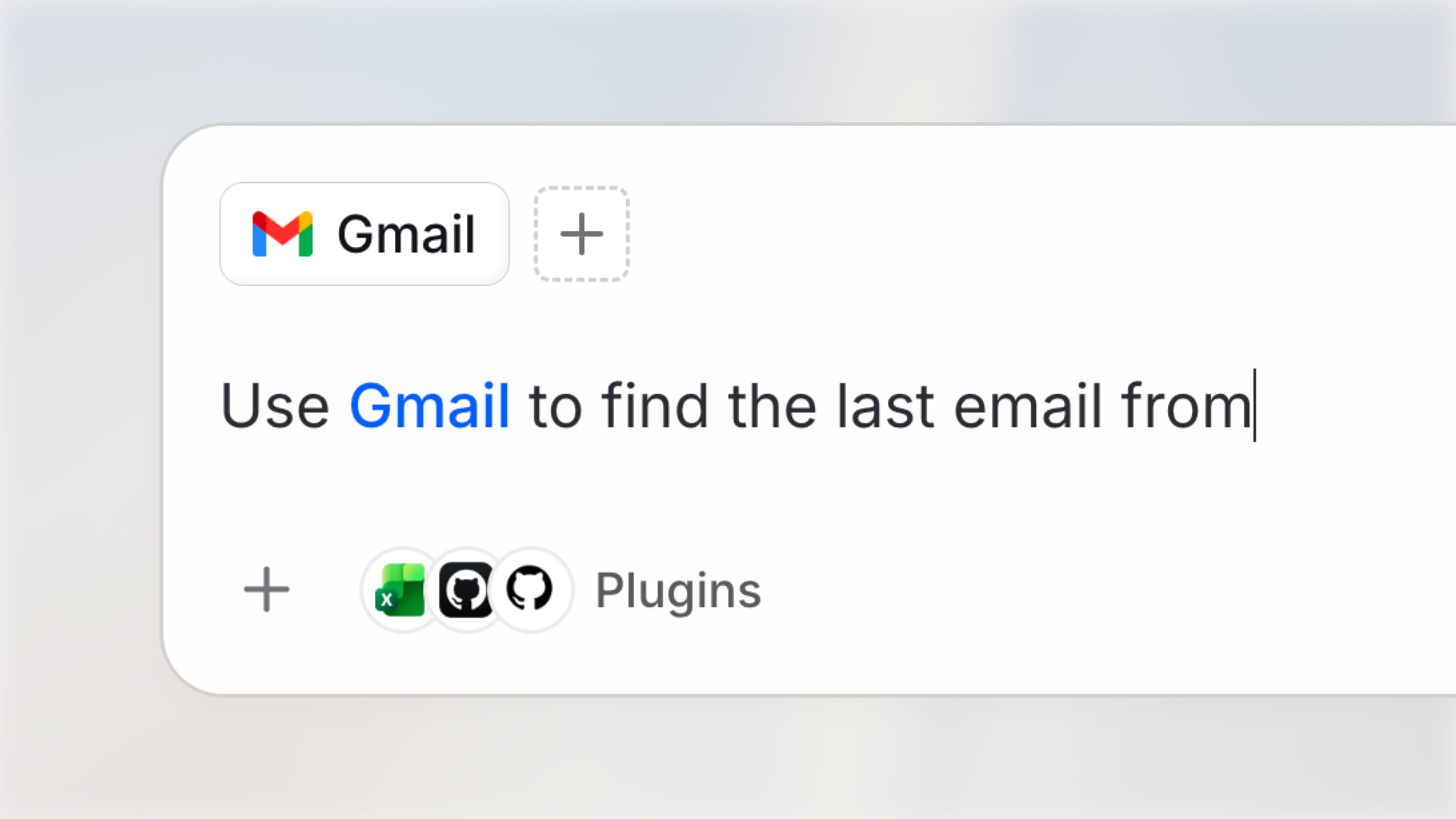 Open Plugins from the sidebar to browse the integrations connected to your workspace and discover available Skills. Installed integrations appear first, while categories and workspace popularity make it easier to find what you need. Each integration also includes prompt starters, so you can quickly understand what it can do and put it to work.
### A simpler home for Skills
Plugins also give Skills a simpler home. Browse Skills alongside integrations, then enable the ones relevant to your work. To make that experience more straightforward, Skills now have one clear state: enabled or disabled. When a Skill is enabled, it is ready to use, with no separate install step before activating it. This makes it easier to try Skills as they become available and keep only the ones your team needs enabled.
Read more in our [changelog](https://www.langdock.com/changelog#plugins).
Open Plugins from the sidebar to browse the integrations connected to your workspace and discover available Skills. Installed integrations appear first, while categories and workspace popularity make it easier to find what you need. Each integration also includes prompt starters, so you can quickly understand what it can do and put it to work.
### A simpler home for Skills
Plugins also give Skills a simpler home. Browse Skills alongside integrations, then enable the ones relevant to your work. To make that experience more straightforward, Skills now have one clear state: enabled or disabled. When a Skill is enabled, it is ready to use, with no separate install step before activating it. This makes it easier to try Skills as they become available and keep only the ones your team needs enabled.
Read more in our [changelog](https://www.langdock.com/changelog#plugins).
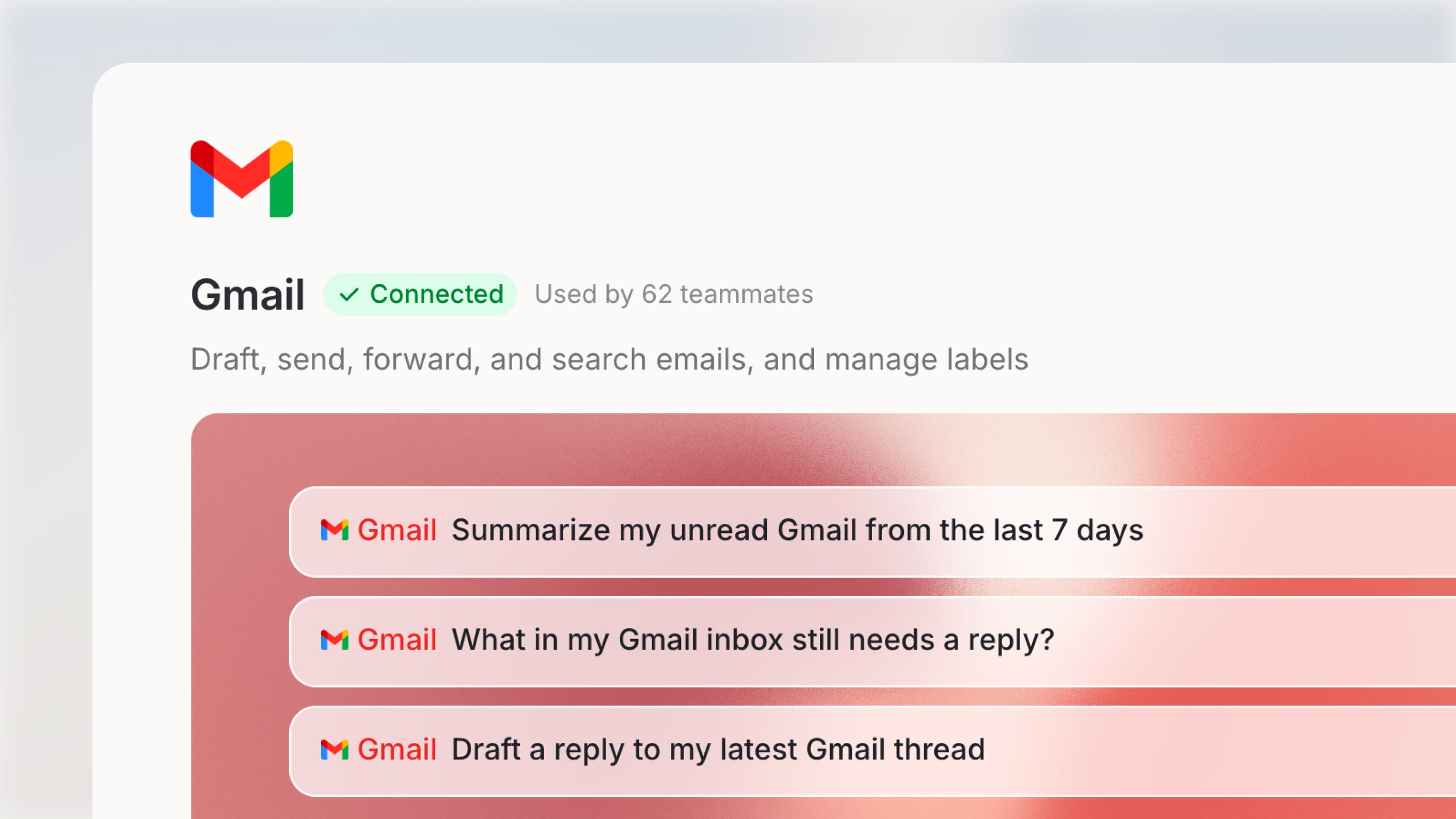 ## Microsoft Purview and Sensitivity Labels
Langdock now respects the Microsoft Purview sensitivity labels in your Microsoft tenant. Admins can connect the new Microsoft Purview integration, which loads your tenant's full label catalog including sublabels, and then choose which labels to block for the workspace. Only labels you explicitly block are denied, while all other labels, unlabeled files, and file types that Microsoft cannot label remain available.
### Where the policy applies
* **SharePoint:** File reads, downloads, copy sources, search, folder listings, and folder sync.
* **OneDrive:** File reads, downloads, search, folder listings, and folder sync.
* **Outlook Email:** Reading emails in personal and shared mailboxes. Linked cloud files are checked on their own, while downloaded files that are attached to an email remain accessible if the email is allowed as per policies. Drafting, replying, forwarding, and sending emails are not affected.
* **Microsoft Teams:** Files attached to chat and channel messages are checked before they are downloaded. A blocked attachment is left out, while the message and its other attachments are still returned.
* **Microsoft Excel:** The workbook's label is checked before any sheet, range, table, or summary is read or changed.
### Files already in Langdock
The policy also covers OneDrive and SharePoint files that were attached earlier, including files whose label changed after they were attached. Restricted files are clearly flagged and blocked across chat, workflows, the Library, and Folders. In synced folders, files that become blocked are removed on the next sync, and files whose label cannot be verified are kept and checked again on the next sync.
### What your users see
Blocked content never reaches the chat, agent, or workflow where your integrations are used. When items are withheld, agents and chats receive a notice that some results were withheld, without naming them, so the LLMs can tell users that results were held back rather than reporting that they do not exist. Workbooks and files blocked by the policy return a clear message explaining that access is restricted by the workspace sensitivity policy.
## Workflows and Scheduled Tasks API
You can now manage workflows through the new public Workflows API, including listing, creating, updating, publishing, and deleting workflows, retrieving run history, and setting execution limits such as maximum runs per hour and cost caps. With the new public Scheduled Tasks API, you can also create, update, pause, resume, run, and delete scheduled tasks using your API key. This makes it easy to automate the setup and operation of your workflows and scheduled tasks from your own systems. See the [Workflows API](/en/developer/workflow-api/workflows-overview) and [Scheduled Tasks API](/en/developer/scheduled-tasks-api/scheduled-tasks-overview) documentation.
## Model Updates
We added a wide range of new models to the catalog. GPT-6 Sol, GPT-6 Luna, and Claude Opus 5.5 are now available. You can also add DeepSeek v3.2, v4 Flash, and v4 Pro (the retired DeepSeek R1 and v3.1 are hidden from the add-model wizard) and generate images with GPT Image 2.5 Flare and GPT Image 2.5 Sunburst.
### Updated recommendations for Auto, cost fallback, and backbone
Our latest recommendation for simpler Auto mode requests is now GPT-6 Luna, replacing GPT-5.6 Luna. For cost fallback in Langdock Cloud workspaces without BYOK, GPT-6 Luna is also the recommended model. We also now recommend GPT-6 Luna as the backbone model. You can update these settings in workspace settings > models.
***
## Chat
* You can now attach ZIP files up to 50 MB in chat when the bash tool is enabled, with the contents securely validated and unpacked in a sandbox.
* You can now upload YAML (`.yaml`, `.yml`), Keynote (`.key`), and UiPath Automation Hub (`.aha`, `.ahw`) files in chat.
* Your chosen reasoning effort now stays consistent when you reopen a conversation or run it through workflows and the API.
* vLLM-hosted models now stream their reasoning directly in chat, giving you real-time visibility into the model's thinking process.
* Deep Research now asks for clarification once and then starts researching right away.
* Generated files are now delivered as final downloads and remain available after you reload the conversation.
* You can now save chat attachments to a folder with one click, or choose a folder if one is not already set.
* Tool activity and reasoning steps now appear as a compact, collapsible row alongside the reply, and a new animated indicator shows when the AI is thinking.
* Chat now shows a clear "running" or "done" status for compaction instead of a progress percentage.
* Questions and answer options asked by the AI now reliably stay in your language, even after it reads a document or Skill in another language.
* Clicking internal search now activates it right away in your current conversation, without starting a new chat.
* New chats now appear instantly in your sidebar and history, without refreshing the page.
* Chat links with a pre-filled prompt now send that prompt automatically on first load, and chat templates always open the selected template.
* You can now type "1." followed by a space to start an automatically numbered list in the chat input.
* When a model is removed or replaced, you can now select premium and Pro models as the replacement for affected agents, automations, workflows, and conversations.
* We improved the reliability of chat streaming, including interruptions, attachments, mid-conversation prompt changes, and Claude model requests during busy periods.
## Agents
* Agent editors and owners can now track the agent's budget, spend, and remaining balance in Analytics under Cost.
* Agents and chats now automatically switch to the configured fallback model when a provider is unavailable or a cost limit is reached.
* Image generation is now always available to agents whenever it is enabled for your workspace, replacing the per-agent toggle.
* Agents now retry tool calls more reliably by receiving clear feedback on invalid inputs.
* Archived agents now stay on their own Archived tab, keeping your main agent overview focused on active agents.
* Agents can now recognize and reference their attached Folders by name when asked what knowledge they have access to.
* Profile placeholders in agent instructions and formatting changes in the Raw view are now reliably preserved when switching between the Raw and Markdown editors.
* The agent editor now shows an update / publish prompt whenever you add, remove, or re-add a sub-agent.
* Action cards on the plugin page and in the agent editor now show a single-line preview when collapsed and the full description when expanded.
## Skills
* Users with Skill creation permissions can now use the Skill Creator to create Skills and add files to them directly from a conversation.
* Admins can now manage access to official Skills by category instead of by pack.
* Skills now use a single, simplified enabled state, making it clearer which Skills are active.
* Agent templates from the catalog now automatically bring along the Skills they need.
* Official IT and knowledge-management Skills are now organized under Operations, and search, digest, and knowledge-synthesis Skills under Productivity.
* Skill-linked integration tools now activate reliably and stay connected throughout your conversation, including when switching between branches.
* The Skill editor now asks for confirmation before deleting files or folders and flags empty folders as unsaved until they contain a file.
* Viewers now see a clear explanation when they do not have permission to add or upload context in Skills.
* The Skills workspace settings page now uses chevron-style pagination with a clear page count.
* Adding a Skill to an agent now automatically completes that step in your Get Started checklist.
## Workflows
* Workflows can now pause and wait for a person before continuing. With the new User Input node, a run stops to collect answers or an approve / reject decision, and then continues down the matching branch. This makes it easy to build approval flows and human-in-the-loop automations directly in the workflow builder.
* You can now store encrypted environment variables (such as API keys) at the workflow level, so they are securely shared across runs without being exposed in node configuration.
* You can now trigger workflows automatically whenever a file is added to a folder, and pull in its content with the "Read folder file" action.
* You can now add a Transcribe Audio node to convert audio outputs into text transcripts with duration details, available when voice transcription and Azure Speech are enabled.
* Workflow agents now work with complete API and MCP results, with larger results of up to 25 MB stored as workflow attachments.
* Code nodes can now access files created by earlier steps in the workflow.
* Workflow Chat now supports Auto model selection, just like chat and the agent builder.
* Workflow output inspection and node previews are now easier to navigate, with a clearer data hierarchy, smooth scrolling in long outputs, and one-click JSON copying.
* Workflow history now shows a "Retry running" status on failed runs while a retry is in progress, and displays the result of the latest retry once completed.
* Email-triggered workflows now continue processing even when an attached image cannot be read.
* Workflows now process triggered file attachments in small batches while keeping files in the correct order and respecting size limits.
* Workflow editors and collaborators can now reliably use shared connections within workflows.
* Workflow forms now support uploading UiPath Automation Hub (`.aha`) files.
* Your workflows list now keeps its sort order when you open and return from a workflow, and workflow history labels are now translated in all supported languages.
## Library
* You can now rename files and folders directly in the Library.
* You can now upload genomic sequence files (`.fna`, `.gb`, `.gbk`) to Folders.
* The template preview panel now displays a clear error banner when something goes wrong, so you can see what needs to change and ask the chat to help.
* New folders created inside a project now automatically inherit the project's editor access.
## Settings
* Workspace admins now automatically receive workspace-wide Governance access whenever Governance is enabled, replacing the manual admin allowlist.
* Admins managing SCIM-synced groups can now assign Member, Editor, and Admin roles directly from the group member drawer.
* Admins can now export usage and cost data grouped by department or legal entity, with historically accurate attribution after team changes.
* When privacy mode is enabled, private workflows are now excluded from the Governance overview, summary, and integration counts.
* The roles page, member access drawer, and group permissions drawer now include an "Open docs" shortcut to the matching documentation.
## API
* Admins can now create and manage user groups and their membership through the API, without needing SCIM.
* The Agent Completions API now accepts an optional `connectionId` parameter, so each request can specify which connected account the agent's tools should use.
* Workspace admins can now control which API scopes members may include on personal API keys, including the option to create, update, and publish workflows as their own user.
* API key scopes are now grouped by product area in the scope picker and key list.
* You can now create and rotate personal API keys at any time, with personal API spend shown separately from the shared usage allowance.
* The Compliance API now includes Skills alongside agents, prompt libraries, and workflows.
* The User Management API now returns department, company, custom instructions status, and default model for each user.
* Conversation exports can now optionally include the inputs, outputs, and error details of tool actions.
* The API now offers a GitHub Copilot-compatible streaming endpoint, so Copilot users get accurate real-time replies with working tool calls.
## Integrations
**SharePoint**
* Microsoft Purview sensitivity labels are now enforced for SharePoint actions and triggers. See "Microsoft Purview and Sensitivity Labels" above for details.
* SharePoint folders you attach on demand now sync and import their files much faster.
**OneDrive**
* Microsoft Purview sensitivity labels are now enforced for OneDrive actions and triggers. See "Microsoft Purview and Sensitivity Labels" above for details.
**Outlook Email**
* Microsoft Purview sensitivity labels are now enforced for Outlook actions and triggers. See "Microsoft Purview and Sensitivity Labels" above for details.
* You can now search your personal Outlook contacts by email or name and update existing contact details, with safeguards against accidental data loss.
**Microsoft Teams**
* Microsoft Purview sensitivity labels are now enforced for Teams actions and triggers. See "Microsoft Purview and Sensitivity Labels" above for details.
* You can now start a new 1:1 or group chat with the new Create chat action, while Find chats is dedicated to searching your existing conversations.
* Messages you send to yourself now land in your Notes chat, and pasted chat links resolve correctly.
**Microsoft Excel**
* Microsoft Purview sensitivity labels are now enforced for Excel actions and triggers. See "Microsoft Purview and Sensitivity Labels" above for details.
* Excel workbook actions now accept a OneDrive or SharePoint file link directly, without looking up drive and item IDs first.
* The Update table row action now validates column and row inputs upfront and gives clear guidance on the expected format.
**Microsoft Planner**
* You can now reset a single checklist item to incomplete without affecting the other items on the task.
**Microsoft To Do**
* Task lists and task details now include each task's assigned categories.
**Microsoft Fabric**
* "Get table sample" now returns a quick 5-row preview by default (up to 10 on request), with "Execute query" available for full data sets.
**Azure DevOps (New)**
* Azure DevOps is now available as an integration, letting you manage work items, view sprints and team capacity, sync Markdown wiki pages, and manage Git repositories including multi-file commits and pull requests.
**Microsoft Entra**
* You can now search and inspect application registrations, audit expiring credentials, manage redirect URIs and client secrets, manage delegated permission grants and application roles, and look up users by Object ID.
* To do so, your Microsoft admin needs to grant the `Directory.Read.All` and `Application.Read.All` scopes in the OAuth client and activate the new actions in Langdock afterwards.
**Azure Resource Manager**
* Connections can now be pinned to a specific Entra directory, Activity Log results include the operation ID and category, and the new "List resource changes" action shows exactly what changed on a resource.
* To pin connections to a directory, your Microsoft admin needs to grant the `user_impersonation` scope (Azure Service Management) and register the integration's redirect URI in the OAuth client, and activate the new actions in Langdock afterwards.
**Confluence**
* Two new actions are available: "Append to page" to add content at the bottom of a page and "Replace page text" for targeted text edits, while "Update page" now protects embedded images during full-page rewrites.
* Get page and search results now show where a page sits in the page tree, and the new "Get Page Hierarchy" action retrieves a page's descendants in one call.
**Snowflake**
* You can now list, describe, and query governed semantic views, ask natural-language questions via Cortex Analyst, and search content through Cortex Search.
* The Execute SQL, Search Schema, and Cortex Search actions now return clearer, more consistent results grouped under a count and rows structure.
**monday.com**
* You can now upload files to item columns and updates, and download existing file attachments.
**Zendesk**
* You can now create and update Zendesk organizations, including group assignment and custom fields. To do so, your Zendesk admin needs to grant the `organizations:write` scope in the OAuth client and activate the new actions in Langdock afterwards.
**Asana**
* Asana portfolio lookups now return more precise and relevant details.
**Langdock**
* The new "List Agents" action lets you discover agents shared with your API key, with brief summaries or full configuration details.
* The "Get skill" action now returns attached files, and the new "Get skill file" action retrieves the full text of an individual file.
## Microsoft Purview and Sensitivity Labels
Langdock now respects the Microsoft Purview sensitivity labels in your Microsoft tenant. Admins can connect the new Microsoft Purview integration, which loads your tenant's full label catalog including sublabels, and then choose which labels to block for the workspace. Only labels you explicitly block are denied, while all other labels, unlabeled files, and file types that Microsoft cannot label remain available.
### Where the policy applies
* **SharePoint:** File reads, downloads, copy sources, search, folder listings, and folder sync.
* **OneDrive:** File reads, downloads, search, folder listings, and folder sync.
* **Outlook Email:** Reading emails in personal and shared mailboxes. Linked cloud files are checked on their own, while downloaded files that are attached to an email remain accessible if the email is allowed as per policies. Drafting, replying, forwarding, and sending emails are not affected.
* **Microsoft Teams:** Files attached to chat and channel messages are checked before they are downloaded. A blocked attachment is left out, while the message and its other attachments are still returned.
* **Microsoft Excel:** The workbook's label is checked before any sheet, range, table, or summary is read or changed.
### Files already in Langdock
The policy also covers OneDrive and SharePoint files that were attached earlier, including files whose label changed after they were attached. Restricted files are clearly flagged and blocked across chat, workflows, the Library, and Folders. In synced folders, files that become blocked are removed on the next sync, and files whose label cannot be verified are kept and checked again on the next sync.
### What your users see
Blocked content never reaches the chat, agent, or workflow where your integrations are used. When items are withheld, agents and chats receive a notice that some results were withheld, without naming them, so the LLMs can tell users that results were held back rather than reporting that they do not exist. Workbooks and files blocked by the policy return a clear message explaining that access is restricted by the workspace sensitivity policy.
## Workflows and Scheduled Tasks API
You can now manage workflows through the new public Workflows API, including listing, creating, updating, publishing, and deleting workflows, retrieving run history, and setting execution limits such as maximum runs per hour and cost caps. With the new public Scheduled Tasks API, you can also create, update, pause, resume, run, and delete scheduled tasks using your API key. This makes it easy to automate the setup and operation of your workflows and scheduled tasks from your own systems. See the [Workflows API](/en/developer/workflow-api/workflows-overview) and [Scheduled Tasks API](/en/developer/scheduled-tasks-api/scheduled-tasks-overview) documentation.
## Model Updates
We added a wide range of new models to the catalog. GPT-6 Sol, GPT-6 Luna, and Claude Opus 5.5 are now available. You can also add DeepSeek v3.2, v4 Flash, and v4 Pro (the retired DeepSeek R1 and v3.1 are hidden from the add-model wizard) and generate images with GPT Image 2.5 Flare and GPT Image 2.5 Sunburst.
### Updated recommendations for Auto, cost fallback, and backbone
Our latest recommendation for simpler Auto mode requests is now GPT-6 Luna, replacing GPT-5.6 Luna. For cost fallback in Langdock Cloud workspaces without BYOK, GPT-6 Luna is also the recommended model. We also now recommend GPT-6 Luna as the backbone model. You can update these settings in workspace settings > models.
***
## Chat
* You can now attach ZIP files up to 50 MB in chat when the bash tool is enabled, with the contents securely validated and unpacked in a sandbox.
* You can now upload YAML (`.yaml`, `.yml`), Keynote (`.key`), and UiPath Automation Hub (`.aha`, `.ahw`) files in chat.
* Your chosen reasoning effort now stays consistent when you reopen a conversation or run it through workflows and the API.
* vLLM-hosted models now stream their reasoning directly in chat, giving you real-time visibility into the model's thinking process.
* Deep Research now asks for clarification once and then starts researching right away.
* Generated files are now delivered as final downloads and remain available after you reload the conversation.
* You can now save chat attachments to a folder with one click, or choose a folder if one is not already set.
* Tool activity and reasoning steps now appear as a compact, collapsible row alongside the reply, and a new animated indicator shows when the AI is thinking.
* Chat now shows a clear "running" or "done" status for compaction instead of a progress percentage.
* Questions and answer options asked by the AI now reliably stay in your language, even after it reads a document or Skill in another language.
* Clicking internal search now activates it right away in your current conversation, without starting a new chat.
* New chats now appear instantly in your sidebar and history, without refreshing the page.
* Chat links with a pre-filled prompt now send that prompt automatically on first load, and chat templates always open the selected template.
* You can now type "1." followed by a space to start an automatically numbered list in the chat input.
* When a model is removed or replaced, you can now select premium and Pro models as the replacement for affected agents, automations, workflows, and conversations.
* We improved the reliability of chat streaming, including interruptions, attachments, mid-conversation prompt changes, and Claude model requests during busy periods.
## Agents
* Agent editors and owners can now track the agent's budget, spend, and remaining balance in Analytics under Cost.
* Agents and chats now automatically switch to the configured fallback model when a provider is unavailable or a cost limit is reached.
* Image generation is now always available to agents whenever it is enabled for your workspace, replacing the per-agent toggle.
* Agents now retry tool calls more reliably by receiving clear feedback on invalid inputs.
* Archived agents now stay on their own Archived tab, keeping your main agent overview focused on active agents.
* Agents can now recognize and reference their attached Folders by name when asked what knowledge they have access to.
* Profile placeholders in agent instructions and formatting changes in the Raw view are now reliably preserved when switching between the Raw and Markdown editors.
* The agent editor now shows an update / publish prompt whenever you add, remove, or re-add a sub-agent.
* Action cards on the plugin page and in the agent editor now show a single-line preview when collapsed and the full description when expanded.
## Skills
* Users with Skill creation permissions can now use the Skill Creator to create Skills and add files to them directly from a conversation.
* Admins can now manage access to official Skills by category instead of by pack.
* Skills now use a single, simplified enabled state, making it clearer which Skills are active.
* Agent templates from the catalog now automatically bring along the Skills they need.
* Official IT and knowledge-management Skills are now organized under Operations, and search, digest, and knowledge-synthesis Skills under Productivity.
* Skill-linked integration tools now activate reliably and stay connected throughout your conversation, including when switching between branches.
* The Skill editor now asks for confirmation before deleting files or folders and flags empty folders as unsaved until they contain a file.
* Viewers now see a clear explanation when they do not have permission to add or upload context in Skills.
* The Skills workspace settings page now uses chevron-style pagination with a clear page count.
* Adding a Skill to an agent now automatically completes that step in your Get Started checklist.
## Workflows
* Workflows can now pause and wait for a person before continuing. With the new User Input node, a run stops to collect answers or an approve / reject decision, and then continues down the matching branch. This makes it easy to build approval flows and human-in-the-loop automations directly in the workflow builder.
* You can now store encrypted environment variables (such as API keys) at the workflow level, so they are securely shared across runs without being exposed in node configuration.
* You can now trigger workflows automatically whenever a file is added to a folder, and pull in its content with the "Read folder file" action.
* You can now add a Transcribe Audio node to convert audio outputs into text transcripts with duration details, available when voice transcription and Azure Speech are enabled.
* Workflow agents now work with complete API and MCP results, with larger results of up to 25 MB stored as workflow attachments.
* Code nodes can now access files created by earlier steps in the workflow.
* Workflow Chat now supports Auto model selection, just like chat and the agent builder.
* Workflow output inspection and node previews are now easier to navigate, with a clearer data hierarchy, smooth scrolling in long outputs, and one-click JSON copying.
* Workflow history now shows a "Retry running" status on failed runs while a retry is in progress, and displays the result of the latest retry once completed.
* Email-triggered workflows now continue processing even when an attached image cannot be read.
* Workflows now process triggered file attachments in small batches while keeping files in the correct order and respecting size limits.
* Workflow editors and collaborators can now reliably use shared connections within workflows.
* Workflow forms now support uploading UiPath Automation Hub (`.aha`) files.
* Your workflows list now keeps its sort order when you open and return from a workflow, and workflow history labels are now translated in all supported languages.
## Library
* You can now rename files and folders directly in the Library.
* You can now upload genomic sequence files (`.fna`, `.gb`, `.gbk`) to Folders.
* The template preview panel now displays a clear error banner when something goes wrong, so you can see what needs to change and ask the chat to help.
* New folders created inside a project now automatically inherit the project's editor access.
## Settings
* Workspace admins now automatically receive workspace-wide Governance access whenever Governance is enabled, replacing the manual admin allowlist.
* Admins managing SCIM-synced groups can now assign Member, Editor, and Admin roles directly from the group member drawer.
* Admins can now export usage and cost data grouped by department or legal entity, with historically accurate attribution after team changes.
* When privacy mode is enabled, private workflows are now excluded from the Governance overview, summary, and integration counts.
* The roles page, member access drawer, and group permissions drawer now include an "Open docs" shortcut to the matching documentation.
## API
* Admins can now create and manage user groups and their membership through the API, without needing SCIM.
* The Agent Completions API now accepts an optional `connectionId` parameter, so each request can specify which connected account the agent's tools should use.
* Workspace admins can now control which API scopes members may include on personal API keys, including the option to create, update, and publish workflows as their own user.
* API key scopes are now grouped by product area in the scope picker and key list.
* You can now create and rotate personal API keys at any time, with personal API spend shown separately from the shared usage allowance.
* The Compliance API now includes Skills alongside agents, prompt libraries, and workflows.
* The User Management API now returns department, company, custom instructions status, and default model for each user.
* Conversation exports can now optionally include the inputs, outputs, and error details of tool actions.
* The API now offers a GitHub Copilot-compatible streaming endpoint, so Copilot users get accurate real-time replies with working tool calls.
## Integrations
**SharePoint**
* Microsoft Purview sensitivity labels are now enforced for SharePoint actions and triggers. See "Microsoft Purview and Sensitivity Labels" above for details.
* SharePoint folders you attach on demand now sync and import their files much faster.
**OneDrive**
* Microsoft Purview sensitivity labels are now enforced for OneDrive actions and triggers. See "Microsoft Purview and Sensitivity Labels" above for details.
**Outlook Email**
* Microsoft Purview sensitivity labels are now enforced for Outlook actions and triggers. See "Microsoft Purview and Sensitivity Labels" above for details.
* You can now search your personal Outlook contacts by email or name and update existing contact details, with safeguards against accidental data loss.
**Microsoft Teams**
* Microsoft Purview sensitivity labels are now enforced for Teams actions and triggers. See "Microsoft Purview and Sensitivity Labels" above for details.
* You can now start a new 1:1 or group chat with the new Create chat action, while Find chats is dedicated to searching your existing conversations.
* Messages you send to yourself now land in your Notes chat, and pasted chat links resolve correctly.
**Microsoft Excel**
* Microsoft Purview sensitivity labels are now enforced for Excel actions and triggers. See "Microsoft Purview and Sensitivity Labels" above for details.
* Excel workbook actions now accept a OneDrive or SharePoint file link directly, without looking up drive and item IDs first.
* The Update table row action now validates column and row inputs upfront and gives clear guidance on the expected format.
**Microsoft Planner**
* You can now reset a single checklist item to incomplete without affecting the other items on the task.
**Microsoft To Do**
* Task lists and task details now include each task's assigned categories.
**Microsoft Fabric**
* "Get table sample" now returns a quick 5-row preview by default (up to 10 on request), with "Execute query" available for full data sets.
**Azure DevOps (New)**
* Azure DevOps is now available as an integration, letting you manage work items, view sprints and team capacity, sync Markdown wiki pages, and manage Git repositories including multi-file commits and pull requests.
**Microsoft Entra**
* You can now search and inspect application registrations, audit expiring credentials, manage redirect URIs and client secrets, manage delegated permission grants and application roles, and look up users by Object ID.
* To do so, your Microsoft admin needs to grant the `Directory.Read.All` and `Application.Read.All` scopes in the OAuth client and activate the new actions in Langdock afterwards.
**Azure Resource Manager**
* Connections can now be pinned to a specific Entra directory, Activity Log results include the operation ID and category, and the new "List resource changes" action shows exactly what changed on a resource.
* To pin connections to a directory, your Microsoft admin needs to grant the `user_impersonation` scope (Azure Service Management) and register the integration's redirect URI in the OAuth client, and activate the new actions in Langdock afterwards.
**Confluence**
* Two new actions are available: "Append to page" to add content at the bottom of a page and "Replace page text" for targeted text edits, while "Update page" now protects embedded images during full-page rewrites.
* Get page and search results now show where a page sits in the page tree, and the new "Get Page Hierarchy" action retrieves a page's descendants in one call.
**Snowflake**
* You can now list, describe, and query governed semantic views, ask natural-language questions via Cortex Analyst, and search content through Cortex Search.
* The Execute SQL, Search Schema, and Cortex Search actions now return clearer, more consistent results grouped under a count and rows structure.
**monday.com**
* You can now upload files to item columns and updates, and download existing file attachments.
**Zendesk**
* You can now create and update Zendesk organizations, including group assignment and custom fields. To do so, your Zendesk admin needs to grant the `organizations:write` scope in the OAuth client and activate the new actions in Langdock afterwards.
**Asana**
* Asana portfolio lookups now return more precise and relevant details.
**Langdock**
* The new "List Agents" action lets you discover agents shared with your API key, with brief summaries or full configuration details.
* The "Get skill" action now returns attached files, and the new "Get skill file" action retrieves the full text of an individual file.
 The same models, knowledge bases, integrations, skills, and workflows you use in Langdock are available inside Outlook, and workspace admins can enable the add-in from workspace settings. See the full [configuration guide](/en/admin/manage-integrations/add-in-setup-guides/outlook#enabling-the-add-in), the [Outlook add-in guide](/en/using-langdock/microsoft-add-ins/outlook), and our [changelog](https://www.langdock.com/changelog#langdock-for-outlook).
## Governance for Integrations
Governance now includes a dedicated layer for integrations, giving workspace admins a central view of integration usage and controls. It brings together workspace-level metrics, per-integration detail, and logs down to the individual action, so you can understand how integrations are being used and investigate issues with more precision.
### Workspace-level overview
The overview aggregates total tool calls, connections, agents using integrations, and integrations currently in use, with trends compared against the previous period. It also lists every integration with its enabled status, call, connection, and agent counts, plus a usage sparkline for each one.
You can filter by status, type, and source, search the list, and switch between views of relevant integrations and all integrations. The workspace area has separate Overview and Analytics tabs.
### Per-integration detail
Each integration has an overview with key metrics such as tool calls, connections, agents, and active users, alongside quick links to analytics, connections, agents, and controls. The analytics view breaks usage down by tool calls, active users, and product actions versus native actions, with charts for action calls over time and connections over time, as well as a ranking of the most-used actions.
Additional tabs cover connections, agents, and controls, including action management, scopes, and advanced settings. A logs view provides a filterable and exportable audit trail for tool calls, including the time, action, source, status, HTTP code, and actor.
### Action-level detail
Logs and filters go down to the individual action within an integration. An email integration, for example, distinguishes between creating a draft, forwarding, searching, sending, and updating a draft.
## Personal API Keys
Personal API keys are now generally available. Members can create their own API key to use Langdock models in coding tools like Claude Code, Claude Desktop, Codex, and OpenCode, or in their own scripts and apps. A personal key authenticates as the member: it reaches only the models and resources that person already has access to, and it is limited to the completion API, with no admin, workflow, or export access. Workspace API keys remain the right choice for shared applications and agent automations.
The same models, knowledge bases, integrations, skills, and workflows you use in Langdock are available inside Outlook, and workspace admins can enable the add-in from workspace settings. See the full [configuration guide](/en/admin/manage-integrations/add-in-setup-guides/outlook#enabling-the-add-in), the [Outlook add-in guide](/en/using-langdock/microsoft-add-ins/outlook), and our [changelog](https://www.langdock.com/changelog#langdock-for-outlook).
## Governance for Integrations
Governance now includes a dedicated layer for integrations, giving workspace admins a central view of integration usage and controls. It brings together workspace-level metrics, per-integration detail, and logs down to the individual action, so you can understand how integrations are being used and investigate issues with more precision.
### Workspace-level overview
The overview aggregates total tool calls, connections, agents using integrations, and integrations currently in use, with trends compared against the previous period. It also lists every integration with its enabled status, call, connection, and agent counts, plus a usage sparkline for each one.
You can filter by status, type, and source, search the list, and switch between views of relevant integrations and all integrations. The workspace area has separate Overview and Analytics tabs.
### Per-integration detail
Each integration has an overview with key metrics such as tool calls, connections, agents, and active users, alongside quick links to analytics, connections, agents, and controls. The analytics view breaks usage down by tool calls, active users, and product actions versus native actions, with charts for action calls over time and connections over time, as well as a ranking of the most-used actions.
Additional tabs cover connections, agents, and controls, including action management, scopes, and advanced settings. A logs view provides a filterable and exportable audit trail for tool calls, including the time, action, source, status, HTTP code, and actor.
### Action-level detail
Logs and filters go down to the individual action within an integration. An email integration, for example, distinguishes between creating a draft, forwarding, searching, sending, and updating a draft.
## Personal API Keys
Personal API keys are now generally available. Members can create their own API key to use Langdock models in coding tools like Claude Code, Claude Desktop, Codex, and OpenCode, or in their own scripts and apps. A personal key authenticates as the member: it reaches only the models and resources that person already has access to, and it is limited to the completion API, with no admin, workflow, or export access. Workspace API keys remain the right choice for shared applications and agent automations.
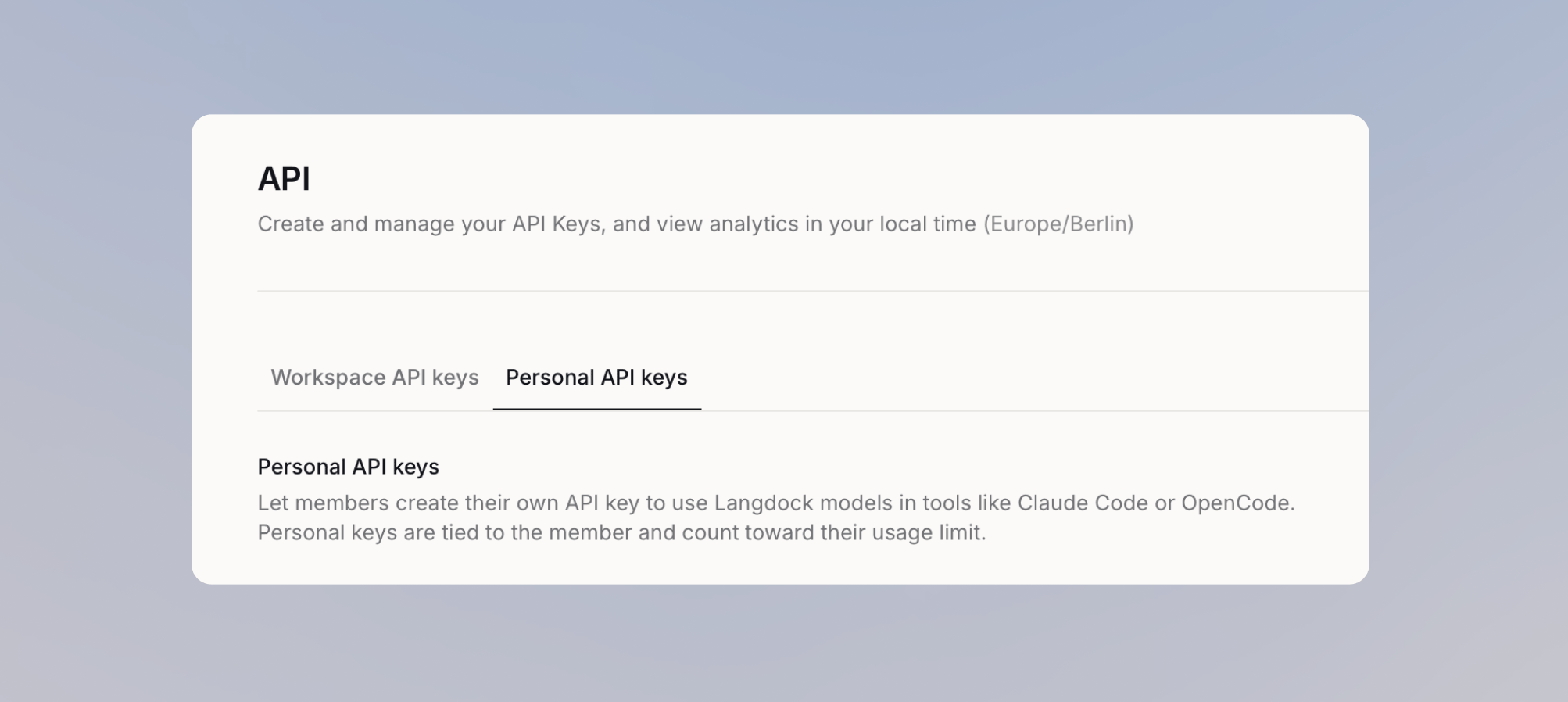 Personal keys are off by default. Admins enable them under Settings > Workspace > Products > API > **Personal API keys**, either for everyone or for selected members and groups. Members then create keys under Settings > Account > API keys, where step-by-step setup guides come pre-filled with their key, the API base URL for your deployment, and the models available to them.
Usage is billed to the member rather than to a shared credential. Personal API spend counts against the same monthly limit as that member's chat usage (plan, group, or individual), and requests are blocked once it is used up. If no per-person limits are set, keys work like chat: unlimited, unless a workspace spend limit is set. Admins see every personal key with its owner, last use, and spend per member per day, and can revoke any key at any time, for example during offboarding. Keys also stop working automatically when a member is deactivated.
Your existing API keys are unchanged in practice. They are now called workspace API keys, the workspace-wide credentials for shared applications and automations.
See the [admin guide](/en/admin/manage-usage/personal-api-keys) for enabling and monitoring personal keys, and the [member guide](/en/using-langdock/account/personal-api-keys) for creating one and connecting a tool.
## Workflow Monitoring
The Workflows home page has been redesigned with health overview stats, clearer tabs, and a fullscreen flow for creating new workflows. The Workflow Monitor tab and health summary are now available to everyone by default, with health KPIs, failure source badges, per-section filters for workflow and time range, a top failing nodes table, and richer detail for runs awaiting input. Each workflow row also shows a 30-day success rate, and you can export run history as CSV for deeper analysis.
## Settings Navigation
Account and admin settings have been restructured so related controls sit together. Preferences now covers custom instructions and memory, and a new Privacy page owns sessions, notifications, shared chats, and delete-all. User management moved above Workspace along with Usage and spend, and Integrations, Add-ins, and Library moved into Workspace. A sticky search field in the settings sidebar lets you filter pages by title or keyword in English and German, so you can find any setting without knowing its exact name.
## Library and Folder Management
Workspace admins can now manage folders directly from Library settings, including search, filtering by sharing status, ownership transfer, and deletion of non-project folders. Editors can retry failed folder files from the Library overflow menu instead of deleting and re-uploading, and Recent Files now shows only AI-generated and integration-imported artifacts, so the content that matters is easier to find. The folder sharing disclaimer now also appears when sharing regular folders, keeping sharing policies consistent across folders and knowledge bases.
## Assistants API Deprecation
The Assistants API deprecation we announced in v7.17 takes effect with this release. The Assistants API is no longer available, and the Agents API replaces it, using the standard formats of industry-standard AI SDKs instead of custom input and output transformations.
Any integration that still calls the Assistants API stops working until you migrate it to the Agents API. For `/get`, `/update`, `/create`, `/disable`, and `/models`, only two things change: the base URL (`api.langdock.com/assistant/v1/` becomes `api.langdock.com/agent/v1/`) and the `assistantId` field, which is now `agentId`. The `/chat/completions` endpoint changes more substantially, because it is now compatible with the Vercel AI SDK instead of the OpenAI SDK.
To find what still needs migrating, open your API keys overview, where every key that was calling the Assistants API is marked. For a full breakdown of what changed and how to update your configuration, see the [Assistant to Agent Migration Guide](/en/developer/agents-api/assistant-to-agent-migration).
***
## Chat
* Citations from knowledge collections now open the referenced document in the in-app preview and jump straight to the cited PDF page.
* You can now upload MATLAB `.mat` files and Adobe InDesign `.idml` files directly in chat and folders, and Langdock reads the content without any manual export.
* Dropdown menus across the platform are more compact and better organized, with built-in search to find actions faster.
* The model cost indicator now uses a four-tier scale (Low, Moderate, High, Very High), making it easier to compare models at a glance.
* Auto tool search now surfaces only the integrations you have personally connected, keeping workspace-shared and admin-visible connections out of your chat context.
* Files dragged from Outlook or a document management system into Langdock are always preserved in their original location.
* Chat titles are now generated with correct German spelling, including umlauts and ß.
* The image generation loading indicator has a cleaner, more polished design.
## Agents
* Agents can now search, attach, and detach folders on their own through new builder tools, with the same access checks as the manual picker.
* Writable folders are available in the new agent editor, so you can configure file storage directly in the updated setup experience.
* In the agent builder, editors can bulk-remove a pre-selected connection from all of an integration's actions at once.
* Hovering a truncated folder name in the agent editor now reveals the full name, making similar folders easy to tell apart.
* German-language users now see "Tests" instead of "Evals" throughout the agent evaluation interface.
## Skills
* Admins can now see public catalog integrations in the governance skills overview for a complete picture of active skills across the workspace.
## Library
* You can now upload spreadsheets and CSV files up to 100 MB, up from 30 MB, so agents can work with larger operational datasets.
* You can now upload SQLite database files (`.db`, `.sqlite`, `.sqlite3`) in chat and use them with the bash tool, up to 30 MB.
* PPTX template rendering produces more complete and visually consistent decks, with quality warnings when the output may not fully match the source template.
* Working folders are now available to all eligible agent workspaces, so teams with a folder configured can use it right away.
## Workflows
* When a sequential loop fails, you can now resume it from the next iteration while keeping previously completed results.
* Workflow editors are now notified when a completed run encountered an unavailable or expired connection, with a direct link to the run history.
* Run history now shows a clickable "Re-run of Run #N" reference, so you can trace any rerun back to its source run.
* Invalid workflow imports now open a details dialog with clear validation messages and copyable error paths.
* Workflow Chat responses that are still generating now complete in the background and remain visible when you reopen the panel.
## Settings
* Workspace admins can now enforce authentication on all webhook triggers through a new policy setting in the Node settings section of workspace settings.
* Admins can now select multiple members at once and change their seat plan in bulk, with a confirmation summary of affected users and any additional seat costs.
* Workspace admins now see a "Needs attention" section in the Usage area, surfacing pending usage requests and members hitting their limits, with nav badges and a Members banner.
* Workspace admins can now see each user's prompt message count for the current 30-day window in user management.
* Workspace admins can now select a 24-month chat retention period, aligning with longer data retention policies.
* Workspaces are now protected from losing their last admin: self-demotion is blocked and at least one active admin is preserved during role changes and bulk updates.
* Gemini 3.7 Flash is now available in the model catalog and enabled by default for newly created workspaces.
* The model setting in workspace and personal model preferences has a redesigned experience.
* Workspace admins can now reopen previously dismissed admin changelogs from the profile menu.
* Admins now see an informational banner in Settings that surfaces important updates and announcements.
## API
* Anthropic API requests now route across multiple upstream providers with automatic failover, improving reliability during rate limit events and provider outages.
## Integrations
**General**
* Integration actions are now grouped by type, View, Change, and Delete, so you can quickly see what each action does when configuring agents, workflows, or integration settings.
* Integration actions now support versioning, so workflows stay pinned to the version they were built with while admins manage and publish new versions independently.
* Connecting an integration now surfaces suggested starter prompts, available across more than 65 integrations including Gmail, Google Drive, Outlook, OneDrive, SharePoint, Confluence, Jira, Slack, Excel, Google Analytics, Google Meet, and ElevenLabs.
* Microsoft Office Add-ins are now labeled consistently as "Add-in" across English, German, French, Spanish, and Italian.
* The Excel and Outlook add-in manifests, welcome screens, and sign-in pages now display your configured brand name, icon, and URLs.
**Microsoft Fabric GraphQL (New)**
* Microsoft Fabric GraphQL is now available as a native integration using your existing Microsoft identity, with six actions: List Workspaces, List GraphQL APIs, Inspect Schema, Run Query, Run Mutation, and Read Mutation Result.
* To use the integration, your Microsoft admin needs to add the `Workspace.Read.All` and `GraphQLApi.Execute.All` scopes in the OAuth client. See the full [Microsoft Fabric setup guide](/en/admin/manage-integrations/integration-setup-guides/microsoft-fabric).
**Microsoft SharePoint**
* A new Copy File action lets you copy any file to another folder or document library while leaving the original untouched. Your Microsoft admin needs to grant the `Files.ReadWrite.All` scope in the OAuth client, and you then activate the new actions in Langdock.
* A new Resolve SharePoint URL action converts any pasted SharePoint browser link into the IDs needed by other SharePoint actions, covering sites, lists, list items, files, folders, and pages.
* A new List Folder Changes action tracks file additions, edits, and deletions within a folder, so nightly syncs no longer need to rescan every file.
**Microsoft OneDrive**
* A new List Folder Changes action efficiently tracks file additions, edits, and deletions within a folder for incremental syncs.
**Outlook Email**
* Four new shared mailbox actions are available: Send Reply from Shared Mailbox, Forward Email from Shared Mailbox, Draft Reply to Message in Shared Mailbox, and Create Folder in Shared Mailbox.
* A new trigger fires when an email's categories change in a shared inbox, matching what was already possible for personal mailboxes.
* Action descriptions have been tightened so models route reading, moving, replying, and shared mailbox searches to the right action on the first call.
**Outlook Calendar**
* You can now attach files when creating or updating calendar events, and retrieve attachment details or download file content with the updated Get Event and Get Event Attachments actions.
**Microsoft Teams**
* Send Channel Message and Send Chat Message now support an optional Adaptive Card attachment, with control over whether the card appears above or below the message text.
* Two new triggers are available: New Reaction in Channel, which fires when someone reacts to a channel message or a reply in its thread, and New Reaction in Chat, which fires on reactions in 1:1 and group chats.
* Both reaction triggers can be filtered to a single reaction, entered either as the emoji or as its display name such as Like or Heart, or left empty to fire on any reaction.
**Microsoft Excel**
* The Get Table Rows action now returns the table name, column headers, header-mapped rows, and pagination details, making it easier to build reliable workflows on Excel tables.
**Microsoft Dynamics 365**
* Connections now display a friendly label with your organization name and signed-in user instead of an opaque instance host URL.
**Jira**
* You can now read and manage Jira Assets from Langdock with list, search, get, create, and update actions, including paginated results.
* Before enabling these actions, your Jira admin needs to grant the `read:cmdb-object:jira`, `write:cmdb-object:jira`, `read:cmdb-schema:jira`, `read:cmdb-type:jira`, and `read:servicedesk-request` scopes in the OAuth client, and you then activate the new actions in Langdock.
**Databricks**
* The Databricks integration now supports Genie with three new actions: List Genie Agents, Ask Genie, and Get Genie Response, including multi-turn conversations and generated SQL with result rows.
**Salesforce**
* A new Upload File action attaches workflow files directly to any Salesforce record as native Salesforce Files instead of converting them into text notes.
**ServiceNow**
* ServiceNow knowledge bases and categories can now be selected as synced folders, so you can browse, search, and sync published articles directly from your ServiceNow instance.
**Vertex AI Vector Search**
* Three new actions are available: Upsert Datapoint, List Indexes, and List Projects, adding write operations and index discovery.
**Snowflake**
* The Snowflake OAuth connection now supports PKCE-based authorization for the authorization-code flow.
Personal keys are off by default. Admins enable them under Settings > Workspace > Products > API > **Personal API keys**, either for everyone or for selected members and groups. Members then create keys under Settings > Account > API keys, where step-by-step setup guides come pre-filled with their key, the API base URL for your deployment, and the models available to them.
Usage is billed to the member rather than to a shared credential. Personal API spend counts against the same monthly limit as that member's chat usage (plan, group, or individual), and requests are blocked once it is used up. If no per-person limits are set, keys work like chat: unlimited, unless a workspace spend limit is set. Admins see every personal key with its owner, last use, and spend per member per day, and can revoke any key at any time, for example during offboarding. Keys also stop working automatically when a member is deactivated.
Your existing API keys are unchanged in practice. They are now called workspace API keys, the workspace-wide credentials for shared applications and automations.
See the [admin guide](/en/admin/manage-usage/personal-api-keys) for enabling and monitoring personal keys, and the [member guide](/en/using-langdock/account/personal-api-keys) for creating one and connecting a tool.
## Workflow Monitoring
The Workflows home page has been redesigned with health overview stats, clearer tabs, and a fullscreen flow for creating new workflows. The Workflow Monitor tab and health summary are now available to everyone by default, with health KPIs, failure source badges, per-section filters for workflow and time range, a top failing nodes table, and richer detail for runs awaiting input. Each workflow row also shows a 30-day success rate, and you can export run history as CSV for deeper analysis.
## Settings Navigation
Account and admin settings have been restructured so related controls sit together. Preferences now covers custom instructions and memory, and a new Privacy page owns sessions, notifications, shared chats, and delete-all. User management moved above Workspace along with Usage and spend, and Integrations, Add-ins, and Library moved into Workspace. A sticky search field in the settings sidebar lets you filter pages by title or keyword in English and German, so you can find any setting without knowing its exact name.
## Library and Folder Management
Workspace admins can now manage folders directly from Library settings, including search, filtering by sharing status, ownership transfer, and deletion of non-project folders. Editors can retry failed folder files from the Library overflow menu instead of deleting and re-uploading, and Recent Files now shows only AI-generated and integration-imported artifacts, so the content that matters is easier to find. The folder sharing disclaimer now also appears when sharing regular folders, keeping sharing policies consistent across folders and knowledge bases.
## Assistants API Deprecation
The Assistants API deprecation we announced in v7.17 takes effect with this release. The Assistants API is no longer available, and the Agents API replaces it, using the standard formats of industry-standard AI SDKs instead of custom input and output transformations.
Any integration that still calls the Assistants API stops working until you migrate it to the Agents API. For `/get`, `/update`, `/create`, `/disable`, and `/models`, only two things change: the base URL (`api.langdock.com/assistant/v1/` becomes `api.langdock.com/agent/v1/`) and the `assistantId` field, which is now `agentId`. The `/chat/completions` endpoint changes more substantially, because it is now compatible with the Vercel AI SDK instead of the OpenAI SDK.
To find what still needs migrating, open your API keys overview, where every key that was calling the Assistants API is marked. For a full breakdown of what changed and how to update your configuration, see the [Assistant to Agent Migration Guide](/en/developer/agents-api/assistant-to-agent-migration).
***
## Chat
* Citations from knowledge collections now open the referenced document in the in-app preview and jump straight to the cited PDF page.
* You can now upload MATLAB `.mat` files and Adobe InDesign `.idml` files directly in chat and folders, and Langdock reads the content without any manual export.
* Dropdown menus across the platform are more compact and better organized, with built-in search to find actions faster.
* The model cost indicator now uses a four-tier scale (Low, Moderate, High, Very High), making it easier to compare models at a glance.
* Auto tool search now surfaces only the integrations you have personally connected, keeping workspace-shared and admin-visible connections out of your chat context.
* Files dragged from Outlook or a document management system into Langdock are always preserved in their original location.
* Chat titles are now generated with correct German spelling, including umlauts and ß.
* The image generation loading indicator has a cleaner, more polished design.
## Agents
* Agents can now search, attach, and detach folders on their own through new builder tools, with the same access checks as the manual picker.
* Writable folders are available in the new agent editor, so you can configure file storage directly in the updated setup experience.
* In the agent builder, editors can bulk-remove a pre-selected connection from all of an integration's actions at once.
* Hovering a truncated folder name in the agent editor now reveals the full name, making similar folders easy to tell apart.
* German-language users now see "Tests" instead of "Evals" throughout the agent evaluation interface.
## Skills
* Admins can now see public catalog integrations in the governance skills overview for a complete picture of active skills across the workspace.
## Library
* You can now upload spreadsheets and CSV files up to 100 MB, up from 30 MB, so agents can work with larger operational datasets.
* You can now upload SQLite database files (`.db`, `.sqlite`, `.sqlite3`) in chat and use them with the bash tool, up to 30 MB.
* PPTX template rendering produces more complete and visually consistent decks, with quality warnings when the output may not fully match the source template.
* Working folders are now available to all eligible agent workspaces, so teams with a folder configured can use it right away.
## Workflows
* When a sequential loop fails, you can now resume it from the next iteration while keeping previously completed results.
* Workflow editors are now notified when a completed run encountered an unavailable or expired connection, with a direct link to the run history.
* Run history now shows a clickable "Re-run of Run #N" reference, so you can trace any rerun back to its source run.
* Invalid workflow imports now open a details dialog with clear validation messages and copyable error paths.
* Workflow Chat responses that are still generating now complete in the background and remain visible when you reopen the panel.
## Settings
* Workspace admins can now enforce authentication on all webhook triggers through a new policy setting in the Node settings section of workspace settings.
* Admins can now select multiple members at once and change their seat plan in bulk, with a confirmation summary of affected users and any additional seat costs.
* Workspace admins now see a "Needs attention" section in the Usage area, surfacing pending usage requests and members hitting their limits, with nav badges and a Members banner.
* Workspace admins can now see each user's prompt message count for the current 30-day window in user management.
* Workspace admins can now select a 24-month chat retention period, aligning with longer data retention policies.
* Workspaces are now protected from losing their last admin: self-demotion is blocked and at least one active admin is preserved during role changes and bulk updates.
* Gemini 3.7 Flash is now available in the model catalog and enabled by default for newly created workspaces.
* The model setting in workspace and personal model preferences has a redesigned experience.
* Workspace admins can now reopen previously dismissed admin changelogs from the profile menu.
* Admins now see an informational banner in Settings that surfaces important updates and announcements.
## API
* Anthropic API requests now route across multiple upstream providers with automatic failover, improving reliability during rate limit events and provider outages.
## Integrations
**General**
* Integration actions are now grouped by type, View, Change, and Delete, so you can quickly see what each action does when configuring agents, workflows, or integration settings.
* Integration actions now support versioning, so workflows stay pinned to the version they were built with while admins manage and publish new versions independently.
* Connecting an integration now surfaces suggested starter prompts, available across more than 65 integrations including Gmail, Google Drive, Outlook, OneDrive, SharePoint, Confluence, Jira, Slack, Excel, Google Analytics, Google Meet, and ElevenLabs.
* Microsoft Office Add-ins are now labeled consistently as "Add-in" across English, German, French, Spanish, and Italian.
* The Excel and Outlook add-in manifests, welcome screens, and sign-in pages now display your configured brand name, icon, and URLs.
**Microsoft Fabric GraphQL (New)**
* Microsoft Fabric GraphQL is now available as a native integration using your existing Microsoft identity, with six actions: List Workspaces, List GraphQL APIs, Inspect Schema, Run Query, Run Mutation, and Read Mutation Result.
* To use the integration, your Microsoft admin needs to add the `Workspace.Read.All` and `GraphQLApi.Execute.All` scopes in the OAuth client. See the full [Microsoft Fabric setup guide](/en/admin/manage-integrations/integration-setup-guides/microsoft-fabric).
**Microsoft SharePoint**
* A new Copy File action lets you copy any file to another folder or document library while leaving the original untouched. Your Microsoft admin needs to grant the `Files.ReadWrite.All` scope in the OAuth client, and you then activate the new actions in Langdock.
* A new Resolve SharePoint URL action converts any pasted SharePoint browser link into the IDs needed by other SharePoint actions, covering sites, lists, list items, files, folders, and pages.
* A new List Folder Changes action tracks file additions, edits, and deletions within a folder, so nightly syncs no longer need to rescan every file.
**Microsoft OneDrive**
* A new List Folder Changes action efficiently tracks file additions, edits, and deletions within a folder for incremental syncs.
**Outlook Email**
* Four new shared mailbox actions are available: Send Reply from Shared Mailbox, Forward Email from Shared Mailbox, Draft Reply to Message in Shared Mailbox, and Create Folder in Shared Mailbox.
* A new trigger fires when an email's categories change in a shared inbox, matching what was already possible for personal mailboxes.
* Action descriptions have been tightened so models route reading, moving, replying, and shared mailbox searches to the right action on the first call.
**Outlook Calendar**
* You can now attach files when creating or updating calendar events, and retrieve attachment details or download file content with the updated Get Event and Get Event Attachments actions.
**Microsoft Teams**
* Send Channel Message and Send Chat Message now support an optional Adaptive Card attachment, with control over whether the card appears above or below the message text.
* Two new triggers are available: New Reaction in Channel, which fires when someone reacts to a channel message or a reply in its thread, and New Reaction in Chat, which fires on reactions in 1:1 and group chats.
* Both reaction triggers can be filtered to a single reaction, entered either as the emoji or as its display name such as Like or Heart, or left empty to fire on any reaction.
**Microsoft Excel**
* The Get Table Rows action now returns the table name, column headers, header-mapped rows, and pagination details, making it easier to build reliable workflows on Excel tables.
**Microsoft Dynamics 365**
* Connections now display a friendly label with your organization name and signed-in user instead of an opaque instance host URL.
**Jira**
* You can now read and manage Jira Assets from Langdock with list, search, get, create, and update actions, including paginated results.
* Before enabling these actions, your Jira admin needs to grant the `read:cmdb-object:jira`, `write:cmdb-object:jira`, `read:cmdb-schema:jira`, `read:cmdb-type:jira`, and `read:servicedesk-request` scopes in the OAuth client, and you then activate the new actions in Langdock.
**Databricks**
* The Databricks integration now supports Genie with three new actions: List Genie Agents, Ask Genie, and Get Genie Response, including multi-turn conversations and generated SQL with result rows.
**Salesforce**
* A new Upload File action attaches workflow files directly to any Salesforce record as native Salesforce Files instead of converting them into text notes.
**ServiceNow**
* ServiceNow knowledge bases and categories can now be selected as synced folders, so you can browse, search, and sync published articles directly from your ServiceNow instance.
**Vertex AI Vector Search**
* Three new actions are available: Upsert Datapoint, List Indexes, and List Projects, adding write operations and index discovery.
**Snowflake**
* The Snowflake OAuth connection now supports PKCE-based authorization for the authorization-code flow.
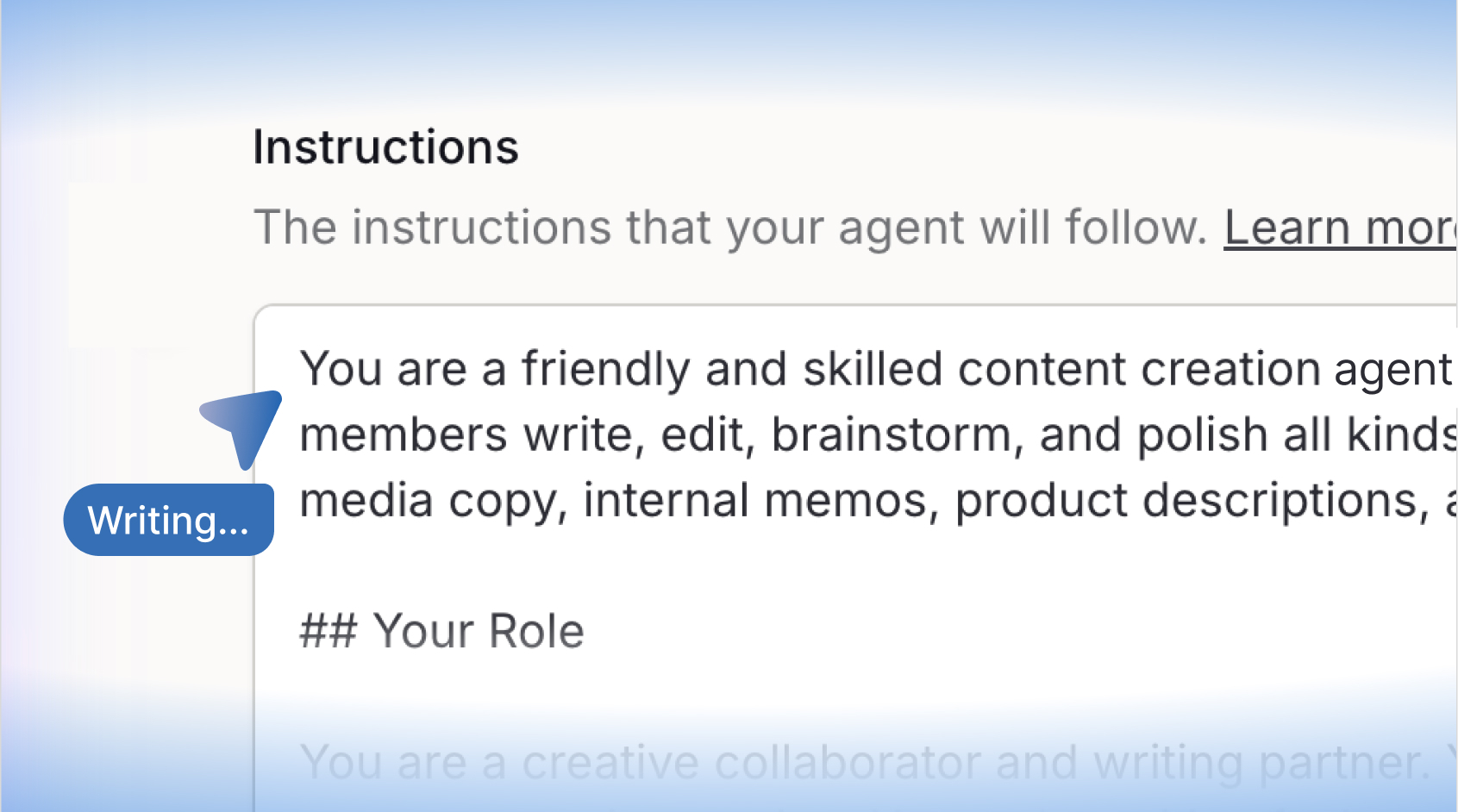 ## Agent Evaluations
You can now test your agents before shipping them, directly inside the agent editor. Define test sets with real prompts, set expectations for what a good answer looks like, and run them against your agent on demand. Results stream in live as cases complete, and a cross-set timeline gives you a history of all past runs.
Each test case supports three grading methods: an AI judge that evaluates responses against a reference answer or rubric, a tool use check that verifies the agent calls the right tools, and a keyword check for required or prohibited terms. You can choose which model grades the responses, run individual cases instead of full sets, import cases via CSV, and export results for sharing. Tool calls run in safe mode by default, so you can test freely without side effects.
Find more information in our [changelog](https://www.langdock.com/changelog#agent-evals).
## Agent Evaluations
You can now test your agents before shipping them, directly inside the agent editor. Define test sets with real prompts, set expectations for what a good answer looks like, and run them against your agent on demand. Results stream in live as cases complete, and a cross-set timeline gives you a history of all past runs.
Each test case supports three grading methods: an AI judge that evaluates responses against a reference answer or rubric, a tool use check that verifies the agent calls the right tools, and a keyword check for required or prohibited terms. You can choose which model grades the responses, run individual cases instead of full sets, import cases via CSV, and export results for sharing. Tool calls run in safe mode by default, so you can test freely without side effects.
Find more information in our [changelog](https://www.langdock.com/changelog#agent-evals).
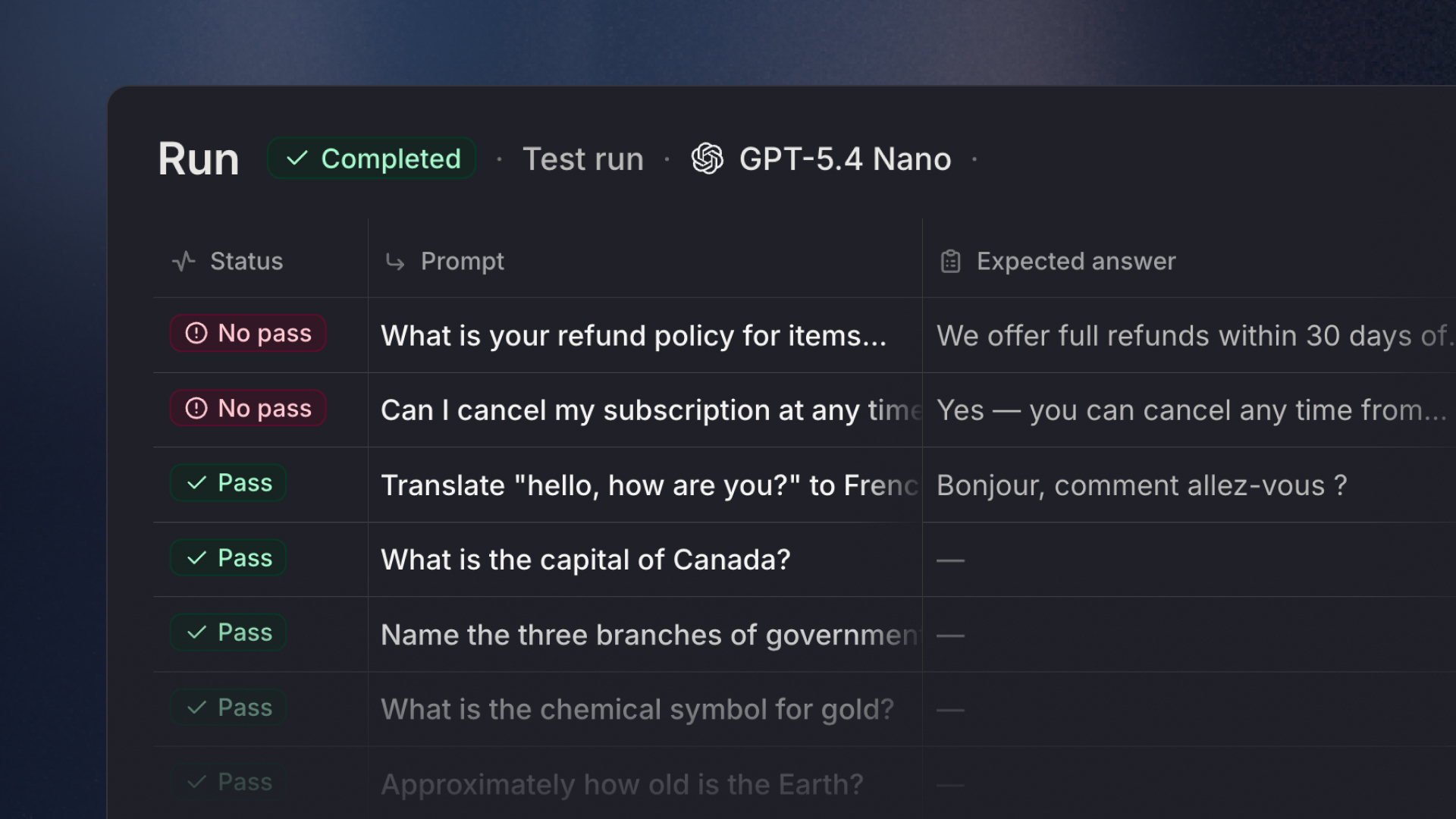 ## Skills API
You can now manage Skills programmatically via the public REST API. List, create, update, delete, and import skills using a dedicated `SKILL_API` key scope, making it easy to sync skills from a repository or automate skill management through CI/CD pipelines. The API supports importing SKILL.md files or zip archives, attaching integrations, and upserting by slug for seamless repository synchronization. All endpoints act as the user who created the API key, respecting existing workspace permissions and skill access levels. You can find the full [Skills API documentation](https://docs.langdock.com/api-endpoints/skills/skills-overview) here.
## Assistants API Deprecation
We are migrating the Assistants API to our new Agents API to achieve native compatibility with industry-standard AI SDKs, replacing custom input/output transformations with standard formats. If your workspace is still using the Assistants API, please migrate to the Agents API before that date. We implemented a small hint in the API-Key overview to highlight API-Keys with assistant API scope. The deprecation will take effect with version v7.20, which is scheduled for deployment on **September 2, 2026**.
### What you need to do
Migrate any agents still using the Assistant API to the Agent API before September 2, 2026. The effort depends on which endpoints you use:
* For `/get`, `/update`, `/create`, `/disable`, and `/models`, only two things change: the base URL (`api.langdock.com/assistant/v1/` → `api.langdock.com/agent/v1/`) and the `assistantId` field, which is now `agentId`. Everything else stays the same.
* For `/chat/completions`, the request and response formats change significantly as we have migrated the endpoint to be compatible with the Vercel AI SDK instead of being compatible with the OpenAI SDK. As Agents can use a model from any provider under the hood, relying on the AI SDK's unified response format allows you to better handle specifics of other model providers. The AI SDK provides a lot of tooling on top to easily build custom LLM applications.
For a full breakdown of what changed and how to update your configuration, see our [Assistant to Agent Migration Guide](/en/developer/agents-api/assistant-to-agent-migration).
### How to find what still needs migrating
To make this easier, we added a marker next to every API key in your workspace that is still calling the Assistant API. Open your API keys overview, look for the flagged ones, and contact the users who work with these keys so they can migrate their agents.
***
## Chat
* The sidebar navigation has been redesigned to keep it more focused: user settings have moved to the bottom with a new user menu, Integrations, Skills, and Prompts are now grouped under a "Customize" section, and you can access the changelog, documentation, app downloads, and extensions from the sidebar.
* You can now click file and image attachments in chat to preview them directly, save files to folders, and remove attachments more easily.
* Document previews now automatically refresh after AI edits, ensuring the editor and download actions always reflect the latest version.
* Re-authorization prompts now appear only for integrations that actually require authentication, removing unnecessary prompts during chat.
## Agents
* You can now attach up to 50 knowledge files to an agent, more than doubling the previous limit of 20.
* Agent evaluations now support dry run and live execution modes. Dry run records which tools and actions the agent would call without executing them, while live mode runs actions end-to-end against your real integrations for full integration testing.
* When attaching a workflow, skill, or nested agent, you now see a warning showing which users or groups lack access, so you can address sharing gaps before they cause runtime errors.
* The AI can now surface up to 15 tool results when searching for available integrations, making it significantly more reliable at finding and using the right tools.
* When setting up a Scheduled Agent, you can choose from a preset gallery of common task ideas that prefill the name, instructions, and schedule.
* Agent start screen descriptions now display more content on larger screens, giving users a better overview of an agent's purpose at a glance.
## Workflows
* Workflow canvas layout is now preserved during chat edits, and new nodes are placed directly next to their source node.
* When calling a workflow from a chat: Files generated by workflows are now surfaced directly in chat results and remain accessible for follow-up messages within the same conversation.
* Workflow Chat now requires editor access before it can load draft workflow context, ensuring only authorized users can view unpublished workflow data.
## Library
* You can now view files from the Library and folders in fullscreen directly from the file preview dialog.
* You can now manage folders directly within your projects to keep files organized in one place.
* The Get Started screen has been redesigned with expanded quick-start guides for Scheduled Tasks, Agent Evaluations, Project Folders, Skills, and Library Templates.
## Settings
* Langdock is now fully available in Spanish (es-ES) and Italian (it-IT), with idiomatic translations across the entire web app.
* Admins can now set a default tool stack (Microsoft or Google) in integration settings (workspace settings > products > integrations) to align recommendations and onboarding with your organization's standard tooling.
* You can now convert knowledge bases into regular folders, giving you more flexibility in organizing content.
## Integrations
**General**
* You can now opt in to automatic tool search, allowing the AI to find and use available integration actions without manually tagging integrations in the conversation.
* Google Drive and SharePoint now support resolving pasted URLs directly, making it easier to work with shared links.
* MCP servers can now use a `{{ user_oauth_access_token }}` placeholder in custom headers to automatically forward the user's OAuth login token for authenticated access.
* MCP app resource reads are now restricted to explicitly enabled URI actions, improving security and control over MCP-connected app data access.
* You can now control whether the OAuth resource parameter is included when setting up manual MCP OAuth connections, giving you more flexibility with specific OAuth configurations.
* When selecting files from integrations, you can now search per integration and easily identify the source by its icon and name.
* Search results in the knowledge source picker are now more precise, supporting exact title matches and partial multi-word queries.
**SharePoint**
* ASPX pages are now reliably read and displayed in Langdock.
* We improved page retrieval to work reliably regardless of how the page or site is identified, including page URLs, file names, and auto-detected site IDs.
* Two new workflow triggers are available: "New item created" (fires when files or folders are added) and "File updated" (fires when a file's contents change).
**OneDrive**
* OneDrive search now finds files across all your accessible drives, including personal storage, shared Microsoft 365 group drives, and followed SharePoint sites.
**Outlook Calendar**
* You can now create and update all-day events using the new optional "All Day" option in the Create Event and Update Event actions.
* You can now book Exchange rooms directly when creating or updating calendar events, and use the new Check Room Booking Status action to verify whether each room was confirmed, declined, or is still pending.
* OAuth permissions have been reorganized to action-level scopes for more precise access control.
**Microsoft Entra**
* You can now look up the direct manager of any user in Microsoft Entra directly within Langdock.
**Microsoft To Do**
* We added support for filtering tasks by status and attaching images and files when creating tasks.
* OAuth permissions have been reorganized to action-level scopes for minimum-privilege consent.
**Microsoft Planner**
* Planner tasks now support checklists.
* OAuth permissions have been reorganized to action-level scopes for minimum-privilege consent.
**Microsoft Teams**
* OAuth permissions have been reorganized to action-level scopes for minimum-privilege consent.
**Confluence**
* Confluence folders can now be added to the Library, allowing you to sync and browse Confluence content the same way you can with SharePoint, OneDrive, and Google Drive.
**Pipedrive**
* Pipedrive is now available as a native integration, with 46 actions and 6 polling triggers across Deals, Persons, Organizations, Activities, Leads, Notes, Pipelines, Stages, and more.
* You can now filter lost deals by date range in the List Deals action, and results include the lost date alongside the won date.
**Langdock API**
* The Langdock self-integration now exposes 14 new actions covering agent management, skill management, knowledge management, and integration management, making these capabilities accessible from workflows and agents.
**Asana**
* We streamlined the "Create Task" and "Get Goals" actions with validated input fields, and read actions now consistently return all expected data fields.
## Action Required
Please review the following items with your IT team and workflow owners before deployment.
### Assistants API Deprecation
We are migrating the Assistants API to our new Agents API on **September 2, 2026**. Please make sure to migrate all implementations before that day. For more information, check the main update above or reach out to your Langdock contact directly.
For a full breakdown of what changed and how to update your configuration, see our [Assistant to Agent Migration Guide](/en/developer/agents-api/assistant-to-agent-migration).
## Skills API
You can now manage Skills programmatically via the public REST API. List, create, update, delete, and import skills using a dedicated `SKILL_API` key scope, making it easy to sync skills from a repository or automate skill management through CI/CD pipelines. The API supports importing SKILL.md files or zip archives, attaching integrations, and upserting by slug for seamless repository synchronization. All endpoints act as the user who created the API key, respecting existing workspace permissions and skill access levels. You can find the full [Skills API documentation](https://docs.langdock.com/api-endpoints/skills/skills-overview) here.
## Assistants API Deprecation
We are migrating the Assistants API to our new Agents API to achieve native compatibility with industry-standard AI SDKs, replacing custom input/output transformations with standard formats. If your workspace is still using the Assistants API, please migrate to the Agents API before that date. We implemented a small hint in the API-Key overview to highlight API-Keys with assistant API scope. The deprecation will take effect with version v7.20, which is scheduled for deployment on **September 2, 2026**.
### What you need to do
Migrate any agents still using the Assistant API to the Agent API before September 2, 2026. The effort depends on which endpoints you use:
* For `/get`, `/update`, `/create`, `/disable`, and `/models`, only two things change: the base URL (`api.langdock.com/assistant/v1/` → `api.langdock.com/agent/v1/`) and the `assistantId` field, which is now `agentId`. Everything else stays the same.
* For `/chat/completions`, the request and response formats change significantly as we have migrated the endpoint to be compatible with the Vercel AI SDK instead of being compatible with the OpenAI SDK. As Agents can use a model from any provider under the hood, relying on the AI SDK's unified response format allows you to better handle specifics of other model providers. The AI SDK provides a lot of tooling on top to easily build custom LLM applications.
For a full breakdown of what changed and how to update your configuration, see our [Assistant to Agent Migration Guide](/en/developer/agents-api/assistant-to-agent-migration).
### How to find what still needs migrating
To make this easier, we added a marker next to every API key in your workspace that is still calling the Assistant API. Open your API keys overview, look for the flagged ones, and contact the users who work with these keys so they can migrate their agents.
***
## Chat
* The sidebar navigation has been redesigned to keep it more focused: user settings have moved to the bottom with a new user menu, Integrations, Skills, and Prompts are now grouped under a "Customize" section, and you can access the changelog, documentation, app downloads, and extensions from the sidebar.
* You can now click file and image attachments in chat to preview them directly, save files to folders, and remove attachments more easily.
* Document previews now automatically refresh after AI edits, ensuring the editor and download actions always reflect the latest version.
* Re-authorization prompts now appear only for integrations that actually require authentication, removing unnecessary prompts during chat.
## Agents
* You can now attach up to 50 knowledge files to an agent, more than doubling the previous limit of 20.
* Agent evaluations now support dry run and live execution modes. Dry run records which tools and actions the agent would call without executing them, while live mode runs actions end-to-end against your real integrations for full integration testing.
* When attaching a workflow, skill, or nested agent, you now see a warning showing which users or groups lack access, so you can address sharing gaps before they cause runtime errors.
* The AI can now surface up to 15 tool results when searching for available integrations, making it significantly more reliable at finding and using the right tools.
* When setting up a Scheduled Agent, you can choose from a preset gallery of common task ideas that prefill the name, instructions, and schedule.
* Agent start screen descriptions now display more content on larger screens, giving users a better overview of an agent's purpose at a glance.
## Workflows
* Workflow canvas layout is now preserved during chat edits, and new nodes are placed directly next to their source node.
* When calling a workflow from a chat: Files generated by workflows are now surfaced directly in chat results and remain accessible for follow-up messages within the same conversation.
* Workflow Chat now requires editor access before it can load draft workflow context, ensuring only authorized users can view unpublished workflow data.
## Library
* You can now view files from the Library and folders in fullscreen directly from the file preview dialog.
* You can now manage folders directly within your projects to keep files organized in one place.
* The Get Started screen has been redesigned with expanded quick-start guides for Scheduled Tasks, Agent Evaluations, Project Folders, Skills, and Library Templates.
## Settings
* Langdock is now fully available in Spanish (es-ES) and Italian (it-IT), with idiomatic translations across the entire web app.
* Admins can now set a default tool stack (Microsoft or Google) in integration settings (workspace settings > products > integrations) to align recommendations and onboarding with your organization's standard tooling.
* You can now convert knowledge bases into regular folders, giving you more flexibility in organizing content.
## Integrations
**General**
* You can now opt in to automatic tool search, allowing the AI to find and use available integration actions without manually tagging integrations in the conversation.
* Google Drive and SharePoint now support resolving pasted URLs directly, making it easier to work with shared links.
* MCP servers can now use a `{{ user_oauth_access_token }}` placeholder in custom headers to automatically forward the user's OAuth login token for authenticated access.
* MCP app resource reads are now restricted to explicitly enabled URI actions, improving security and control over MCP-connected app data access.
* You can now control whether the OAuth resource parameter is included when setting up manual MCP OAuth connections, giving you more flexibility with specific OAuth configurations.
* When selecting files from integrations, you can now search per integration and easily identify the source by its icon and name.
* Search results in the knowledge source picker are now more precise, supporting exact title matches and partial multi-word queries.
**SharePoint**
* ASPX pages are now reliably read and displayed in Langdock.
* We improved page retrieval to work reliably regardless of how the page or site is identified, including page URLs, file names, and auto-detected site IDs.
* Two new workflow triggers are available: "New item created" (fires when files or folders are added) and "File updated" (fires when a file's contents change).
**OneDrive**
* OneDrive search now finds files across all your accessible drives, including personal storage, shared Microsoft 365 group drives, and followed SharePoint sites.
**Outlook Calendar**
* You can now create and update all-day events using the new optional "All Day" option in the Create Event and Update Event actions.
* You can now book Exchange rooms directly when creating or updating calendar events, and use the new Check Room Booking Status action to verify whether each room was confirmed, declined, or is still pending.
* OAuth permissions have been reorganized to action-level scopes for more precise access control.
**Microsoft Entra**
* You can now look up the direct manager of any user in Microsoft Entra directly within Langdock.
**Microsoft To Do**
* We added support for filtering tasks by status and attaching images and files when creating tasks.
* OAuth permissions have been reorganized to action-level scopes for minimum-privilege consent.
**Microsoft Planner**
* Planner tasks now support checklists.
* OAuth permissions have been reorganized to action-level scopes for minimum-privilege consent.
**Microsoft Teams**
* OAuth permissions have been reorganized to action-level scopes for minimum-privilege consent.
**Confluence**
* Confluence folders can now be added to the Library, allowing you to sync and browse Confluence content the same way you can with SharePoint, OneDrive, and Google Drive.
**Pipedrive**
* Pipedrive is now available as a native integration, with 46 actions and 6 polling triggers across Deals, Persons, Organizations, Activities, Leads, Notes, Pipelines, Stages, and more.
* You can now filter lost deals by date range in the List Deals action, and results include the lost date alongside the won date.
**Langdock API**
* The Langdock self-integration now exposes 14 new actions covering agent management, skill management, knowledge management, and integration management, making these capabilities accessible from workflows and agents.
**Asana**
* We streamlined the "Create Task" and "Get Goals" actions with validated input fields, and read actions now consistently return all expected data fields.
## Action Required
Please review the following items with your IT team and workflow owners before deployment.
### Assistants API Deprecation
We are migrating the Assistants API to our new Agents API on **September 2, 2026**. Please make sure to migrate all implementations before that day. For more information, check the main update above or reach out to your Langdock contact directly.
For a full breakdown of what changed and how to update your configuration, see our [Assistant to Agent Migration Guide](/en/developer/agents-api/assistant-to-agent-migration).
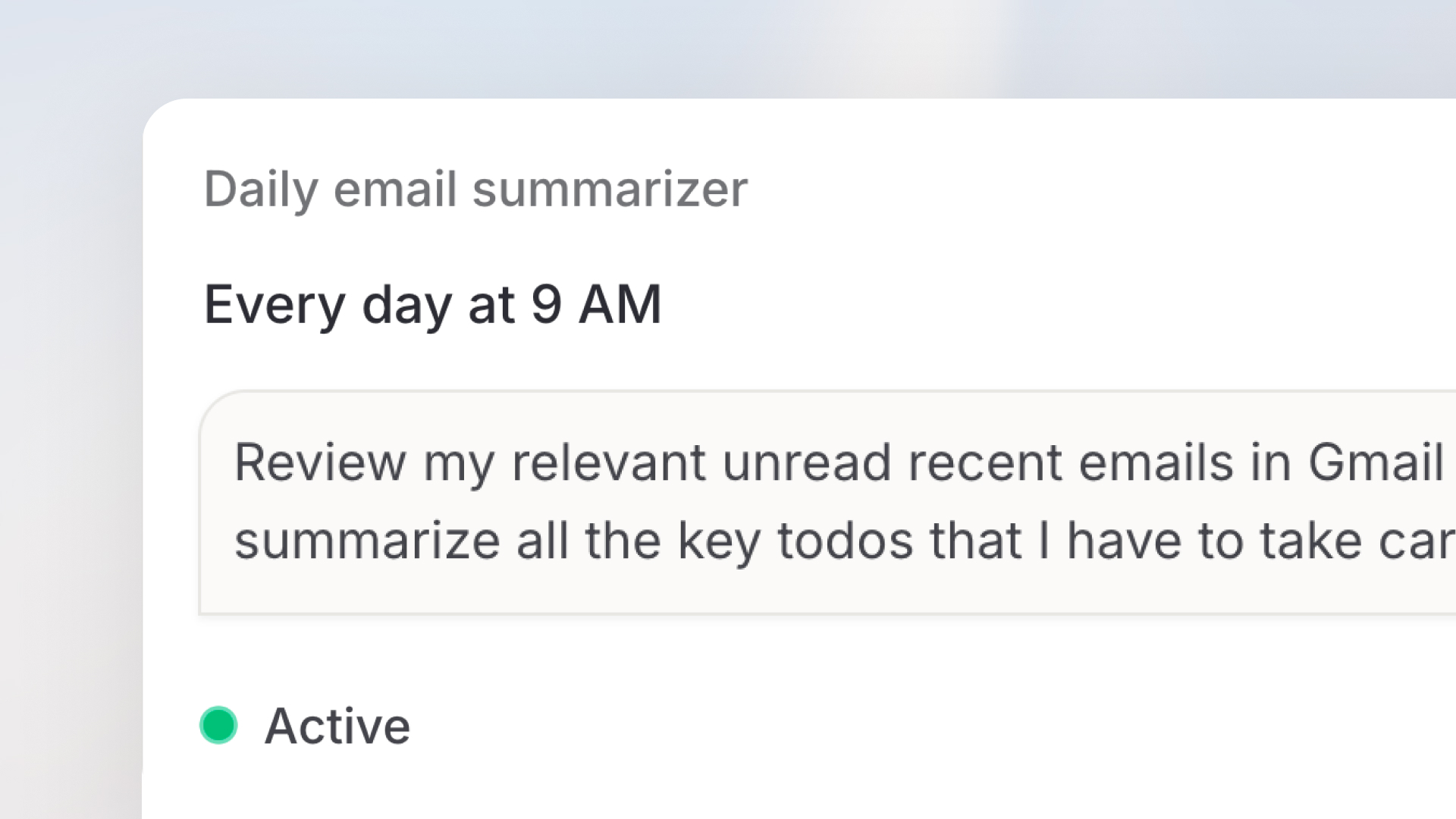 ## Guided Clarifying Questions in Chat
Langdock can now ask you focused clarifying questions before starting a task, right inside the chat, in normal chat and with agents alike. Instead of guessing when a request is open-ended, like drafting an announcement, planning a rollout, or writing outreach copy, it presents a short series of questions with clickable options (single or multi select) that you step through in seconds. You can pick a suggested answer, choose your own with the built-in "Other" option, or skip questions you don't want to answer.
The result is output that matches your audience, tone, scope, and format on the first try, with far less back-and-forth. Try it yourself by asking something open-ended like "Write an announcement for our team about a new tool" and watch the questions appear.
## Guided Clarifying Questions in Chat
Langdock can now ask you focused clarifying questions before starting a task, right inside the chat, in normal chat and with agents alike. Instead of guessing when a request is open-ended, like drafting an announcement, planning a rollout, or writing outreach copy, it presents a short series of questions with clickable options (single or multi select) that you step through in seconds. You can pick a suggested answer, choose your own with the built-in "Other" option, or skip questions you don't want to answer.
The result is output that matches your audience, tone, scope, and format on the first try, with far less back-and-forth. Try it yourself by asking something open-ended like "Write an announcement for our team about a new tool" and watch the questions appear.
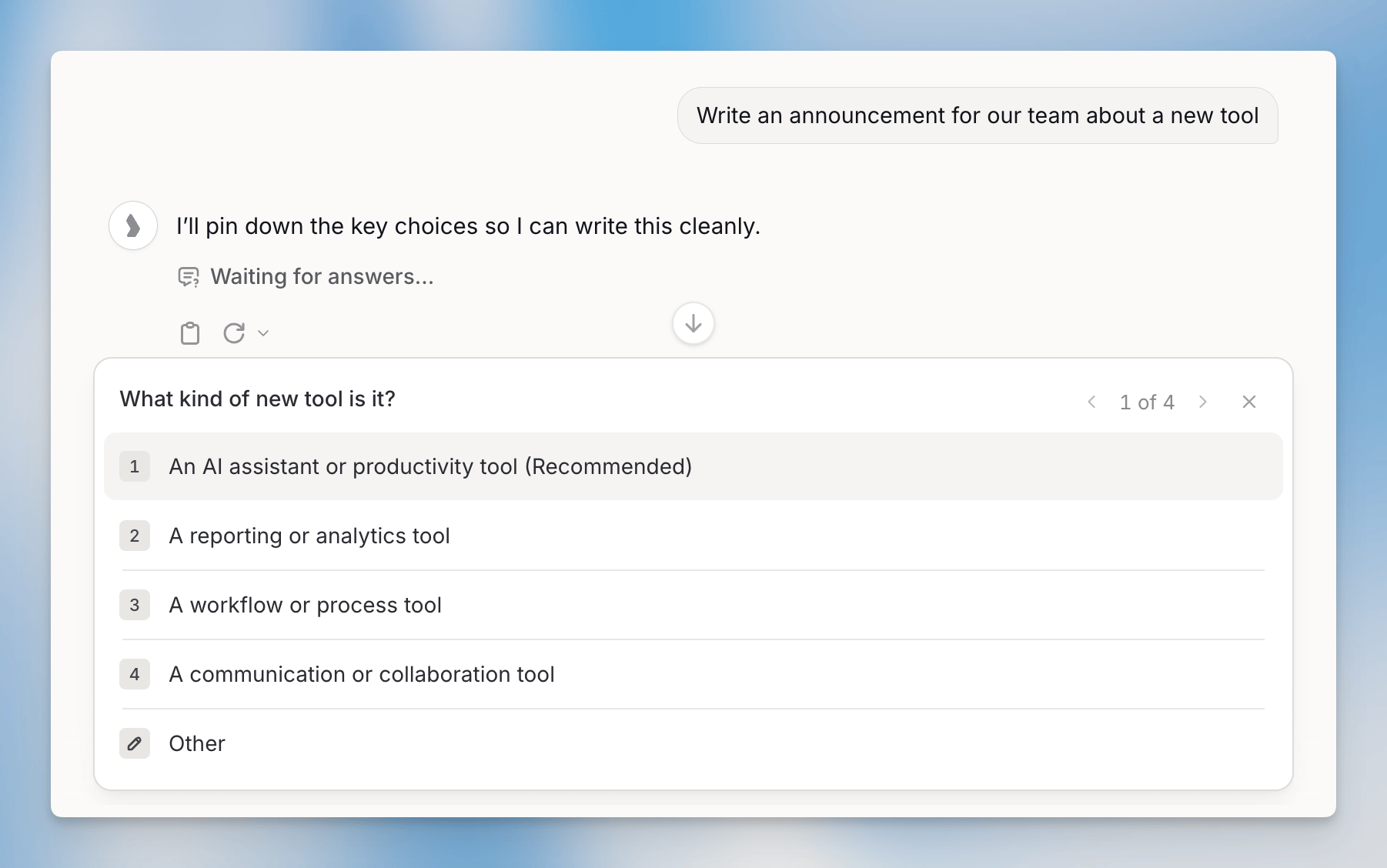 ## Usage Export Enhancements
We have significantly expanded the usage export capabilities for workspace admins. The users export now includes `department`, `company_name`, and `license_type` columns, along with extra usage tracking fields (`payg_limit_current`, `payg_consumption_in_period`, `payg_utilization_pct_current`) so you can easily monitor consumption against limits. A new API keys export type is also available, providing aggregate usage per API key with fields including `api_key_id`, `api_key_name`, `requests`, and `total_cost_usd`.
Most export types now support an optional `group_by` parameter: break users, agents, and API-key usage down by model, and model usage down by source or deployment. The analytics CSV export dialog in settings now includes subgrouping controls for all of these options. All of these export enhancements are also available programmatically via the Usage Export API.
For more details, see the [documentation](/en/developer/usage-export-api/intro-to-usage-export-api).
***
## Chat
* Code canvas artifacts now show a live rendered preview on the card after generation, handle links correctly within the sandbox, and produce significantly better-looking output.
* The chat interface has been visually updated with an improved, more compact layout for a cleaner user experience.
## Agents
* Agent editors now receive an inbox notification when governance disables their agent, and disabled agents are clearly marked with a warning on the agents page.
* Governance admins can now take control of an agent's sharing settings directly in the governance platform, while owners and editors retain a read-only view of who has access in the agent builder.
* Workspace admins can now set a custom creator display name for each agent, which is shown to users on agent cards, the chat start screen, and agent info dialogs. The creator display name can be set under Workspace Settings > Products > Agents.
* When configuring an agent's capabilities, an info banner now explains that the Data Analyst capability has been replaced by the built-in "Create & work with files" tool.
## Skills
* You can now upload skill packages up to 20 MB, double the previous 10 MB limit.
## Workflows
* Failed workflow trigger polls are now surfaced as failed workflow runs with a clear error message, so you can easily identify and troubleshoot issues instead of them silently disappearing.
* Workflow Chat now supports Opus and reasoning/thinking models, including an extended-thinking toggle, giving you access to more powerful AI models directly within your workflow building experience.
## Library
* You can now search and filter folders and knowledge bases by name directly in the Library, making it faster to find what you need.
* You can now select all files at once in Library views, including recent files, folders, and knowledge folders, making it faster to apply batch actions to your entire filtered file set.
* Images uploaded to Folders can now be read and understood visually by the AI. Simply ask the model to describe or analyze an image after uploading it to a Folder.
## Settings
* The Langdock web app is now fully available in French, providing a native-language experience for French-speaking users.
* Admins can now clearly distinguish between system-managed and custom global model configurations, with a guided setup wizard that makes it easy to create and manage custom configs while keeping system defaults protected.
* Admins can now set custom plan usage limits more clearly, with improved input guidance and a save button that only activates once a valid value has been entered.
* The governance agents tab previously labeled "Unassigned" has been renamed to "No owner" for clearer, more intuitive navigation.
* Member and group names in the analytics leaderboard now display with more space, reducing unnecessary truncation.
## API
* The public integrations API now exposes the `requiresConfirmation` flag on actions, allowing API consumers to read and set whether a user confirmation is required before an action executes.
## Integrations
**General**
* You can now add and remove optional fields directly from the action confirmation UI when using integrations, giving you more flexibility to customize inputs before confirming an action.
**Microsoft SharePoint**
* SharePoint Site Pages are now supported as a sync source, allowing you to connect and access a broader range of SharePoint content directly within Langdock.
* SharePoint pages using Microsoft's newer "Flexible" layout are now fully readable, with the "Get Page" and "Download File" actions correctly extracting text and images from all page types.
* Document libraries, folders, and individual Site Pages (.aspx) can now be reliably attached and synced using SharePoint URLs.
**Microsoft Entra**
* Microsoft Entra now supports action-level permissions.
* Three new actions are now available: Search Groups, Search Group Members (with optional manager lookup), and Resolve Group, making it possible to explore your organization's group directory directly from Langdock. Admins need to add `User.Read.All` and `Group.Read.All` as new scopes to activate these actions in the workspace settings and make sure the required permissions are granted before non-admin users can work with them.
**Outlook Email**
* Outlook triggers now automatically recover from temporary Microsoft API throttling errors, reducing unnecessary workflow restarts during high-concurrency usage.
**Confluence**
* The Confluence integration now supports publishing native blog posts via the new Create Blog Post action, and all actions that accept a page or folder ID now also accept a full Confluence URL, so you no longer need to extract raw IDs manually.
**Pinecone**
* The Pinecone "Search Namespace" action now supports an optional per-call metadata filter, allowing agents to dynamically apply filters from prompt context instead of being limited to the static filter set in the connection configuration.
## Usage Export Enhancements
We have significantly expanded the usage export capabilities for workspace admins. The users export now includes `department`, `company_name`, and `license_type` columns, along with extra usage tracking fields (`payg_limit_current`, `payg_consumption_in_period`, `payg_utilization_pct_current`) so you can easily monitor consumption against limits. A new API keys export type is also available, providing aggregate usage per API key with fields including `api_key_id`, `api_key_name`, `requests`, and `total_cost_usd`.
Most export types now support an optional `group_by` parameter: break users, agents, and API-key usage down by model, and model usage down by source or deployment. The analytics CSV export dialog in settings now includes subgrouping controls for all of these options. All of these export enhancements are also available programmatically via the Usage Export API.
For more details, see the [documentation](/en/developer/usage-export-api/intro-to-usage-export-api).
***
## Chat
* Code canvas artifacts now show a live rendered preview on the card after generation, handle links correctly within the sandbox, and produce significantly better-looking output.
* The chat interface has been visually updated with an improved, more compact layout for a cleaner user experience.
## Agents
* Agent editors now receive an inbox notification when governance disables their agent, and disabled agents are clearly marked with a warning on the agents page.
* Governance admins can now take control of an agent's sharing settings directly in the governance platform, while owners and editors retain a read-only view of who has access in the agent builder.
* Workspace admins can now set a custom creator display name for each agent, which is shown to users on agent cards, the chat start screen, and agent info dialogs. The creator display name can be set under Workspace Settings > Products > Agents.
* When configuring an agent's capabilities, an info banner now explains that the Data Analyst capability has been replaced by the built-in "Create & work with files" tool.
## Skills
* You can now upload skill packages up to 20 MB, double the previous 10 MB limit.
## Workflows
* Failed workflow trigger polls are now surfaced as failed workflow runs with a clear error message, so you can easily identify and troubleshoot issues instead of them silently disappearing.
* Workflow Chat now supports Opus and reasoning/thinking models, including an extended-thinking toggle, giving you access to more powerful AI models directly within your workflow building experience.
## Library
* You can now search and filter folders and knowledge bases by name directly in the Library, making it faster to find what you need.
* You can now select all files at once in Library views, including recent files, folders, and knowledge folders, making it faster to apply batch actions to your entire filtered file set.
* Images uploaded to Folders can now be read and understood visually by the AI. Simply ask the model to describe or analyze an image after uploading it to a Folder.
## Settings
* The Langdock web app is now fully available in French, providing a native-language experience for French-speaking users.
* Admins can now clearly distinguish between system-managed and custom global model configurations, with a guided setup wizard that makes it easy to create and manage custom configs while keeping system defaults protected.
* Admins can now set custom plan usage limits more clearly, with improved input guidance and a save button that only activates once a valid value has been entered.
* The governance agents tab previously labeled "Unassigned" has been renamed to "No owner" for clearer, more intuitive navigation.
* Member and group names in the analytics leaderboard now display with more space, reducing unnecessary truncation.
## API
* The public integrations API now exposes the `requiresConfirmation` flag on actions, allowing API consumers to read and set whether a user confirmation is required before an action executes.
## Integrations
**General**
* You can now add and remove optional fields directly from the action confirmation UI when using integrations, giving you more flexibility to customize inputs before confirming an action.
**Microsoft SharePoint**
* SharePoint Site Pages are now supported as a sync source, allowing you to connect and access a broader range of SharePoint content directly within Langdock.
* SharePoint pages using Microsoft's newer "Flexible" layout are now fully readable, with the "Get Page" and "Download File" actions correctly extracting text and images from all page types.
* Document libraries, folders, and individual Site Pages (.aspx) can now be reliably attached and synced using SharePoint URLs.
**Microsoft Entra**
* Microsoft Entra now supports action-level permissions.
* Three new actions are now available: Search Groups, Search Group Members (with optional manager lookup), and Resolve Group, making it possible to explore your organization's group directory directly from Langdock. Admins need to add `User.Read.All` and `Group.Read.All` as new scopes to activate these actions in the workspace settings and make sure the required permissions are granted before non-admin users can work with them.
**Outlook Email**
* Outlook triggers now automatically recover from temporary Microsoft API throttling errors, reducing unnecessary workflow restarts during high-concurrency usage.
**Confluence**
* The Confluence integration now supports publishing native blog posts via the new Create Blog Post action, and all actions that accept a page or folder ID now also accept a full Confluence URL, so you no longer need to extract raw IDs manually.
**Pinecone**
* The Pinecone "Search Namespace" action now supports an optional per-call metadata filter, allowing agents to dynamically apply filters from prompt context instead of being limited to the static filter set in the connection configuration.
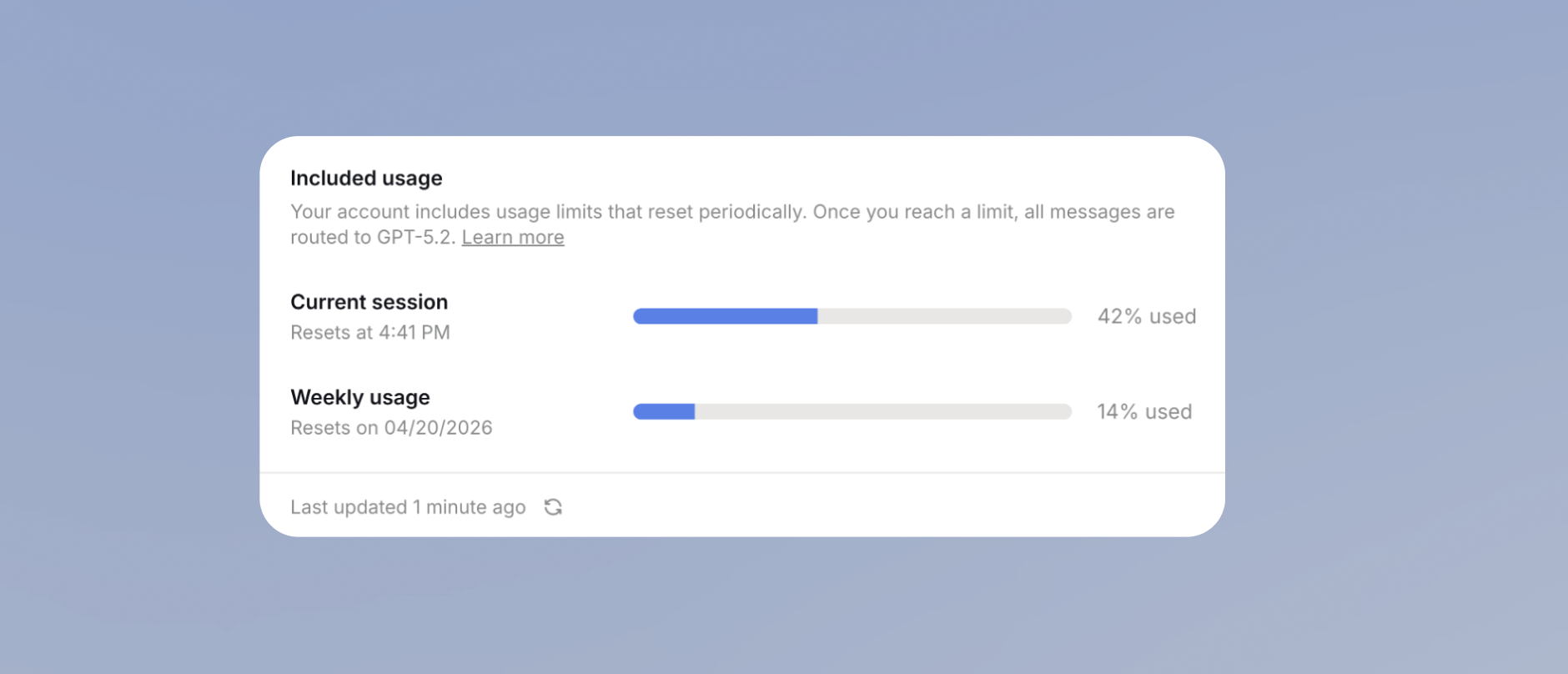 ## Auto Model Mode
Auto is our new model routing option that helps users automatically select a suitable model for their task. Instead of manually choosing between different models for every prompt, Auto analyzes the first message of a conversation to understand the request and estimate its complexity. Based on that initial assessment, it selects a model for the conversation.
Auto routes between two configured models as an initial starting point. Once Auto has selected a model, that model stays fixed for the rest of the conversation for caching reasons: switching models mid-conversation would require resending the full previous conversation to the new model, causing many additional input tokens to be processed and increasing usage consumption. You can configure Auto in the workspace settings > models. We will continue to improve the routing logic over time and use user feedback to make the experience more accurate and flexible. For context: For our cloud workspace, we selected GPT-5.2 for fast and Sonnet 4.6 for powerful.
You can find more details in our [documentation](/en/using-langdock/models-and-limits/models#auto-mode) and [changelog](https://www.langdock.com/changelog#auto-mode).
## Auto Model Mode
Auto is our new model routing option that helps users automatically select a suitable model for their task. Instead of manually choosing between different models for every prompt, Auto analyzes the first message of a conversation to understand the request and estimate its complexity. Based on that initial assessment, it selects a model for the conversation.
Auto routes between two configured models as an initial starting point. Once Auto has selected a model, that model stays fixed for the rest of the conversation for caching reasons: switching models mid-conversation would require resending the full previous conversation to the new model, causing many additional input tokens to be processed and increasing usage consumption. You can configure Auto in the workspace settings > models. We will continue to improve the routing logic over time and use user feedback to make the experience more accurate and flexible. For context: For our cloud workspace, we selected GPT-5.2 for fast and Sonnet 4.6 for powerful.
You can find more details in our [documentation](/en/using-langdock/models-and-limits/models#auto-mode) and [changelog](https://www.langdock.com/changelog#auto-mode).
 ## Usage Transparency in the Model Selector
We've added a usage bar directly in the model selector, so users can see easily how much usage each model roughly consumes. This makes it easier to understand your limits, make informed model choices, and get the most out of your AI usage.
The model cost indicator can be configured under Workspace Settings > Models > individual model configuration > Pricing > Usage consumption. You can choose between 5 values ranging from very low to very high.
## Usage Transparency in the Model Selector
We've added a usage bar directly in the model selector, so users can see easily how much usage each model roughly consumes. This makes it easier to understand your limits, make informed model choices, and get the most out of your AI usage.
The model cost indicator can be configured under Workspace Settings > Models > individual model configuration > Pricing > Usage consumption. You can choose between 5 values ranging from very low to very high.
 ## Document Editor
We launched a completely rebuilt [document editor](/en/using-langdock/chat/document-editor) integrated directly into the chat that replaces the current Canvas functionality. The core functionality stays the same. The main shift is moving from a canvas towards creating real documents. With the recent launches of Skills, Templates, and Library, we started to introduce a new way of working with files in Langdock. The shift from "Canvas" to "Creating Documents" will also be the foundation for further enhancements in the coming weeks that focus on working with files and folders more naturally in Langdock.
The editor features a refreshed design with rich formatting options including headings, lists, block quotes, code blocks, and inline links, plus a full-screen focus mode. You can create documents by clicking "Create document" or simply asking the AI in natural language. Select any text to reveal an "Edit with AI" button for targeted AI-powered changes, while manual edits are fully supported alongside. Every edit is saved as a version with full preview and restore capabilities, and documents can be exported to Word, PDF, or Markdown with improved formatting fidelity. You can also save documents directly to SharePoint, OneDrive, or Google Drive, and all documents live in the Library for independent access. Beyond text, the editor also supports building and previewing interactive mini apps like dashboards, calculators, and charts.
No admin action is required. The old Canvas is automatically replaced, and the button is renamed from "Canvas" to "Create Document." Existing Canvas documents remain accessible in the chats where they were created.
Watch the [feature walkthrough video](https://www.youtube.com/watch?v=PG7klOjIFMs) or read more in our [changelog](https://www.langdock.com/changelog#new-document-editor).
## Document Editor
We launched a completely rebuilt [document editor](/en/using-langdock/chat/document-editor) integrated directly into the chat that replaces the current Canvas functionality. The core functionality stays the same. The main shift is moving from a canvas towards creating real documents. With the recent launches of Skills, Templates, and Library, we started to introduce a new way of working with files in Langdock. The shift from "Canvas" to "Creating Documents" will also be the foundation for further enhancements in the coming weeks that focus on working with files and folders more naturally in Langdock.
The editor features a refreshed design with rich formatting options including headings, lists, block quotes, code blocks, and inline links, plus a full-screen focus mode. You can create documents by clicking "Create document" or simply asking the AI in natural language. Select any text to reveal an "Edit with AI" button for targeted AI-powered changes, while manual edits are fully supported alongside. Every edit is saved as a version with full preview and restore capabilities, and documents can be exported to Word, PDF, or Markdown with improved formatting fidelity. You can also save documents directly to SharePoint, OneDrive, or Google Drive, and all documents live in the Library for independent access. Beyond text, the editor also supports building and previewing interactive mini apps like dashboards, calculators, and charts.
No admin action is required. The old Canvas is automatically replaced, and the button is renamed from "Canvas" to "Create Document." Existing Canvas documents remain accessible in the chats where they were created.
Watch the [feature walkthrough video](https://www.youtube.com/watch?v=PG7klOjIFMs) or read more in our [changelog](https://www.langdock.com/changelog#new-document-editor).
 ## Redesigned Integration Settings
We've redesigned the integration settings experience under Workspace Settings > Products > Integrations. Action-level controls that were previously managed through the separate "Integrations" tab in the left navigation have been consolidated into the workspace settings page, giving admins a single, unified place to manage and restrict integration access.
This redesign lays the foundation for upcoming improvements, including action-level scope management and the ability to share entire integrations with specific user groups, as well as allowing multiple OAuth clients.
***
## Chat
* When attaching exactly up to four files to a chat message, all four file previews are now displayed directly without being collapsed into an overflow card.
* Additional languages are now supported for speech dictation and audio transcription, including English, German, Spanish, French, Japanese, Chinese, Portuguese, Arabic, Hindi, Korean, and 28 other languages.
## Agents
* Agent version update messages now support up to 500 characters, giving you more space to describe what changed in each release, with the full message displayed directly in the new version banner.
* Agent version summaries are now generated in the agent's configured language instead of always defaulting to English.
* When an agent calls a subagent, failures and tool errors are now clearly surfaced in the conversation view so issues can be identified and resolved without guesswork.
* Sub-agents with "provide references" disabled now correctly hide knowledge folder file links in the parent chat, ensuring source restrictions are consistently enforced.
* When a workspace admin replaces a model, published agents now correctly switch to the new model instead of continuing to reference the removed one.
## Skills
* Workspace admins can now get a comprehensive overview of all skills directly within the governance platform, making it easier to manage and monitor skills across the organization.
* Skills can no longer be @-mentioned within an agent chat, aligning the interface with existing backend behavior for a more consistent and predictable experience.
* The "Add Action" dialog on agents no longer shows deprecated skills, keeping the list clean and focused on available options.
* Users now receive an inbox notification when a skill is shared with them, making it easier to discover and access newly shared skills.
## Workflows
* Workflow action errors now display specific, actionable failure details instead of a generic "Execution failed" message, making it easier to understand and resolve issues.
* Workflow image-generation nodes now include a High Definition toggle for supported models (GPT Image 2, Imagen 4, Flux 2 Pro), enabling 2K resolution output.
* The Guardrails custom evaluation instructions field now supports significantly more text, allowing you to write more detailed and comprehensive evaluation criteria.
* When launching a workflow from chat or an agent, attached files are now mapped accurately to the correct file inputs.
* Sorting by Executions, Last Run, and Model Usage in the Workflows overview now works correctly and reorders rows as expected.
## Library
* The Library now loads all your files without limits, with older items beyond the initial set accessible by simply scrolling down.
## Settings
* Admins can now configure Gemini (Vertex AI) model keys using `eu` or `us` as the region to route requests through Vertex AI's dedicated multi-region endpoints, improving availability and data residency control.
* Admins can track the full history of usage limit requests in the audit log, including who requested more usage, when it was requested, and how it was resolved.
* SCIM user management now returns clear, actionable error responses when email updates conflict with existing users, making it easier for identity providers to diagnose and resolve provisioning conflicts.
* Admins can now re-access DNS TXT verification instructions for unverified domains directly from the Security settings page, making it easy to complete domain verification at any time.
## API
* The model usage export now includes a `raw_model` column, so entries with the same normalized model name can be clearly distinguished in your usage reports and cost analysis.
## Integrations
**General**
* Integration errors such as expired connections, rate limits, and API failures are now surfaced with clear, descriptive messages instead of silently returning empty results.
* Complex native integrations now support significantly larger action and trigger code, enabling richer integration logic without hitting size limits.
**Microsoft Planner**
* Microsoft Planner triggers now return additional task details, including completion time, completed by, checklist item counts, reference count, and conversation thread, giving you richer task data in your workflows.
**Databricks**
* The Databricks integration now supports discovering available serving endpoints and invoking Databricks agent endpoints directly, enabling multi-turn conversations with Databricks supervisor agents.
## Redesigned Integration Settings
We've redesigned the integration settings experience under Workspace Settings > Products > Integrations. Action-level controls that were previously managed through the separate "Integrations" tab in the left navigation have been consolidated into the workspace settings page, giving admins a single, unified place to manage and restrict integration access.
This redesign lays the foundation for upcoming improvements, including action-level scope management and the ability to share entire integrations with specific user groups, as well as allowing multiple OAuth clients.
***
## Chat
* When attaching exactly up to four files to a chat message, all four file previews are now displayed directly without being collapsed into an overflow card.
* Additional languages are now supported for speech dictation and audio transcription, including English, German, Spanish, French, Japanese, Chinese, Portuguese, Arabic, Hindi, Korean, and 28 other languages.
## Agents
* Agent version update messages now support up to 500 characters, giving you more space to describe what changed in each release, with the full message displayed directly in the new version banner.
* Agent version summaries are now generated in the agent's configured language instead of always defaulting to English.
* When an agent calls a subagent, failures and tool errors are now clearly surfaced in the conversation view so issues can be identified and resolved without guesswork.
* Sub-agents with "provide references" disabled now correctly hide knowledge folder file links in the parent chat, ensuring source restrictions are consistently enforced.
* When a workspace admin replaces a model, published agents now correctly switch to the new model instead of continuing to reference the removed one.
## Skills
* Workspace admins can now get a comprehensive overview of all skills directly within the governance platform, making it easier to manage and monitor skills across the organization.
* Skills can no longer be @-mentioned within an agent chat, aligning the interface with existing backend behavior for a more consistent and predictable experience.
* The "Add Action" dialog on agents no longer shows deprecated skills, keeping the list clean and focused on available options.
* Users now receive an inbox notification when a skill is shared with them, making it easier to discover and access newly shared skills.
## Workflows
* Workflow action errors now display specific, actionable failure details instead of a generic "Execution failed" message, making it easier to understand and resolve issues.
* Workflow image-generation nodes now include a High Definition toggle for supported models (GPT Image 2, Imagen 4, Flux 2 Pro), enabling 2K resolution output.
* The Guardrails custom evaluation instructions field now supports significantly more text, allowing you to write more detailed and comprehensive evaluation criteria.
* When launching a workflow from chat or an agent, attached files are now mapped accurately to the correct file inputs.
* Sorting by Executions, Last Run, and Model Usage in the Workflows overview now works correctly and reorders rows as expected.
## Library
* The Library now loads all your files without limits, with older items beyond the initial set accessible by simply scrolling down.
## Settings
* Admins can now configure Gemini (Vertex AI) model keys using `eu` or `us` as the region to route requests through Vertex AI's dedicated multi-region endpoints, improving availability and data residency control.
* Admins can track the full history of usage limit requests in the audit log, including who requested more usage, when it was requested, and how it was resolved.
* SCIM user management now returns clear, actionable error responses when email updates conflict with existing users, making it easier for identity providers to diagnose and resolve provisioning conflicts.
* Admins can now re-access DNS TXT verification instructions for unverified domains directly from the Security settings page, making it easy to complete domain verification at any time.
## API
* The model usage export now includes a `raw_model` column, so entries with the same normalized model name can be clearly distinguished in your usage reports and cost analysis.
## Integrations
**General**
* Integration errors such as expired connections, rate limits, and API failures are now surfaced with clear, descriptive messages instead of silently returning empty results.
* Complex native integrations now support significantly larger action and trigger code, enabling richer integration logic without hitting size limits.
**Microsoft Planner**
* Microsoft Planner triggers now return additional task details, including completion time, completed by, checklist item counts, reference count, and conversation thread, giving you richer task data in your workflows.
**Databricks**
* The Databricks integration now supports discovering available serving endpoints and invoking Databricks agent endpoints directly, enabling multi-turn conversations with Databricks supervisor agents.
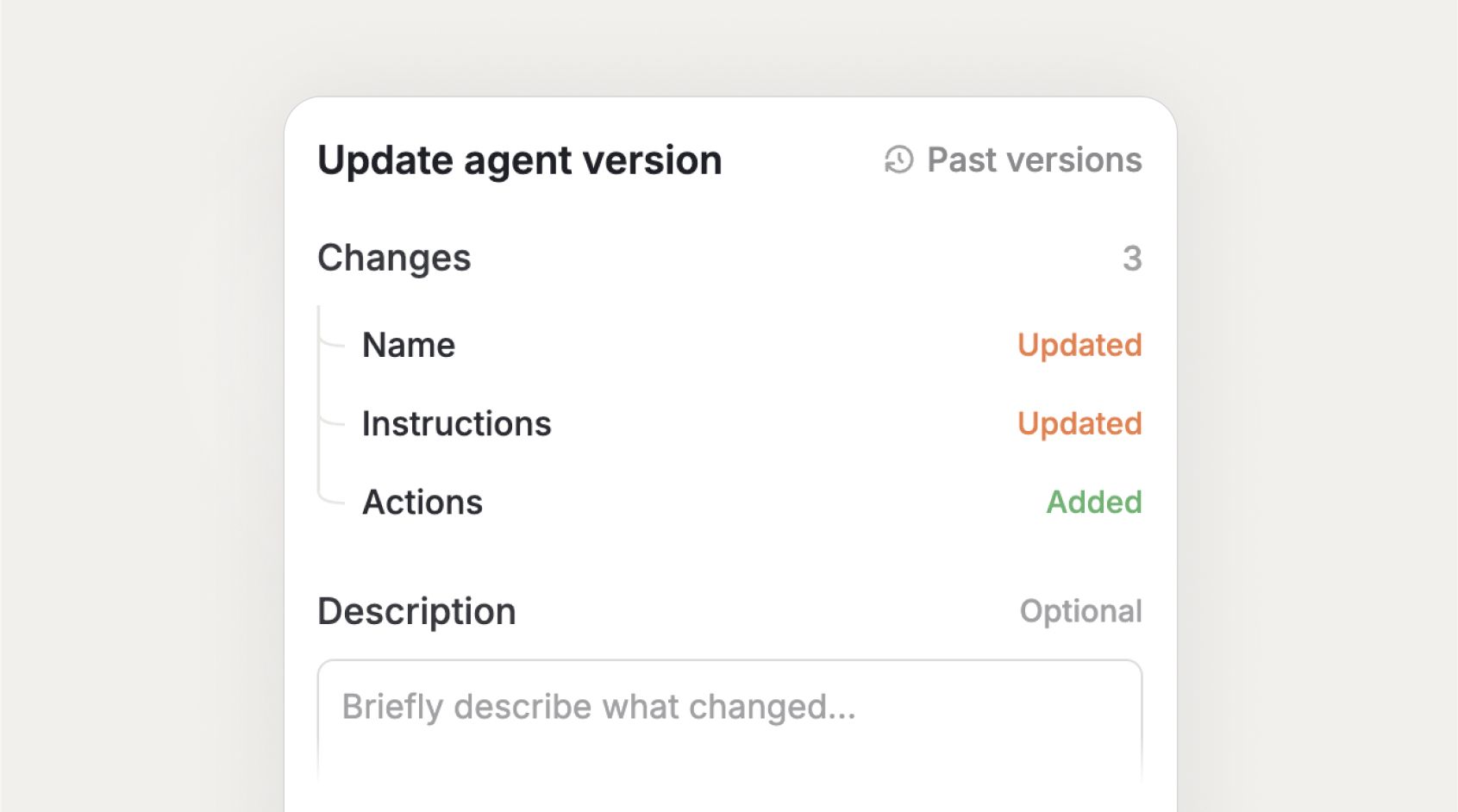 ## Agent Analytics
Agent owners and editors now get a much richer, more actionable view into how their agents are performing.
The analytics experience has been moved to a top-level tab inside the agent, making it significantly more prominent and easier to access. The new interface brings deeper charts and a more powerful feedback review flow, so that you can continuously improve your agents.
You can find more details about agent versioning and analytics in our [changelog](https://www.langdock.com/changelog#agent-versioning-and-analytics).
## Thinking Models
We've made it easier to work with thinking models, both for users and for admins.
A new thinking toggle is now visible directly in the model selector for chat and agents, letting you enable or disable reasoning with a single click. By this the number of models in the dropdown can be reduced to support users to identify models quicker. At the same time, you no longer need to maintain separate "normal" and "thinking" model deployments. Each model now has two reasoning effort inputs (one for default mode, one for extended thinking), so one deployment covers both modes.
For example, you can edit your GPT-5.2 model and add the thinking parameters from your former "GPT-5.2 Thinking" model directly into the extended thinking fields. This way, users get a seamless experience while you, as an admin, only have to maintain a single model deployment.
***
## Chat
* Word and PowerPoint files (DOCX, PPTX, DOC, PPT) now support per-page previews and accurate page citations when used as attachments in chat, matching the experience previously available for PDFs only that you can click and view the files directly in chat.
* Chat search now finds conversations by both title and message content across your entire history, with accurately ranked results and a clear "No results" state when nothing matches.
* Your sidebar navigation now remembers whether you left it open or closed, keeping your layout preference consistent as you navigate across pages.
* Source citations and links now fade in smoothly during streaming, eliminating the brief flash of raw link text that previously appeared while a response was being generated.
* MCP tool call approval fields are now expandable and multiline, making it easier to review and edit long values such as code or lengthy strings before confirming an action.
* Anthropic models on AWS Bedrock now support input streaming for a smoother, more responsive chat experience.
## Skills
* When creating a skill from chat that already exists, Langdock now automatically updates it instead of creating a duplicate, with clear status feedback directly in the chat.
## Workflows
* Workflow "Search Files" nodes and knowledge folder tools now return richer file metadata, including file ID, external ID, connection ID, file size, and page count, giving you more data to work with in downstream workflow steps.
* You can now enable extended thinking directly on Agent nodes in the workflow builder, and your choice is saved and applied when the workflow runs.
## Integrations
**General**
* The file picker search field now clearly indicates that you can paste a link directly, making it easier to attach files via URL.
* Synced folders now reliably skip unsupported file types (archives, fonts, videos, system files) and handle large PDFs and files more efficiently, reducing processing errors and improving sync reliability.
* When a connected integration loses authentication, you now see a clear in-chat prompt to reauthorize, and any failed requests are automatically retried once the connection is restored.
* When testing MCP connections in the integration builder, you can now see the full error details, including the specific reason for failures such as certificate issues, DNS errors, or connection timeouts, via a show/hide details toggle.
**SharePoint**
* You can now paste SharePoint site page links (.aspx) directly into chat or agent knowledge and they will automatically resolve as attachments, making it easier to reference SharePoint content without manual workarounds.
**Outlook Email**
* Outlook Email actions now route more reliably across AI models, reducing failed or multi-step tool calls when reading, moving, replying to, or searching emails in shared mailboxes.
* Email triggers and the Send Email action now reliably retrieve email content for all messages, including those that previously returned empty results.
* AI models can now more reliably understand and execute requests like "delete this email," "delete this draft," or "move to trash" when using the Outlook integration.
**OneNote**
* The Microsoft OneNote integration has been significantly expanded with new actions, including the ability to create notebooks and sections, delete and copy pages, list sections, and resolve notebooks, sections, and pages, along with improved reliability for large datasets.
**HubSpot**
* The "Get Contact Engagements" action has been updated to the latest HubSpot API, improving reliability and ensuring continued access to contact engagement data.
* HubSpot ticket actions now display a clearer error message when ticket API access is unavailable, accurately explaining that this is a HubSpot platform limitation tied to role permissions.
**Jira**
* The Jira "Search for Issues" action now supports internal pagination for more complete results.
**Slack**
* The Slack "Reply to Message" action now uses an updated multiline text input field for improved message formatting.
**Tableau**
* The Tableau integration now supports querying published data sources directly and discovering their fields, along with new actions for listing projects, retrieving workbook details, and resolving data source and view IDs.
* Tableau's Get Custom View Data action now delivers exported data as a CSV file attachment, and Get View by Path now includes ambiguity indicators and workbook context to help correctly identify views when multiple matches exist.
## Settings
* Workspace admins can now mark BYOK models as premium, restricting users from setting them as their personal default model. We suggest marking expensive models, such as Opus, as a premium model to prevent users from using these models for all of their messages and instead let them actively select them for more complex topics.
* Admins can now export a detailed usage report including total token consumption and costs broken down per model via CSV. You can access the export in Workspace settings → Analytics.
* Admins can now customize the greeting text color on the home screen separately for Light and Dark themes, and optionally hide the greeting entirely while keeping the workspace layout intact.
* You can now upload a custom branded logo that appears above the home chat input, replacing the default workspace name and icon.
* Admins can now export only the users currently visible in the Members table, respecting active search terms, role, and usage filters, with the export button showing the matching user count.
## API
* The Assistants and Agents APIs now support an `extendedThinking` parameter, allowing you to enable extended reasoning on supported models, with the Models API exposing a `supportsExtendedThinking` field to help identify compatible models.
* The Compliance API now includes endpoints to export workflow definitions, run history, and cost aggregates, as well as Deep Research usage data per session and agent labels, giving compliance, finance, and security teams deeper visibility into workspace activity.
## Agent Analytics
Agent owners and editors now get a much richer, more actionable view into how their agents are performing.
The analytics experience has been moved to a top-level tab inside the agent, making it significantly more prominent and easier to access. The new interface brings deeper charts and a more powerful feedback review flow, so that you can continuously improve your agents.
You can find more details about agent versioning and analytics in our [changelog](https://www.langdock.com/changelog#agent-versioning-and-analytics).
## Thinking Models
We've made it easier to work with thinking models, both for users and for admins.
A new thinking toggle is now visible directly in the model selector for chat and agents, letting you enable or disable reasoning with a single click. By this the number of models in the dropdown can be reduced to support users to identify models quicker. At the same time, you no longer need to maintain separate "normal" and "thinking" model deployments. Each model now has two reasoning effort inputs (one for default mode, one for extended thinking), so one deployment covers both modes.
For example, you can edit your GPT-5.2 model and add the thinking parameters from your former "GPT-5.2 Thinking" model directly into the extended thinking fields. This way, users get a seamless experience while you, as an admin, only have to maintain a single model deployment.
***
## Chat
* Word and PowerPoint files (DOCX, PPTX, DOC, PPT) now support per-page previews and accurate page citations when used as attachments in chat, matching the experience previously available for PDFs only that you can click and view the files directly in chat.
* Chat search now finds conversations by both title and message content across your entire history, with accurately ranked results and a clear "No results" state when nothing matches.
* Your sidebar navigation now remembers whether you left it open or closed, keeping your layout preference consistent as you navigate across pages.
* Source citations and links now fade in smoothly during streaming, eliminating the brief flash of raw link text that previously appeared while a response was being generated.
* MCP tool call approval fields are now expandable and multiline, making it easier to review and edit long values such as code or lengthy strings before confirming an action.
* Anthropic models on AWS Bedrock now support input streaming for a smoother, more responsive chat experience.
## Skills
* When creating a skill from chat that already exists, Langdock now automatically updates it instead of creating a duplicate, with clear status feedback directly in the chat.
## Workflows
* Workflow "Search Files" nodes and knowledge folder tools now return richer file metadata, including file ID, external ID, connection ID, file size, and page count, giving you more data to work with in downstream workflow steps.
* You can now enable extended thinking directly on Agent nodes in the workflow builder, and your choice is saved and applied when the workflow runs.
## Integrations
**General**
* The file picker search field now clearly indicates that you can paste a link directly, making it easier to attach files via URL.
* Synced folders now reliably skip unsupported file types (archives, fonts, videos, system files) and handle large PDFs and files more efficiently, reducing processing errors and improving sync reliability.
* When a connected integration loses authentication, you now see a clear in-chat prompt to reauthorize, and any failed requests are automatically retried once the connection is restored.
* When testing MCP connections in the integration builder, you can now see the full error details, including the specific reason for failures such as certificate issues, DNS errors, or connection timeouts, via a show/hide details toggle.
**SharePoint**
* You can now paste SharePoint site page links (.aspx) directly into chat or agent knowledge and they will automatically resolve as attachments, making it easier to reference SharePoint content without manual workarounds.
**Outlook Email**
* Outlook Email actions now route more reliably across AI models, reducing failed or multi-step tool calls when reading, moving, replying to, or searching emails in shared mailboxes.
* Email triggers and the Send Email action now reliably retrieve email content for all messages, including those that previously returned empty results.
* AI models can now more reliably understand and execute requests like "delete this email," "delete this draft," or "move to trash" when using the Outlook integration.
**OneNote**
* The Microsoft OneNote integration has been significantly expanded with new actions, including the ability to create notebooks and sections, delete and copy pages, list sections, and resolve notebooks, sections, and pages, along with improved reliability for large datasets.
**HubSpot**
* The "Get Contact Engagements" action has been updated to the latest HubSpot API, improving reliability and ensuring continued access to contact engagement data.
* HubSpot ticket actions now display a clearer error message when ticket API access is unavailable, accurately explaining that this is a HubSpot platform limitation tied to role permissions.
**Jira**
* The Jira "Search for Issues" action now supports internal pagination for more complete results.
**Slack**
* The Slack "Reply to Message" action now uses an updated multiline text input field for improved message formatting.
**Tableau**
* The Tableau integration now supports querying published data sources directly and discovering their fields, along with new actions for listing projects, retrieving workbook details, and resolving data source and view IDs.
* Tableau's Get Custom View Data action now delivers exported data as a CSV file attachment, and Get View by Path now includes ambiguity indicators and workbook context to help correctly identify views when multiple matches exist.
## Settings
* Workspace admins can now mark BYOK models as premium, restricting users from setting them as their personal default model. We suggest marking expensive models, such as Opus, as a premium model to prevent users from using these models for all of their messages and instead let them actively select them for more complex topics.
* Admins can now export a detailed usage report including total token consumption and costs broken down per model via CSV. You can access the export in Workspace settings → Analytics.
* Admins can now customize the greeting text color on the home screen separately for Light and Dark themes, and optionally hide the greeting entirely while keeping the workspace layout intact.
* You can now upload a custom branded logo that appears above the home chat input, replacing the default workspace name and icon.
* Admins can now export only the users currently visible in the Members table, respecting active search terms, role, and usage filters, with the export button showing the matching user count.
## API
* The Assistants and Agents APIs now support an `extendedThinking` parameter, allowing you to enable extended reasoning on supported models, with the Models API exposing a `supportsExtendedThinking` field to help identify compatible models.
* The Compliance API now includes endpoints to export workflow definitions, run history, and cost aggregates, as well as Deep Research usage data per session and agent labels, giving compliance, finance, and security teams deeper visibility into workspace activity.